- Age rating4+
- CategoryUtilities
- DeveloperSELMO S.N.C. DI FANTIN ALESSANDRO & C.
- LanguagesEnglish+ 6 more
- Size28.4 MB
Links to the official App Store page
Download.org hosts no file of Domus One. The button opens its official App Store page, published by SELMO S.N.C. DI FANTIN ALESSANDRO & C. Listing last checked on Nov 13, 2026.
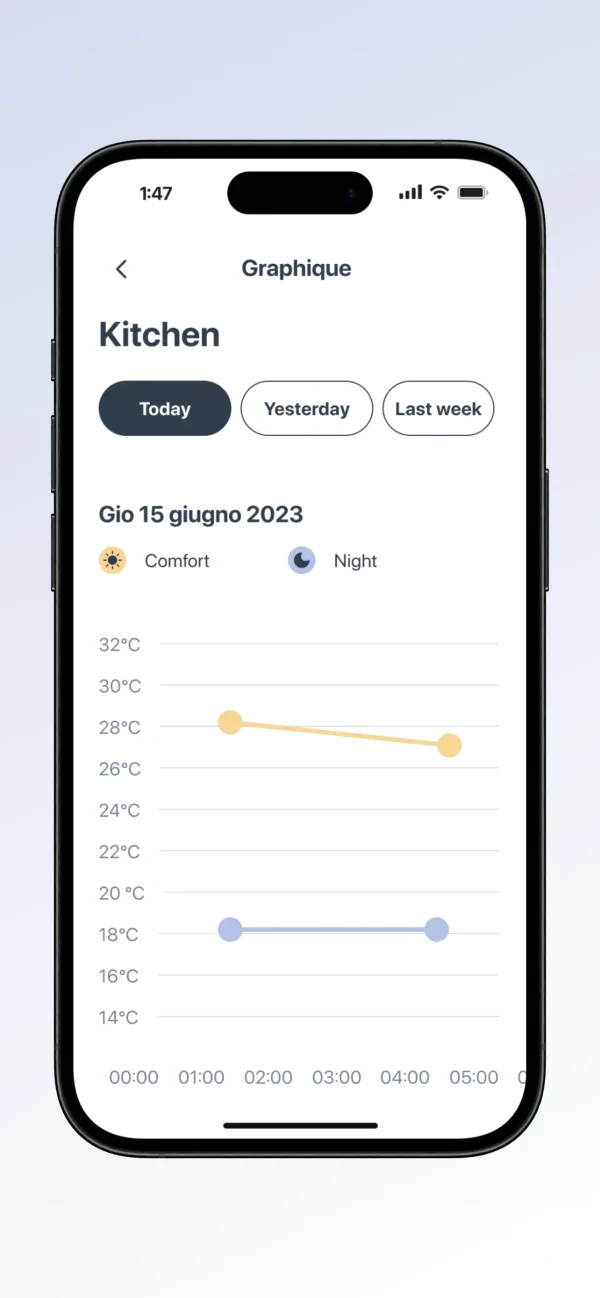
Screenshots

About
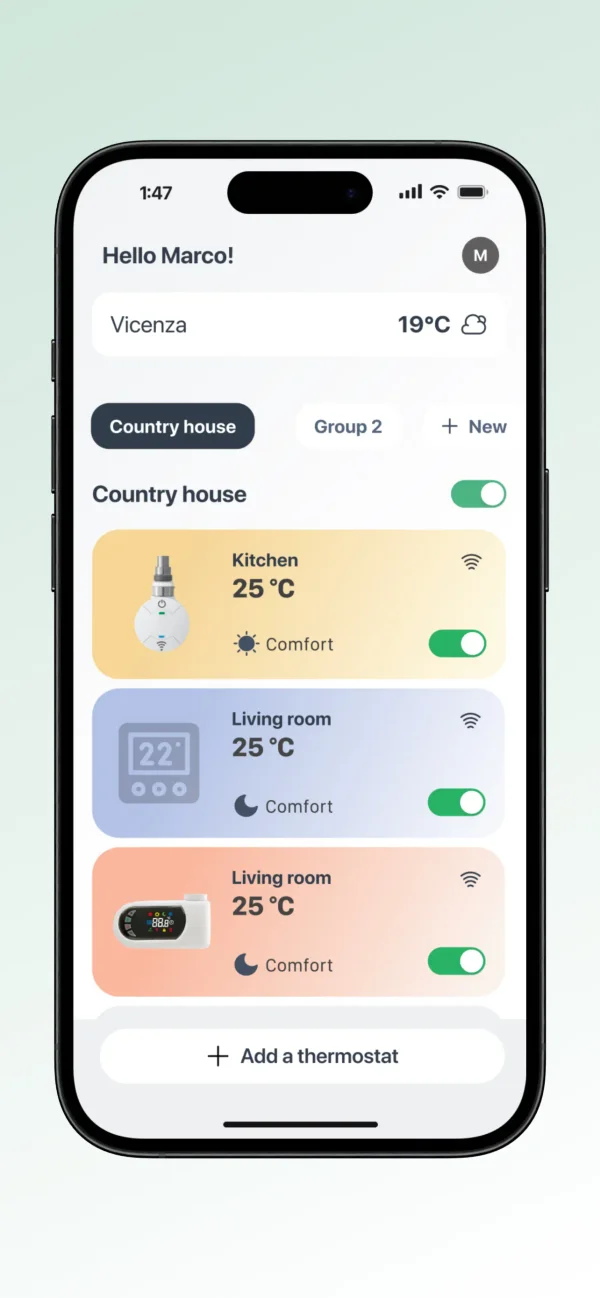
- Always manage room temperature regulation all around the house
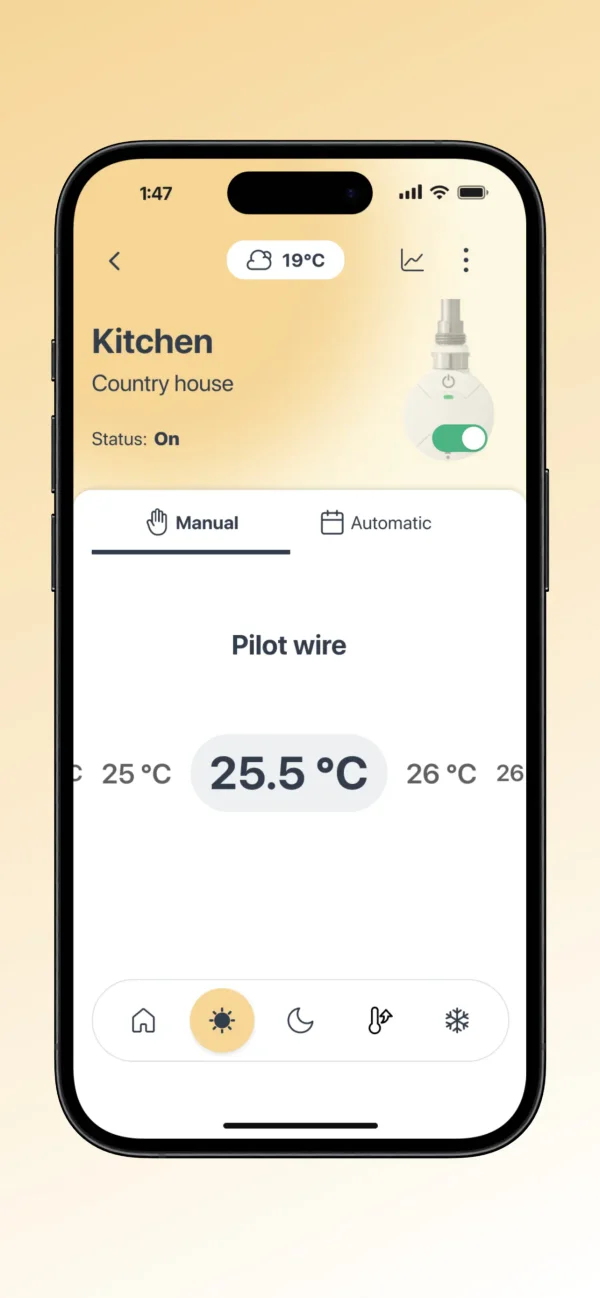
- Set the temperatures of each operative mode
- Set the operative mode among those available on your thermostat
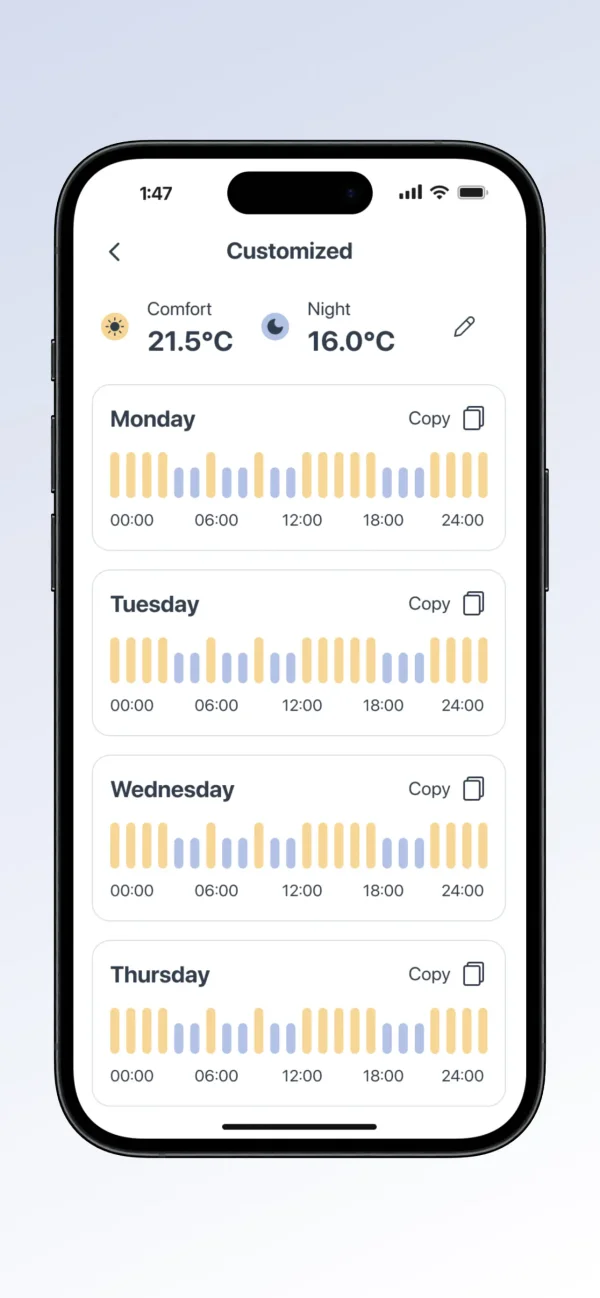
- Set a weekly schedule for each thermostat
- Turn on and off all functions of each thermostat
- Conveniently organize your thermostats into groups
Connect all your thermostats to your home Wi-Fi network: you’ll be able to effortlessly control them directly from the app anytime and anywhere, adding them to your personal account.
How do you configure a new thermostat?
- Once you have downloaded the app, make sure you are connected to the Internet and create your personal account by entering your email address and choose a password
- Start the configuration procedure directly from the app tapping on the [+ Add New Thermostat] key
- Follow the on-screen instructions carefully, step by step
- Connect the thermostat to your home Wi-Fi network
- Link the thermostat to your account through the thermostat QR code
- Give the thermostat a name and place it in a group and it will appear in your list of devices
- Now you have full control of the thermostat. Enjoy.
You can locally control all compatible thermostats like the One thermostat through the app:
- Tap on the [+ Add new thermostat] key and then on the “Bluetooth” tab to begin the search. Make sure that Location Services and Bluetooth are active
- Tap on any detected thermostat to give it a name
- The thermostat will be added to your list of thermostats and you’ll be able to control it when you’re in its proximity.
This app can be used with compatible Selmo thermostats. You will need a wireless network with Internet access to take advantage of the thermostat remote control functionality of the app.
What’s new
Version 3.3.3 · Feb 12, 2026
Fixed an issue with device pairing on iOS 26
App privacy
What SELMO S.N.C. DI FANTIN ALESSANDRO & C. declares on the App Store about how this app handles data.
-
Data not collected
The developer does not collect any data from this app.
Privacy practices may vary, for example with the features you use or your age.
Information
- Seller
- SELMO S.N.C. DI FANTIN ALESSANDRO & C.
- Category
- Utilities
- Version
- 3.3.3
- Updated
- Feb 12, 2026
- Released
- Sep 26, 2018
- Size
- 28.4 MB
- Requires
- iOS 16.0 or later
- Age rating
- 4+
- Price
- Free
- Languages
- English, French, German, Italian, Portuguese, Russian, Spanish
- Copyright
- © 2024 Selmo Electronics