- Độ tuổi4+
- Danh mụcTiện Ích
- Nhà phát triểnSELMO S.N.C. DI FANTIN ALESSANDRO & C.
- Ngôn ngữTiếng Anh+ 6 ngôn ngữ khác
- Kích thước28,4 MB
Liên kết đến trang App Store chính thức
Download.org không lưu trữ tệp nào của Domus One. Nút này mở trang ứng dụng trên App Store, nơi SELMO S.N.C. DI FANTIN ALESSANDRO & C. phát hành ứng dụng. Trang được kiểm tra lần cuối: 13/11/2026.
Ảnh chụp màn hình

Giới thiệu
Nhà phát triển chưa cung cấp nội dung này bằng ngôn ngữ của bạn.
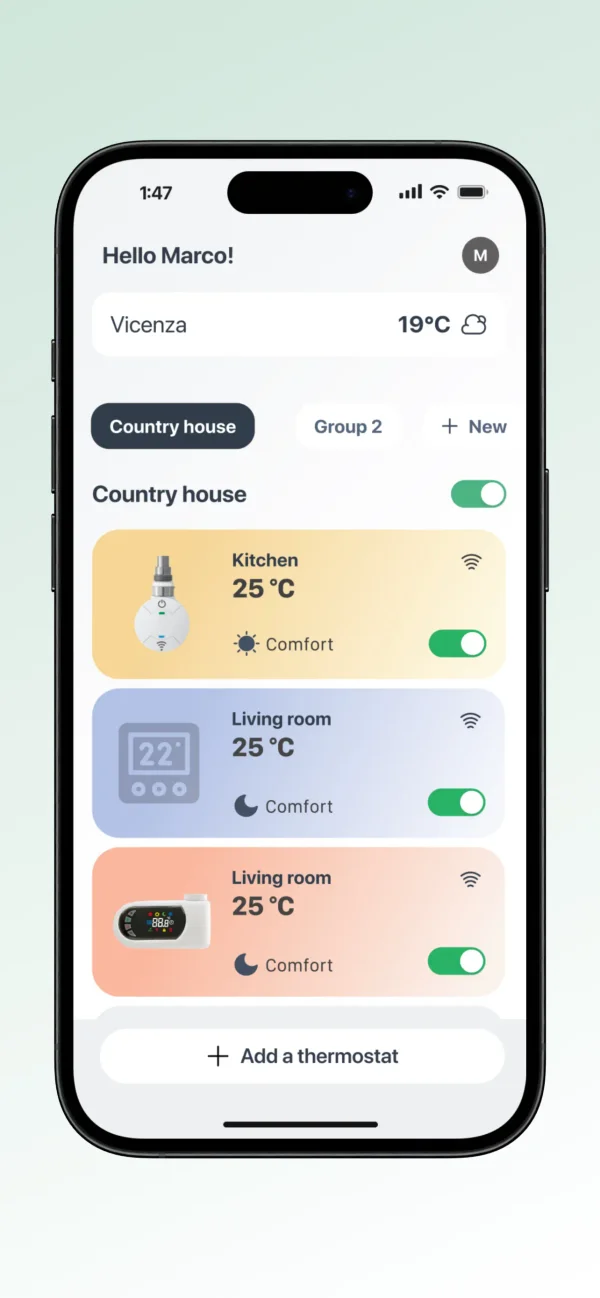
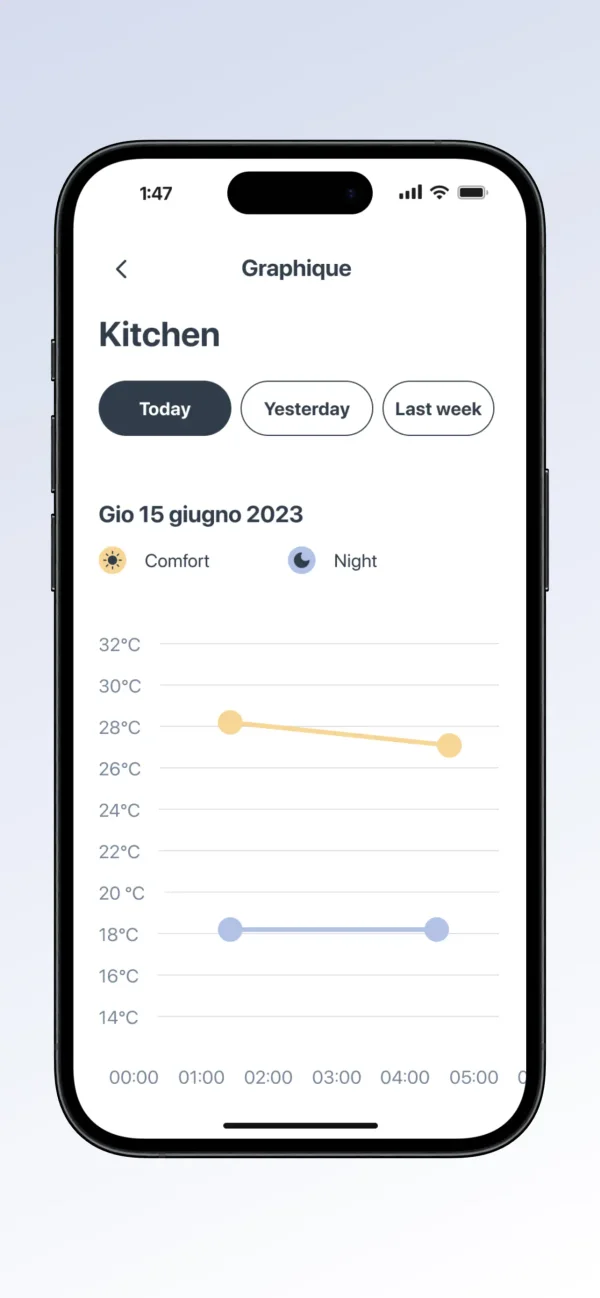
- Always manage room temperature regulation all around the house
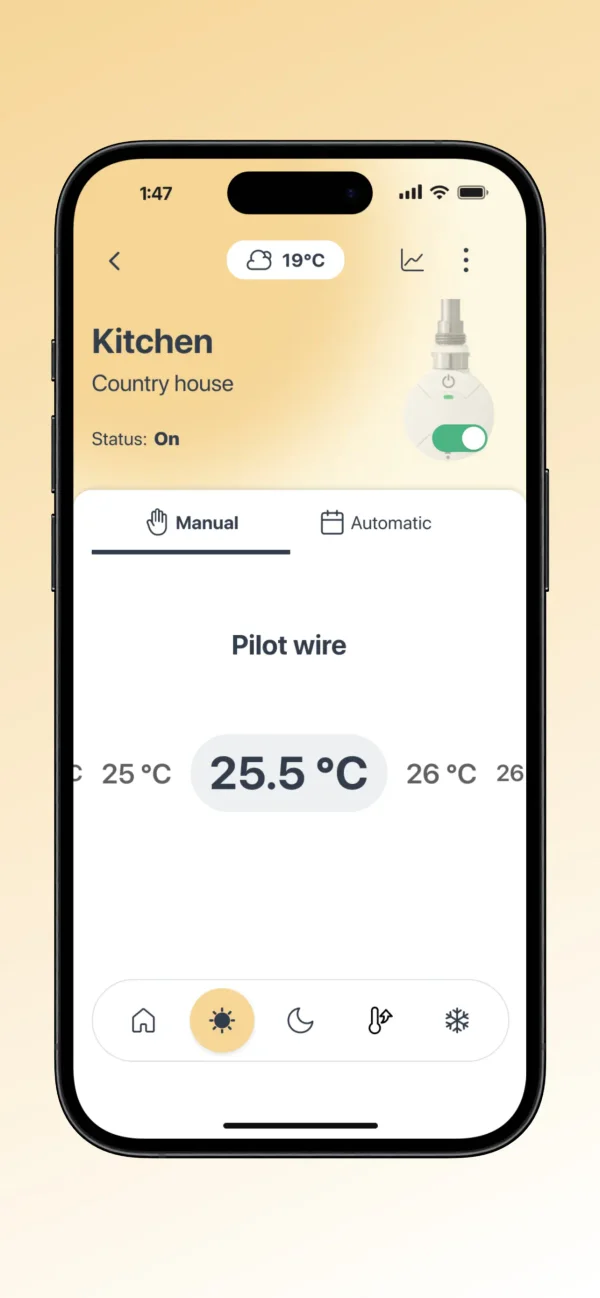
- Set the temperatures of each operative mode
- Set the operative mode among those available on your thermostat
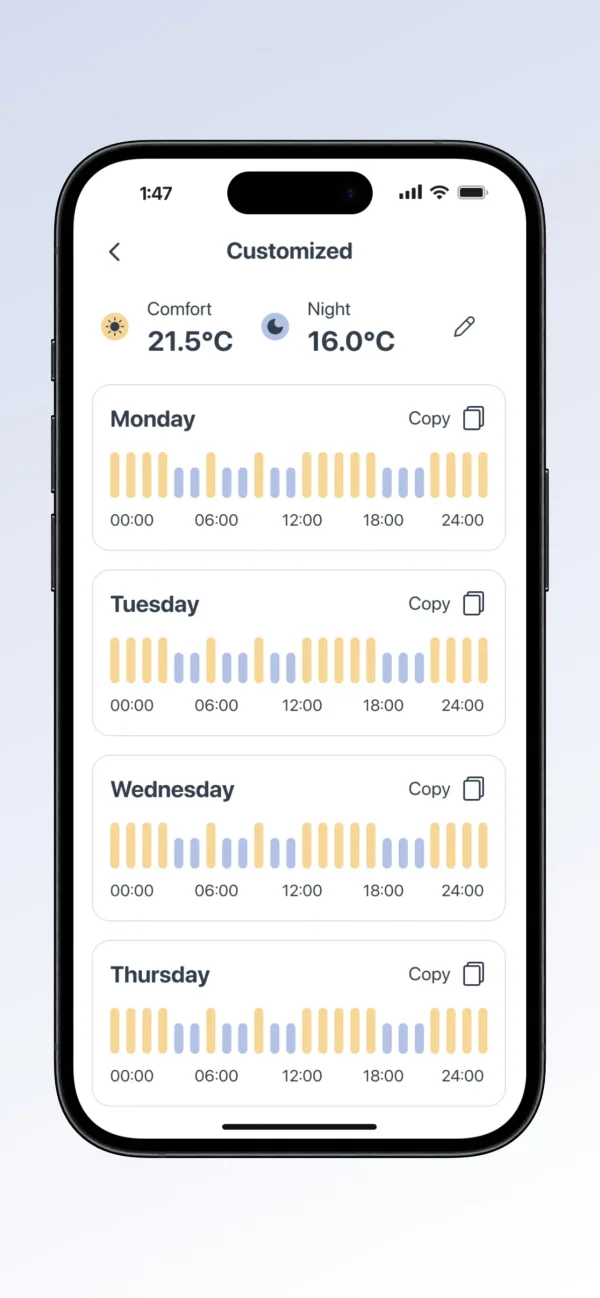
- Set a weekly schedule for each thermostat
- Turn on and off all functions of each thermostat
- Conveniently organize your thermostats into groups
Connect all your thermostats to your home Wi-Fi network: you’ll be able to effortlessly control them directly from the app anytime and anywhere, adding them to your personal account.
How do you configure a new thermostat?
- Once you have downloaded the app, make sure you are connected to the Internet and create your personal account by entering your email address and choose a password
- Start the configuration procedure directly from the app tapping on the [+ Add New Thermostat] key
- Follow the on-screen instructions carefully, step by step
- Connect the thermostat to your home Wi-Fi network
- Link the thermostat to your account through the thermostat QR code
- Give the thermostat a name and place it in a group and it will appear in your list of devices
- Now you have full control of the thermostat. Enjoy.
You can locally control all compatible thermostats like the One thermostat through the app:
- Tap on the [+ Add new thermostat] key and then on the “Bluetooth” tab to begin the search. Make sure that Location Services and Bluetooth are active
- Tap on any detected thermostat to give it a name
- The thermostat will be added to your list of thermostats and you’ll be able to control it when you’re in its proximity.
This app can be used with compatible Selmo thermostats. You will need a wireless network with Internet access to take advantage of the thermostat remote control functionality of the app.
Có gì mới
Phiên bản 3.3.3 · 12/02/2026
Fixed an issue with device pairing on iOS 26
Quyền riêng tư của ứng dụng
Những gì SELMO S.N.C. DI FANTIN ALESSANDRO & C. khai báo trên App Store về cách ứng dụng này xử lý dữ liệu.
-
Dữ liệu không được thu thập
Nhà phát triển không thu thập bất kỳ dữ liệu nào từ ứng dụng này.
Phương thức đảm bảo quyền riêng tư có thể khác nhau, chẳng hạn như tuỳ theo các tính năng bạn sử dụng hoặc độ tuổi của bạn.
Thông tin
- Người bán
- SELMO S.N.C. DI FANTIN ALESSANDRO & C.
- Danh mục
- Tiện Ích
- Phiên bản
- 3.3.3
- Cập nhật
- 12/02/2026
- Phát hành
- 26/09/2018
- Kích thước
- 28,4 MB
- Yêu cầu
- iOS 16.0 trở lên
- Độ tuổi
- 4+
- Giá
- Miễn phí
- Ngôn ngữ
- Tiếng Anh, Tiếng Pháp, Tiếng Đức, Tiếng Ý, Tiếng Bồ Đào Nha, Tiếng Nga, Tiếng Tây Ban Nha
- Bản quyền
- © 2024 Selmo Electronics