
- Age rating4+
- CategoryProductivity
- DeveloperAmer Farhan
- LanguagesEnglish+ 1 more
- Size43.4 MB
Links to the official App Store page
Download.org hosts no file of Doo: Calm Tasks & Focus. The button opens its official App Store page, published by Amer Farhan. Listing last checked on Nov 13, 2026.
Screenshots

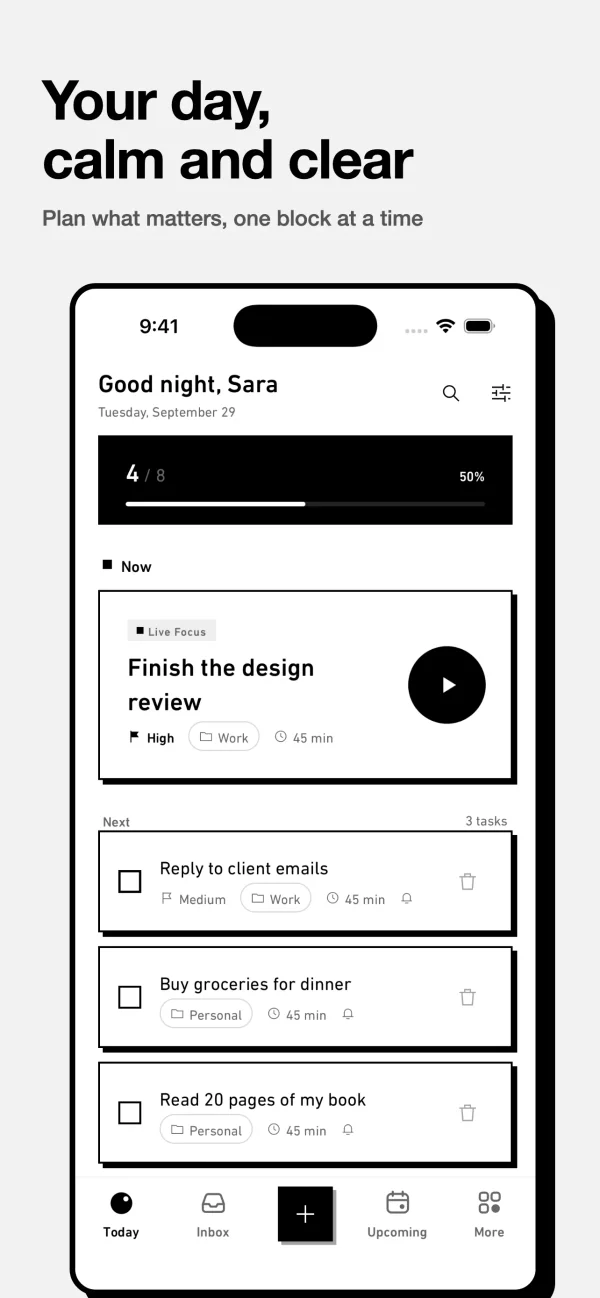
About
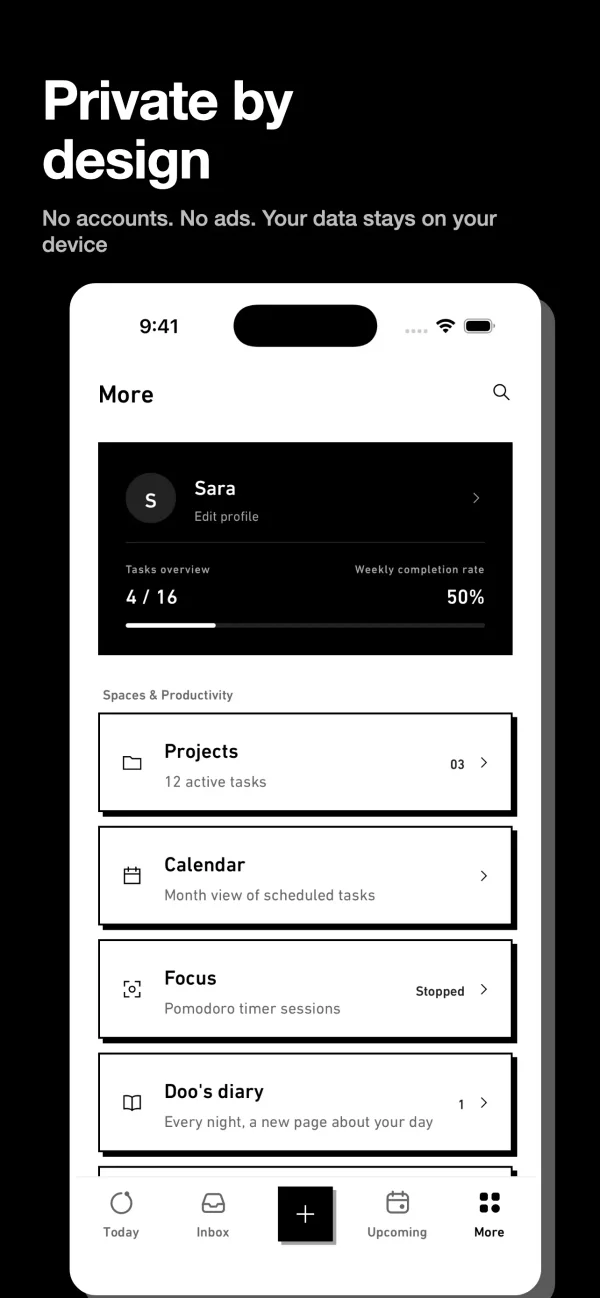
Doo is a calm, focused place for everything you need to do. No accounts, no ads, no tracking — your tasks live on your device and nowhere else.
PLAN YOUR DAY
• Capture ideas fast in the Inbox, then schedule them for Today or later
• See the week ahead in Upcoming and the whole month in Calendar
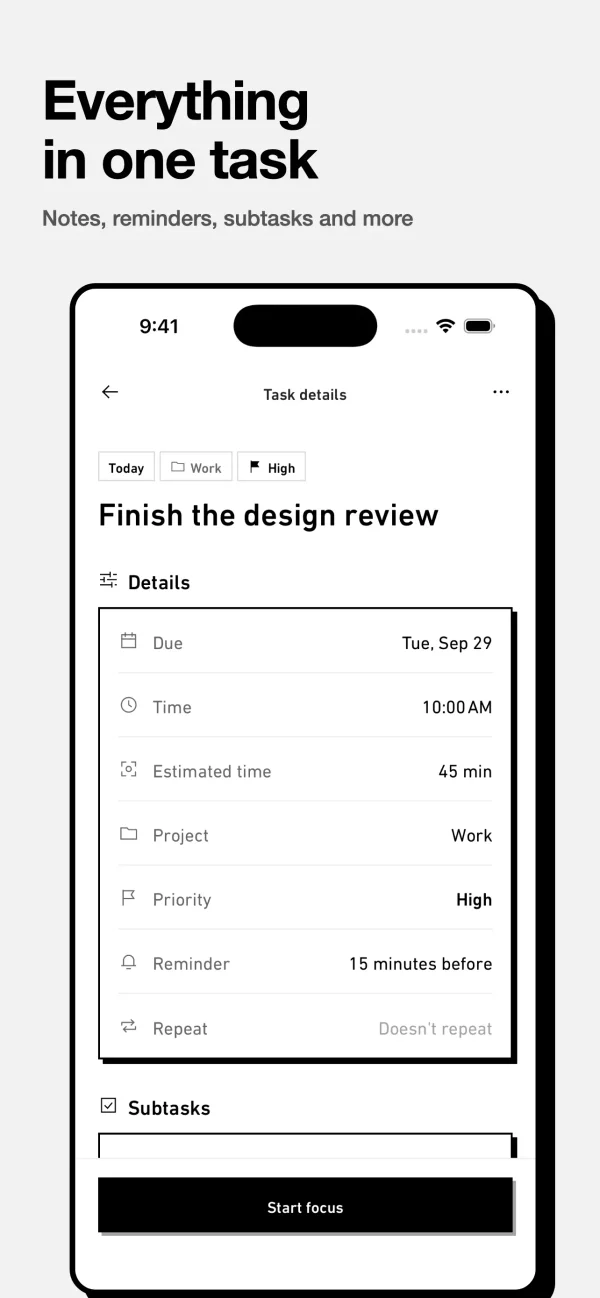
• Group work into Projects, add notes, links, photos and files to any task
• Set reminders with your choice of sounds
• Search everything instantly
FOCUS ON ONE THING
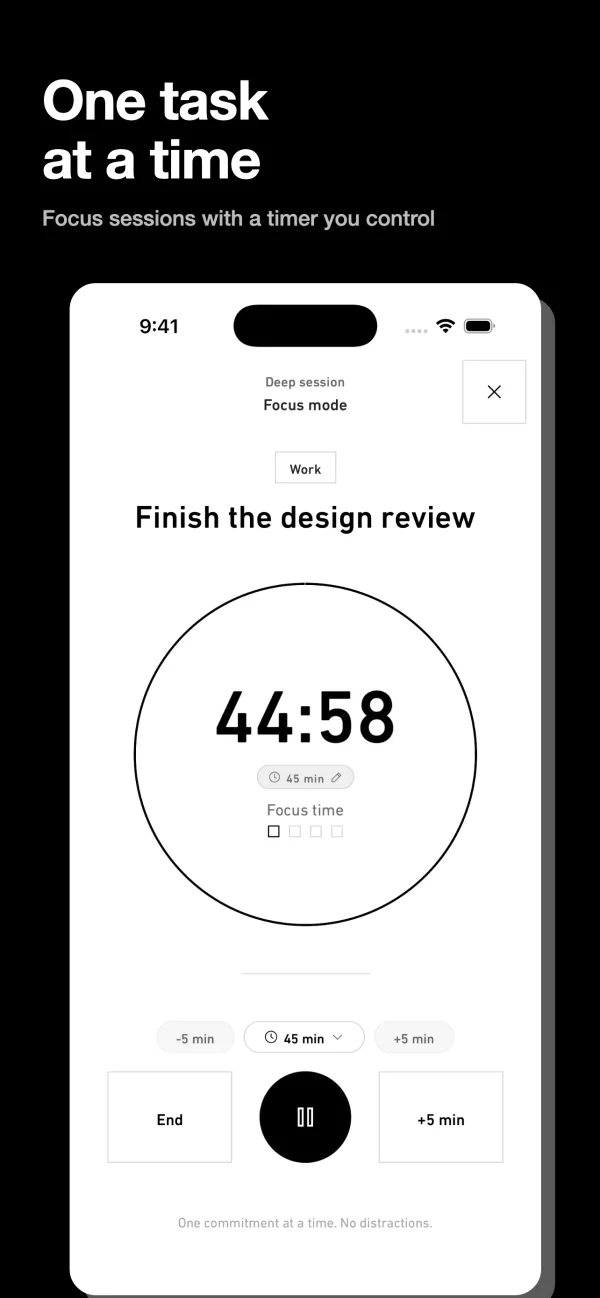
• Start a focus session from any task with a timer you control
• Link tasks into chains so the next step unlocks when the last one is done
• Take a short break when a session ends, then go again
DOO'S DIARY
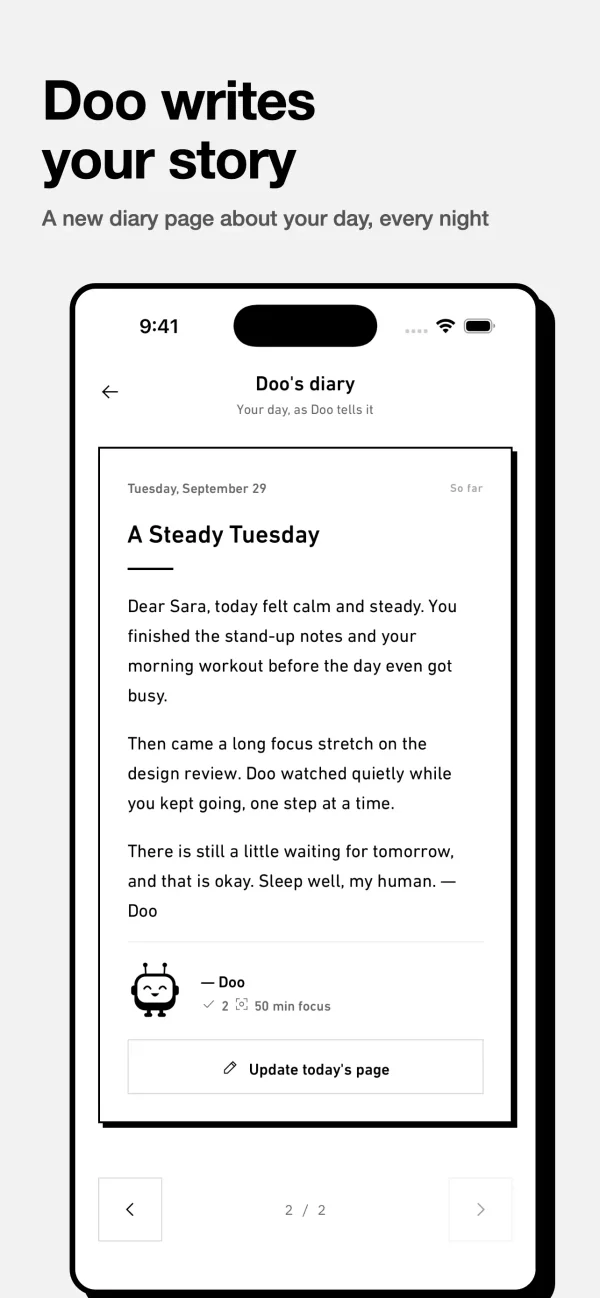
Every night Doo writes a page about your day, like a short story: what you finished, how long you focused, what's still waiting. By the end of the month you have a little book of your own progress.
AN ASSISTANT THAT WORKS FOR YOU (OPTIONAL)
• Talk or type: "Plan the rest of my day" or "What should I do now?"
• Brain-dump a messy list and turn it into organized tasks
• Break a big task into small steps
• Polish notes and titles
• Bring your own key from Google Gemini, OpenAI or DeepSeek. The assistant is off by default, your key stays on your device, and nothing is sent through our servers.
MADE TO FEEL GOOD
• A clean black-and-white design with bold, tactile blocks
• Light and Dark appearance, or follow your device
• Full Arabic and English support, including right-to-left layout
• Home Screen widget with today's progress and your next tasks
• Trash with undo, so nothing disappears by accident
• Backup and restore to a file you control
PRIVATE BY DESIGN
Tasks, projects, notes, attachments, focus sessions and diary pages are stored only on your device. Doo has no analytics and no advertising. You can read the full privacy policy inside the app at any time.
Questions or ideas? Reach us from More → Contact us. We read every message.
App privacy
What Amer Farhan declares on the App Store about how this app handles data.
-
Data not collected
The developer does not collect any data from this app.
Privacy practices may vary, for example with the features you use or your age.
Information
- Seller
- Amer Farhan
- Category
- Productivity
- Version
- 1.0.0
- Updated
- Oct 7, 2026
- Released
- Oct 6, 2026
- Size
- 43.4 MB
- Requires
- iOS 16.4 or later
- Age rating
- 4+
- Languages
- English, Arabic
- Copyright
- © Urux 2026
You might also like
-
 Yawmi: Focus & TasksCalm to-do for busy minds
-
 المذكّر الذكيProductivity
-
 Snaptex: Math & LaTeX to ImageAI Answers & Markdown Tables
-
 DWG OfficeZipCAD Viewer, Measure & Edit
-
 Taska - تاسكاProductivity
-
 Juzdan جزداناحفظ فواتيرك ومستنداتك بأمان
-
 Al-KaderProductivity
-
 Lexri AIMany AI Tools in App
-
 AeraWalls: Wallpaper & ThemesProductivity
-
 مسارك - منظم مهام ذكيProductivity