DWG OfficeZip
CAD Viewer, Measure & Edit
Designed for iPhone, iPad
Free · In-app purchases
- Age rating4+
- CategoryProductivity
- DeveloperMAHMUT TARI
- LanguagesEnglish+ 14 more
- Size48.9 MB
Links to the official App Store page
Download.org hosts no file of DWG OfficeZip. The button opens its official App Store page, published by MAHMUT TARI. Listing last checked on Nov 23, 2026.
Screenshots




About
DWG OfficeZip opens DWG and DXF drawings on iPhone and iPad and works offline. Drawings are parsed on the device; your files are not uploaded anywhere.
DRAWINGS
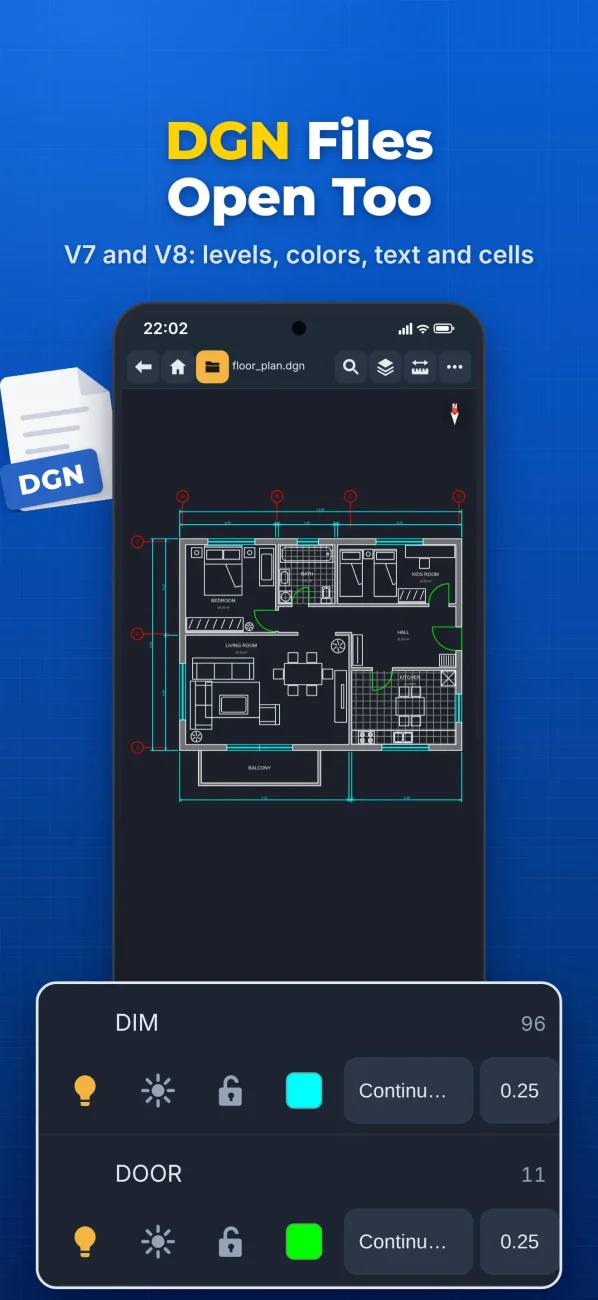
• DWG and DXF (R13 to 2018 and later), DGN
• NCZ drawings: layers, points with name and code, texts, contours, blocks and the triangle model
• DWF and DWFx sheets with their layers, multiple sheets side by side
• EPANET and SWMM network models (INP): one layer per element type, attributes in object info and search
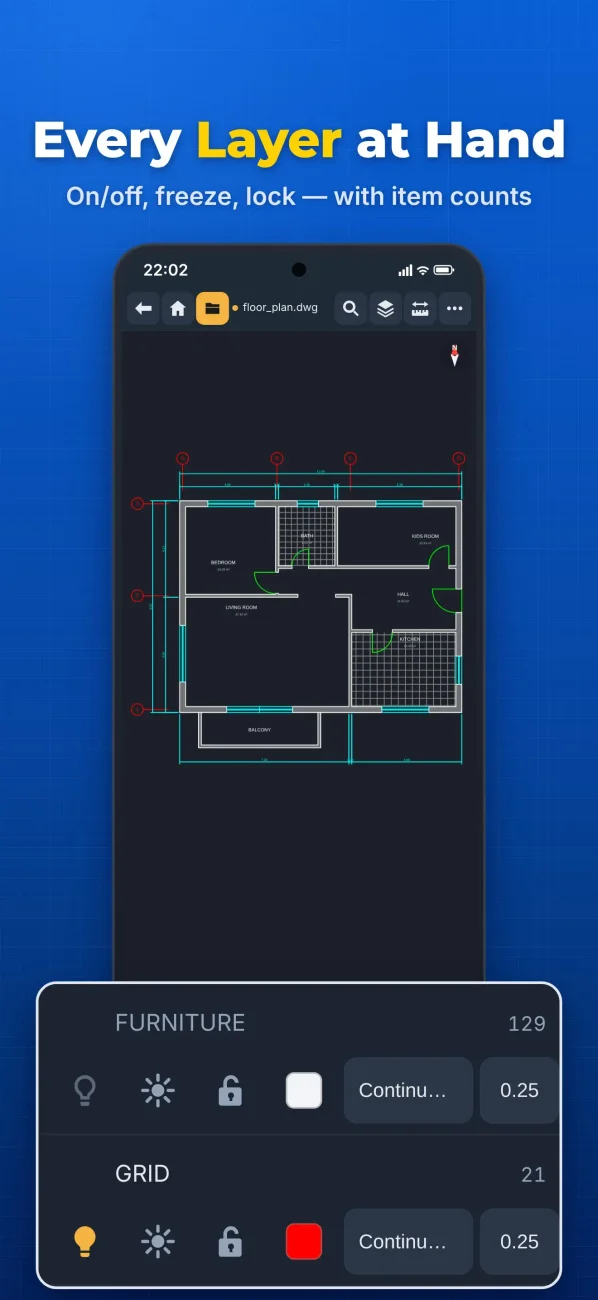
• Layers, blocks, attributes, layouts and external references
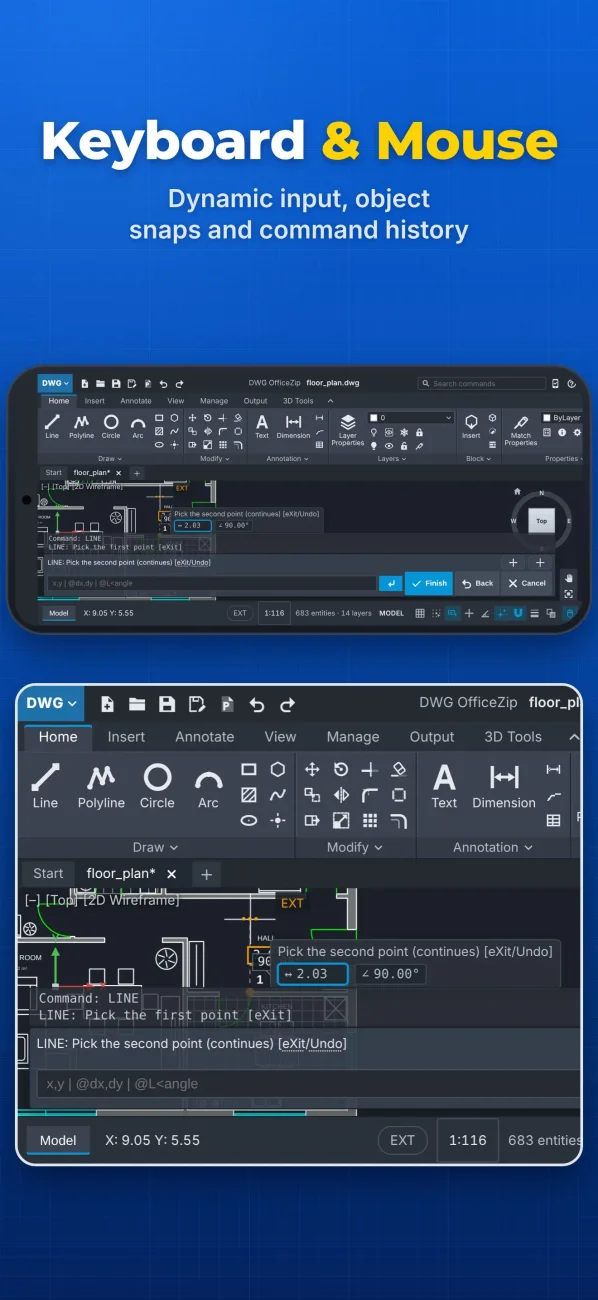
• Command line with the familiar command names
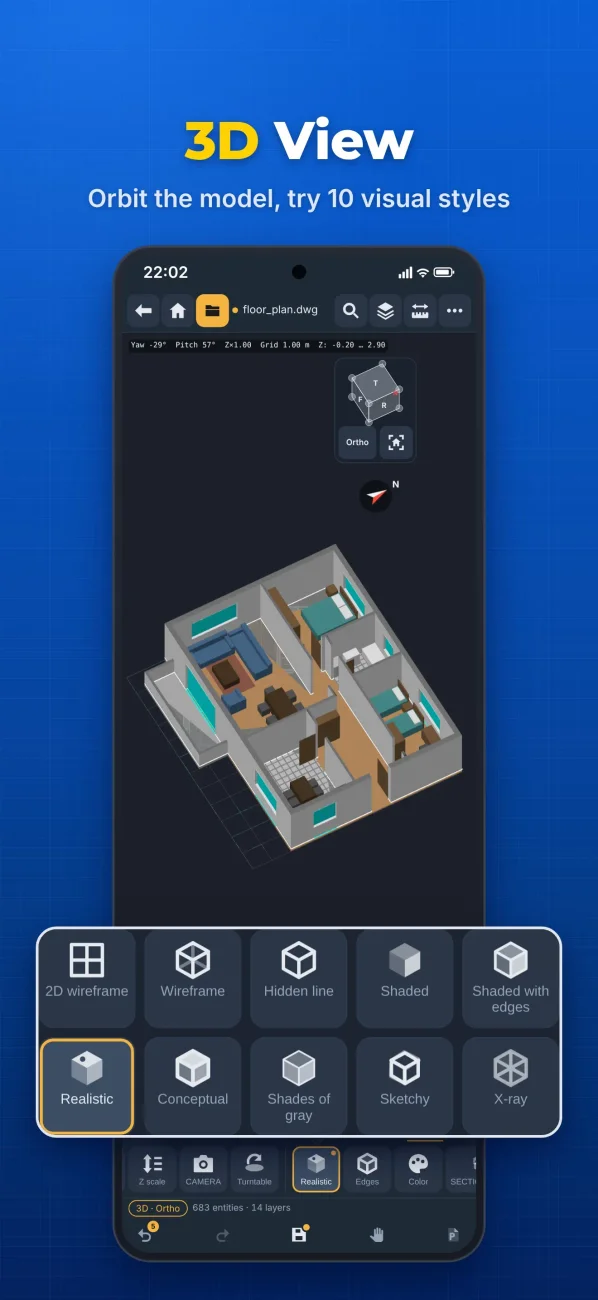
• 3D models: STEP / STP, IGES, STL, OBJ, PLY, 3MF, glTF / GLB, FBX, 3DS, DAE, OFF, VRML and IFC
• IFC data: property sets, quantities, materials, classification, systems and documents; property search, storey and system browser, map position, IFCZIP
• SKP and SKB 3D models (beta): tags become layers, colors come from materials
• RVT and RFA: preview image and file information (version, project, family types); the model itself does not open
• 3D view of faces, meshes and solids, with visual styles and a view cube
MEASURING
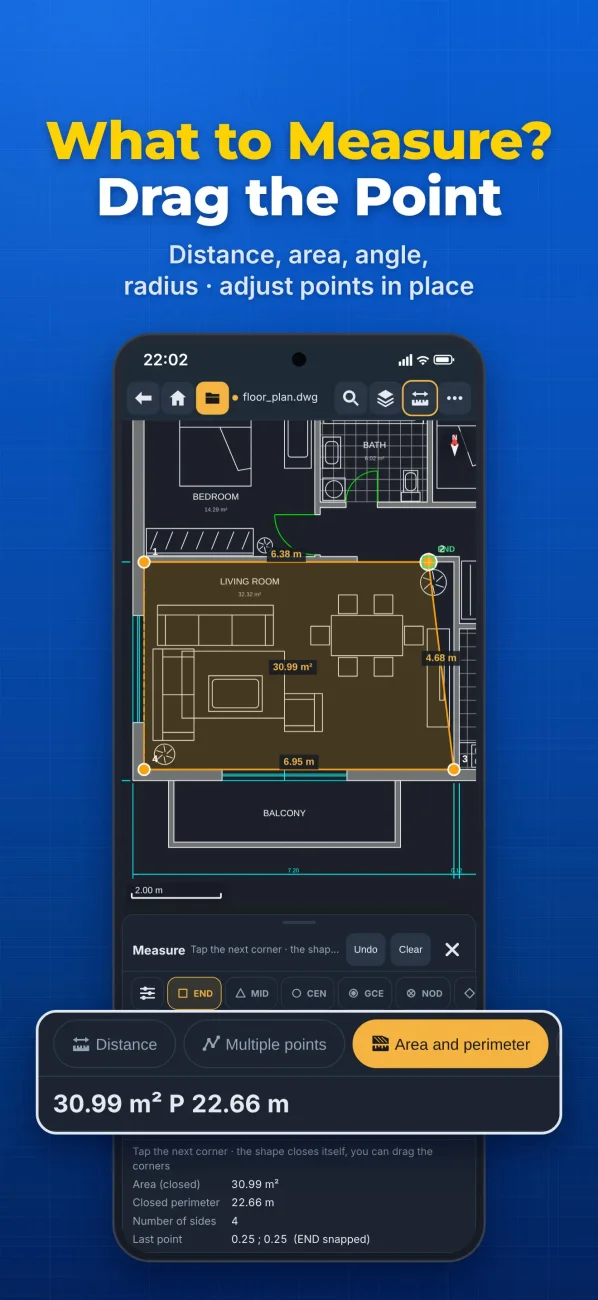
• The Measure button asks what to measure: distance, multiple points, area and perimeter, angle, radius / diameter, coordinates
• Endpoint, midpoint and other object snaps, with a magnifier for precise touch input
• Drag placed points to adjust them; the result is shown large on the drawing
• Markup: notes, revision clouds, leaders, balloons, text; photo and voice notes
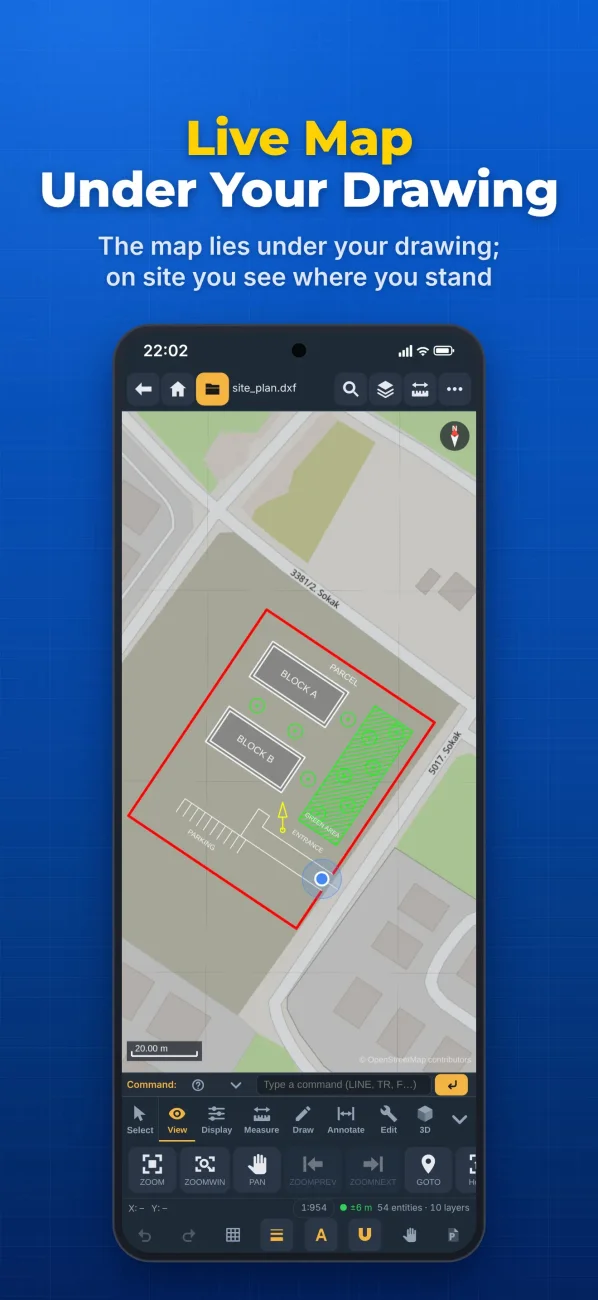
• GPS: your position in the drawing's coordinate system (UTM / ITRF / ED50)
• Map backgrounds under the drawing, including your own WMS / XYZ servers
• KML and KMZ files open as drawings, with coordinates converted to UTM / ITRF
DOCUMENTS AND IMAGES
• PDF, DOCX, DOC, RTF, XLSX, XLS, ODS, CSV, PPTX, PPT and ODP
• Spreadsheet formulas are calculated
• ZIP archives
• Images: HEIC, JPEG, PNG, TIFF, PSD, RAW and more, with EXIF data and GPS location
• Open files from the Files app, AirDrop or other apps; save results to Files and share them
PREMIUM
• 2D drawing and editing: line, polyline, rectangle, circle, arc; move, copy, rotate, scale, mirror, offset
• Layers, colors and properties
• Save as DWG or DXF, start new drawings
• Scaled PDF output
• Edit PDF, DOCX, XLSX, CSV and text files
• Drawing comparison, PDF to CAD, batch processing, surface and lateral area
• Sketch to drawing: a photo of a plan or part sketched on paper becomes lines, circles and arcs; mark measurements on the drawing in one tap
SUPER — everything in Premium, plus:
• 3D drawing and editing, elevation assignment
• Elevation and slope profiles
• Deliver only the changes as DXF
• 3D measuring and notes, OBJ / STL / FBX / STEP / IGES export
• LISP commands and dynamic block parameters
The interface is available in fifteen languages and follows your device language.
SUBSCRIPTIONS
Viewing, measuring, markup, GPS and document viewing are free. Premium and Super are optional auto-renewable subscriptions, each with a monthly and a yearly plan; the yearly plans include a one-week free trial for eligible new subscribers. Payment is charged to your Apple Account at confirmation of purchase. A subscription renews automatically unless it is cancelled at least 24 hours before the end of the current period, and your account is charged for renewal within 24 hours before the period ends. You can manage and cancel your subscriptions in your Apple Account settings. Any unused portion of a free trial is forfeited when you purchase a subscription.
Privacy Policy: https://dwgofficezip.com/gizlilik.html
Terms of Use (Apple Standard EULA): https://www.apple.com/legal/internet-services/itunes/dev/stdeula/
What’s new
Version 8.9.55 · Nov 21, 2026
What's new in 8.9.55
• Elements with a trapezium profile in IFC models now appear
• In IFC models, elements that have both openings and clipping are drawn correctly and their takeoff volume is no longer doubled; elements whose openings could not be cut are reported when the file opens
App privacy
What MAHMUT TARI declares on the App Store about how this app handles data.
-
Data linked to you
May be collected and linked to your identity.
- Purchases
- Identifiers
- Usage data
- Diagnostics
Privacy practices may vary, for example with the features you use or your age.
Information
- Seller
- MAHMUT TARI
- Category
- Productivity
- Version
- 8.9.55
- Updated
- Nov 21, 2026
- Released
- Oct 30, 2026
- Size
- 48.9 MB
- Requires
- iOS 16.0 or later
- Age rating
- 4+
- Price
- Free
- In-app purchases
- Yes
- Languages
- English, Arabic, French, German, Hindi, Indonesian, Italian, Japanese, Korean, Portuguese, Russian, Simplified Chinese + 3 more
- Copyright
- © 2026 Mahmut Tarı
You might also like
-
 DWG SiteMark: Site MarkupCompare plans, mark, report
-
 Caddis: DWG & CAD ViewerMeasure & mark up DXF, STL, 3D
-
 SnapDWG: DWG Viewer & PDFDwg, CAD Reader & Converter
-
 Folium: PDF & HandwritingTake Notes, Sign, Fill & Edit
-
 TrueDimMeasurement-grade markup
-
 NextCAD — DXF ViewerCAD drawings, measure & markup
-
 Tartibla: Kun tartibiProductivity
-
 AI Office Interior DesignerWorkspace Meeting Reception
-
 Lidarmeter: LiDAR Floor PlanRoom scanner, 3D & PDF report
-
 Floor Plan Scanner - TruewallLiDAR Room Measure & 3D Layout