- Age rating9+
- CategoryProductivity
- DeveloperHelena Jagodnik Kuhar
- LanguagesEnglish
- Size16.3 MB
Links to the official App Store page
Download.org hosts no file of DoomCatcher: App Blocker. The button opens its official App Store page, published by Helena Jagodnik Kuhar. Listing last checked on Nov 24, 2026.
Screenshots
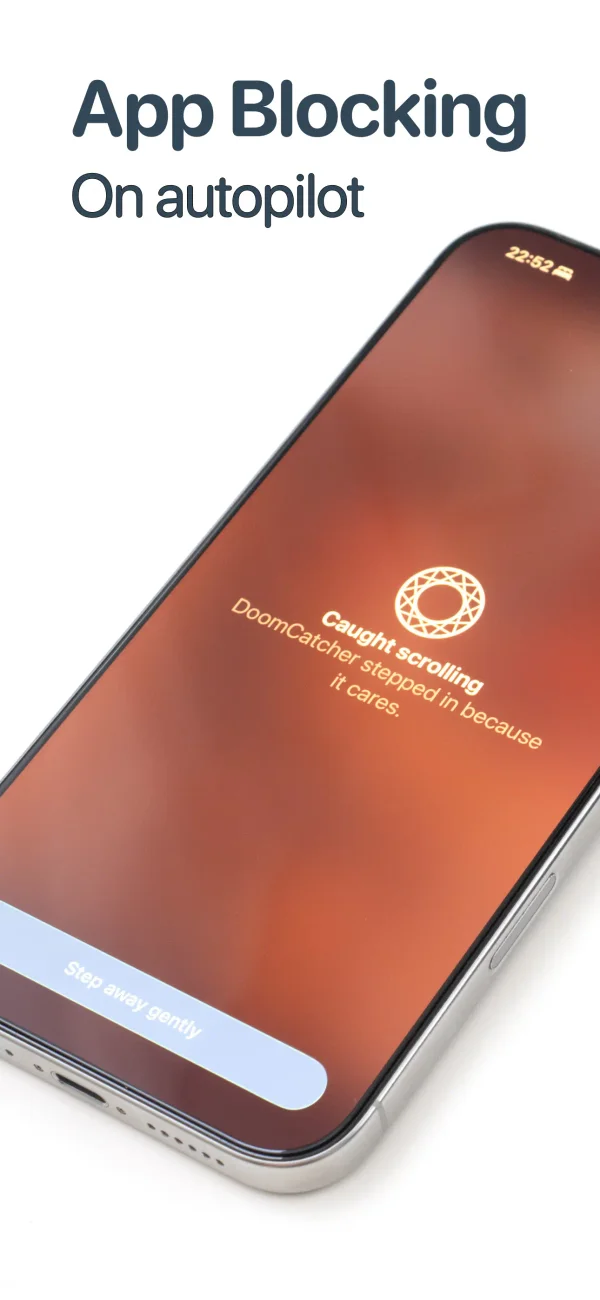
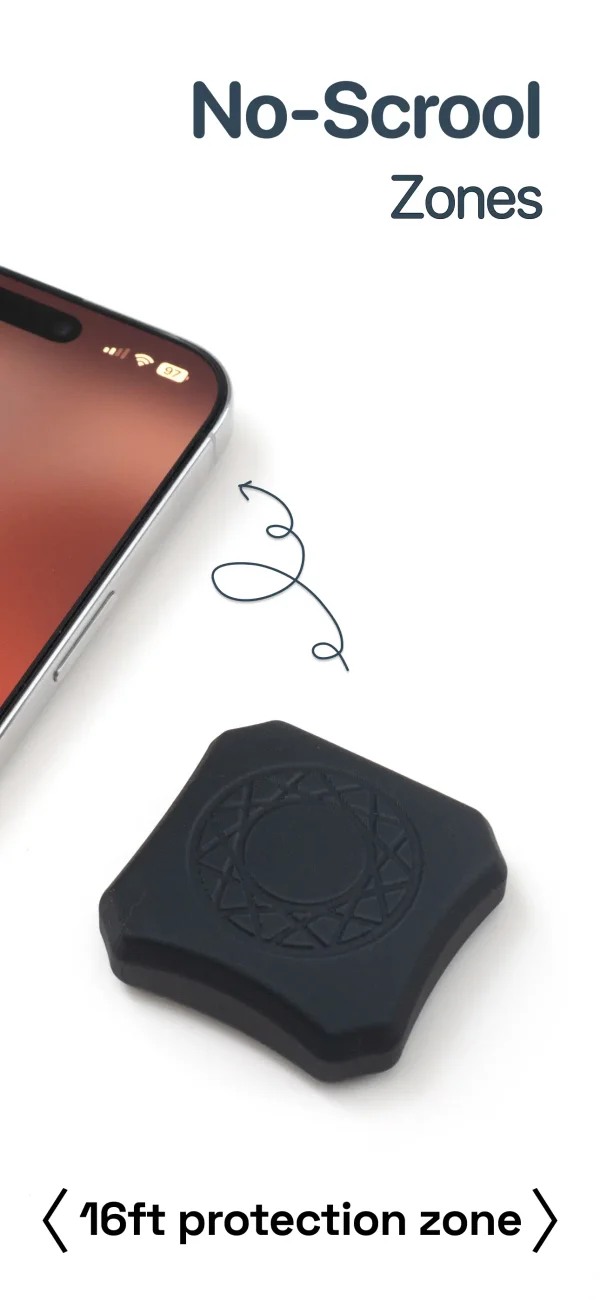

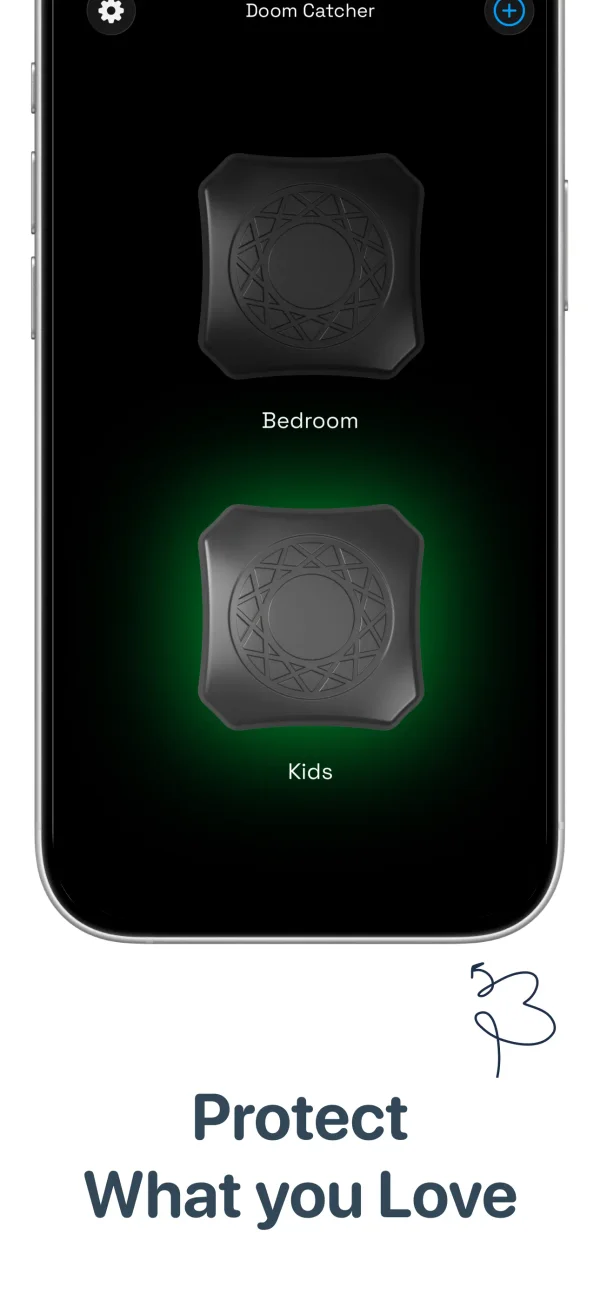
About
DoomCatcher is the calm little forcefield for your phone. Pair the app with the DoomCatcher beacon on your nightstand or desk and your most distracting apps quietly lock themselves when you enter its zone. No toggling focus modes, no remembering to “be good.” Just walk into the calm zone and scrolling stops.
Designed for people who can’t stop “one more scroll” on TikTok, Instagram, or the news, Doom Catcher helps you actually close your eyes at night, look up at dinner, and be present when it matters.
Put a DoomCatcher in the bedroom, another by your work setup, maybe one on the dining table. Each one creates its own ultra-local zone, so the blocks are tied to real spaces in your life, not vague building-wide locations. When you leave the zone, your apps unlock again—no extra steps.
We call the device The DoomCatcher. You get to enjoy the quiet.
Key features
• Automatic blocking
The app works with your Doom Catcher beacon to automatically block chosen apps whenever you’re in range. No manual switches, no extra taps.
• Room-level zones
Create multiple calm zones: bedroom, desk, dining table. Each Doom Catcher has its own settings, tuned to how you want to feel in that space.
• Ultra-local, not building-wide
Unlike app-only solutions tied to big geofences, Doom Catcher is ultra-local. It cares about your nightstand, not your entire apartment block.
• Choose what gets caught
Pick which apps are “doom scroll” territory and which are allowed. Messaging a friend? Maybe allowed. Infinite feeds? Caught.
• Gentle, not preachy
When you try to open a blocked app, Doom Catcher offers a small, calm nudge instead of guilt. You’re in charge; it just removes the friction.
• Dark, distraction-aware design
A dark default theme and minimal UI so even opening the app doesn’t feel like another hit of stimulation.
How it works
1. Place your Doom Catcher beacon in the spot you want to protect (like your nightstand).
2. Open the app and pair it with your beacon.
3. Choose which apps should be blocked inside that zone.
4. That’s it. When you’re near your Doom Catcher, blocks turn on. When you walk away, they release.
Requirements
• DoomCatcher hardware device required. Available at https://doomcatcher.com
• Works with Apple’s Screen Time / Family Controls framework to apply app limits on device.
What’s new
Version 1.10 · Nov 24, 2026
Improved reliability
App privacy
What Helena Jagodnik Kuhar declares on the App Store about how this app handles data.
-
Data not linked to you
May be collected but is not linked to your identity.
- Usage data
- Diagnostics
Privacy practices may vary, for example with the features you use or your age.
Information
- Seller
- Helena Jagodnik Kuhar
- Category
- Productivity
- Version
- 1.10
- Updated
- Nov 24, 2026
- Released
- Nov 19, 2025
- Size
- 16.3 MB
- Requires
- iOS 18.1 or later
- Age rating
- 9+
- Price
- Free
- Languages
- English
- Copyright
- © 2026 InteliWEAR LLC
You might also like
-
 Habit Rewards: DoEarnEnjoyGoal Tracker & Dream Wishlist
-
 URVA LinkYour digital business card
-
 Loc OutAuto-block apps by location
-
 JustnoiseBlock distraction, into action
-
 ZoneBlock - Focus & BlockerLocation-Based App & Web Block
-
 Curo - Your Learning CompanionSimple. Structured. Guided.
-
 App Blocker for DistractionsAuto block apps when at home
-
 Touhou Focus Timer - StudyFocus blocks with a partner
-
 Mind the Focus: CalendarAutomation Shortcut
-
 Attention Arsenalthe reminder that won't quit