- Age rating4+
- CategoryProductivity
- DeveloperMathias Riis Andersen
- LanguagesEnglish
- Size3.1 MB
Links to the official App Store page
Download.org hosts no file of Loc Out. The button opens its official App Store page, published by Mathias Riis Andersen. Listing last checked on Nov 15, 2026.
Screenshots
About
Log out at the door.
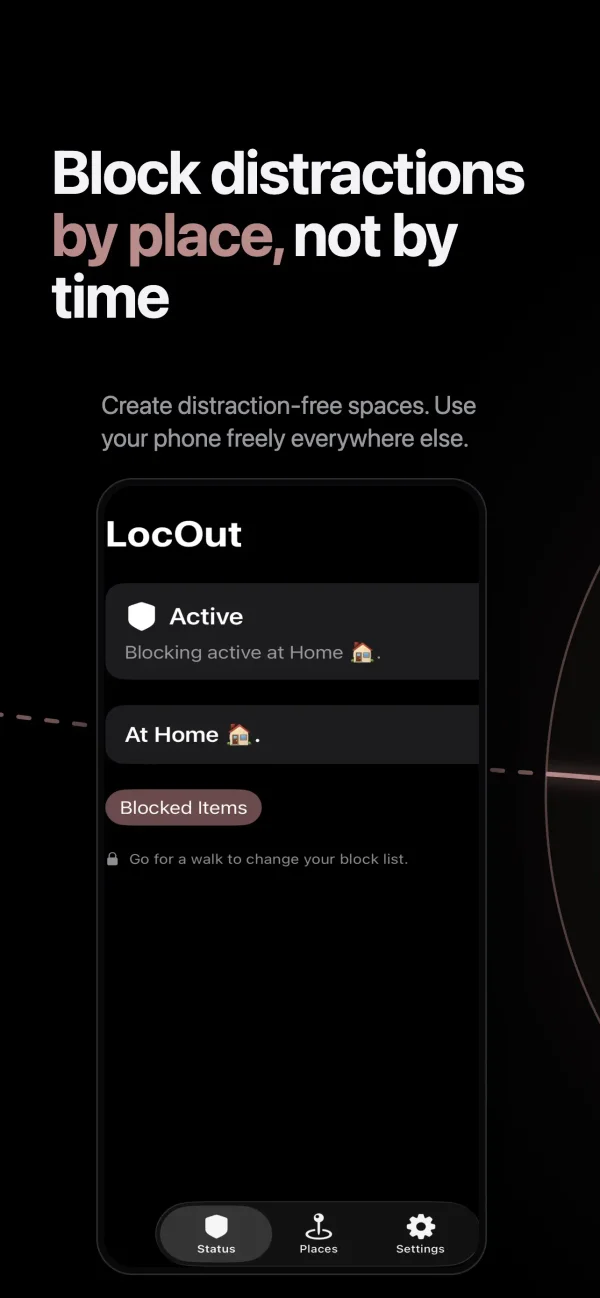
Loc Out blocks distracting apps and websites automatically based on your location.
Pick a place. Pick what to block. That's it.
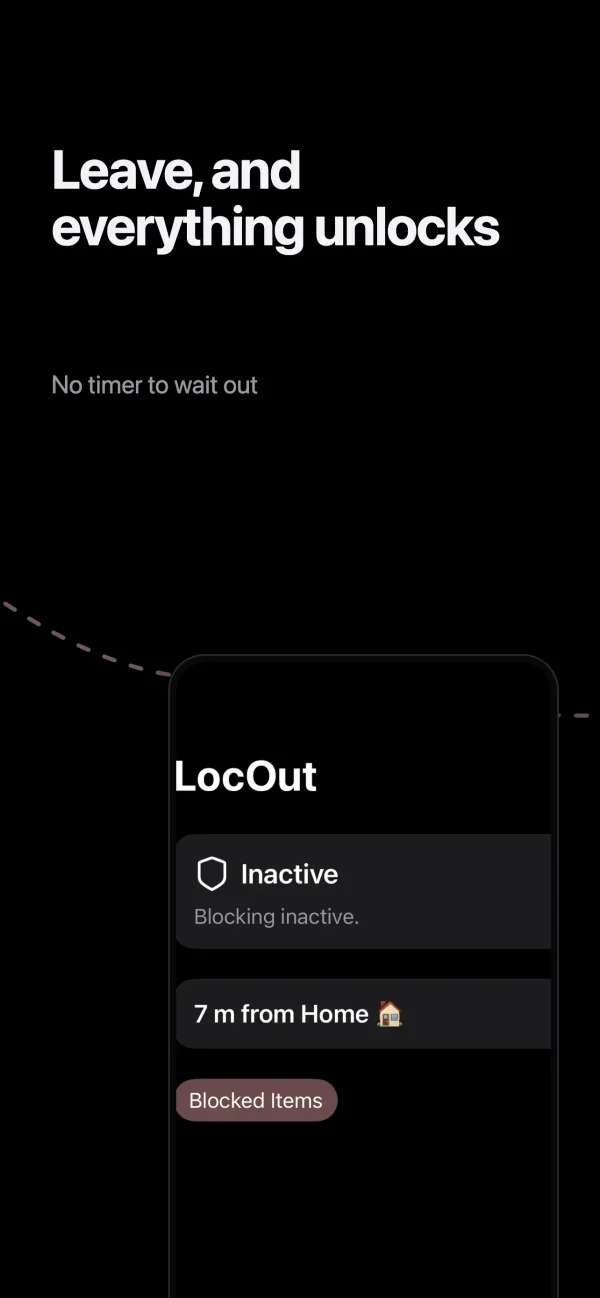
When you get home, blocking turns on. When you leave, everything unlocks again. You don't have to remember to start a timer, flip a switch, or talk yourself into focusing. The place does it for you.
YOU DECIDE WHERE THINGS BELONG
Most blockers ask you to give something up everywhere. Loc Out only asks you to decide where it belongs. Maybe an app is no trouble on your commute but you'd rather not reach for it on the sofa. Maybe work email is welcome at your desk and can wait until tomorrow once you're home. You draw the line once, and it holds itself.
HOW IT WORKS
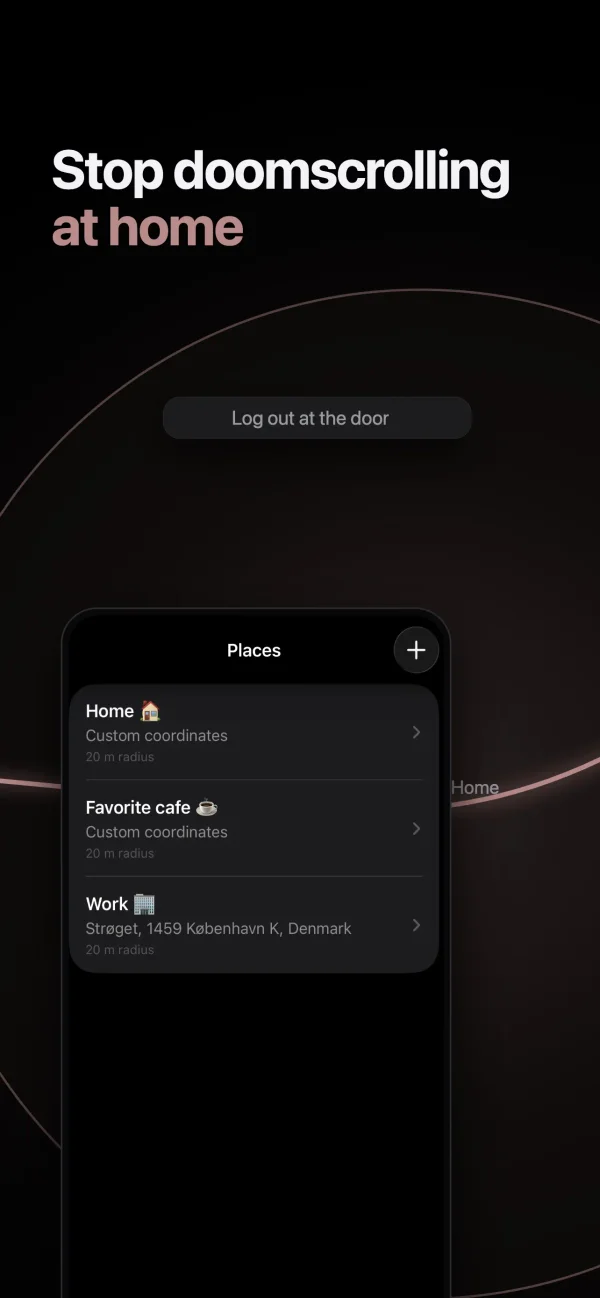
1. Add a place — your home, office, school, library, or a cafe you get work done in. Use your current location or search an address, then adjust the radius to fit.
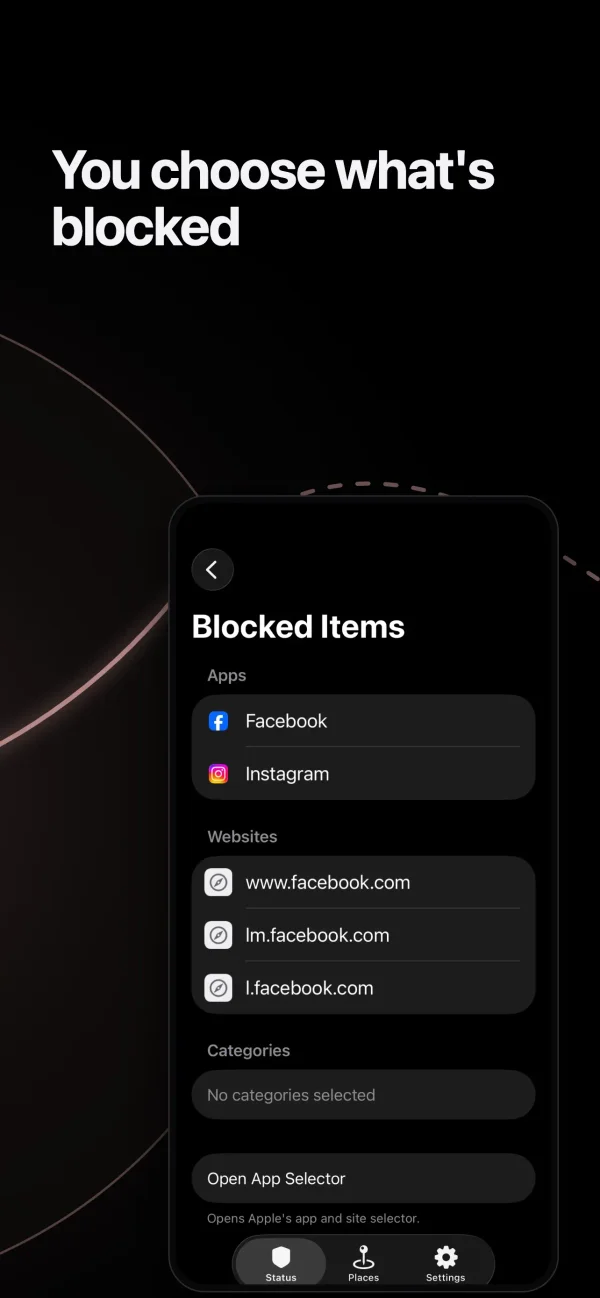
2. Choose what gets blocked there using Apple's own Screen Time selector: individual apps, specific websites, or whole categories like Social or Games.
3. Go about your day. Loc Out handles the rest in the background.
WHY PLACE INSTEAD OF TIME
Schedules assume your day goes to plan. Places don't. If you sit down to work at 9 or at 3, if you stay an hour or five, the rule is the same: you're here, so the distractions are gone. And the moment you step out, they're back — no waiting for a timer to expire.
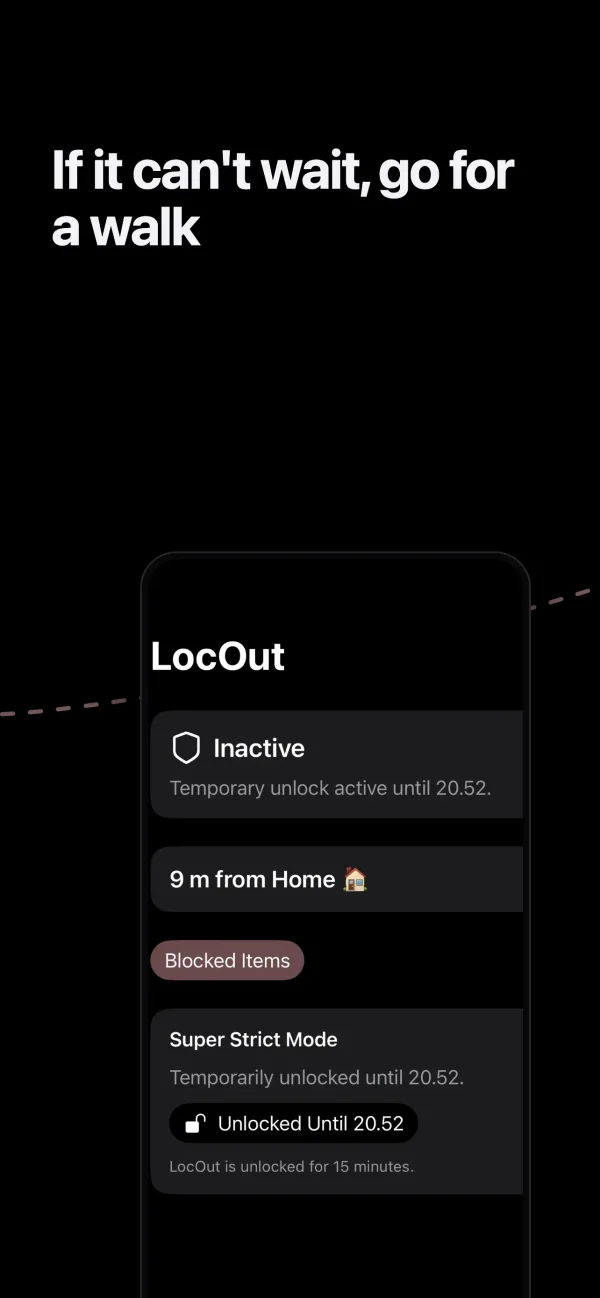
IF IT REALLY CAN'T WAIT, GO FOR A WALK
Loc Out isn't a lockbox. While blocking is active you can always add more to your block list, but you can't remove anything or delete the place you're standing in. To loosen the rules, you step outside first.
That's the whole design. Nothing is off limits — it just costs you a walk around the block. Often that's enough time to notice it could have waited. And when it truly couldn't, you get to it anyway, with some fresh air thrown in.
The door logs you out on the way in. It logs you back in on the way out.
There's also an optional setting that prevents app deletion while blocking is running, so uninstalling doesn't become the shortcut around the walk. Apple only allows this device-wide, so while it's on it covers every app, not just this one.
PRIVATE BY DEFAULT
Loc Out has no account, no sign-up, and no server. Your places and your block list are stored on your device and nowhere else. Your location is used on-device for one thing only: deciding whether you're inside a place you saved. Screen Time access is used for one thing only: applying the blocks you chose.
Nothing is collected. Nothing is transmitted. Nothing is sold.
FEATURES
- Block apps, websites, and categories at up to 20 saved places
- Automatic on arrival, automatic off when you leave
- Current-location or address search when adding a place
- Adjustable radius per place
- Status screen shows whether blocking is on and how far you are from your nearest place
- Locked block list and locked place editing while blocking is active
- Optional app deletion protection
- No account, no subscription required to set up
- No location or Screen Time usage data collected
Loc Out uses Apple's Screen Time and Location permissions solely to run the rules you create. Location must be set to "Always" so blocking can start and stop while the app is closed.
App privacy
What Mathias Riis Andersen declares on the App Store about how this app handles data.
-
Data not collected
The developer does not collect any data from this app.
Privacy practices may vary, for example with the features you use or your age.
Information
- Seller
- Mathias Riis Andersen
- Category
- Productivity
- Version
- 1.0
- Updated
- Aug 25, 2026
- Released
- Aug 25, 2026
- Size
- 3.1 MB
- Requires
- iOS 26.4 or later
- Age rating
- 4+
- Price
- Free
- Languages
- English
- Copyright
- © 2026 Mathias Andersen
You might also like
-
 ZoneBlock - Focus & BlockerLocation-Based App & Web Block
-
 ScreenLocation: Block AppsBlock apps by place
-
 PropellonTame the Machine
-
 Bookplate: Read to Unlock AppsTurn pages into screen time
-
 CTRL: Earn Your ScrollEarn focus. Spend to scroll.
-
 Block&Read: Book App BlockerRead to Unlock Your Apps
-
 DoomCatcher: App BlockerAuto-block apps in the zone
-
 ZonyrAuto-Block Apps by Location
-
 梳理: 一键理清乱糟糟的计划、重新排版AI语音排日程,加班自动重排
-
 Focus Fence: App BlockerBlock apps by location