Dos View: Hex & Text Viewer
Any file in hex, binary, text
Designed for iPhone, iPad, iPod touch
Free
- Age rating4+
- CategoryDeveloper Tools
- DeveloperMike Nedosekin
- LanguagesEnglish
- Size19.9 MB
Links to the official App Store page
Download.org hosts no file of Dos View: Hex & Text Viewer. The button opens its official App Store page, published by Mike Nedosekin. Listing last checked on Nov 12, 2026.
Screenshots
About
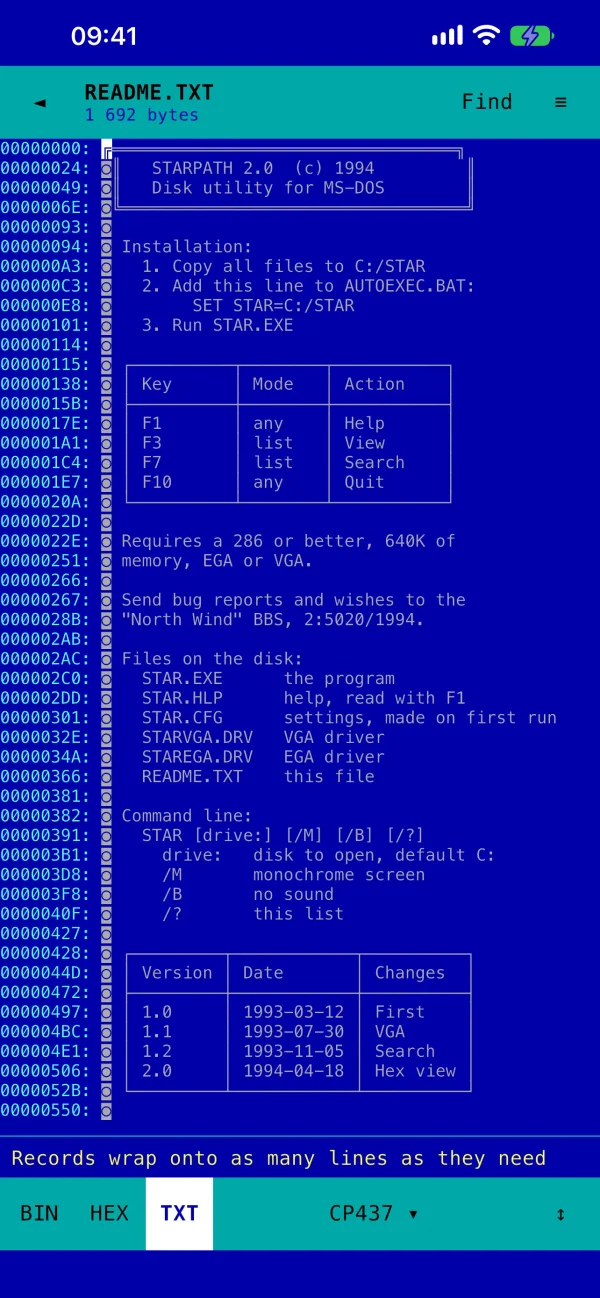
Dos View shows what is really inside a file. Open anything — a document, a photo, an app bundle, a log, a disk image — and read it byte by byte, in the look of a classic DOS text-mode viewer.
THREE VIEWS
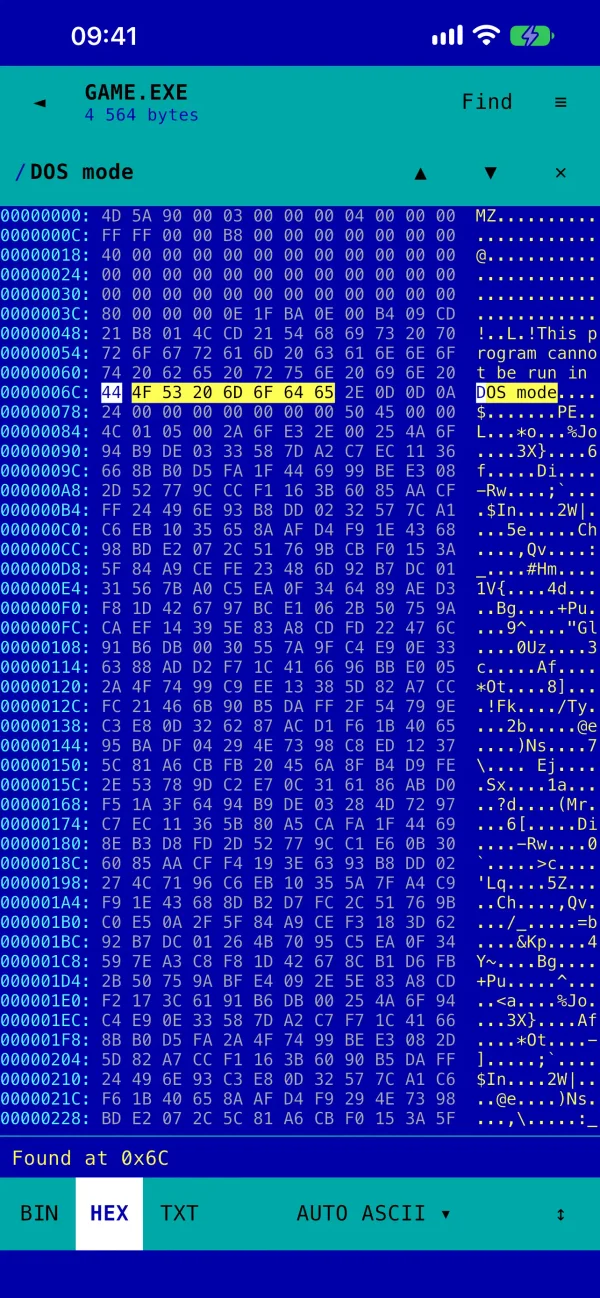
• HEX — offsets, bytes and their characters side by side
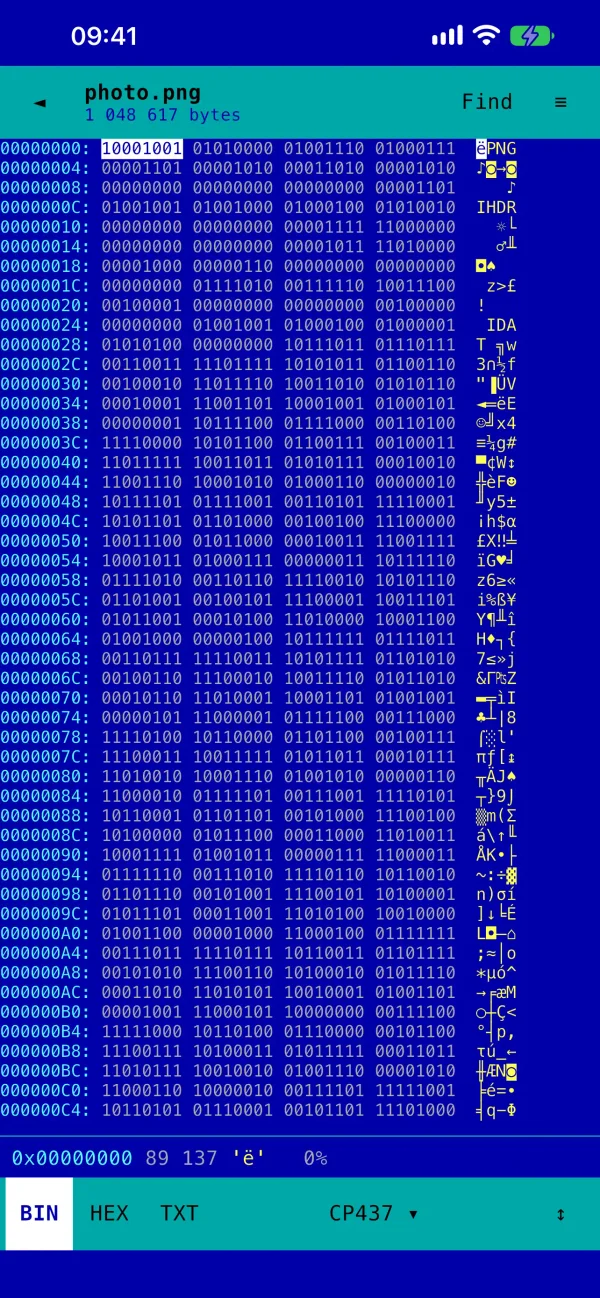
• BIN — every byte as eight bits
• TXT — the file as text, with line wrap and record formatting
dosview guesses the right view and code page from the file's first bytes, and you can switch with one tap.
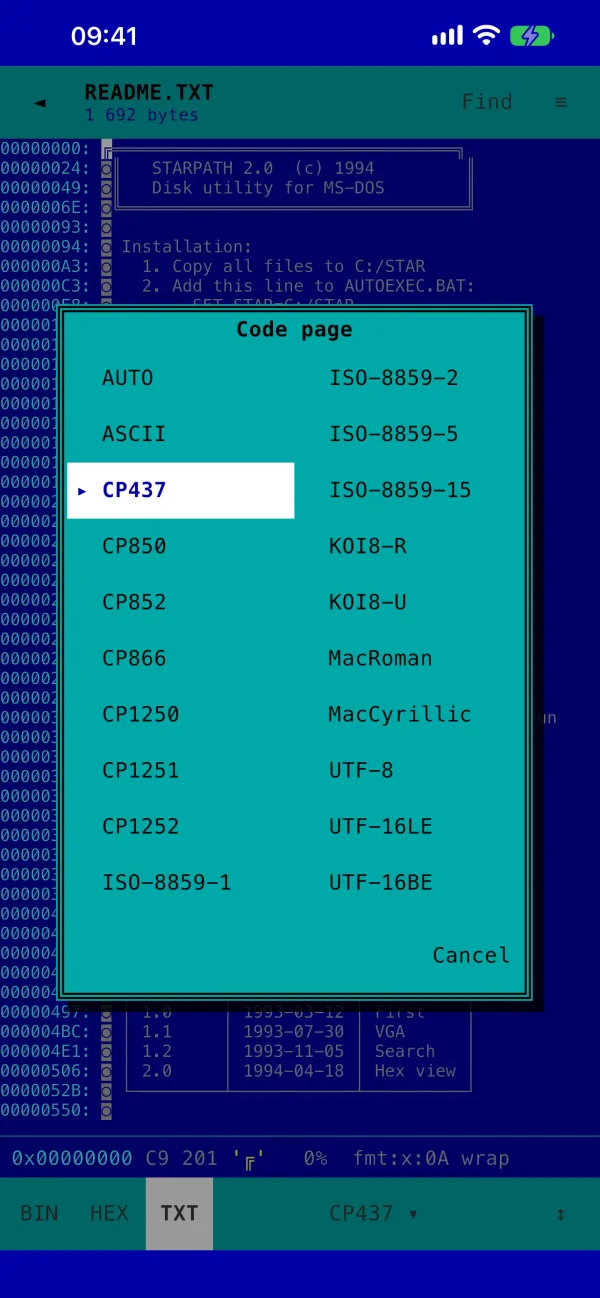
20 CODE PAGES
CP437, CP850, CP852, CP866, CP1250, CP1251, CP1252, ISO-8859-1, -2, -5 and -15, KOI8-R, KOI8-U, MacRoman, MacCyrillic, UTF-8, UTF-16LE and UTF-16BE. Old DOS texts with box-drawing frames and Cyrillic finally look right.
SEARCH AND NAVIGATION
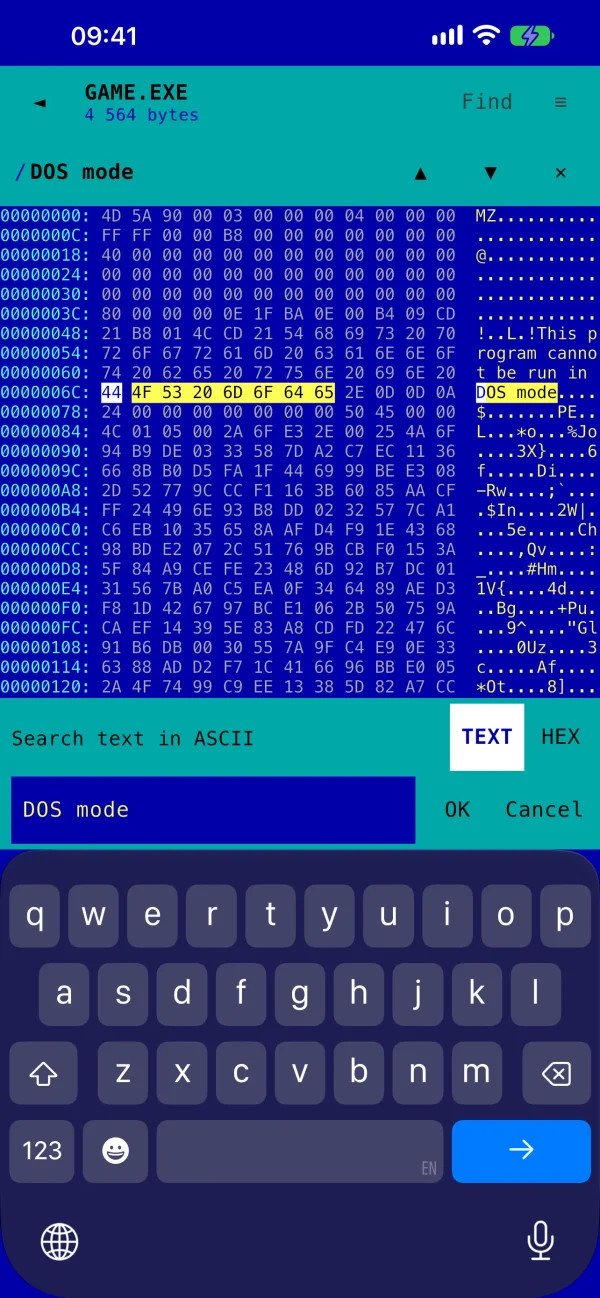
• Find text, or bytes with an x: pattern — x:89 ?? 4E 47, where ?? matches any byte
• Go to any offset, in hex or decimal
• Format: split the data into records by a separator and see its bytes marked
• Highlight of matches, the byte under the cursor always shown below
FILES OF ANY SIZE
The viewer core is written in Rust and reads only what is on screen, so a file of many gigabytes opens at once and scrolls to its end without waiting.
MADE FOR TOUCH
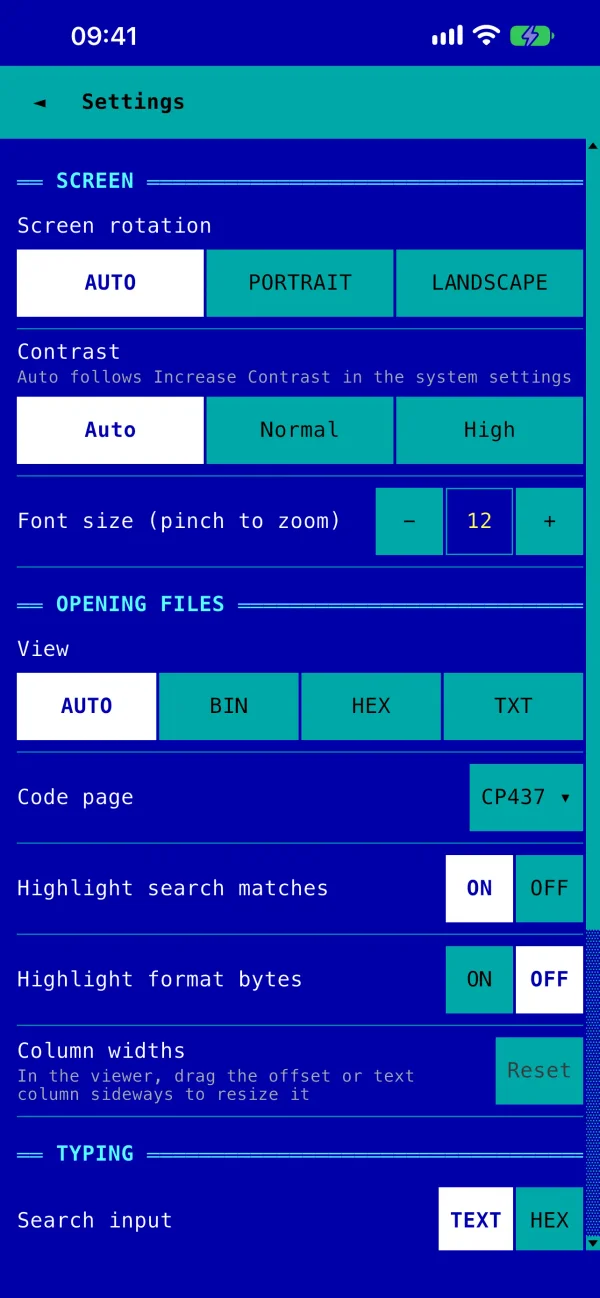
Drag to scroll, pinch to zoom, drag the offset column to narrow it, drag the text column to set the bytes per line, tap a byte to put the cursor on it, hold for the code page list. Everything you set is remembered. With a hardware keyboard you get the classic keys: F7 Find, F8 next match, F5 Go to and more.
OPEN FROM ANYWHERE
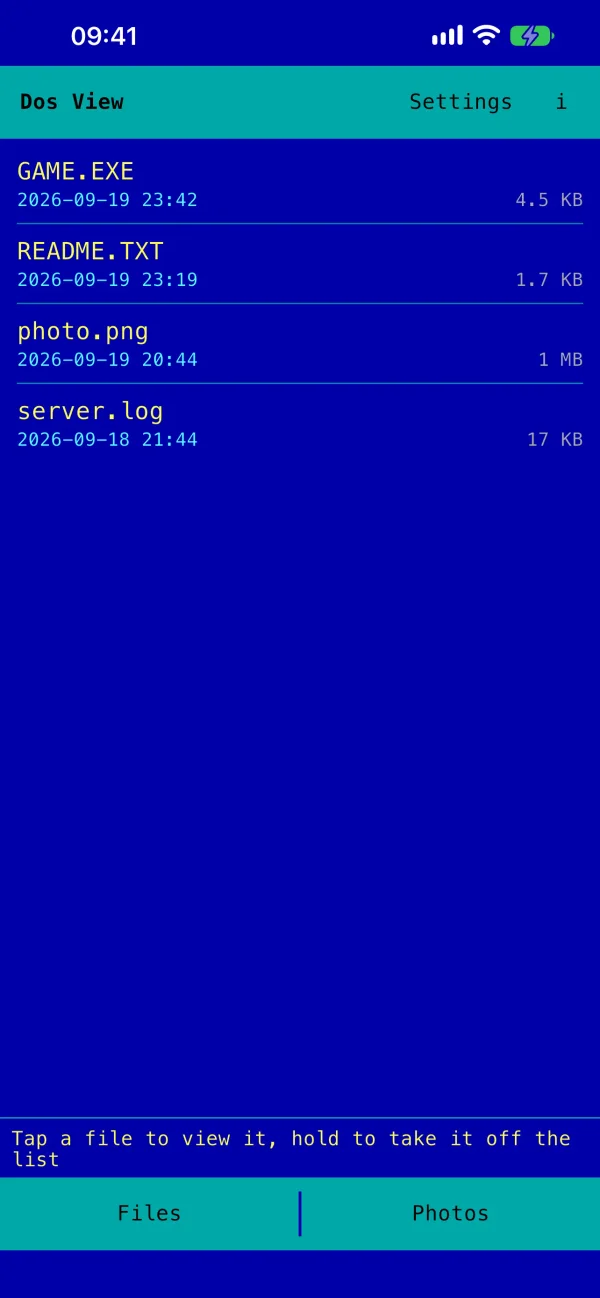
Open from Files, or pick a photo or video from the gallery. Or send a file to dosview from any app with "Open in…" and the share sheet — even plain text or a link, to see its UTF-8 bytes.
ACCESSIBLE
High-contrast palette, support for VoiceOver, Bold Text, Reduce Motion and larger text. Available in 46 languages.
PRIVATE
No accounts, no ads, no tracking, no network. Your files never leave the device.
What’s new
Version 1.0.1 · Oct 20, 2026
The app is now named Dos View on the Mac.
App privacy
What Mike Nedosekin declares on the App Store about how this app handles data.
-
Data not collected
The developer does not collect any data from this app.
Privacy practices may vary, for example with the features you use or your age.
Information
- Seller
- Mike Nedosekin
- Category
- Developer Tools
- Version
- 1.0.1
- Updated
- Oct 20, 2026
- Released
- Sep 22, 2026
- Size
- 19.9 MB
- Requires
- iOS 15.0 or later
- Age rating
- 4+
- Price
- Free
- Languages
- English
- Copyright
- © 2026 Mike Nedosekin
You might also like
-
 HexFilExfiltrate data with OCR
-
 FlarePilot: Cloudflare ManagerControl Cloudflare. Anywhere.
-
 Hex Editor - ViewerEdit & Analyze Binary Files
-
 Web Inspector & Dev ToolsHTML, CSS Viewer: JS debug log
-
 Code AnalyzerBinary File Analyzer
-
 JAR DLL EXE File ViewerPE, Hex & Binary Inspector
-
 Text Editor · Edit Text FileTxt, RTF, HTML Document Editor
-
 FlowSpy - AI Packet CaptureHTTP/HTTPS Debug API Inspector
-
 NetScanner - HTTP CatcherHTTP Sniffer,Capture,Debug
-
 Moni Proxy: HTTPS CaptureHTTP Debugger, Sniffer & Mock