
DotInk: EInk Assistant
Font & Ebook Converter Tool
Designed for iPhone, iPad, iPod touch
Free · In-app purchases
- Age rating4+
- CategoryUtilities
- Developer业 毕
- LanguagesEnglish+ 2 more
- Size10.9 MB
Links to the official App Store page
Download.org hosts no file of DotInk: EInk Assistant. The button opens its official App Store page, published by 业 毕. Listing last checked on Nov 18, 2026.
Screenshots

About
Designed for e-ink enthusiasts, making your portable readers more powerful and easier to use.
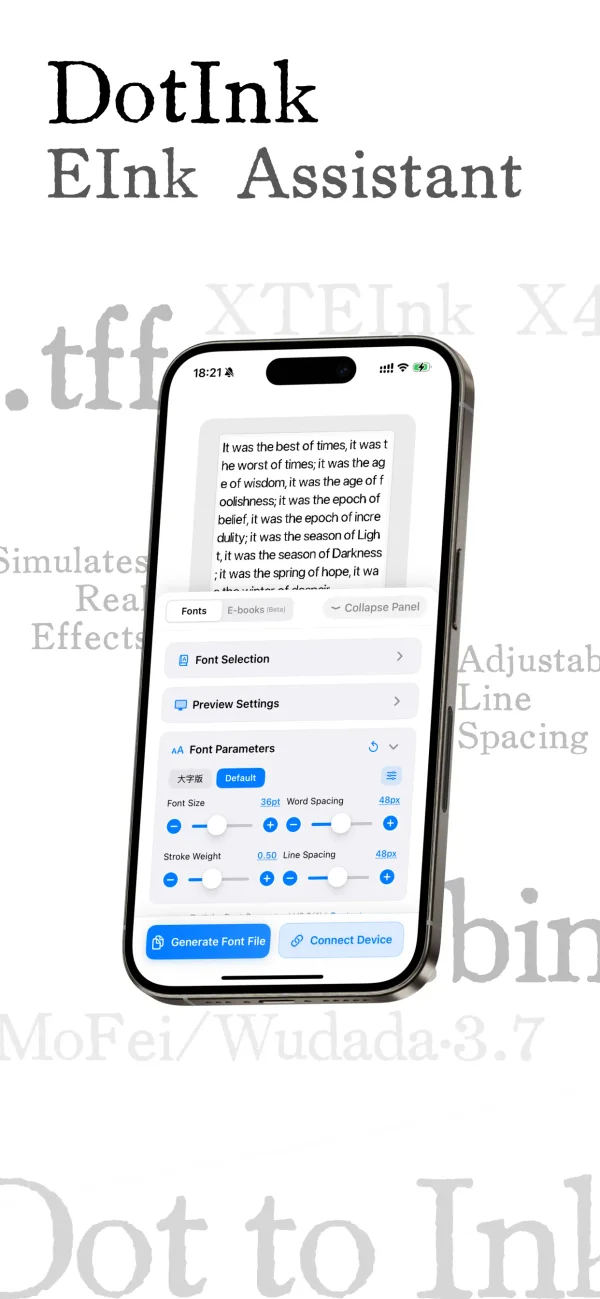
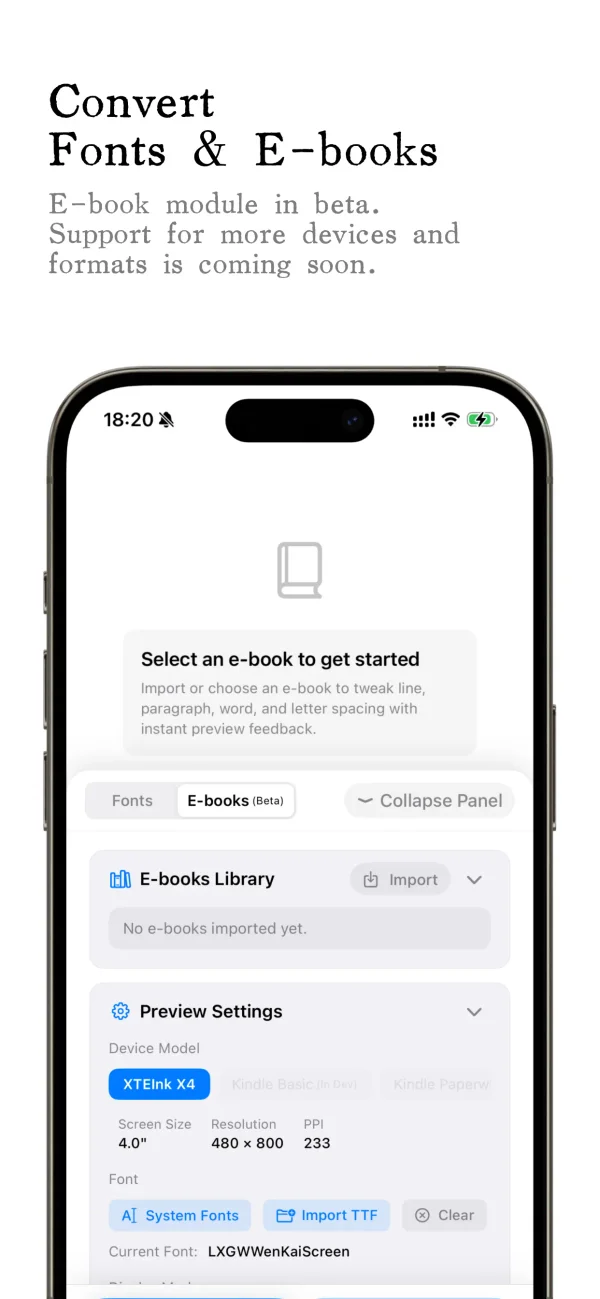
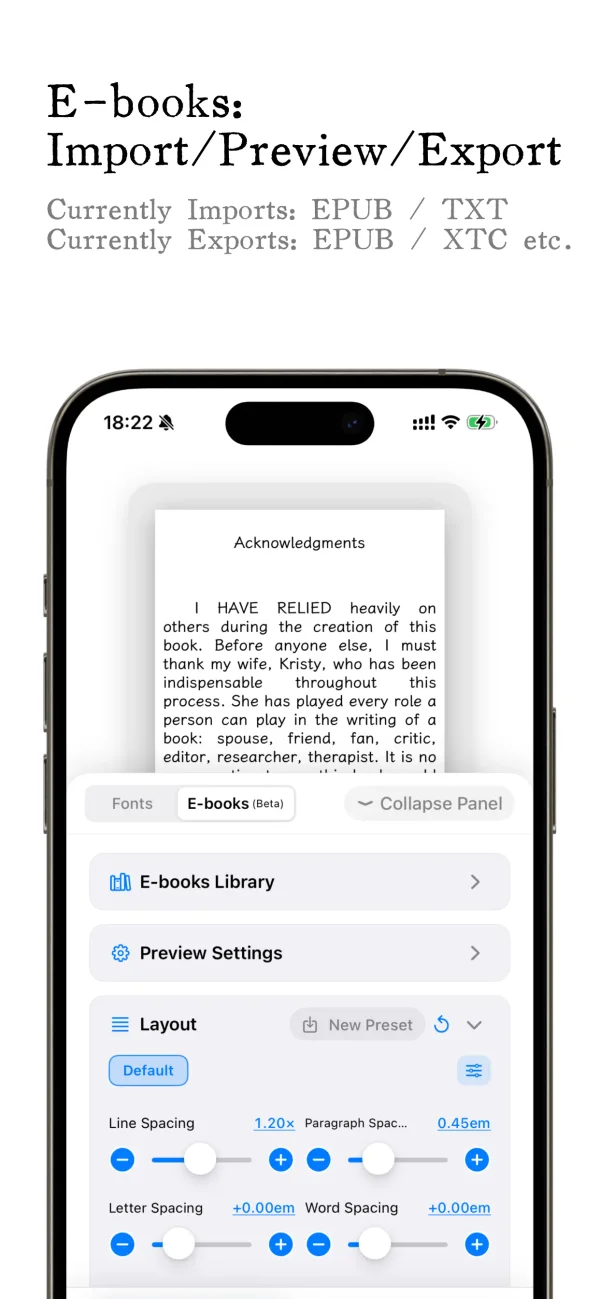
Seamlessly convert .ttf fonts and e-books on your phone into .bin fonts, XTC, or EPUB formats perfectly tuned for portable e-ink screens.
[CORE FEATURES]
• WYSIWYG Font Customization
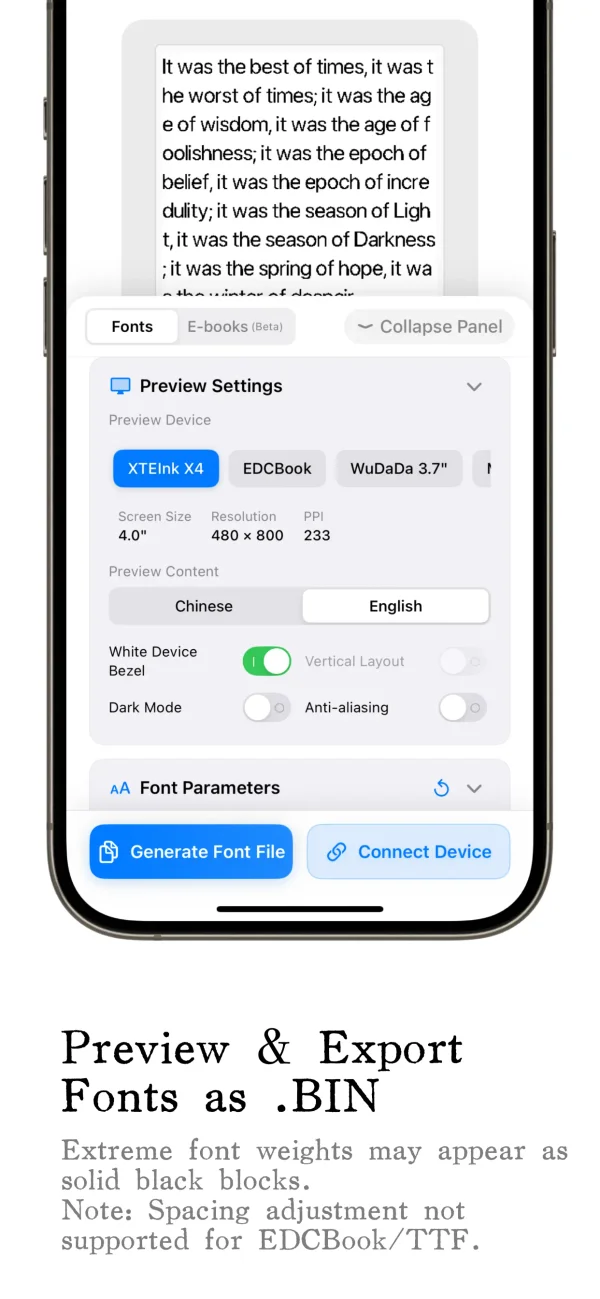
Import external .ttf fonts or use system fonts. Adjust line spacing, tracking, size, weight, and more with precision. Real-time simulation of various e-ink screens—preview exactly how it looks before exporting.
• Powerful E-book Toolbox
Import various e-book formats to preview layouts directly on your phone. Customize formatting and convert to standard formats with a single tap.
• Seamless Device Integration
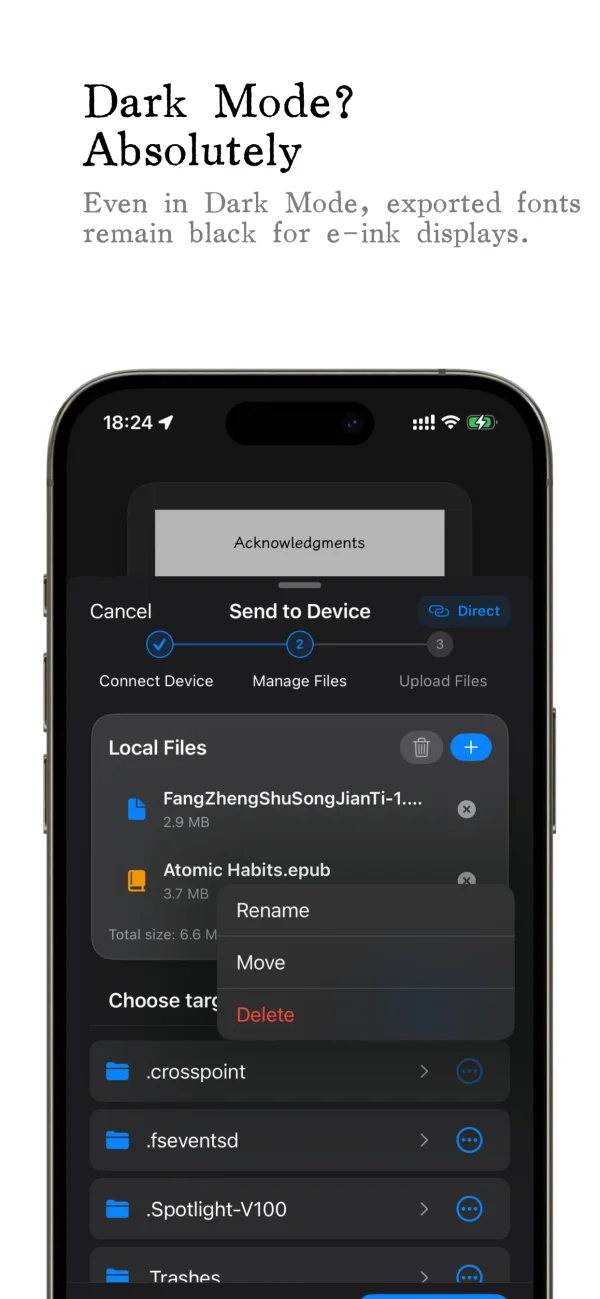
Wireless connection to supported devices for font pushing and file management. Supported Devices: XTEInk X4, EDCBook, Murphy 3.7, Wudada·Little Ink, and more.
• Privacy First & Offline
100% Offline: All processing is done locally on your device. No user data is ever uploaded. (Note: Network and Location permissions are required solely for connecting to your e-ink hardware.)
[NOTE FROM DEVELOPER]
This app is an indie project built with "AI Vibe Coding." While I strive for perfection, I cannot test every scenario. If you encounter any bugs, I appreciate your understanding.
Thank you to all the "Community Supporters" for your feedback! Feel free to leave suggestions or comments.
Terms of Use (EULA): https://www.apple.com/legal/internet-services/itunes/dev/stdeula/
What’s new
Version 2.1.2 · Feb 18, 2026
- [Beta] Added support for CrossPoint firmware: includes 4-bit font generation and file management features.
- Font Module: You can now customize preview content in the preview settings.
- eBook Module: Added a second confirmation step for styling when pushing from Kindle devices.
- Fix: Resolved pagination issues during book preview and the endless loading bug when adjusting parameters.
- Fix: Addressed an issue where the paywall could still appear after subscribing and purchases couldn’t be restored.
App privacy
What 业 毕 declares on the App Store about how this app handles data.
-
Data not collected
The developer does not collect any data from this app.
Privacy practices may vary, for example with the features you use or your age.
Information
- Seller
- 业 毕
- Category
- Utilities
- Version
- 2.1.2
- Updated
- Feb 18, 2026
- Released
- Oct 23, 2025
- Size
- 10.9 MB
- Requires
- iOS 15.0 or later
- Age rating
- 4+
- Price
- Free
- In-app purchases
- Yes
- Languages
- English, Simplified Chinese, Traditional Chinese
- Copyright
- © 2025 大业爱数码
You might also like
-
 CrossX - Send To X4Web to EPUB for Xteink X4
-
 XTEINKUltra-portable E-paper
-
 IINEUtilities
-
 Scrollie: Long ScreenshotStitch, Blur & Movie Subtitles
-
 起点集-多功能实用工具箱Utilities
-
 仓输入法Utilities
-
 fullmoon: local intelligenceprivate and local LLM chat
-
 读不舍手Utilities
-
 ZenReader - Read ebooks easilyUtilities
-
 Sill – Mac StreamingRemote Mac window management