- Age rating4+
- CategoryPhoto & Video
- DeveloperDZED Systems LLC
- LanguagesEnglish
- Size14.5 MB
Links to the official App Store page
Download.org hosts no file of Dragonframe Tether. The button opens its official App Store page, published by DZED Systems LLC. Listing last checked on Nov 15, 2026.
Screenshots

About
Use your iPhone, iPod Touch or iPad as a capture source in Dragonframe 4 stop motion animation software.
Instructions:
1. Connect your iOS device to your computer via a USB cable.
2. Launch Dragonframe software on the computer.
3. Launch DF Tether on your device.
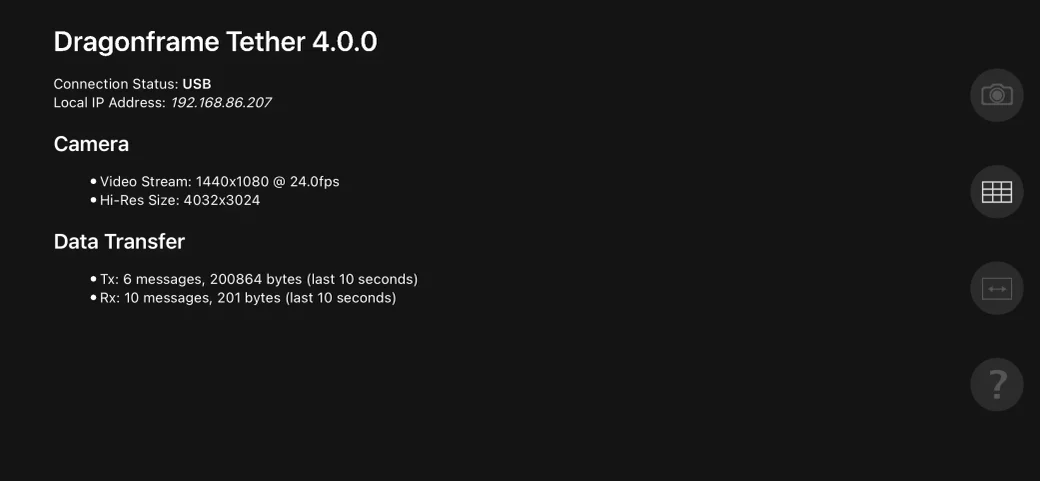
Dragonframe will automatically detect it and connect to it.
Once connected:
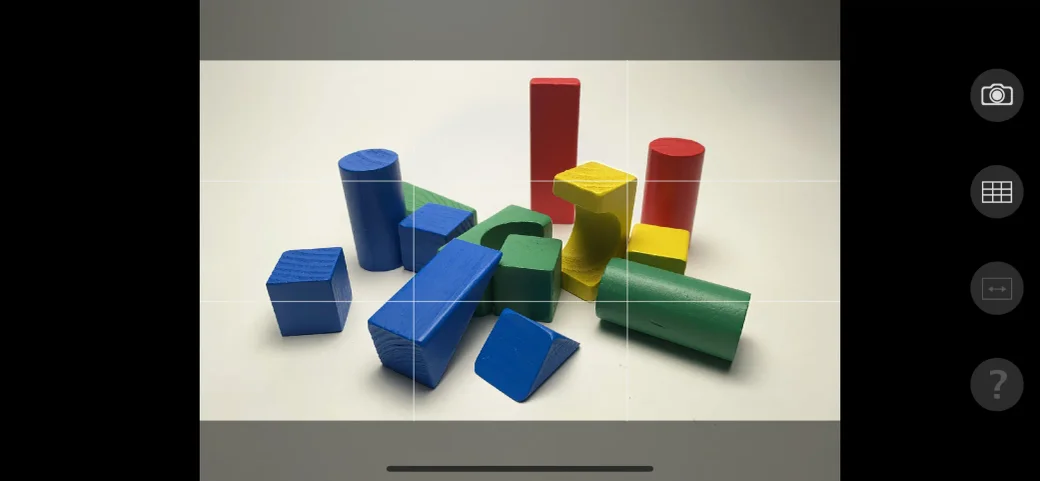
* Dragonframe will show a video preview using the iOS camera.
* You can control shutter speed, ISO, focus and white balance.
* Capture JPG or DNG images directly to the computer.
(The specific functionality varies by camera.)
NOTE: Requires Dragonframe 4 or newer on a macOS, Windows, or Linux desktop system. Dragonframe 4 is a separate purchase, and not included with this app. See http://www.dragonframe.com for more details.
NOTE: Windows users must install iTunes.
What’s new
Version 4.2.7 · Nov 5, 2026
Fixed potential crash when bringing app back to foreground.
App privacy
What DZED Systems LLC declares on the App Store about how this app handles data.
-
Data not collected
The developer does not collect any data from this app.
Privacy practices may vary, for example with the features you use or your age.
Information
- Seller
- DZED Systems LLC
- Category
- Photo & Video
- Version
- 4.2.7
- Updated
- Nov 5, 2026
- Released
- Feb 28, 2017
- Size
- 14.5 MB
- Requires
- iOS 14 or later
- Age rating
- 4+
- Price
- Free
- Languages
- English
- Copyright
- © 2026 DZED Systems LLC
You might also like
-
 Camera for Stop Motion StudioShoot animation wirelessly
-
 Onion Cam2 - StopMotion cameraEasy stop motion camera
-
 Stopmotion Animation StudioLet's Make a Movie!
-
 Stop AnimatorStop Motion Videos—Simplified
-
 iMotionTimelapse editor & Stop motion
-
 Stop Motion Animation MakerMovie Cartoon Time lapse
-
 Stop Motion MagicCreate Stop Motion Animations
-
 Lightcraft JetsetA Movie Studio in Your Pocket
-
 StopMotionCraftMake animations & GIFs
-
 Stop Motion Maker by AnyMotionHyperlapse & Stop-Motion App