iMotion
Timelapse editor & Stop motion
Designed for iPhone, iPad, iPod touch
Free · In-app purchases
- Age rating4+
- CategoryPhoto & Video
- DeveloperSKETCHES SRL
- LanguagesEnglish
- Size146.1 MB
Links to the official App Store page
Download.org hosts no file of iMotion. The button opens its official App Store page, published by SKETCHES SRL. Listing last checked on Nov 22, 2026.
Screenshots
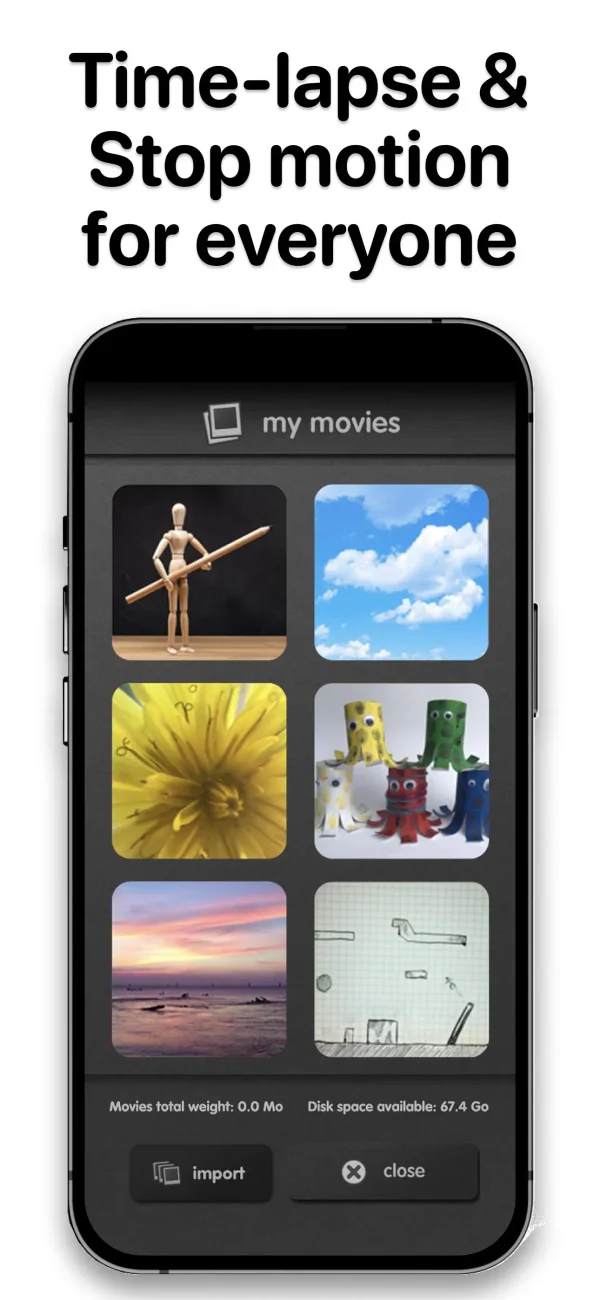
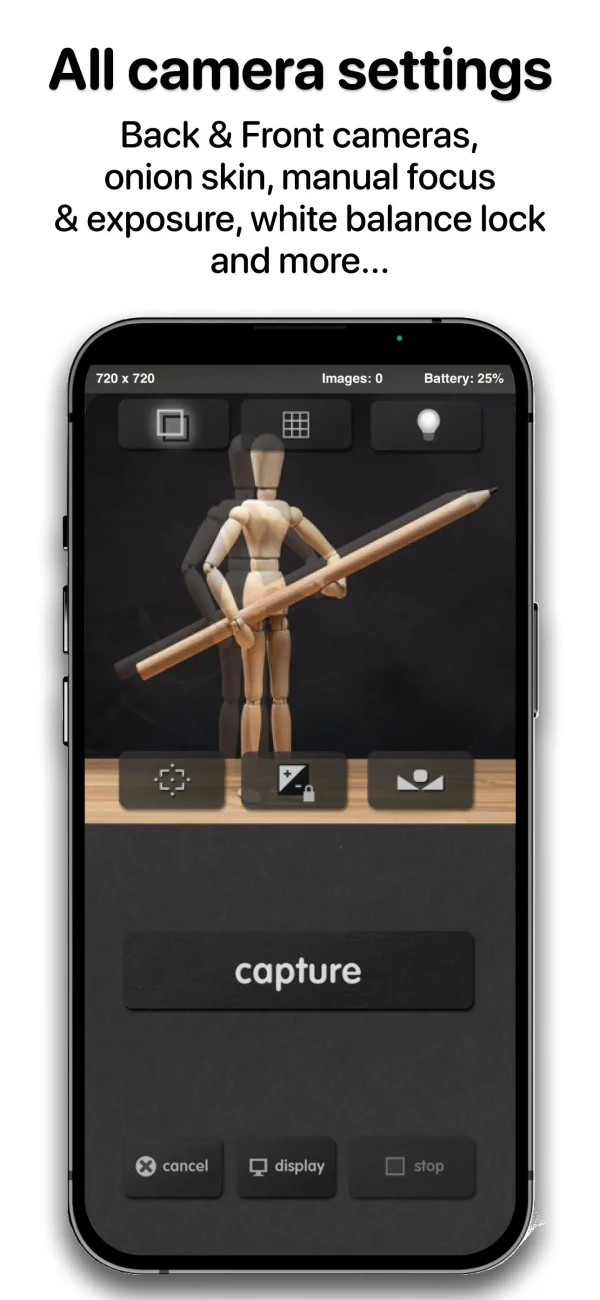
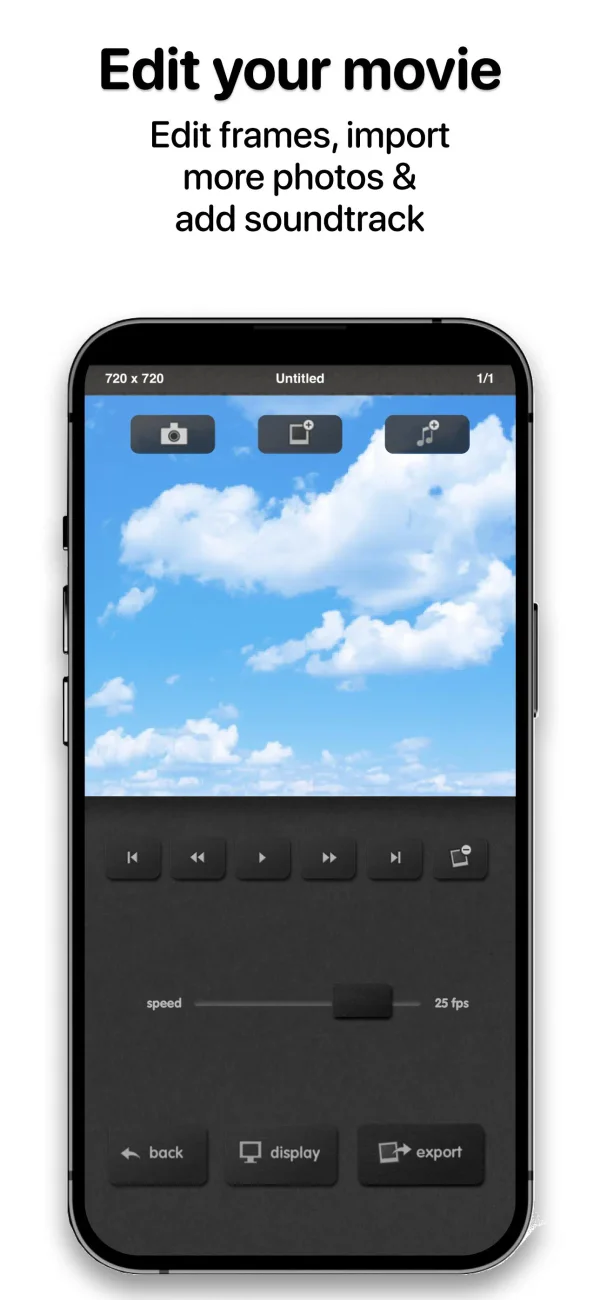
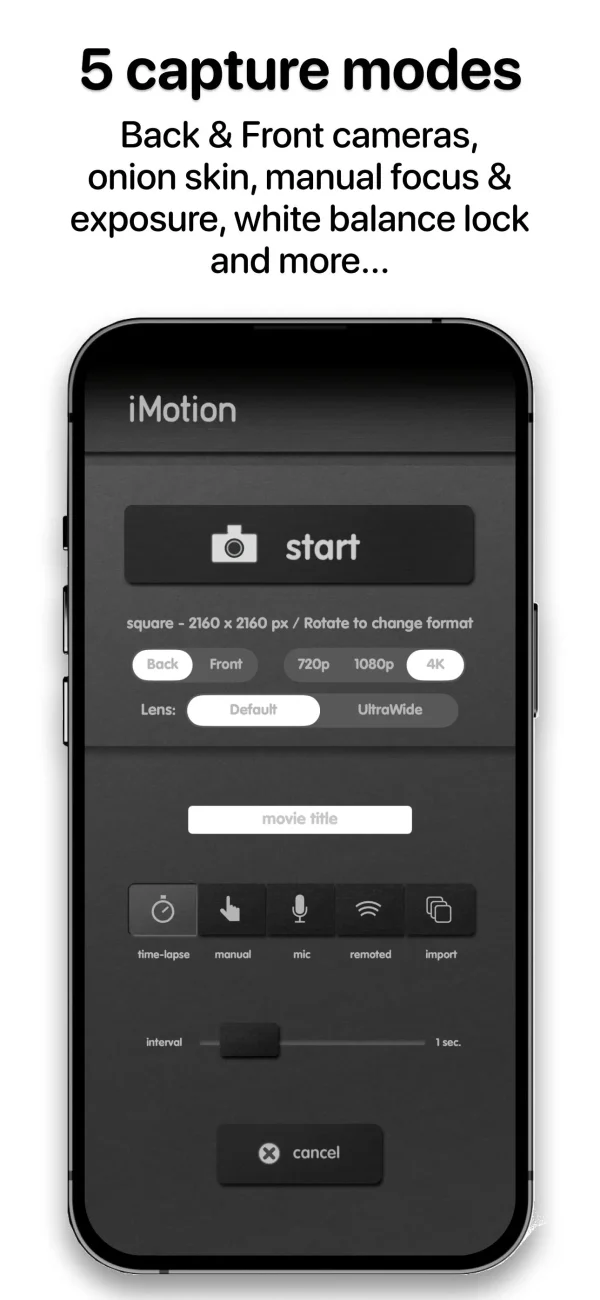

About
Bring Your Photos to Life with iMotion!
iMotion makes it easy to create stunning time-lapse and stop-motion videos in just a few minutes. From creative storytelling to learning, memories, and social content, iMotion gives you everything you need to animate the world around you.
Key features:
- Time-Lapse & Stop-Motion: ****Create smooth, high-quality animations without technical complexity
- Multiple Capture Modes: Choose the perfect way to create: time-lapse, manual capture, microphone trigger, library import
- Professional Rendering Quality: Capture and export your creations in 4K UHD, 1080p, or 720p HD for high quality results
- Full Camera Control: Adjust focus, exposure, and white balance manually to maintain full control over every frame
- Easy Sharing: Export videos, photos, and animated GIFs directly to your Photo Library or share on social networks
How It Works:
1. Capture photos or import frames using your preferred mode
2. Arrange and preview your animation with frame-by-frame precision
3. Customize settings and refine your result
4. Export and share your story in seconds
Download iMotion and bring your time-lapse and stop-motion ideas to life.
Subscribe to access to premium app features; subscription details are the following:
- Length: weekly, yearly
- Your payment will be charged to your iTunes Account as soon as you confirm your purchase
- You can manage your subscriptions and turn off auto-renewal from your Account Settings after the purchase
- Your subscription will renew automatically, unless you turn off auto-renew at least 24 hours before the end of the current period
- The cost of renewal will be charged to your account in the 24 hours prior to the end of the current period
- When canceling a subscription, your subscription will stay active until the end of the period. Auto-renewal will be disabled, but the current subscription will not be refunded
- Any unused portion of a free trial period, if offered, will be forfeited when purchasing a subscription
Terms of Use: https://www.apple.com/legal/internet-services/itunes/dev/stdeula/
What’s new
Version 6.6 · Mar 30, 2026
Bug fixing and stability improvements
App privacy
What SKETCHES SRL declares on the App Store about how this app handles data.
-
Data used to track you
May be used to track you across apps and websites owned by other companies.
- Identifiers
- Usage data
-
Data not linked to you
May be collected but is not linked to your identity.
- Identifiers
- Usage data
Privacy practices may vary, for example with the features you use or your age.
Information
- Seller
- SKETCHES SRL
- Category
- Photo & Video
- Version
- 6.6
- Updated
- Mar 30, 2026
- Released
- May 5, 2011
- Size
- 146.1 MB
- Requires
- iOS 13.0 or later
- Age rating
- 4+
- Price
- Free
- In-app purchases
- Yes
- Languages
- English
- Copyright
- © Tayasui
You might also like
-
 Onion Cam2 - StopMotion cameraEasy stop motion camera
-
 Stop Motion Maker by AnyMotionHyperlapse & Stop-Motion App
-
 Stop Motion Animation MakerMovie Cartoon Time lapse
-
 OSnap! Lapse & MotionTime-Lapse & Stop Motion
-
 Stop Motion Factorystop motion camera
-
 Life Lapse Stop MotionStopMotion Animation Maker
-
 Stop AnimatorStop Motion Videos—Simplified
-
 Skyflow – Time-lapse CameraPhoto & Video
-
 Stopmotion Animation StudioLet's Make a Movie!
-
 Camera for Stop Motion StudioShoot animation wirelessly