- Age rating4+
- CategoryGraphics & Design
- Developerismail lhadi
- LanguagesEnglish
- Size120.7 MB
Links to the official App Store page
Download.org hosts no file of Draw AR - Trace & Sketch. The button opens its official App Store page, published by ismail lhadi. Listing last checked on Nov 28, 2026.
Screenshots

About
Draw anything. Trace anywhere. Create with AR.
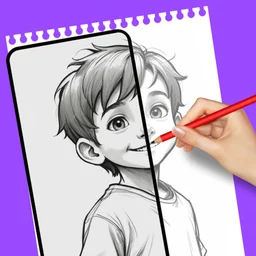
Turn your phone into a powerful drawing reference with Draw AR – Trace & Sketch. Use your camera to project an image onto your drawing surface and trace it step by step.
Whether you’re learning to draw, practicing your skills, or creating your next artwork, Draw AR makes it easier to follow shapes, proportions, outlines, and details.
DRAW WITH YOUR CAMERA
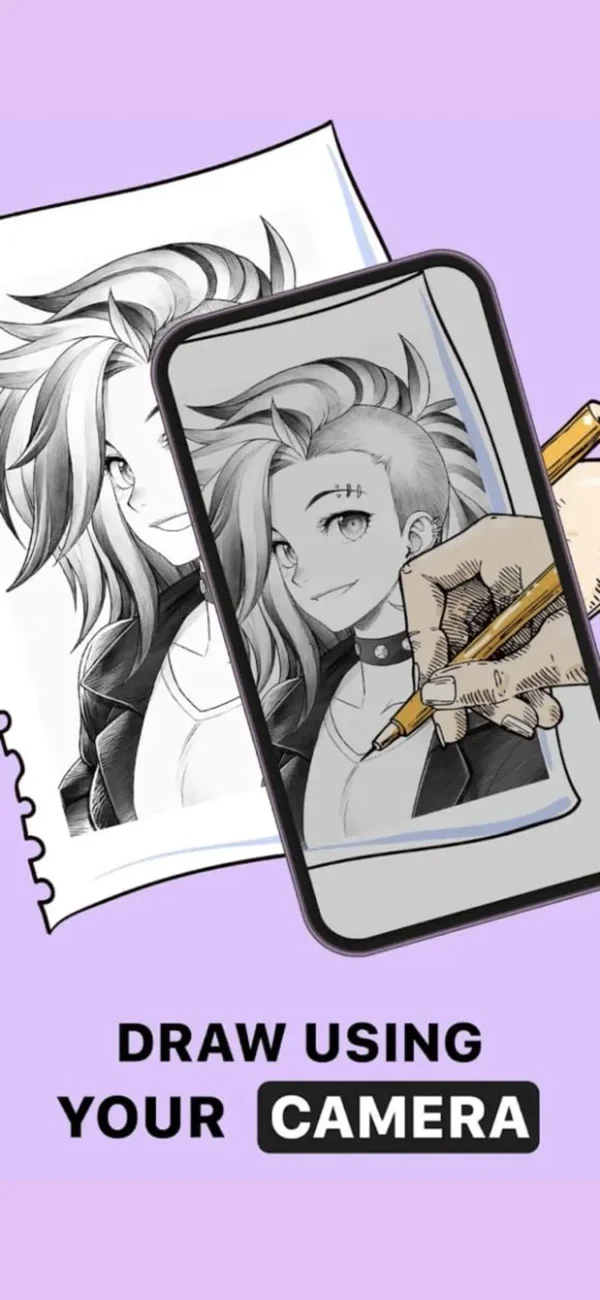
Place your phone above your paper and use the camera view as your drawing guide. Follow the projected reference and build your drawing step by step.
TRACE YOUR OWN PHOTOS
Choose a photo from your library and turn it into a convenient drawing reference. Use portraits, animals, cars, objects, landscapes, or anything you want to sketch.
PRACTICE & LEARN
Perfect for beginners and artists who want to improve their drawing skills, proportions, line control, and observation.
ADJUST YOUR REFERENCE
Make your reference easier to follow by adjusting the image to match your drawing style and workspace.
DRAW ANYTHING
Create sketches from photos and references instead of being limited to one art style.
Draw AR – Trace & Sketch is made for anyone who wants a simple way to turn an idea or photo into a drawing.
Start with a reference. Follow the lines. Create your artwork.
What’s new
Version 1.6 · Nov 17, 2026
What's New
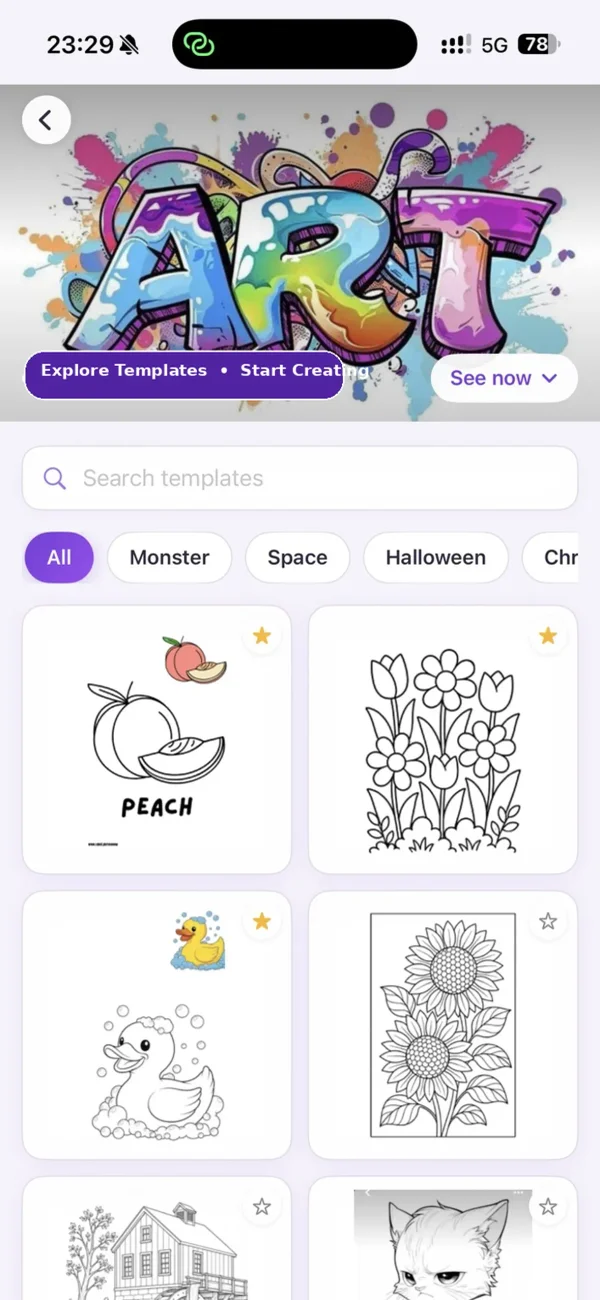
• New Anime and Fantasy templates for AR tracing
• Cleaner sketch outlines that are easier to follow on paper
• Tidied categories for a clearer gallery
• Improved iPad layout
• iPad multitasking support (Split View / Slide Over)
• In-app notice when an App Store update is available
• Stability fixes and small polish
Happy drawing!
App privacy
What ismail lhadi declares on the App Store about how this app handles data.
-
Data not collected
The developer does not collect any data from this app.
Privacy practices may vary, for example with the features you use or your age.
Information
- Seller
- ismail lhadi
- Category
- Graphics & Design
- Version
- 1.6
- Updated
- Nov 17, 2026
- Released
- Aug 17, 2026
- Size
- 120.7 MB
- Requires
- iOS 17.6 or later
- Age rating
- 4+
- Price
- Free
- Languages
- English
- Copyright
- © dev.ismail.BR
You might also like
-
 Arteasy: AR Draw & TraceVisualize Your Creative Mind
-
 AR Draw & Sketch - TraceXTrace Photo, Paint & Doodle
-
 AR Drawing: Draw AnimalsCute Animals & AR Trace
-
 Drawluma: Trace Photo to PaperSketch Projector & Light Box
-
 Tracer: AR TracingTrace any image, anywhere
-
 Drawing Projector - Trace&DrawSketch, AI Styles & Templates
-
 AR Drawing:Sketch & Trace appDrawing Projector for Photos
-
 AR Drawing: Tracing How-ToProjector: Sketch Art Anywhere
-
 AR Trace: Drawing ProjectorSketch Photos on Paper Easily
-
 AR Trace Drawing: AR SketchTrace & Draw with AR