
Tracer: AR Tracing
Trace any image, anywhere
Designed for iPhone
Free · In-app purchases
- Age rating4+
- CategoryGraphics & Design
- DeveloperFacundo De Lima
- LanguagesEnglish+ 1 more
- Size2.1 MB
Links to the official App Store page
Download.org hosts no file of Tracer: AR Tracing. The button opens its official App Store page, published by Facundo De Lima. Listing last checked on Nov 23, 2026.
Screenshots
About
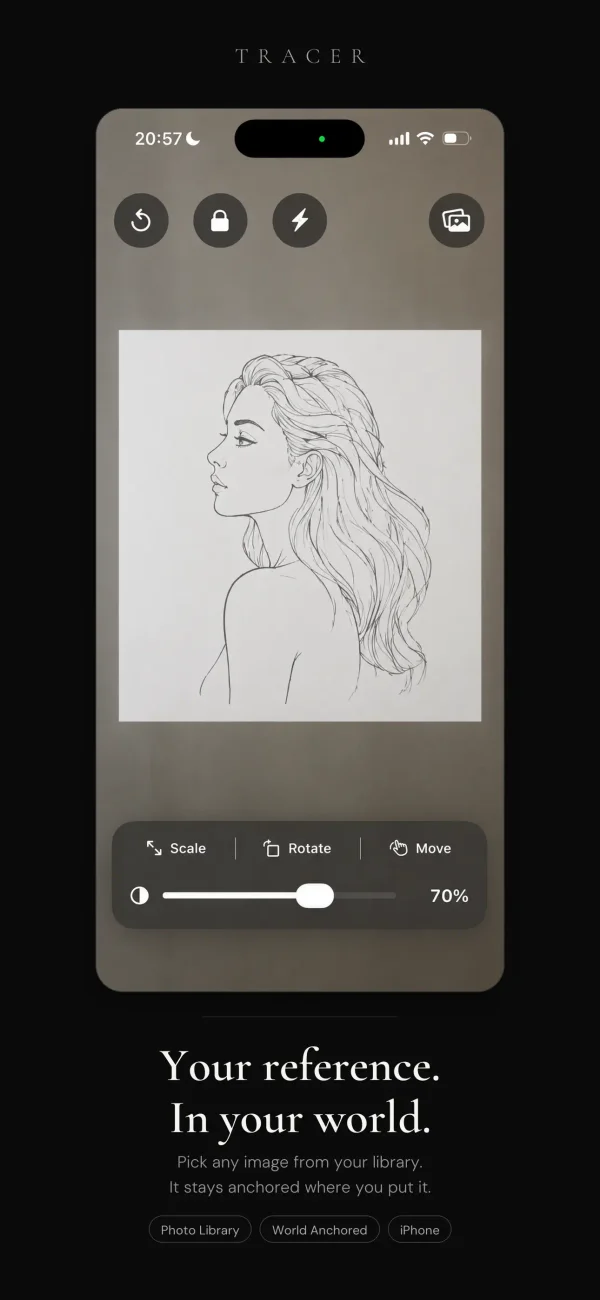
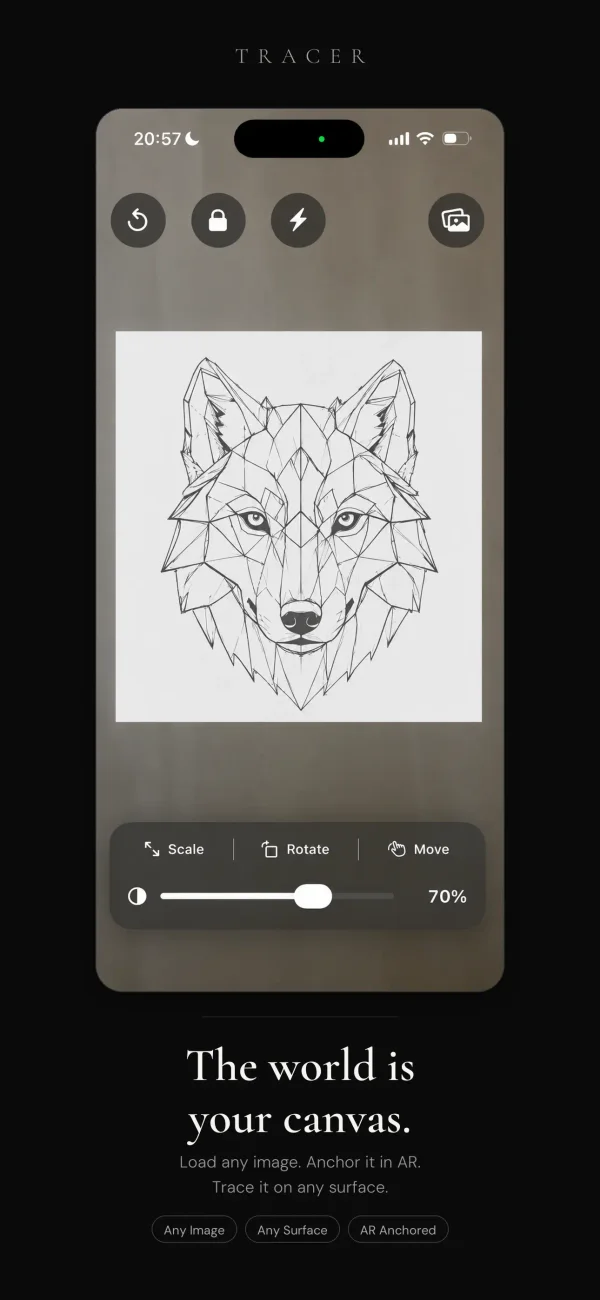
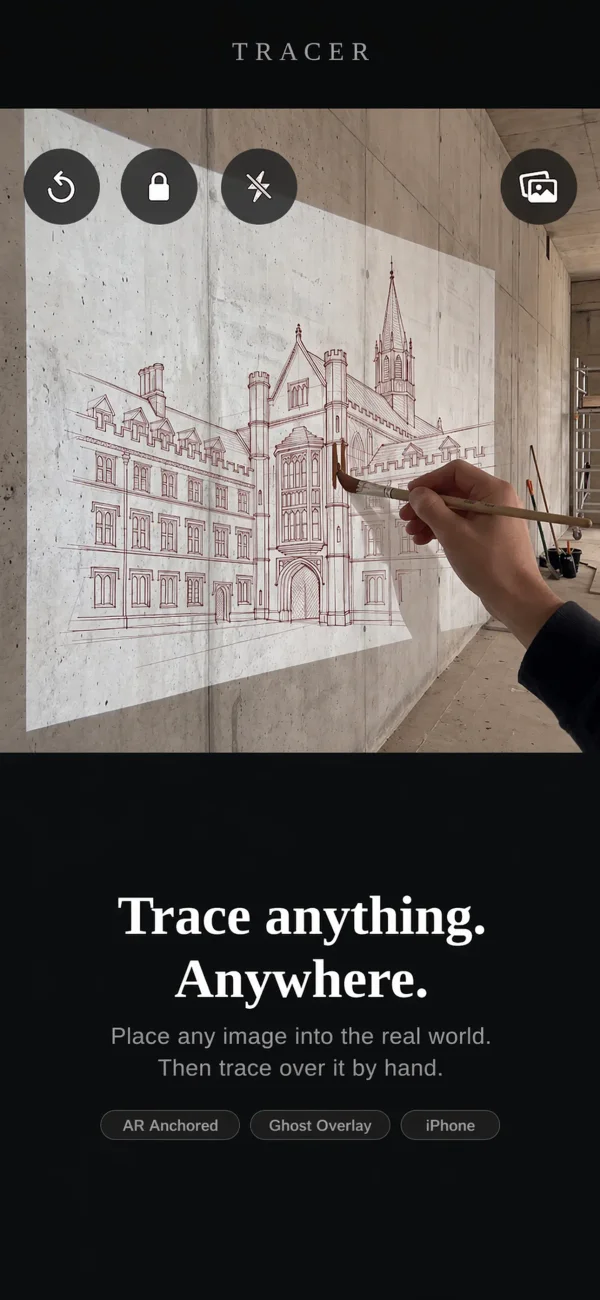
Tracer turns your iPhone into a tracing tool. Pick any image, anchor it onto a real surface in augmented reality, and trace over it by hand — on paper, on canvas, or on a wall.
No projector. No light box. No printing and taping.
Your first 5 images are free. After that, unlock Tracer with Tracer Yearly — $9.99/year, auto-renewing, cancel anytime in Settings — or Tracer Lifetime, a one-time $29.99 purchase with no subscription.
HOW IT WORKS
Point your iPhone at the surface you want to draw on. Pick a reference image from your photos. Tap the surface to anchor it in place. The image stays locked to that exact spot in the real world while you draw.
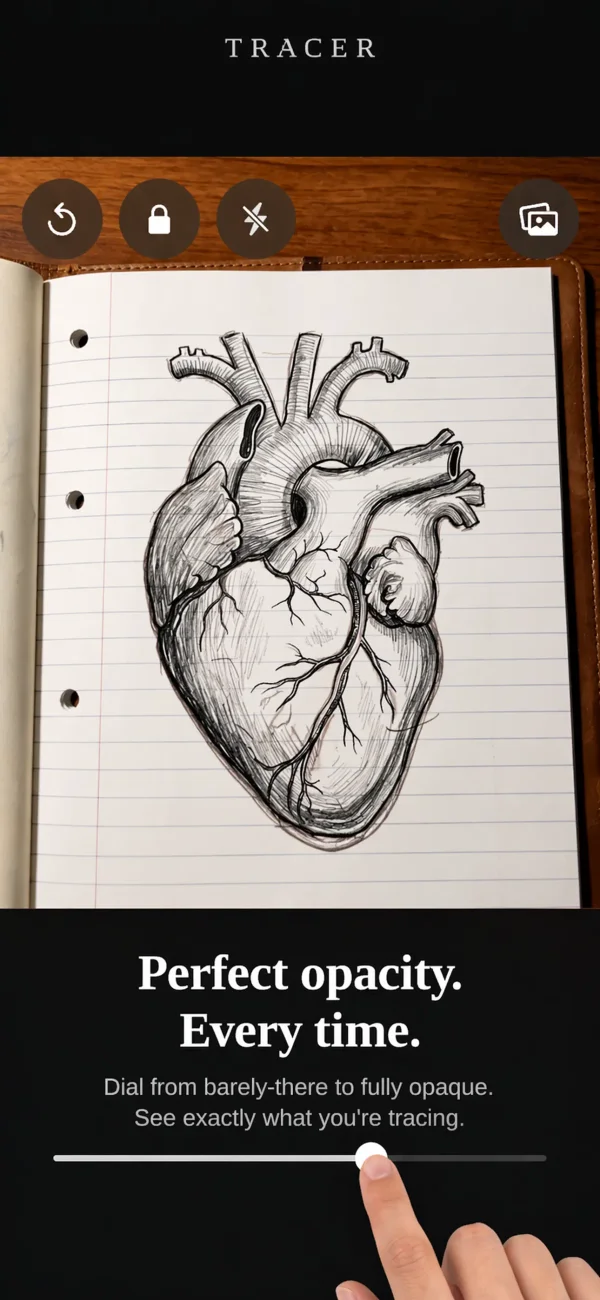
DIAL IN THE OPACITY
Slide from barely-there to fully opaque. Keep it faint to check your proportions, or bring it up to follow every line. You see exactly what you're tracing, and exactly what you've already drawn.
POSITION IT EXACTLY
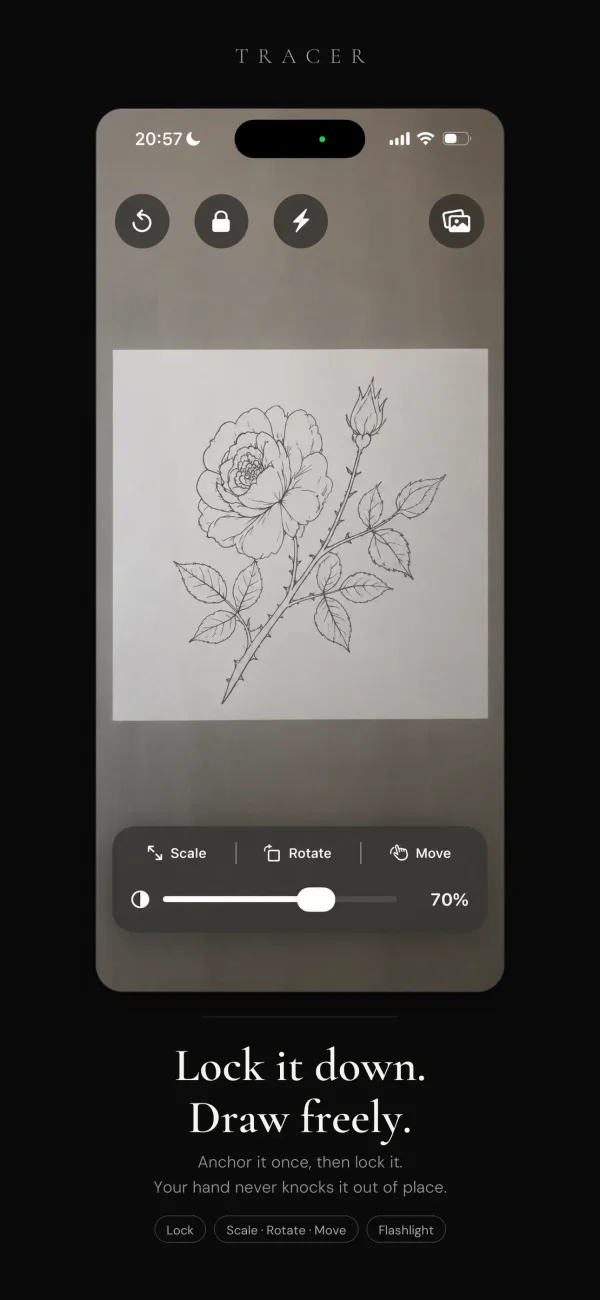
Pinch to scale, twist to rotate, drag to move. Once it's where you want it, lock it — your hand can rest on the phone without knocking the reference out of alignment.
BUILT FOR LONG SESSIONS
The screen stays awake while you trace, so it won't sleep mid-drawing. Close the app and come back later: Tracer remembers your reference, its position and your opacity setting, and puts everything back where you left it.
Working in low light? There's a built-in flashlight.
TRACING TOOLS
Turn any photo into clean lines with the Outline filter, or switch to black & white, high contrast or invert to see edges clearly. Mirror the reference horizontally or vertically, and add a grid to check proportions as you go.
RECORD A TIMELAPSE
Hit record and keep drawing. Tracer captures your progress and turns it into a short sped-up video you can save to Photos or share anywhere.
MADE FOR
• Illustrators working from reference
• Tattoo artists placing a stencil
• Muralists scaling a design up to a wall
• Lettering and calligraphy
• Anyone learning to draw
PRIVACY
Tracer has no servers, no analytics, no accounts and no ads. The camera feed is processed on your device and is only recorded when you start a timelapse — the video stays on your iPhone unless you choose to save or share it. Your reference image never leaves your iPhone. Tracer doesn't even ask for photo library permission — it uses Apple's system picker, which hands over only the single image you choose.
Requires an ARKit-capable iPhone running iOS 16 or later.
Terms of Use: https://www.apple.com/legal/internet-services/itunes/dev/stdeula/
Privacy Policy: https://tracer-privacy.vercel.app
What’s new
Version 1.1 · Nov 21, 2026
• Lifetime: pay once, trace forever — no subscription
• Timelapse: record your drawing and share it in seconds
• Tracing filters: outline, black & white, high contrast and invert
• Mirror your reference horizontally or vertically
• Grid overlay to nail proportions
• New dark and tinted app icons
App privacy
What Facundo De Lima declares on the App Store about how this app handles data.
-
Data not collected
The developer does not collect any data from this app.
Privacy practices may vary, for example with the features you use or your age.
Information
- Seller
- Facundo De Lima
- Category
- Graphics & Design
- Version
- 1.1
- Updated
- Nov 21, 2026
- Released
- Sep 12, 2026
- Size
- 2.1 MB
- Requires
- iOS 16.0 or later
- Age rating
- 4+
- Price
- Free
- In-app purchases
- Yes
- Languages
- English, Spanish
- Copyright
- © 2026 Facundo De Lima
You might also like
-
 TraceLock: Tracing LightboxLock Screen & Drawing Pad
-
 Image TracingTrace photos with your camera
-
 TraceOverlay: AR TracingAR tracing for artists
-
 Overtrace: AR Drawing & SketchTrace Your Photos on Paper
-
 Drawing Projector: AR TraceHow to Draw: Sketch & Paint
-
 Drawing Projector LiteTrace Photos & Sketches
-
 Arteasy: AR Draw & TraceVisualize Your Creative Mind
-
 Draw AR - Trace & SketchTurn Photos Into Drawings
-
 Tracer: Trace Drawing CameraLearn to Draw & Trace Photos
-
 Drawing Art & Sketch: ArtworkDraw on paper, trace & paint