
- Age rating4+
- CategoryProductivity
- DeveloperProdControl
- LanguagesEnglish
- Size7.9 MB
Links to the official App Store page
Download.org hosts no file of Draw on Slides ProPresenter. The button opens its official App Store page, published by ProdControl. Listing last checked on Nov 16, 2026.
Screenshots
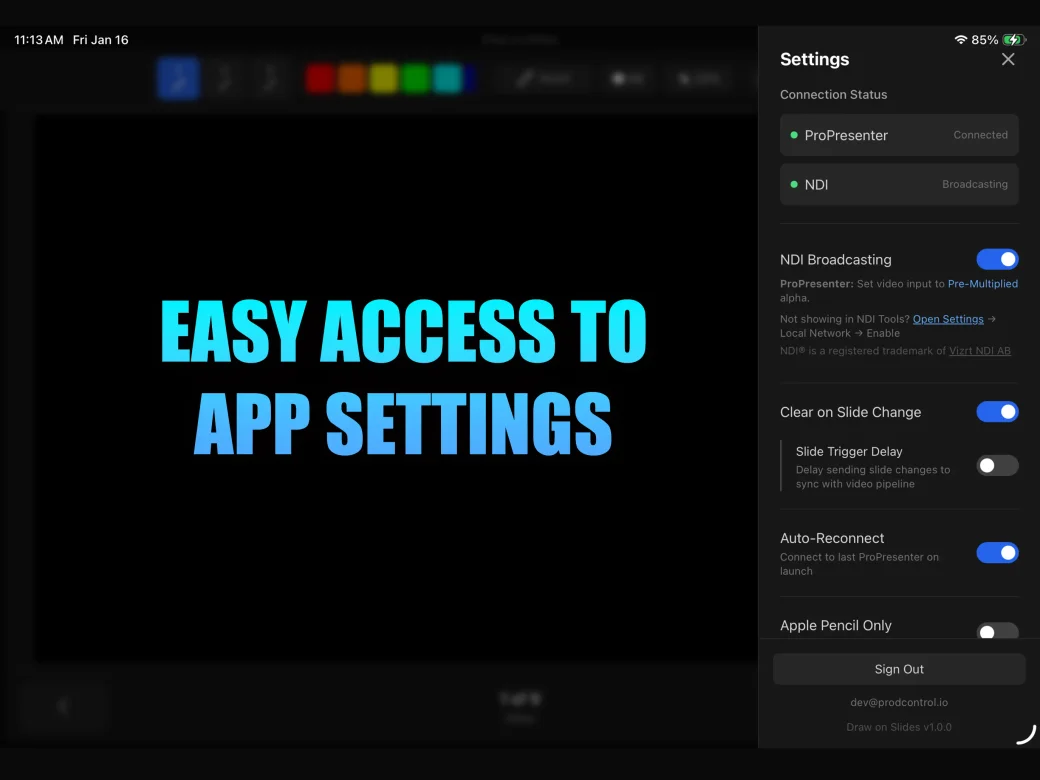
About
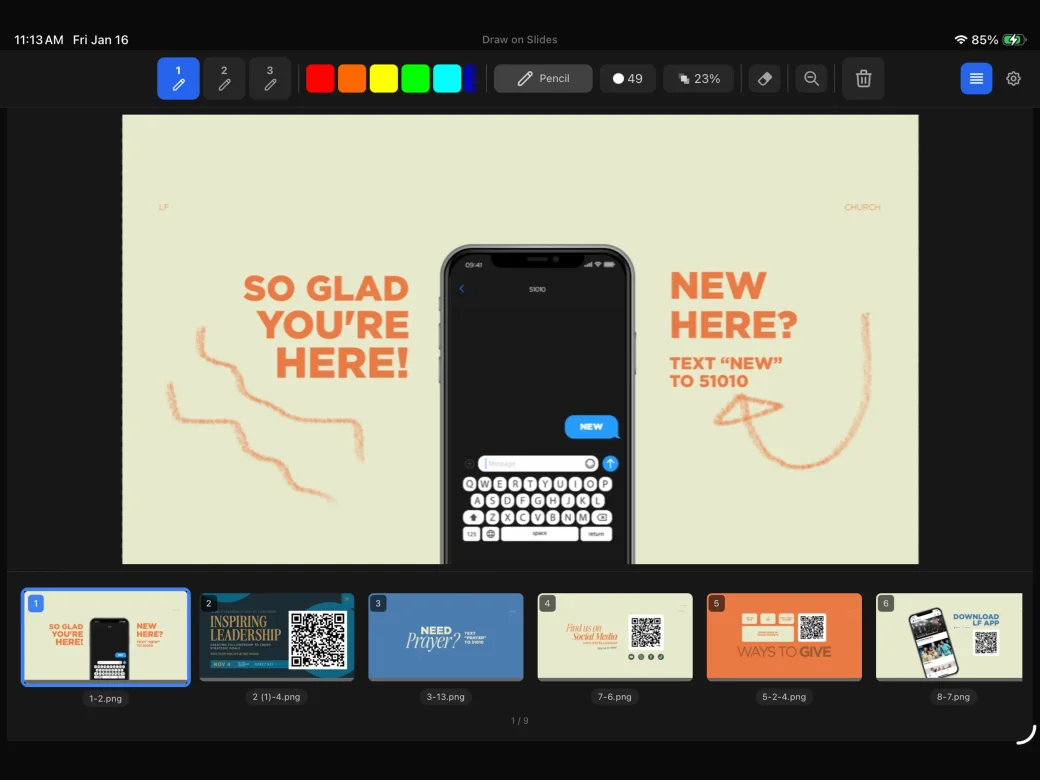
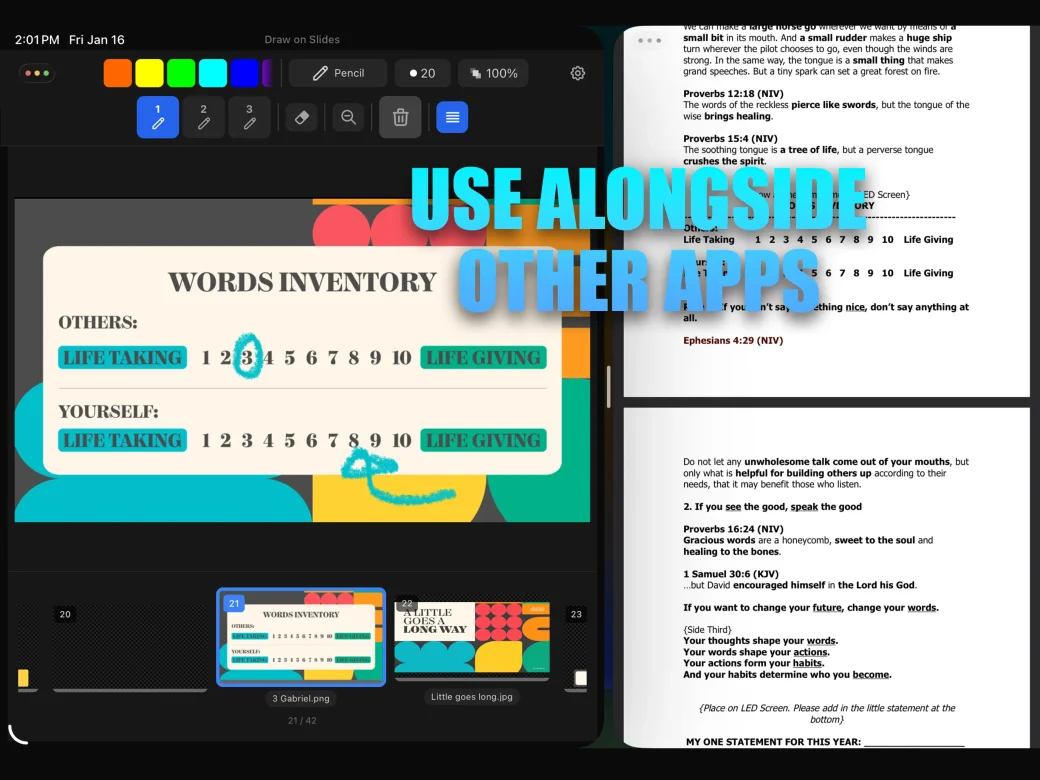
Draw on Slides is the fastest, most intuitive way to draw, annotate, and telestrate directly on top of your ProPresenter slides using Apple Pencil or touch. Built specifically for pastors, communicators, and teachers, Draw on Slides brings creative clarity to your message. Live, and in real-time.
Whether you’re illustrating a sermon, breaking down a concept, or highlighting key ideas during a teaching moment, Draw on Slidea turns your iPad into a powerful live annotation tool that integrates seamlessly with ProPresenter.
Draw Directly on ProPresenter Slides
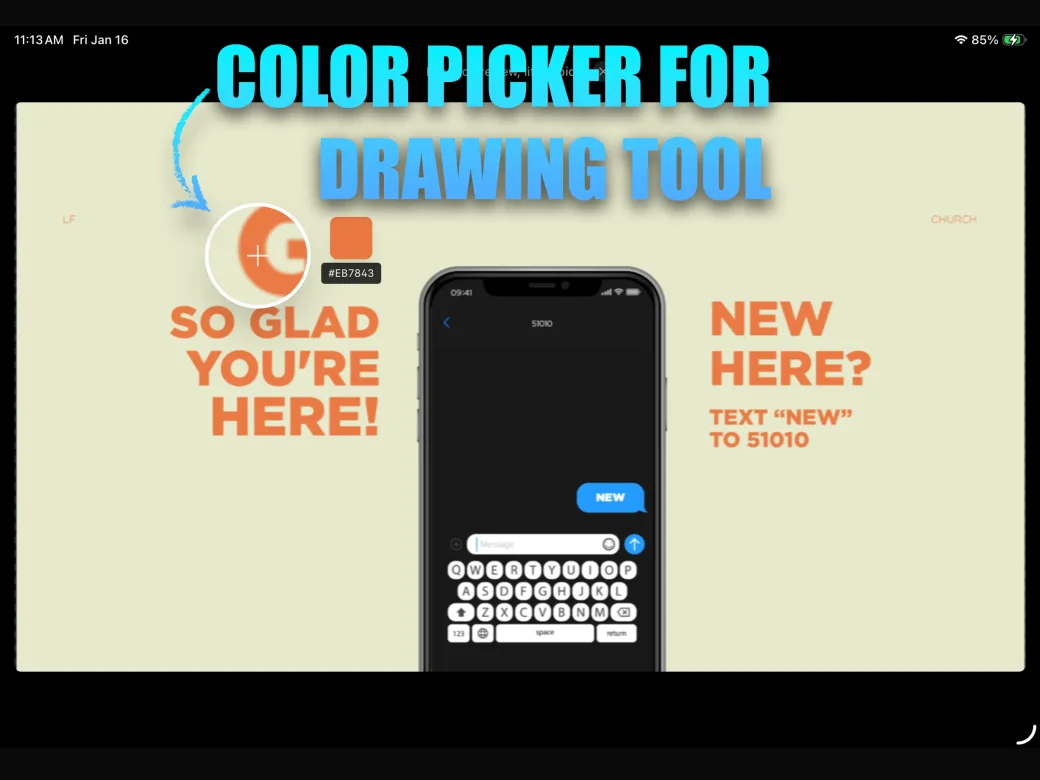
Use Apple Pencil or touch input to annotate your current slide with smooth, natural strokes. Perfect for diagrams, emphasis, storytelling, and spontaneous visual explanation.
Real‑Time NDI Output to ProPresenter
With a properly configured network, Draw on Slides sends your drawing back to ProPresenter instantly using NDI video output. Your audience sees your annotations live.
Pinch‑to‑Zoom for Precision
Zoom into any part of your slide to draw with greater accuracy. Ideal for highlighting small text, underlining key phrases, or sketching detailed illustrations.
Slide Control + Auto‑Clear
Advance ProPresenter slides remotely from your iPad. Each slide change automatically clears your drawing so you’re always working with a clean canvas.
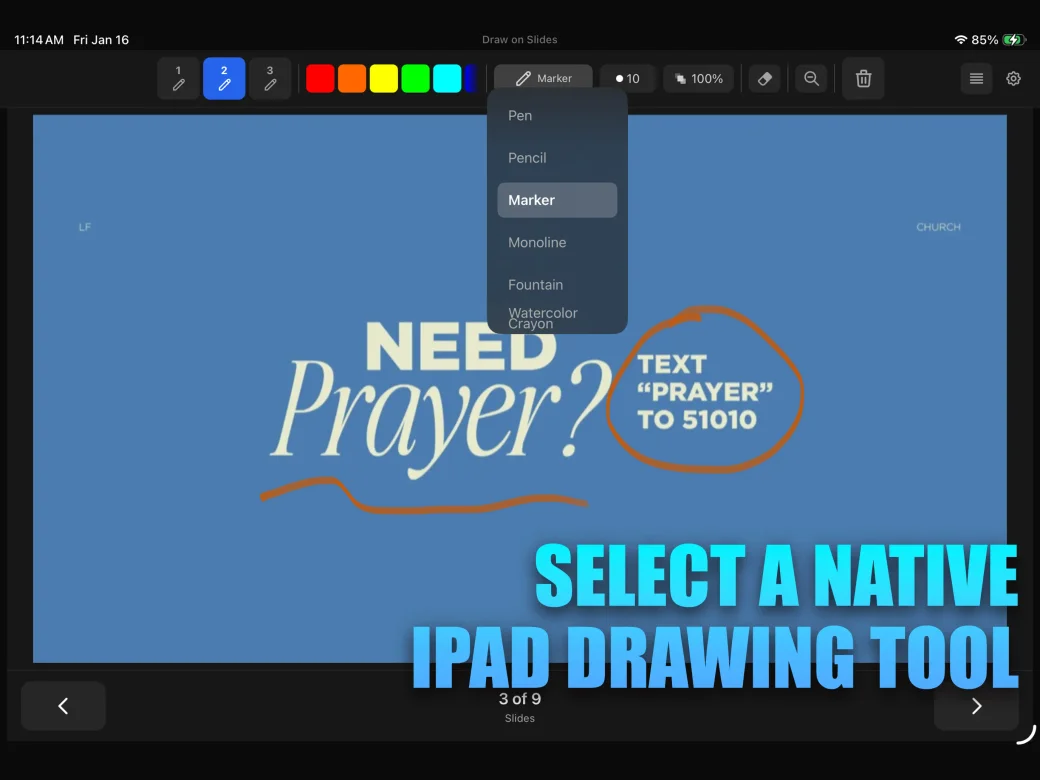
Powered by PencilKit
Enjoy Apple’s native PencilKit brushes for smooth, responsive, and expressive drawing. Choose the right tool for teaching, preaching, or creative presentation.
Smart ProPresenter Connections
Save your ProPresenter connection for quick access, auto‑reconnect on launch, or discover available ProPresenter instances on your local network.
What’s new
Version 3.0 · May 7, 2026
Preserve Drawings — Your annotations can now persist if decided, across slides, saving and restoring automatically as you navigate.
Export Drawings — Share annotated slides as PNG or PDF, with or without the slide background.
Timeline Overlays — Drawing previews appear on each slide thumbnail for a quick visual overview.
HTTP API — Automate drawing tools, navigation, and canvas control from external systems via a built-in HTTP server.
Companion Module — Official Bitfocus Companion support for hardware button control of tools, colors, navigation, and more.
App privacy
What ProdControl declares on the App Store about how this app handles data.
-
Data linked to you
May be collected and linked to your identity.
- Contact info
- Identifiers
- Diagnostics
-
Data not linked to you
May be collected but is not linked to your identity.
- User content
Privacy practices may vary, for example with the features you use or your age.
Information
- Seller
- ProdControl LLC
- Category
- Productivity
- Version
- 3.0
- Updated
- May 7, 2026
- Released
- Jan 27, 2026
- Size
- 7.9 MB
- Requires
- iOS 16.0 or later
- Age rating
- 4+
- Price
- Free
- Languages
- English
- Copyright
- © 2026 ProdLink
You might also like
-
 ProRemote - Presenter ControlRemote control your presenter
-
 ProDeck CrewYour church production team
-
 ProdConnectTeam Chat & Coordination
-
 QSC SysNav™System Control for L Class
-
 EZ SlidesEasy presentation software
-
 FreeShow RemoteCompanion remote for FreeShow
-
 Q-SYS UCI ViewerProductivity
-
 MagicQ Remote ControlFor ChamSys lighting consoles
-
 Church FunnelsChurch Funnels
-
 Planning CenterPlanning Center in your pocket