
- 対象年齢4+
- カテゴリ仕事効率化
- 開発元ProdControl
- 言語英語
- サイズ7.9 MB
App Storeの公式ページにリンクしています
Download.orgはDraw on Slides ProPresenterのファイルを一切ホストしていません。ボタンを押すと、ProdControlが公開しているApp Storeのアプリページが開きます。ページの最終確認:2026/11/16。
スクリーンショット
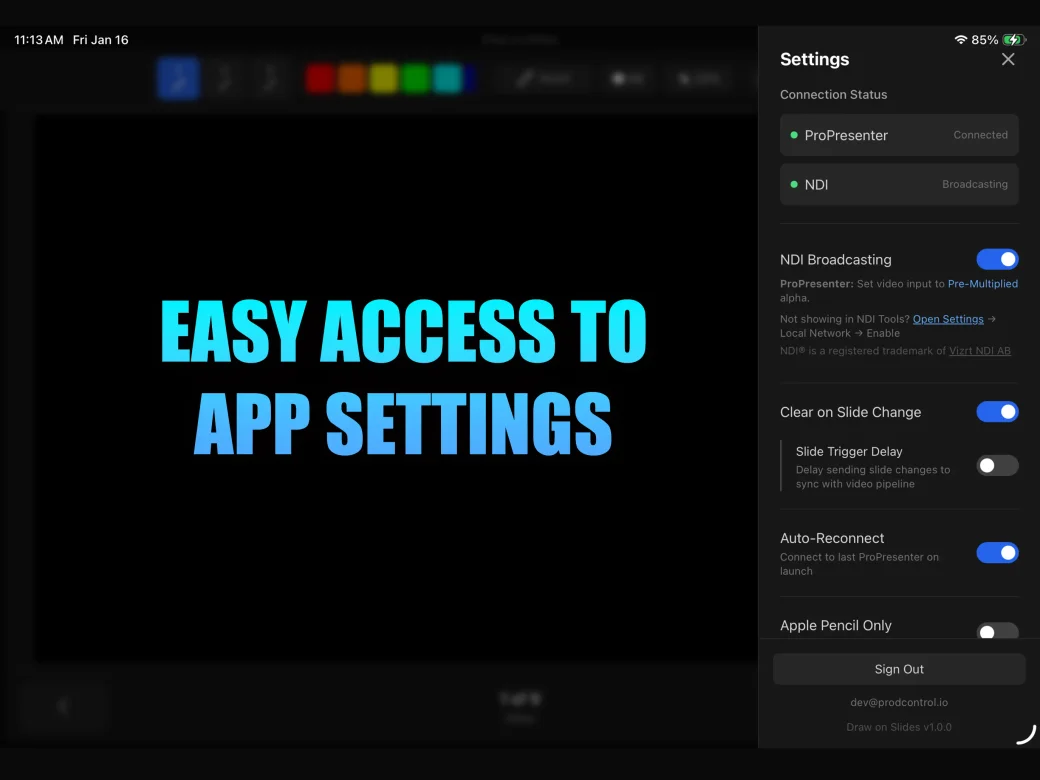
概要
開発元はこのテキストをお使いの言語で提供していません。
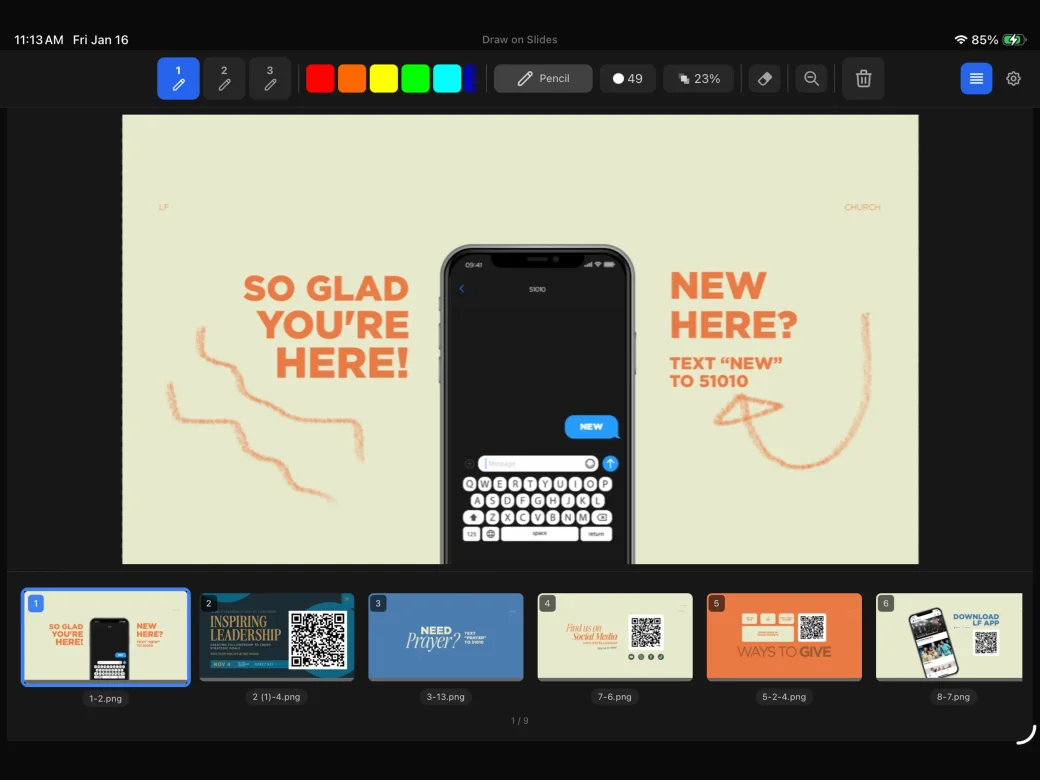
Draw on Slides is the fastest, most intuitive way to draw, annotate, and telestrate directly on top of your ProPresenter slides using Apple Pencil or touch. Built specifically for pastors, communicators, and teachers, Draw on Slides brings creative clarity to your message. Live, and in real-time.
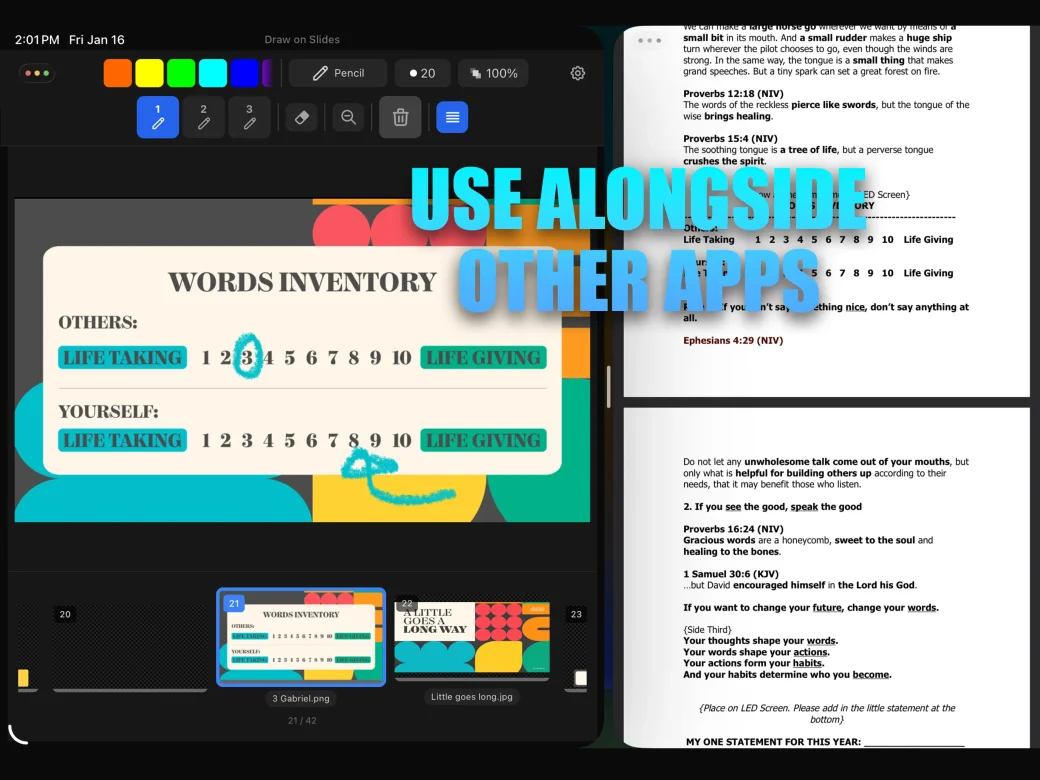
Whether you’re illustrating a sermon, breaking down a concept, or highlighting key ideas during a teaching moment, Draw on Slidea turns your iPad into a powerful live annotation tool that integrates seamlessly with ProPresenter.
Draw Directly on ProPresenter Slides
Use Apple Pencil or touch input to annotate your current slide with smooth, natural strokes. Perfect for diagrams, emphasis, storytelling, and spontaneous visual explanation.
Real‑Time NDI Output to ProPresenter
With a properly configured network, Draw on Slides sends your drawing back to ProPresenter instantly using NDI video output. Your audience sees your annotations live.
Pinch‑to‑Zoom for Precision
Zoom into any part of your slide to draw with greater accuracy. Ideal for highlighting small text, underlining key phrases, or sketching detailed illustrations.
Slide Control + Auto‑Clear
Advance ProPresenter slides remotely from your iPad. Each slide change automatically clears your drawing so you’re always working with a clean canvas.
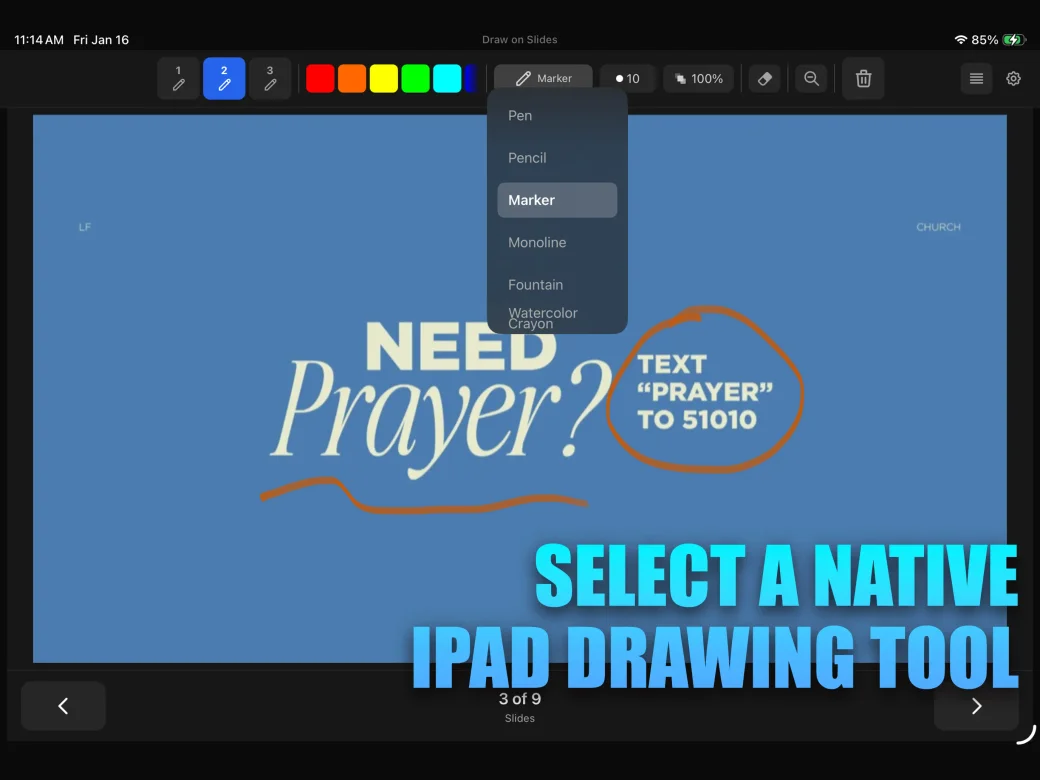
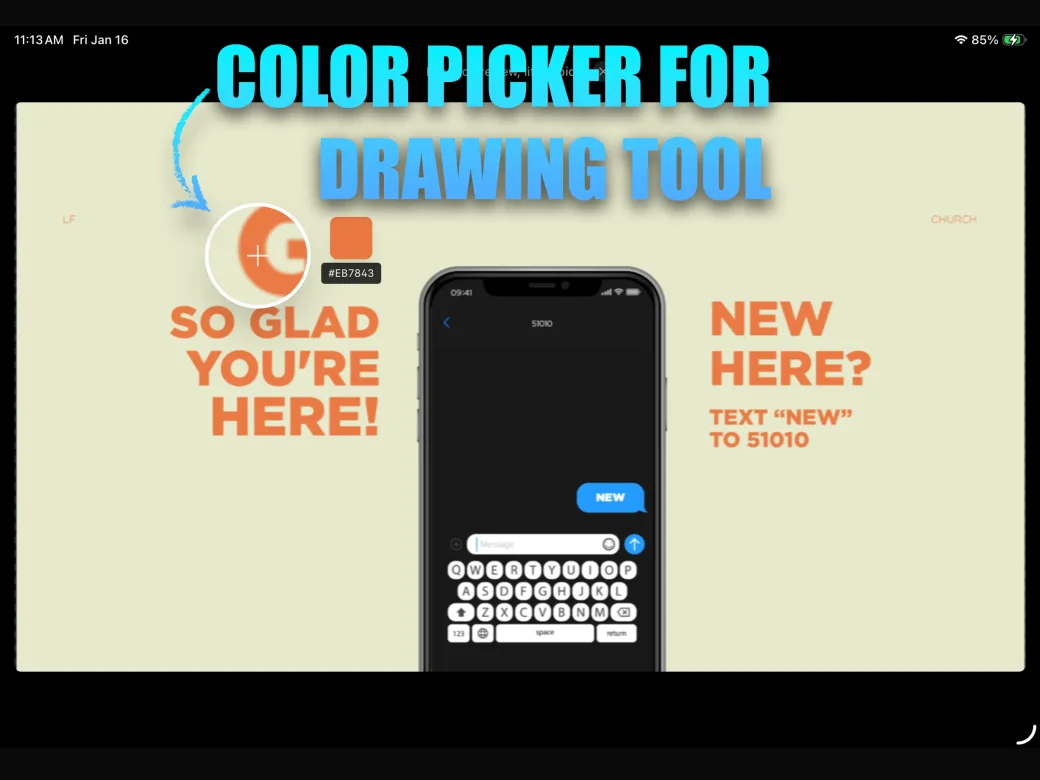
Powered by PencilKit
Enjoy Apple’s native PencilKit brushes for smooth, responsive, and expressive drawing. Choose the right tool for teaching, preaching, or creative presentation.
Smart ProPresenter Connections
Save your ProPresenter connection for quick access, auto‑reconnect on launch, or discover available ProPresenter instances on your local network.
新機能
バージョン 3.0 · 2026/5/7
Preserve Drawings — Your annotations can now persist if decided, across slides, saving and restoring automatically as you navigate.
Export Drawings — Share annotated slides as PNG or PDF, with or without the slide background.
Timeline Overlays — Drawing previews appear on each slide thumbnail for a quick visual overview.
HTTP API — Automate drawing tools, navigation, and canvas control from external systems via a built-in HTTP server.
Companion Module — Official Bitfocus Companion support for hardware button control of tools, colors, navigation, and more.
アプリのプライバシー
このアプリのデータの取り扱いについて、ProdControlがApp Storeで申告している内容です。
-
ユーザーに関連付けられたデータ
収集され、ユーザーの識別情報に関連付けられる場合があります。
- 連絡先情報
- ID
- 診断
-
ユーザーに関連付けられないデータ
収集される場合がありますが、ユーザーの識別情報には関連付けられません。
- ユーザーコンテンツ
プライバシーの取り扱いは、ご利用の機能やお客様の年齢などに応じて異なる場合があります。
情報
- 販売元
- ProdControl LLC
- カテゴリ
- 仕事効率化
- バージョン
- 3.0
- 更新日
- 2026/5/7
- リリース
- 2026/1/27
- サイズ
- 7.9 MB
- 必要条件
- iOS 16.0以降
- 対象年齢
- 4+
- 価格
- 無料
- 言語
- 英語
- 著作権
- © 2026 ProdLink