
- Age rating4+
- CategoryGraphics & Design
- DeveloperJING YANG
- LanguagesEnglish
- Size20.2 MB
Links to the official App Store page
Download.org hosts no file of Draw2Print. The button opens its official App Store page, published by JING YANG. Listing last checked on Nov 20, 2026.
Screenshots

About
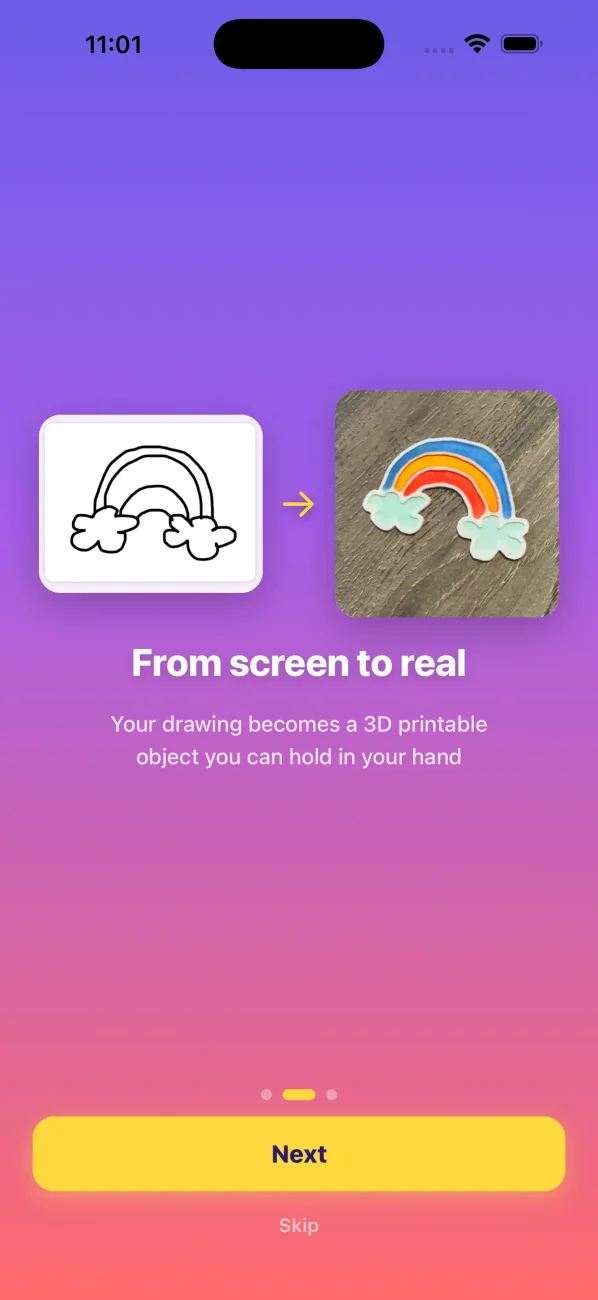
Turn kids’ drawings into real 3D objects.
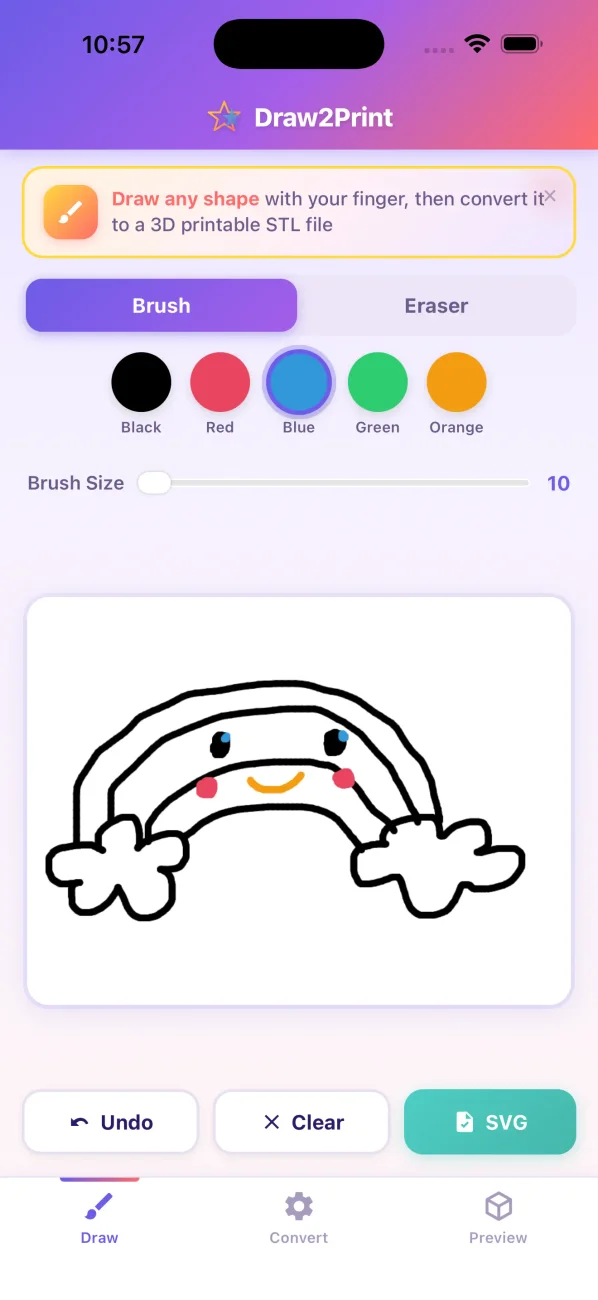
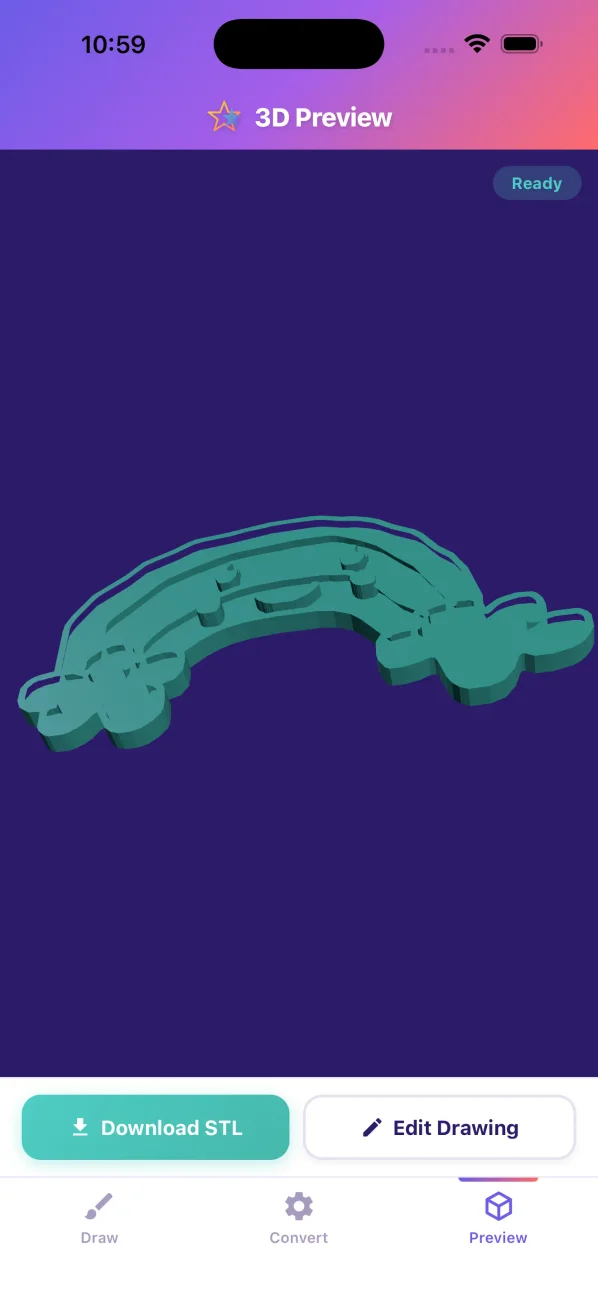
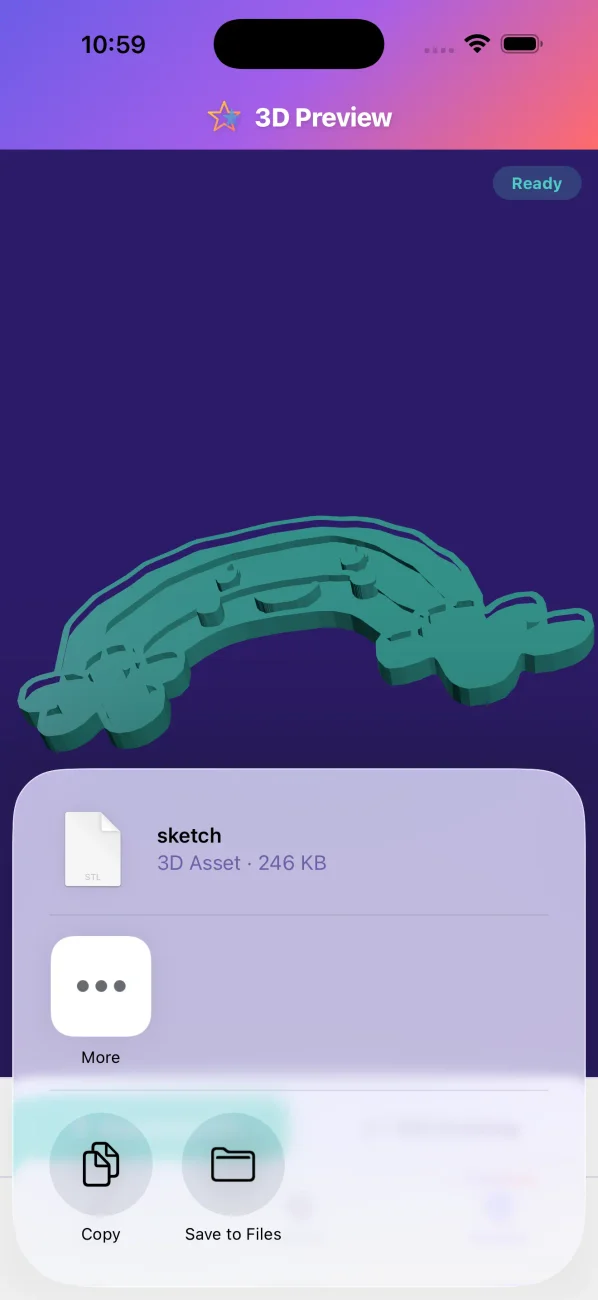
Draw a simple sketch and instantly convert it into a 3D model. Export STL files and bring your ideas to life with a 3D printer — no CAD skills required.
A fun introduction to creativity, making, and 3D printing.
App privacy
What JING YANG declares on the App Store about how this app handles data.
-
Data not collected
The developer does not collect any data from this app.
Privacy practices may vary, for example with the features you use or your age.
Information
- Seller
- JING YANG
- Category
- Graphics & Design
- Version
- 1.0.1
- Updated
- Mar 26, 2026
- Released
- Mar 25, 2026
- Size
- 20.2 MB
- Requires
- iOS 13.0 or later
- Age rating
- 4+
- Price
- Free
- Languages
- English
- Copyright
- © 2026 Jing Yang
You might also like
-
 Vurthox Futu3D Pro3D Modeling & CAD Design
-
 CADSketchDraw. Constrain. Extrude.
-
 ScanToPrintLiDAR 3D Scanner for Printing
-
 WaxModel, sculpt, paint & animate
-
 Model3D: AI 3D Model MakerPrints, game assets, figurines
-
 Modulart StudioMandelbrot Set & Arithmetic
-
 STL Viewer - 3D MeshMeasure, slice, inspect STL
-
 3D Model Print Simple EditSculpt, edit & print 3D models
-
 SketchLab: Learn to DrawStep-by-Step Drawing Guides
-
 Shapely 3D3D Modeling Made Simple