- Age rating4+
- CategoryGraphics & Design
- DeveloperDan Newcome
- LanguagesEnglish
- Size17.3 MB
Links to the official App Store page
Download.org hosts no file of CADSketch. The button opens its official App Store page, published by Dan Newcome. Listing last checked on Nov 17, 2026.
Screenshots

About
CADSketch turns freehand drawing into precise 2D geometry — and then into 3D parts — on iPhone and iPad.
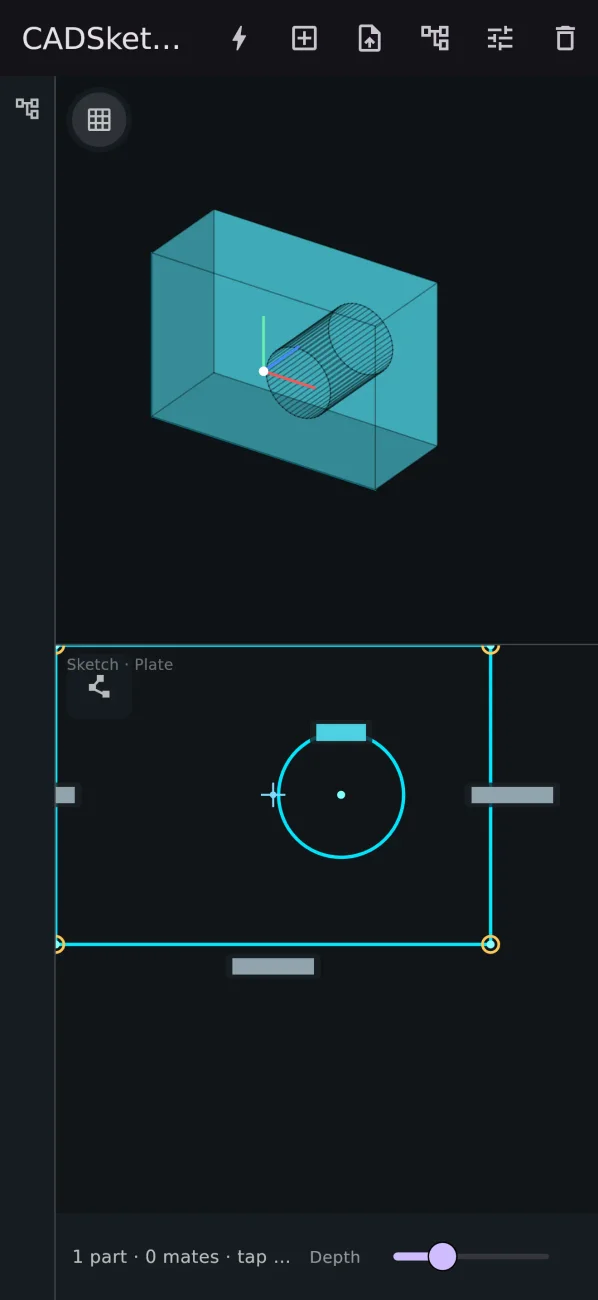
Sketch with your finger or Apple Pencil. CADSketch recognizes lines, arcs, and circles and cleans them up with a constraint solver, so rough strokes become exact, well-proportioned geometry. Close a profile and it extrudes into a solid you can orbit in 3D.
• Draw and auto-constrain — strokes snap to clean lines, arcs, and circles; drag a point and edges snap to horizontal, vertical, or parallel
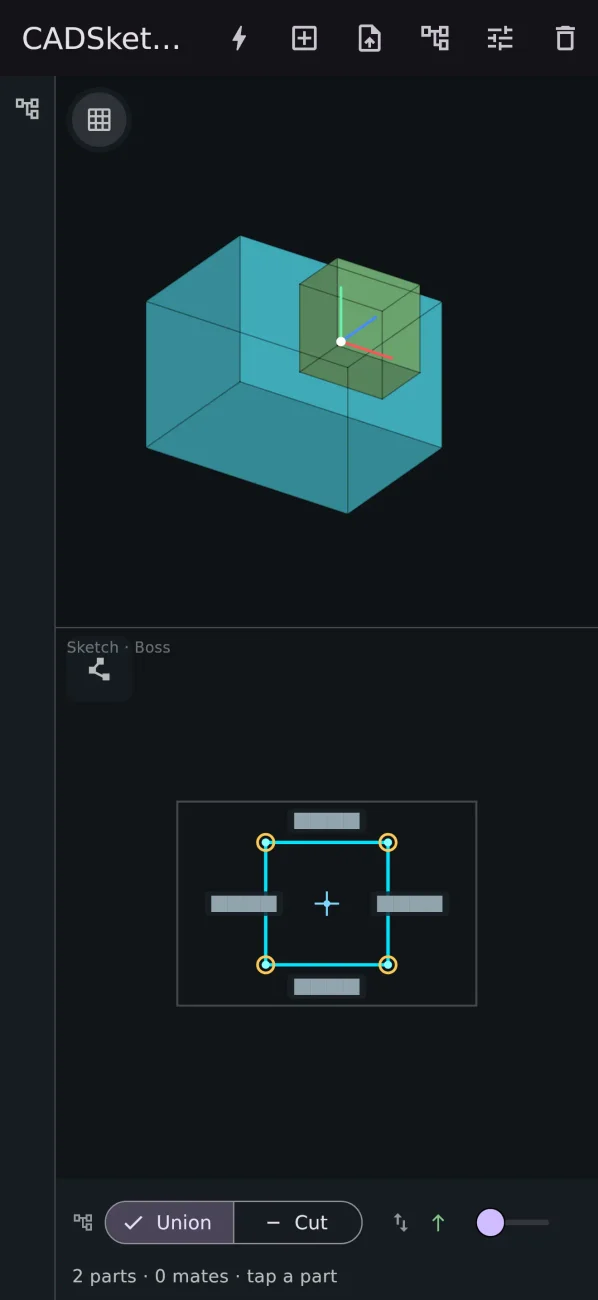
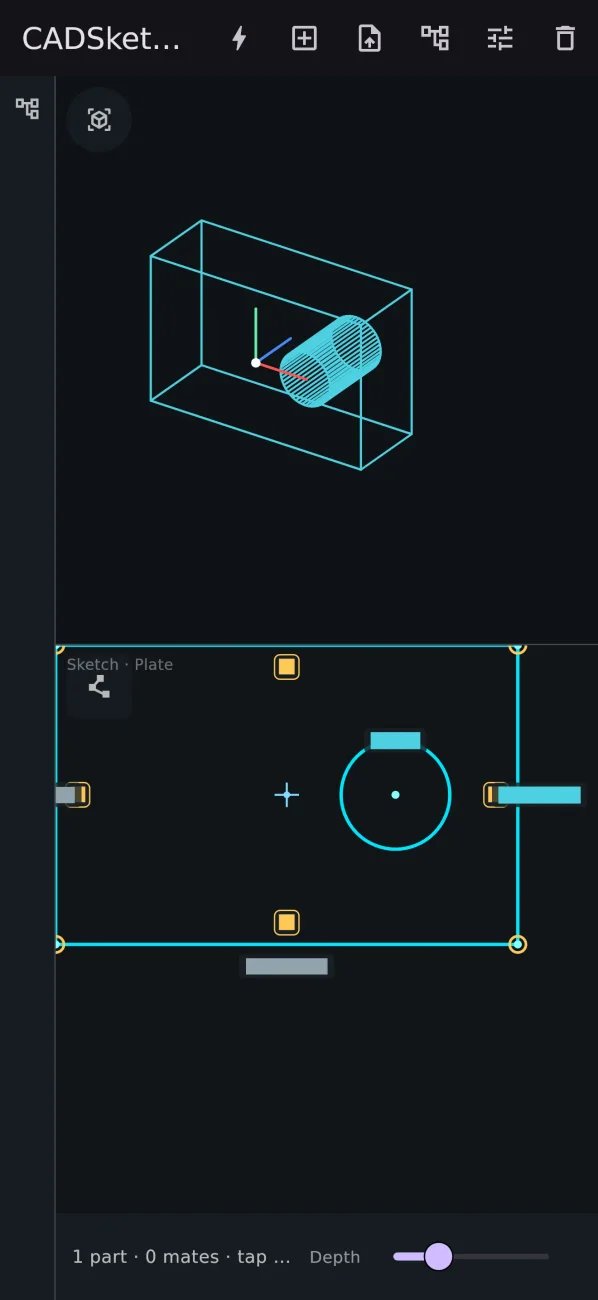
• Extrude closed profiles into 3D solids, viewed as wireframe or shaded
• Sketch on a face to add material or cut into a part, with the direction and result shown clearly
• Import DXF drawings as sketches; export parts as STL for 3D printing
• Turn text into sketches and emboss it onto a surface
• Build multi-part assemblies with mates
• Drag points to edit; the geometry re-solves live
No account, no sign-in, and your work stays on your device.
App privacy
What Dan Newcome declares on the App Store about how this app handles data.
-
Data not collected
The developer does not collect any data from this app.
Privacy practices may vary, for example with the features you use or your age.
Information
- Seller
- Dan Newcome
- Category
- Graphics & Design
- Version
- 1.0.5
- Updated
- Sep 11, 2026
- Released
- Sep 11, 2026
- Size
- 17.3 MB
- Requires
- iOS 15.0 or later
- Age rating
- 4+
- Price
- Free
- Languages
- English
- Copyright
- © 2026 Dan Newcome
You might also like
-
 Vexio3DMobile parametric CAD
-
 Cogwright: 2D & 3D Design CADParametric Drafting & Modeling
-
 Quick3DModeling - CAD & SculptCAD & Sculpt
-
 LowPoly 3D ModelingSculpt, texture and animate
-
 Part2D: 2D CAD simplifiedSimplified 2D CAD anywhere
-
 Vurthox Futu3D Pro3D Modeling & CAD Design
-
 Q3D ScanLiDAR 3D capture for AuraGO
-
 ZPixit3D Voxel Modeling & Pixel Art
-
 Poligon: Pixel Art & Low PolySprite, texture & 3D editor
-
 Draw2PrintDraw, Extrude, 3D print