Drawing Apps
Sketchbook pad pro create app
Designed for iPhone, iPad, iPod touch
Free · In-app purchases
- Age rating4+
- CategoryProductivity
- DeveloperGang Ji
- LanguagesEnglish
- Size163.3 MB
Links to the official App Store page
Download.org hosts no file of Drawing Apps. The button opens its official App Store page, published by Gang Ji. Listing last checked on Nov 22, 2026.
Screenshots

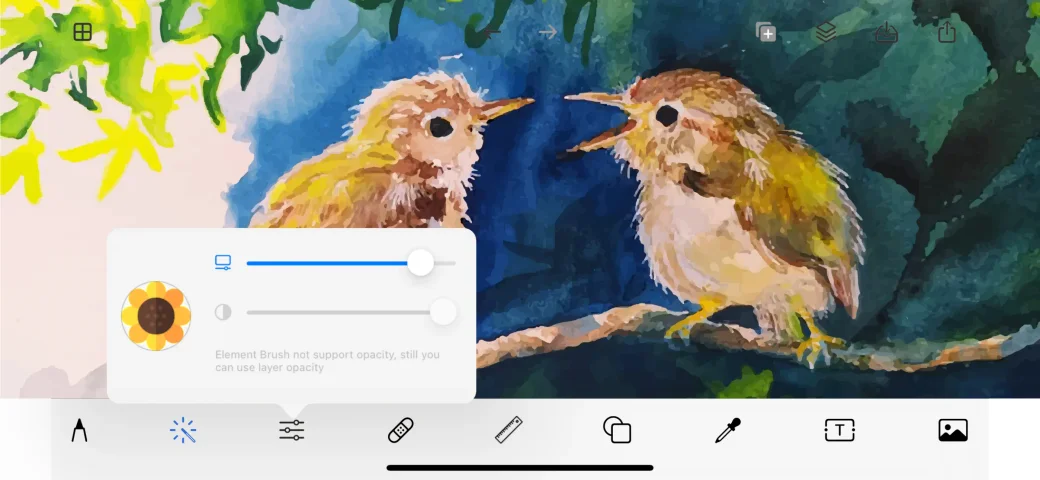
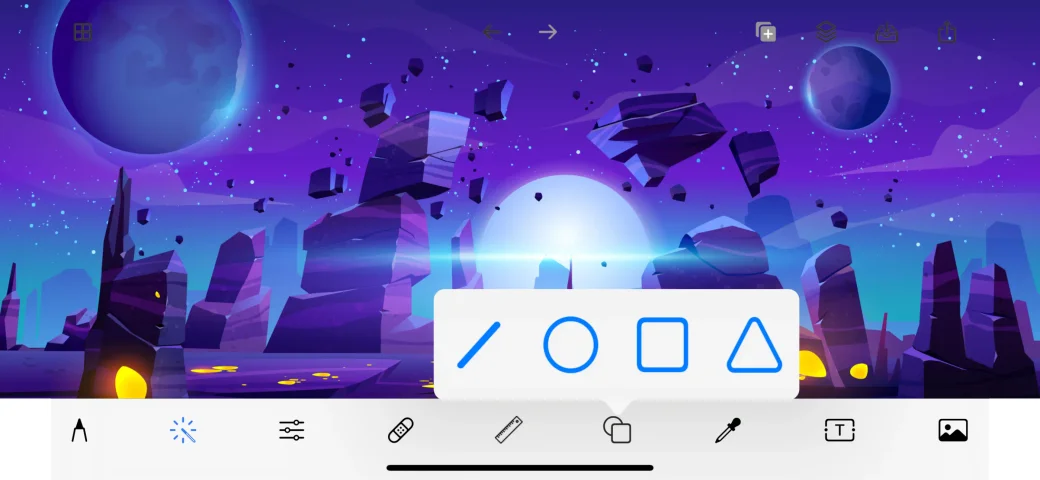
About
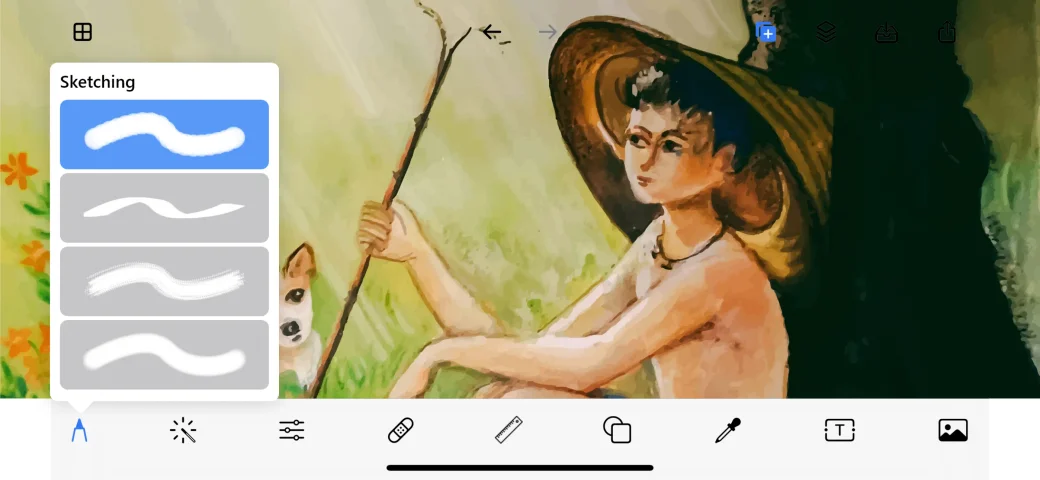
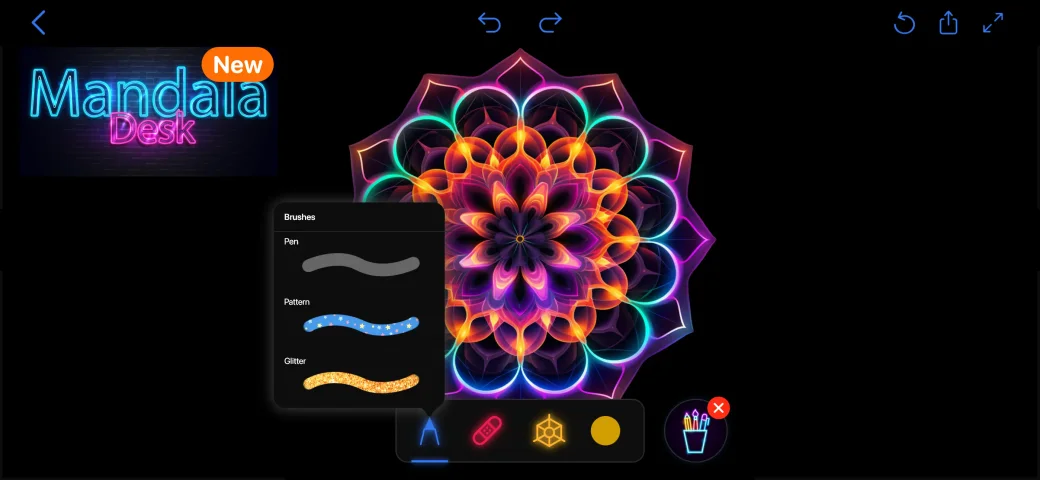
Superior brushes - The most advanced painting engine on tablets
• 40+ natural brush presets
• Brushes interact realistically with paper textures
Superior tools - A place for everything
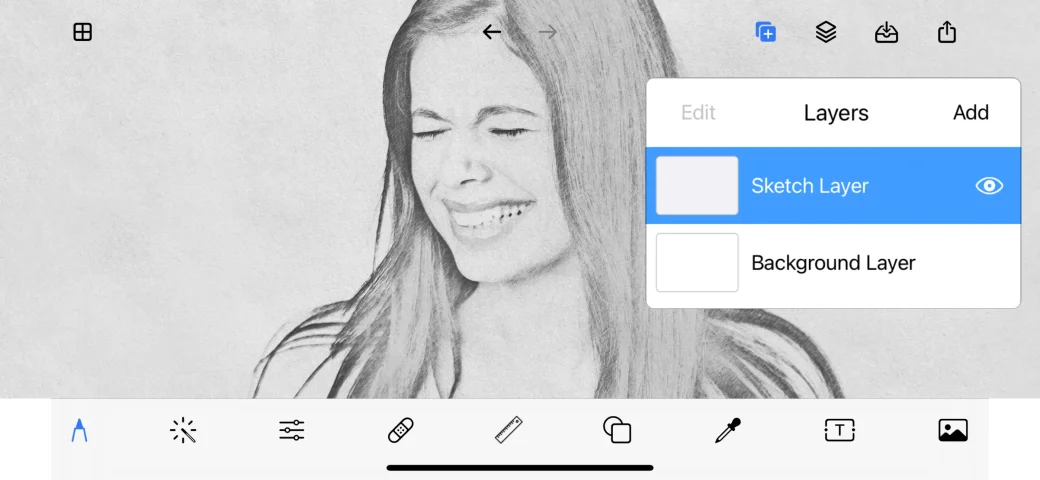
• Layers and Photoshop blend modes
• Selection and clipping masks
Superior interface - Everything in its place
• It’s simple. It’s organized. It’s out of the way.
• Organized workflows:
Paint - Sketch, Paint, and Blend
Clone - Turn a photo into a painting
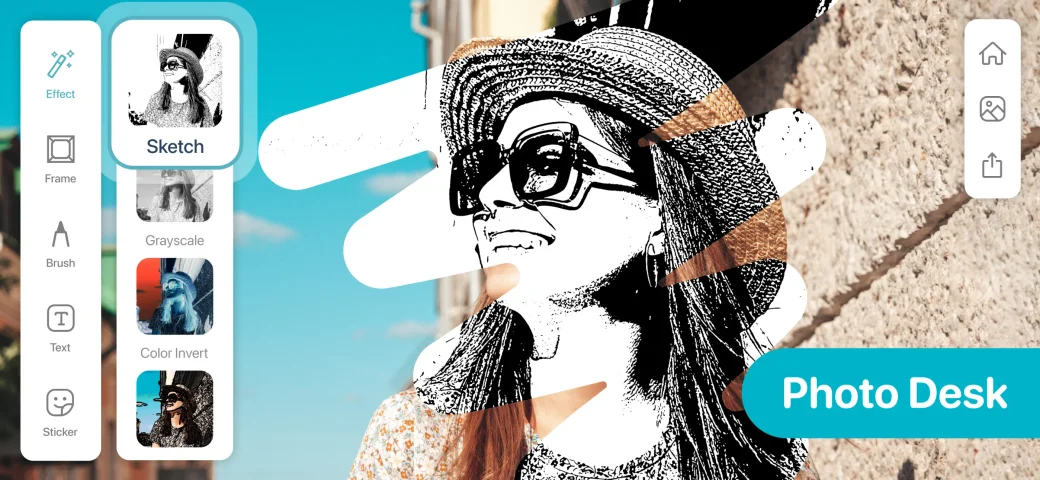
Edit - Adjust color, Liquify, Pattern, Crop, or add a filter
• Move your favorite tools to the top bar for quicker access
Advanced features
• Transform multiple layers simultaneously
• Transform tool: Scale, Rotate, Flip, Distort, and Skew
• Create seamless patterns with the Pattern tool
• Gradient and Pattern Fill
• Import images
• Rotate and flip the canvas
Import and export
• Import and export drawings
• Add images from Gallery, Camera, or search the web
• Export images as JPEG, PNG.
Get Drawing Apps Premium – weekly subscription for $2.99 USD.
OR monthly subscription (which comes with a 3-day free trial) for $4.99 USD.
OR yearly subscription for $9.99 USD
• Subscription payments will be charged to your iTunes account at confirmation of your purchase and upon commencement of each renewal term. Subscription with a free trial period will automatically renew to a paid subscription. You can cancel your subscription or free trial in the iTunes settings at least 24-hours before the end of the free trial period. The cancellation will take effect the day after the last day of the current subscription period and you will be downgraded to the free service.
• Please note: any unused portion of a free trial period (if offered) will be forfeited when you purchase a premium subscription during the free trial period.
• Payment will be charged to your iTunes Account at confirmation of purchase. Account will be charged for renewal within 24-hours prior to the end of the current period. Any unused portion of a free trial period, if offered, will be forfeited when the user purchases a subscription to that publication, where applicable.
• Privacy Policy: https://drawingpad.me/privacy-policy.html
• Terms: https://drawingpad.me/terms-of-use.html
What’s new
Version 2.11.2 · Jan 13, 2026
Unleash Your Creativity with Exciting Updates! We’ve made things even better for our little artists and creators!
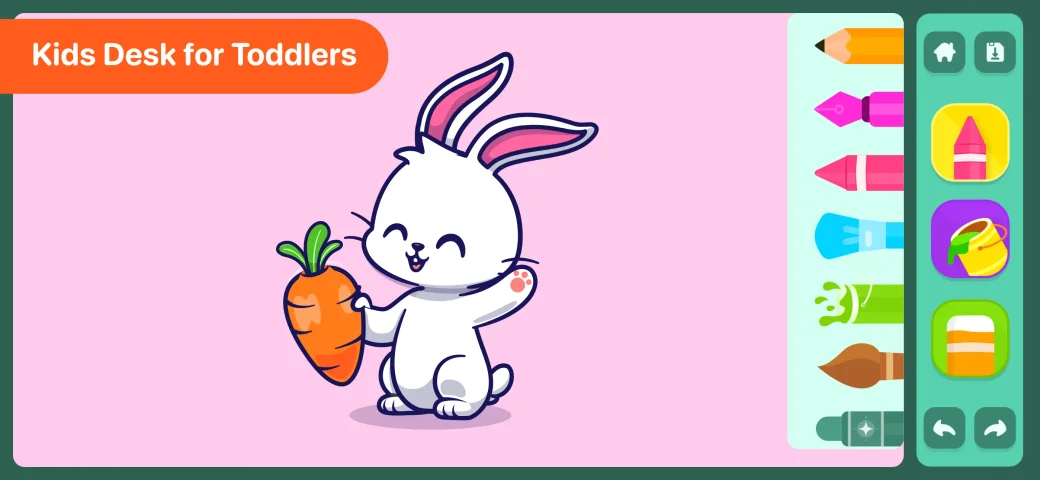
• Improved Kids Pad Experience – Drawing just got more fun for kids! Enjoy a smoother, more playful experience made just for young creators.
• Enhanced Tools & Features – Discover more intuitive tools to make drawing easier and more enjoyable for everyone.
• Supercharged Performance – Enjoy faster, smoother performance so your creativity never has to pause.
• More Ways to Create – Dive into fresh updates that inspire imagination and make creating effortless!
Update now and let your creativity shine!
App privacy
What Gang Ji declares on the App Store about how this app handles data.
-
Data used to track you
May be used to track you across apps and websites owned by other companies.
- Usage data
-
Data not linked to you
May be collected but is not linked to your identity.
- Purchases
- Identifiers
- Usage data
- Diagnostics
Privacy practices may vary, for example with the features you use or your age.
Information
- Seller
- Gang Ji
- Category
- Productivity
- Version
- 2.11.2
- Updated
- Jan 13, 2026
- Released
- Jun 11, 2021
- Size
- 163.3 MB
- Requires
- iOS 14.0 or later
- Age rating
- 4+
- Price
- Free
- In-app purchases
- Yes
- Languages
- English
- Copyright
- © DrawingApps
You might also like
-
 Drawing ▫Draw it sketch.book for iPad
-
 Drawing Pad procreate SketchDoodle Paint Art & Scribble
-
 Linea SketchDraw and take notes with ease
-
 Fashion Design Sketches: StyleIllustration & Templates book
-
 Astropad Studio Drawing TabletDrawing tablet for pros
-
 Paintwork - Infinite NotebookPainting and Handwritten notes
-
 Penbook: Paper Planner & NotesJournal, Notebook & Study
-
 CalenDraw: Calendar NotesDaily Journal, Planner & Tasks
-
 Super Simple DrawQuick draw like pencil & paper
-
 Widget Custom HomeScreenLock Screen & StandBy Widgets