Penbook: Paper Planner & Notes
Journal, Notebook & Study
Designed for iPhone, iPad
Free · In-app purchases
- Age rating4+
- CategoryProductivity
- DeveloperPencil Research
- LanguagesEnglish+ 2 more
- Size145.5 MB
Links to the official App Store page
Download.org hosts no file of Penbook: Paper Planner & Notes. The button opens its official App Store page, published by Pencil Research. Listing last checked on Nov 22, 2026.
Screenshots
About
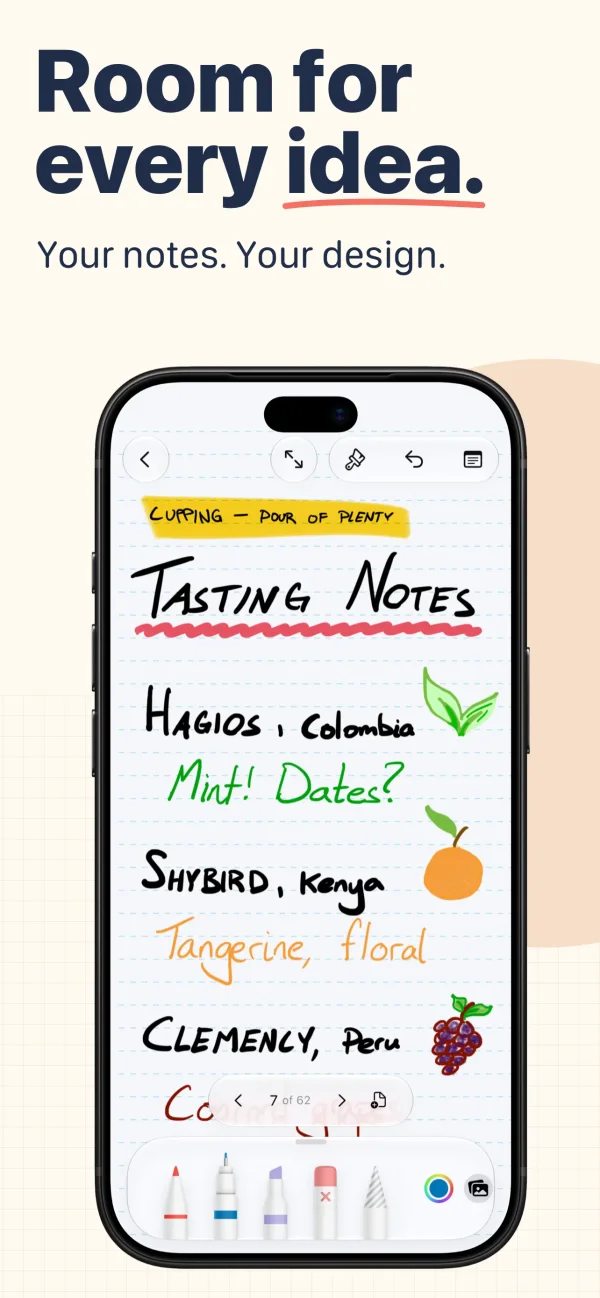
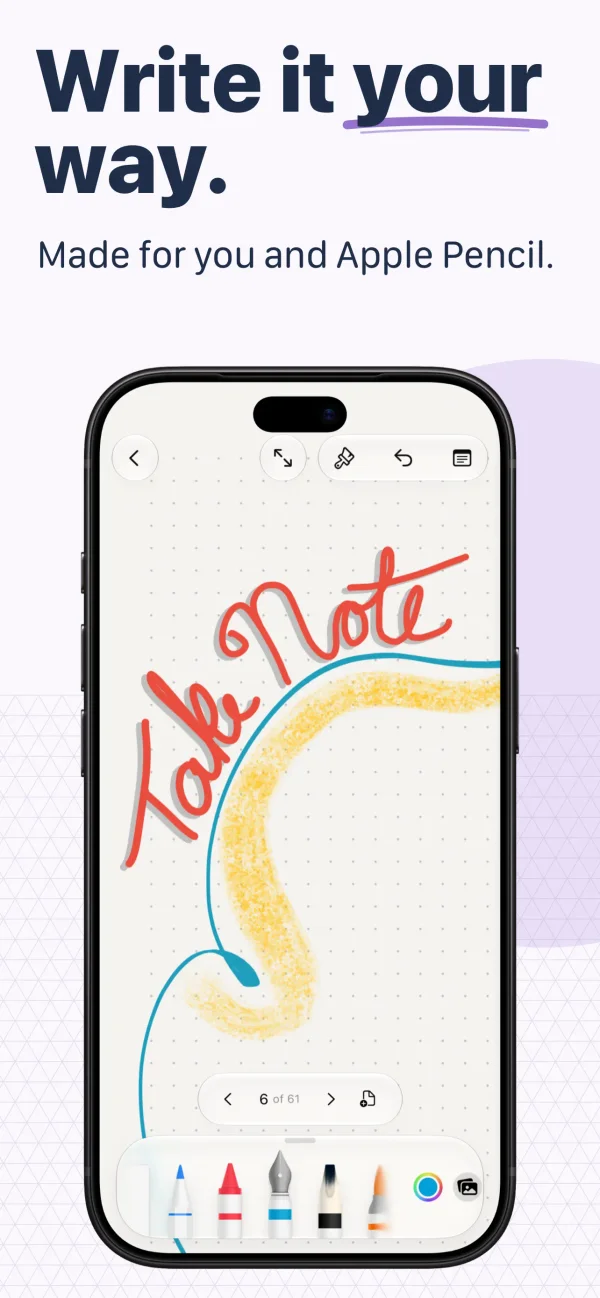
Write naturally with your Apple Pencil on Live Paper with Penbook.
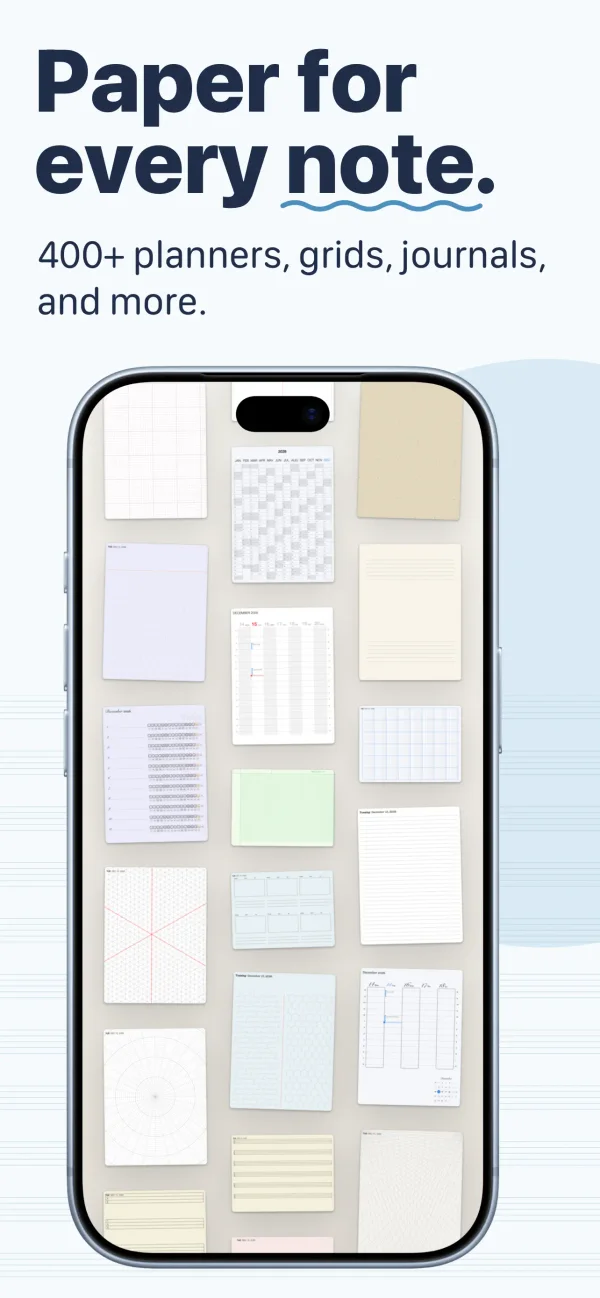
Build your perfect notebook from more than four hundred types of stationery. Then, use the best digital inking technology to pour your ideas, notes, plans, and dreams into it.
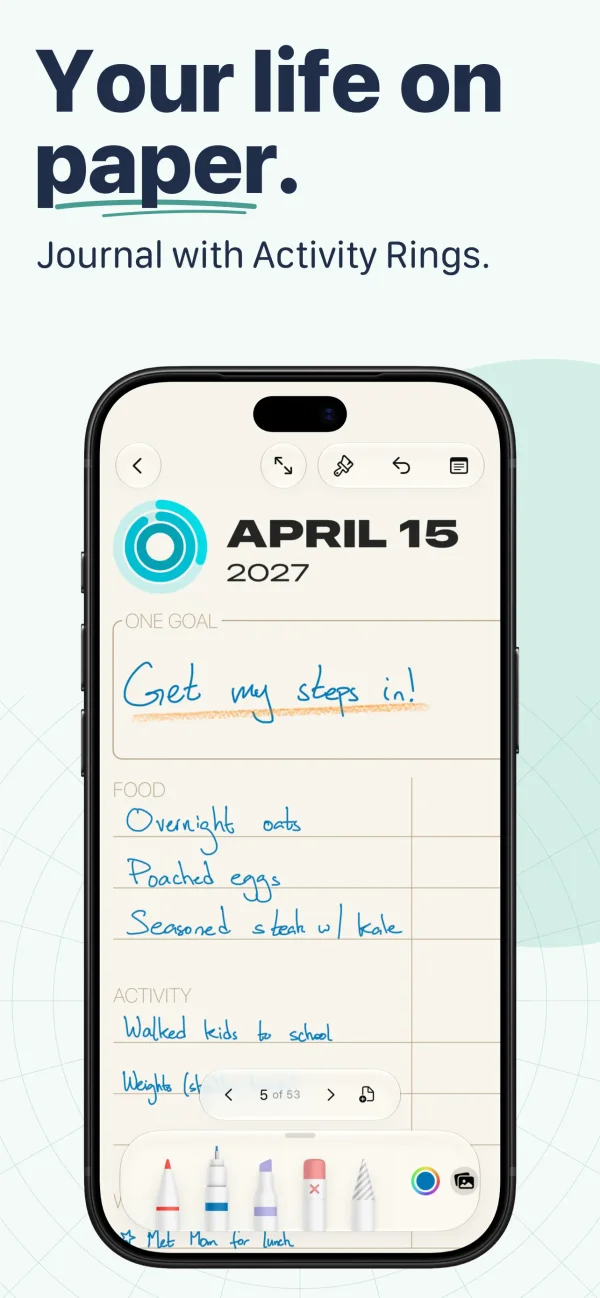
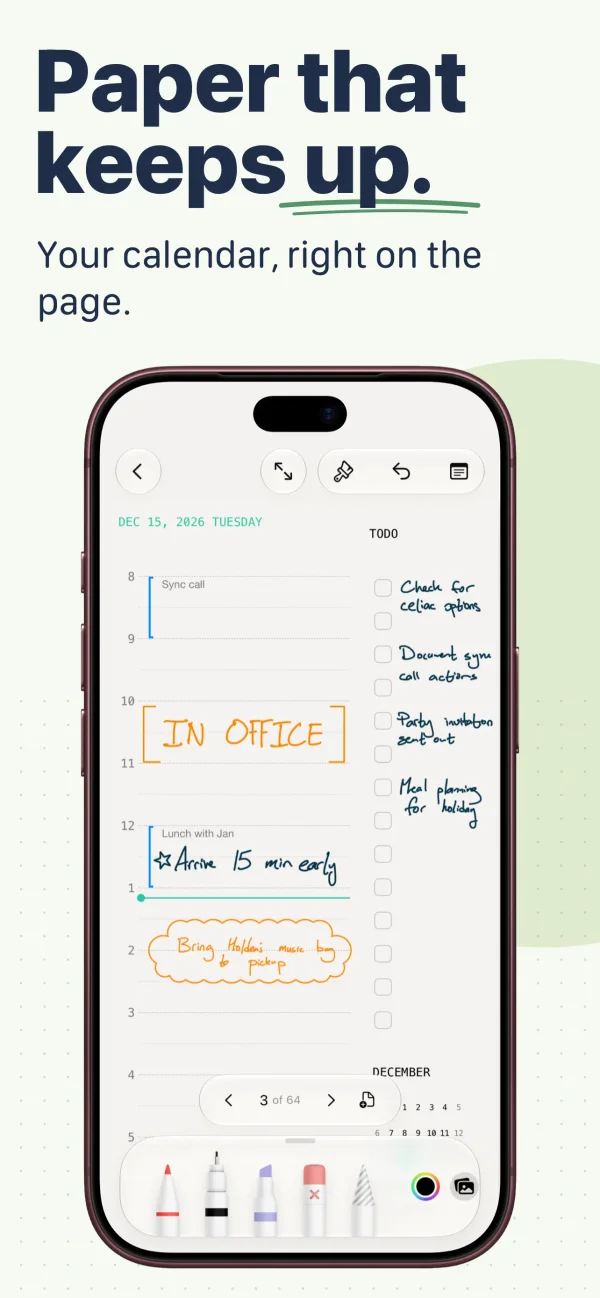
Penbook's Live Paper is way smarter than ordinary stationery. Schedule your life on a monthly planner that shows a real calendar, organize your day with a day planner that shows you what time it is, and record your nutrition on a food diary that knows what day it is.
Or, bring your own stationery! Import your PDFs into Penbook for quick annotation and editing.
Give your notebooks colorful covers with fun art, and share them so your notes are always where you need them.
FEATURES
• Live Paper, the dynamic stationery that uses the smarts of your iPad and iPhone
• Over 400 of academic, scientific, and planning stationeries
• Import PDFs and use them as notebooks
• Write naturally with your Apple Pencil, stylus, or finger
• Unlimited unique cover combinations for your notes
• Search your handwritten notes for words or phrases
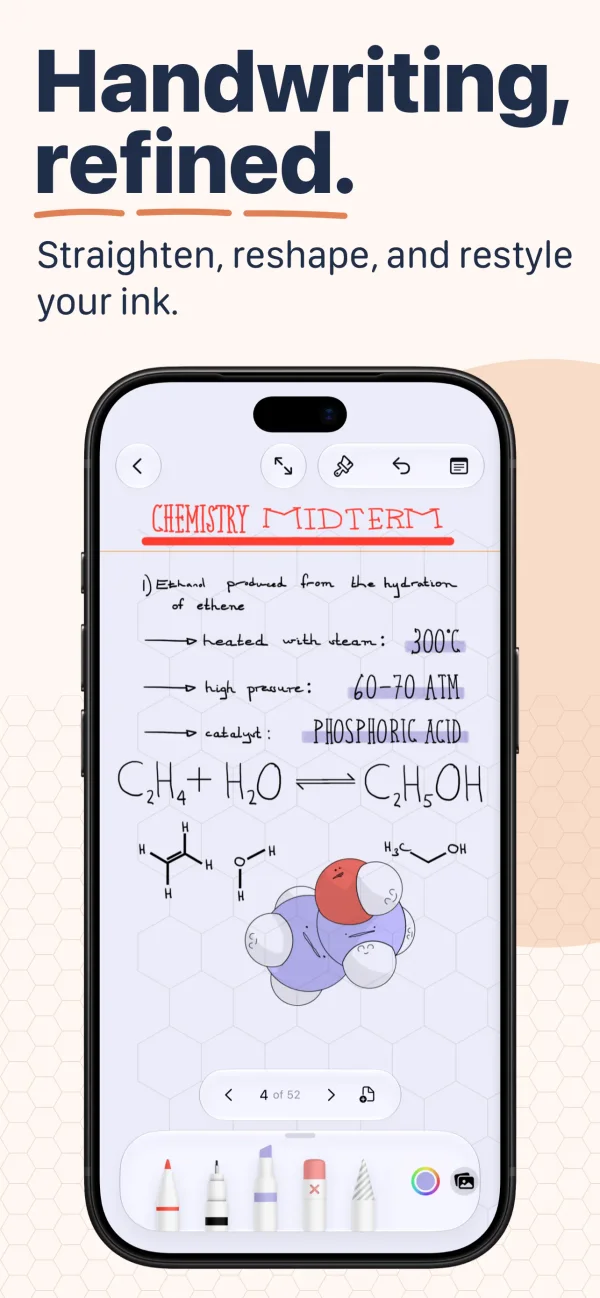
• Snap your strokes to perfect shapes with shape recognition
INCLUDED STATIONERIES
Penbook has a huge selection of customizable stationery. Each page of your notebook can be different, turning your iPad or iPhone into a magic notebook:
• Blank stationery, with an optional date and configurable margin
• Ruled paper with variable density
• Graph paper with four options for square sizes
• Dot stationery, either squared or isometric (offset)
• Cross stationery with configurable margins and density
• To Do pages with four layout options
• Monthly habit paper for tracking streaks, habits, and goals
• Day planner paper with a live updating timeline and calendar, and three layouts
• Weekly planner paper that highlights the current time and date
• Monthly planner paper that keeps track of the current day and shows you what's coming next
• Yearly stationery for getting a complete overview of your next 365 days
• Cornell paper for taking perfect study notes
• French ruled (Séyès) paper
• Penmanship practice paper
• Table stationery for hand-written spreadsheets
• Polar graph paper for plotting radial data
• Semi-log and loglog paper for data with exponential growth or decay
• Isometric stationery with equilateral (60-60-60) or isosceles (75-75-30) triangles
• Perspective paper, configurable with one, two, or three vanishing points
• Developer stationery with device stencils and configurable note-taking areas
• Storyboard paper with 3 frame aspect ratios
• Engineering paper with variable density
• Chemistry paper for easily sketching molecules
• Staff and tablature (music) paper with optional linked staves
GET THE MOST OUT OF PENBOOK
Use all of Penbook's stationery and writing features in a single notebook for free for as long as you like.
Upgrade to Penbook Premium to create and export unlimited notebooks, receive access to new stationery and covers as they're designed, and get regular app updates.
Penbook Premium is available by purchasing a yearly subscription or a one-time (lifetime) in-app purchase.
When you choose to upgrade with the yearly subscription, you can start using Penbook Premium for free with a 7-day free trial. During the trial, cancel any time until 24 hours before the trial expires, and you will not be charged. If you do not cancel, you will be automatically billed for the yearly subscription when your free trial ends.
Payment will be charged to your Apple ID account at the confirmation of purchase. Subscription automatically renews unless it is canceled at least 24 hours before the end of the current period. Your account will be charged for renewal within 24 hours prior to the end of the current period. You can manage and cancel your subscriptions by going to your account settings on the App Store after purchase.
Our customer-first privacy policy: https://penbook.app/privacy-policy
Penbook's terms of use: https://penbook.app/terms-of-use
What’s new
Version 8.1.3 · Nov 20, 2026
iPhone Duo users, this one's for you: this update adds support for poses, new stationery sizes, and a minimap update.
(This update adds a new planner for 2027.)
App privacy
What Pencil Research declares on the App Store about how this app handles data.
-
Data not linked to you
May be collected but is not linked to your identity.
- Diagnostics
Privacy practices may vary, for example with the features you use or your age.
Information
- Seller
- User Camp Inc.
- Category
- Productivity
- Version
- 8.1.3
- Updated
- Nov 20, 2026
- Released
- Sep 24, 2019
- Size
- 145.5 MB
- Requires
- iOS 18.1 or later
- Age rating
- 4+
- Price
- Free
- In-app purchases
- Yes
- Languages
- English, German, Simplified Chinese
- Copyright
- © Pencil Research
You might also like
-
 MyScript Notes: AI HandwritingSmart note taking, PDF & study
-
 Feenote - Notes and listsNote-taking & handwriting
-
 Pencil Planner & Calendar ProHandwritten daily agenda
-
 Element Note: Digital NotebookHandwritten Notes & PDF Markup
-
 Pencil Calendar: Daily PlannerGood structured notes & tasks
-
 Noteful: Notes & PDF MarkupHighlight. Write. Learn.
-
 CollaNote: Notes & PDF Markup25+ Pens to Take Better Notes
-
 Notes Writer: PDF, Quiz, DocsFlashcards, Voice Recorder, AI
-
 Digital Planner – Task JournalRoutine List & Notes Tracker
-
 Notebook – AI Notes, NotepadVoice Memo, To-Do & Planner