
Drawing from Life
See Better, Draw Better
Designed for iPhone, iPad, iPod touch
Free · In-app purchases
- Age rating12+
- CategoryGraphics & Design
- Developerfnx.io
- LanguagesEnglish
- Size76.5 MB
Links to the official App Store page
Download.org hosts no file of Drawing from Life. The button opens its official App Store page, published by fnx.io. Listing last checked on Nov 14, 2026.
Screenshots




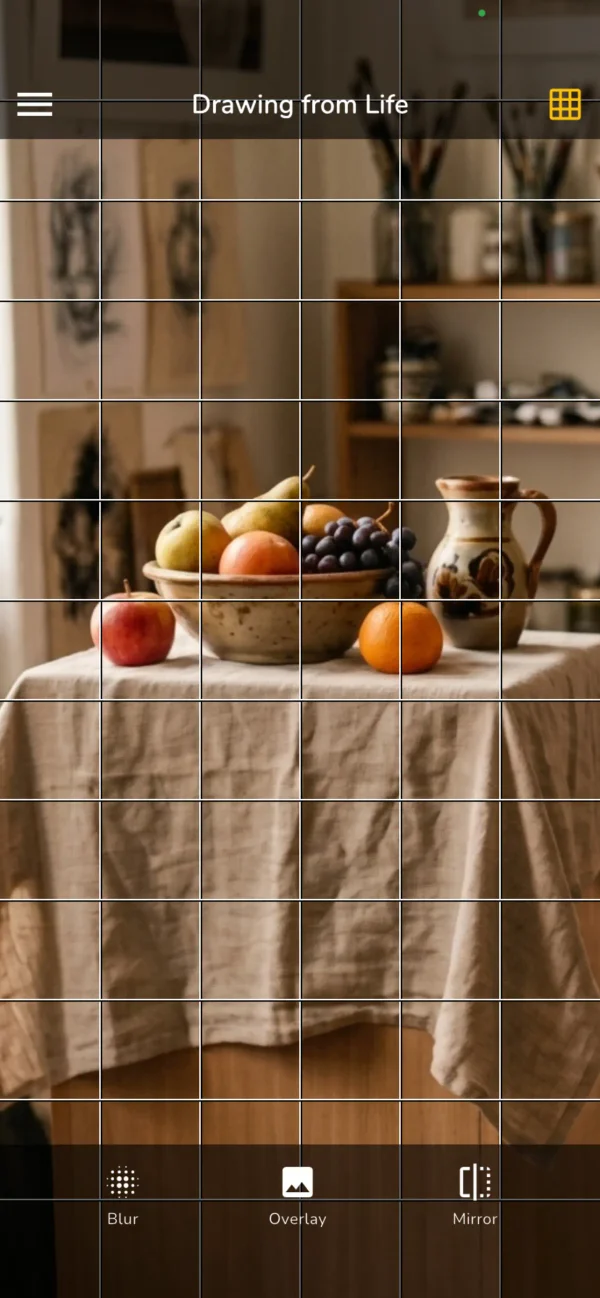
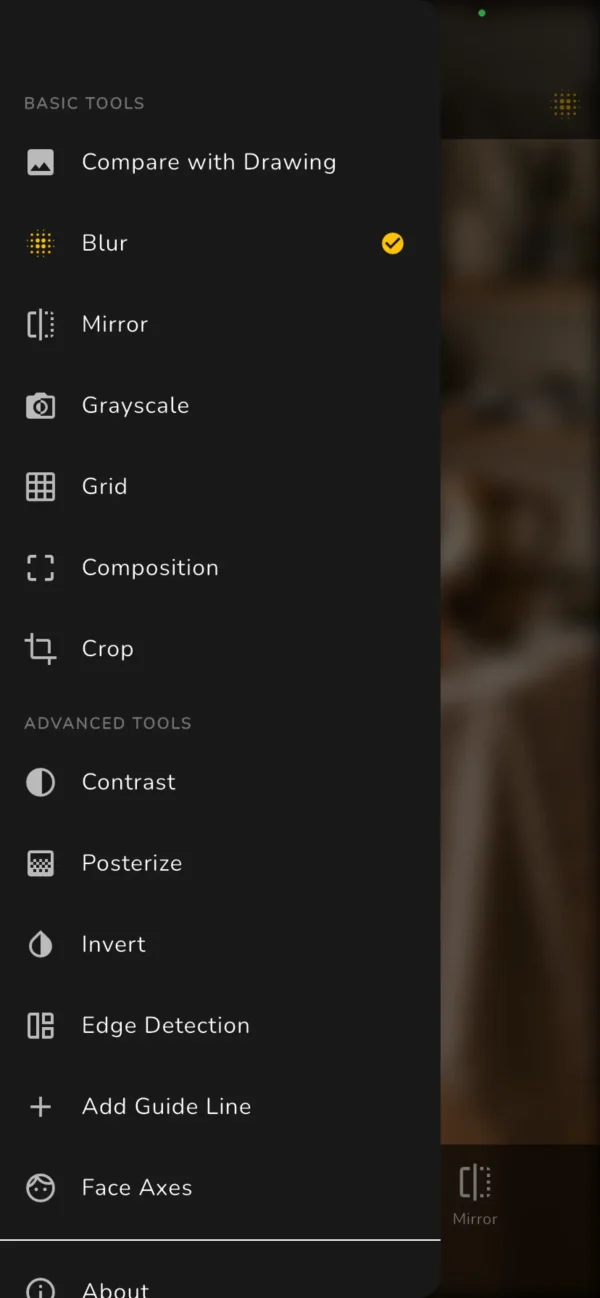
About
Drawing from Life turns your phone into a smart drawing companion. Point your camera at whatever you're drawing — a model, a still life, a landscape — and use real-time filters and overlays to see what your eyes alone cannot.
Drawing from life is one of the hardest skills an artist can learn. The problem isn't your hand — it's your brain. When you look at a face, your mind doesn't see shapes, angles and values. It sees "a nose" and fills in what it thinks a nose should look like. You draw a symbol instead of what's actually there. Every art teacher will tell you the same thing: you need to learn to see. Really see. Not what you know, but what is. That's where tools come in. A mirror flips the image and breaks your brain's assumptions. Squinting blurs the details so you notice the big shapes. A pencil held at arm's length measures proportions your eye misjudges. Drawing from Life puts all of these classic techniques — and more — right on your screen.
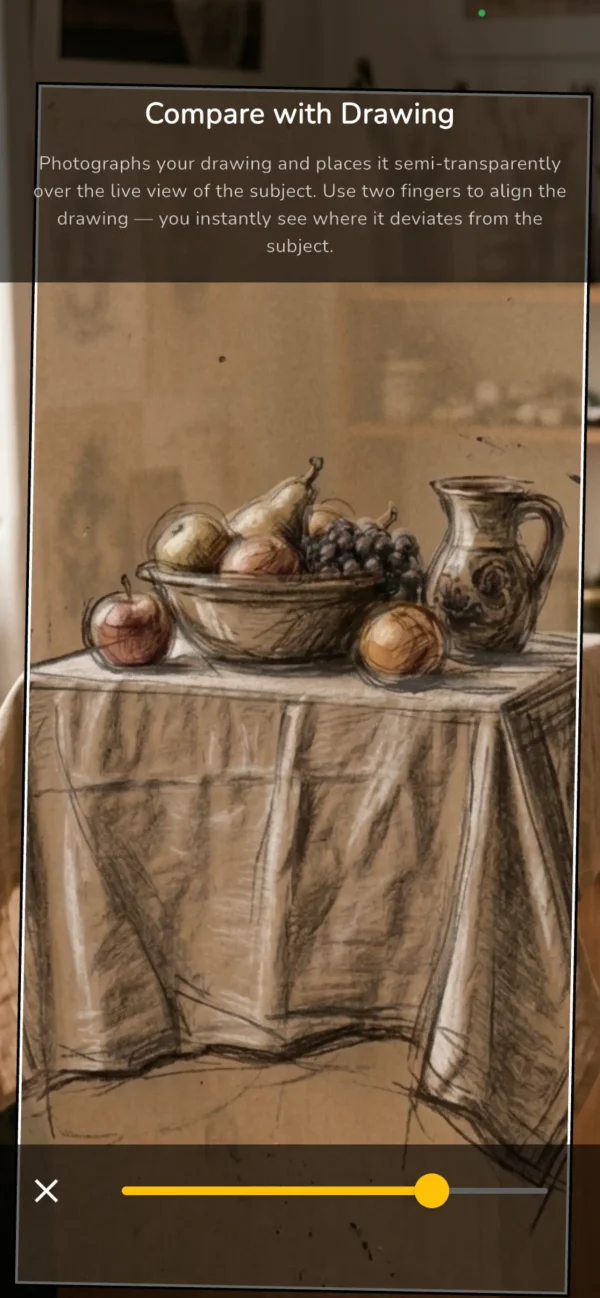
Compare your drawing with the subject. Snap a photo of your work, then overlay it on the live camera view of your subject. Pinch and rotate to align the two. With adjustable transparency you instantly see where your drawing deviates from reality.
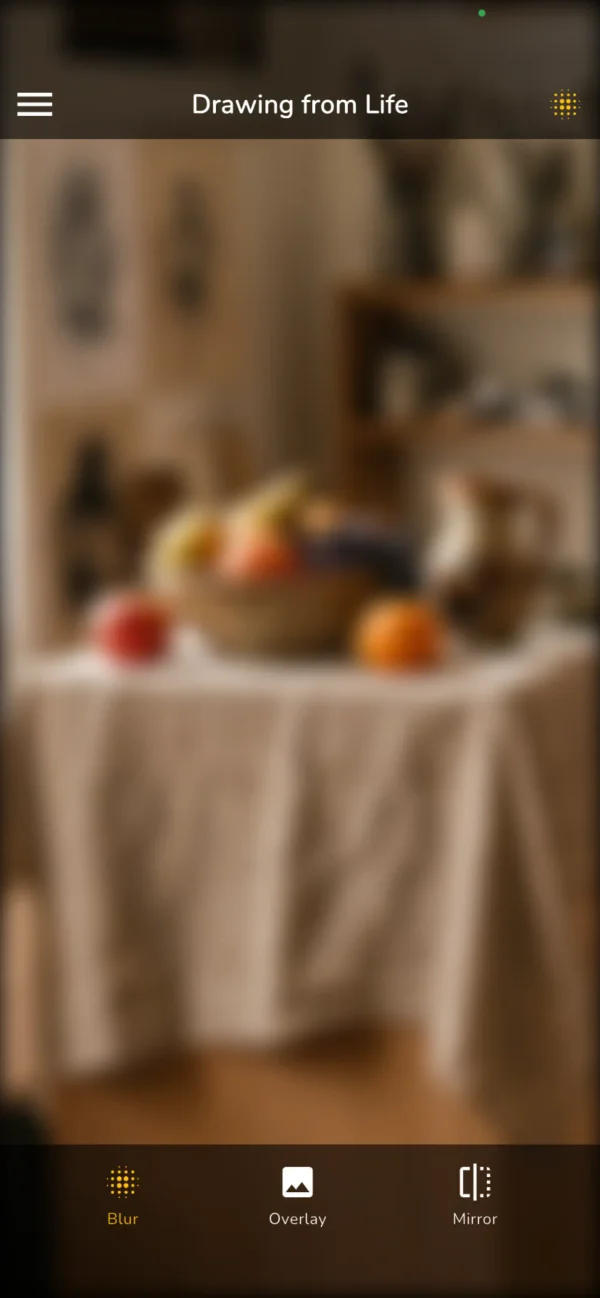
Blur. Softens the image and suppresses detail. It forces you to see only the large shapes, volumes and overall composition — exactly what you should be putting down first.
Mirror. Flips the entire image horizontally. An old artist's trick — in the flipped view, errors in proportion and symmetry jump out immediately.
Black and white. Strips away color so you can focus on tonal values — the distribution of light and shadow that forms the foundation of every drawing.
Contrast. Increases the difference between lights and darks. Helps you see exactly where the light falls and where the shadow begins, especially useful in flat or subtle lighting.
Posterize. Simplifies the image into a few tonal zones. Instead of smooth gradients you see clearly separated areas of light and shadow — great for understanding the big shapes and the light pattern of the scene.
Invert. Flips lights and darks to show a negative image. The unfamiliar view helps reveal value errors that are invisible in the normal image.
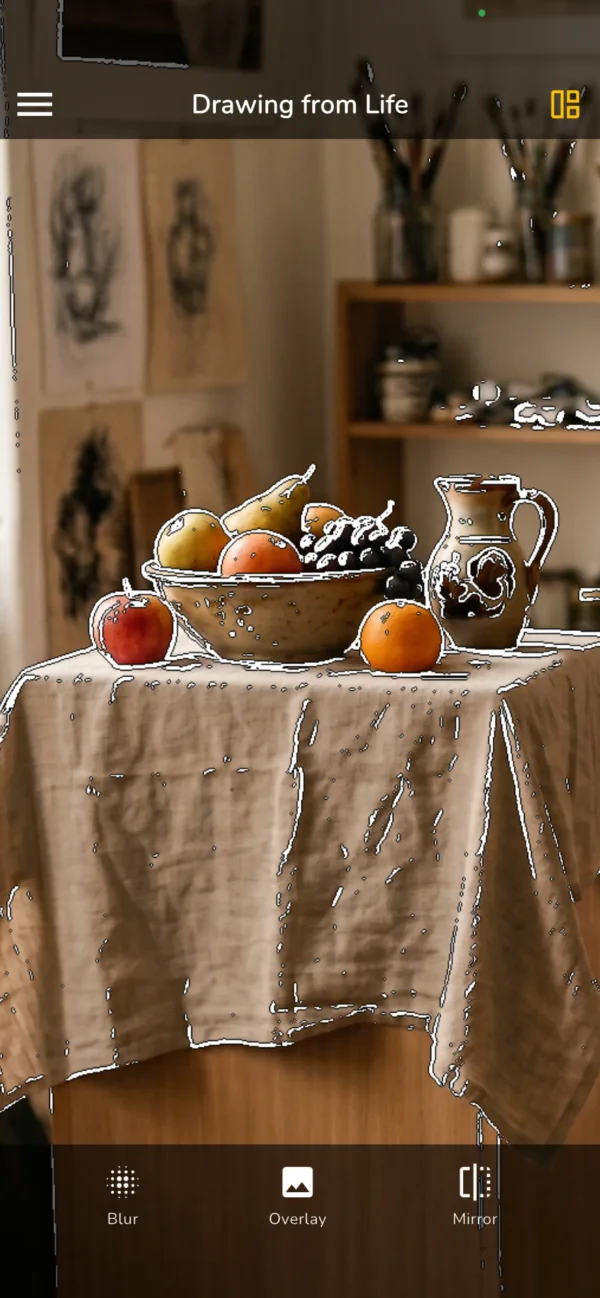
Edge detection. Highlights outlines and edges in the scene. Helps you see the main lines that form the skeleton of your drawing.
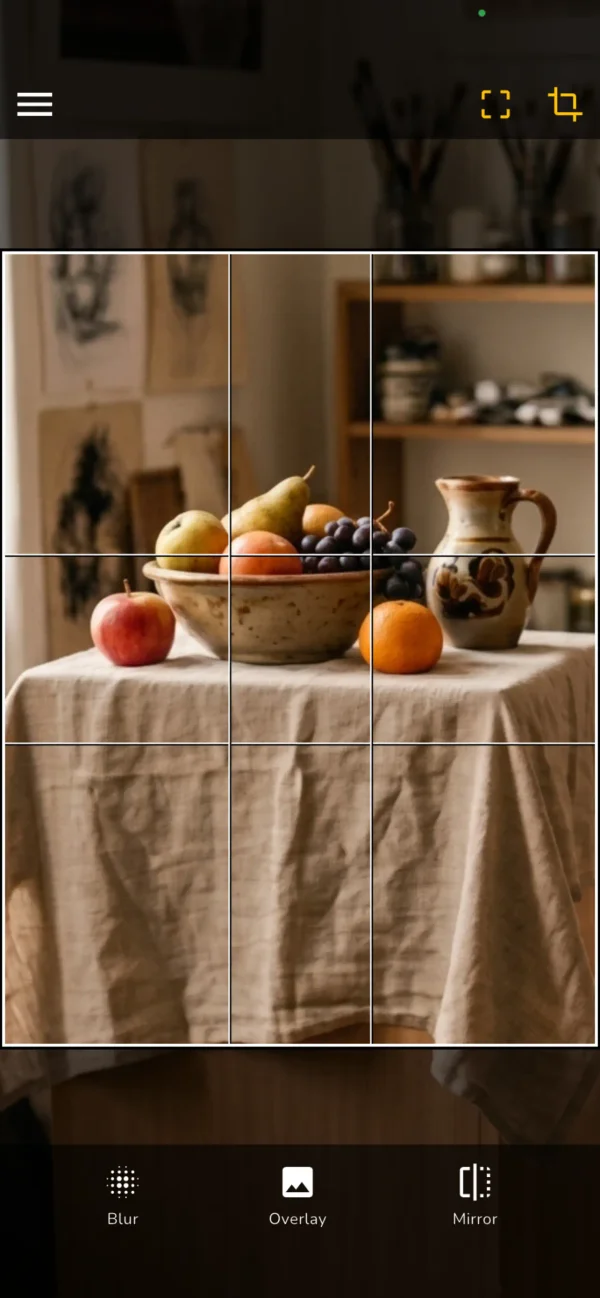
Grid. Displays a regular grid over the image. The classic method of transferring proportions — draw the same grid on your paper and copy square by square.
Composition overlay. Displays a composition scheme over the image — rule of thirds, golden ratio, diagonals or dynamic symmetry. Helps you evaluate whether the arrangement of elements follows established principles of composition.
Guide lines. Places infinite straight lines over the image. Position and rotate them with two fingers, add as many as you need. They help you check verticals, horizontals and diagonal axes across your subject.
Face axes. Automatically detects a face and draws guide axes through the eyes, nose and mouth. Helps you place facial features correctly when drawing portraits.
The basic tools — compare, blur and mirror — are free. Unlock all features with a single one-time purchase.
What’s new
Version 0.9.2 · Jun 17, 2026
Support features - link to rating, contact, web site, ...
App privacy
What fnx.io declares on the App Store about how this app handles data.
-
Data not collected
The developer does not collect any data from this app.
Privacy practices may vary, for example with the features you use or your age.
Information
- Seller
- fnx.io s.r.o.
- Category
- Graphics & Design
- Version
- 0.9.2
- Updated
- Jun 17, 2026
- Released
- Apr 4, 2026
- Size
- 76.5 MB
- Requires
- iOS 15.5 or later
- Age rating
- 12+
- Price
- Free
- In-app purchases
- Yes
- Languages
- English
- Copyright
- © fnx.io s.r.o.
You might also like
-
 AtelierKitTools for Traditional Artist
-
 Stipple Pose TimerFigure Drawing Practice Timer
-
 DoubleCheckCompare your art to references
-
 Muddy WatersWatercolour Paint Mixer
-
 Voorbeeld - art subject viewerAdd a grid on reference images
-
 Chrooma ColorsPhoto Palette & Color Theory
-
 PoseTimeTimed Drawing for Artists
-
 refs.draw with references
-
 SpinCanvasPaint on a spinning wheel
-
 PROYAV: Artist Drawing AidSpot errors. Train your eye.