- Age rating4+
- CategoryGraphics & Design
- DeveloperKosuke Goto
- LanguagesEnglish+ 1 more
- Size4.8 MB
Links to the official App Store page
Download.org hosts no file of SpinCanvas. The button opens its official App Store page, published by Kosuke Goto. Listing last checked on Nov 12, 2026.
Screenshots

About
SpinCanvas is a painting app where you lay color onto a spinning disc, like a pottery wheel.
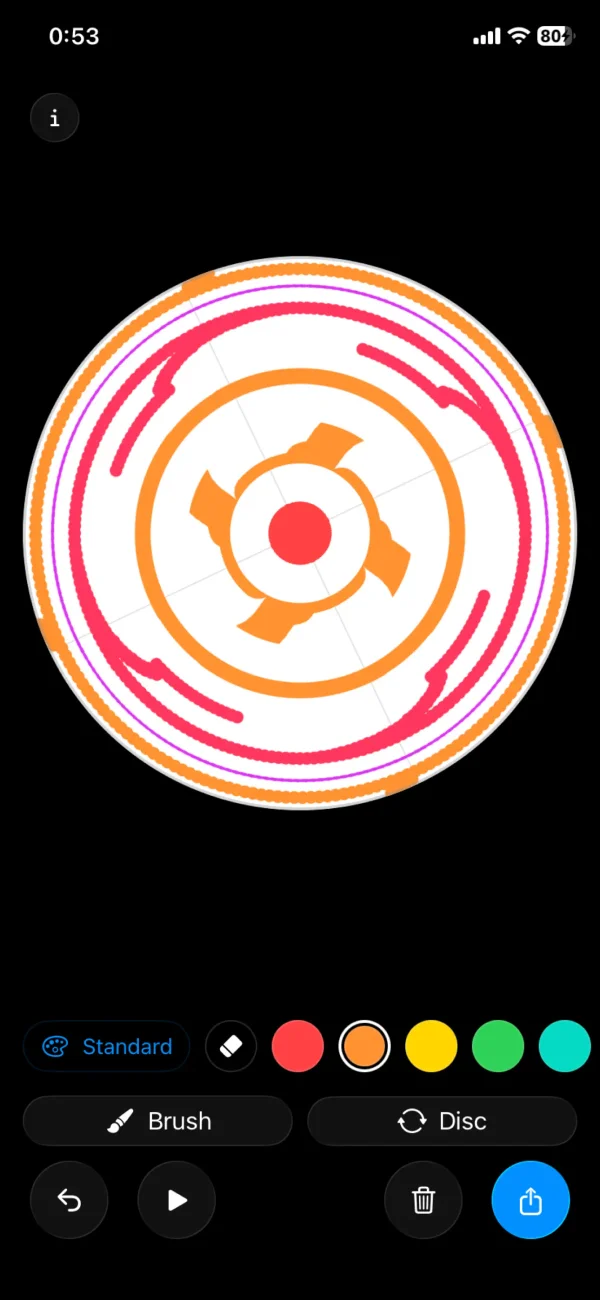
Touch the disc while it spins, and even a still finger draws rings and arcs as the disc turns beneath it. Move your finger to make spirals. Turn on symmetry mode and you get kaleidoscope-like patterns.
You don't have to try to draw well. Just touch, and it becomes art.
WHY YOU'LL LOVE IT
• Relax and let your hand move without thinking
• Create geometric and mandala-style designs in seconds
• Draw together with kids
• Make your own profile icon or phone wallpaper
DRAW
• Just touch the disc. Hold still for rings, move for spirals
• Pause the disc to draw carefully while it's still
• Symmetry mode mirrors every stroke into 2–12 segments
• Eraser turns painted areas transparent again
• Undo removes your last stroke
COLORS
• Six palettes: Standard, Japanese, Pastel, Neon, Monochrome, and Earth
• Create any color with the color picker
• Recently used colors are kept automatically
BRUSHES
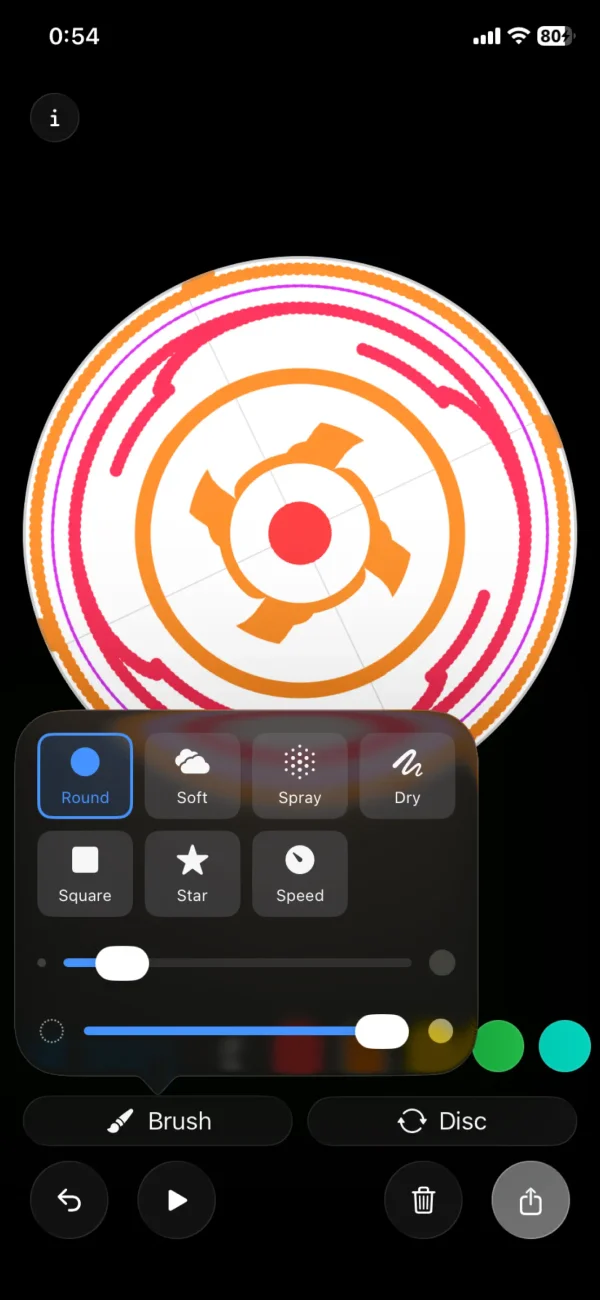
• Round, Soft, Spray, Dry, Square, and Star
• A "Speed" brush that gets thinner the faster the disc spins
• Adjustable size and opacity
DISC
• Rotation speed and reverse rotation
• Base color: white, black, any color, or a transparency checker
• Wood and ceramic textures
• Concentric, radial, and grid guide lines
EXPORT
• Save as PNG to Photos or share directly
• High-resolution export at 2K, 4K, or wallpaper size
• Transparent, white, black, or custom backgrounds
• Choose whether to include the disc base
SPINCANVAS PRO
One purchase unlocks every feature forever. No subscription.
• All brushes
• Free brush size and rotation speed with sliders, plus reverse rotation
• Disc base colors, textures, and guide l
• Undo up to 50 steps (5 in the free version)
• High-resolution export and custom backg
• Export without the logo watermark
The free version includes the round brush, every palette, symmetry mode, and standard-size export.
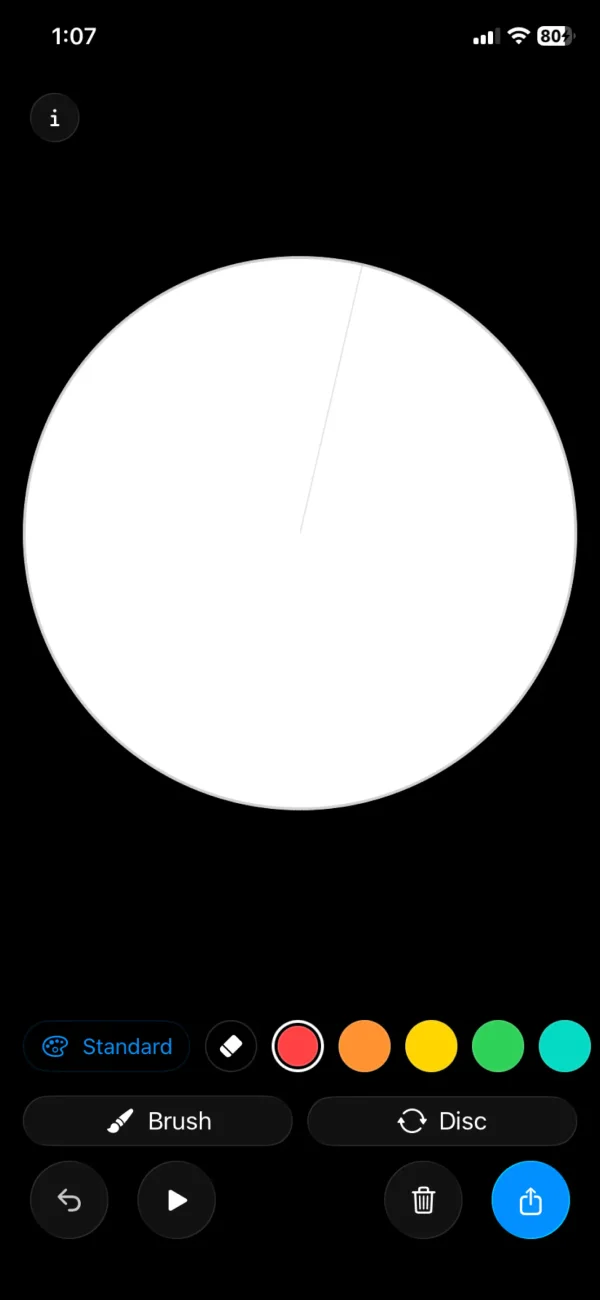
On iPhone in portrait, the palette and toolbar sit below the disc. In landscape and on iPad, all settings appear in a side panel next to the disc.
No account is required, and your artwork never leaves your device.
App privacy
What Kosuke Goto declares on the App Store about how this app handles data.
-
Data not collected
The developer does not collect any data from this app.
Privacy practices may vary, for example with the features you use or your age.
Information
- Seller
- Kosuke Goto
- Category
- Graphics & Design
- Version
- 1.0
- Updated
- Sep 23, 2026
- Released
- Sep 23, 2026
- Size
- 4.8 MB
- Requires
- iOS 26.0 or later
- Age rating
- 4+
- In-app purchases
- Yes
- Languages
- English, Japanese
- Copyright
- © Kosuke Goto
You might also like
-
 Spinoodle: Spin ArtDraw on a spinning canvas
-
 Drawing from LifeSee Better, Draw Better
-
 KaleidoPen - Spin Symmetry ArtMandala & Pattern Design Tool
-
 Artist ToolsReference tools for artists
-
 One MandalaCreate Digital Mandalas
-
 Pigments Studio: Color WheelPalettes from Photos & AI
-
 DrawVibe3D Architecture InteriorDesign
-
 Zen Brush 3Freely draw beautiful zen art.
-
 Drawing PracticeGet good at drawing on glass.
-
 Mandala Maker 360Draw beautiful mandalas easily