- Age rating4+
- CategoryGraphics & Design
- Developerseongmi Jung
- LanguagesEnglish+ 10 more
- Size17.9 MB
Links to the official App Store page
Download.org hosts no file of Drawing - Sketch. The button opens its official App Store page, published by seongmi Jung. Listing last checked on Nov 21, 2026.
Screenshots

About
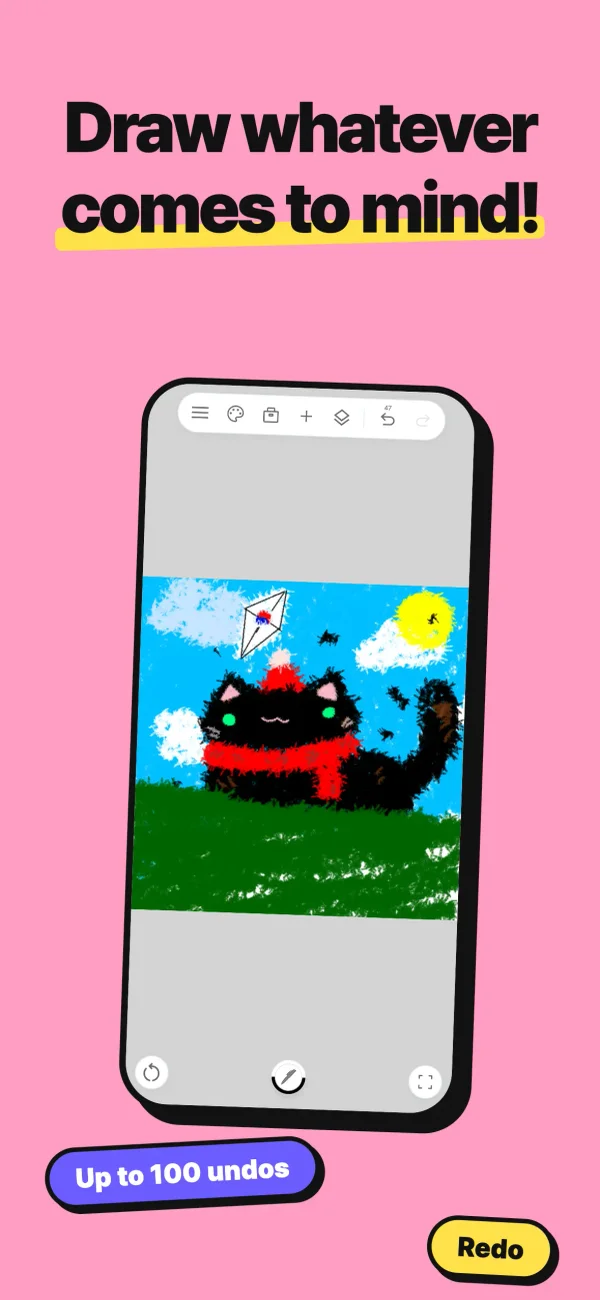
It's easy! Open the app and start sketching freely, just like doodling on paper.
With no complicated menus, it’s a lightweight sketching and drawing app that anyone—kids and adults alike—can enjoy right away.
Plus, it’s packed with clever, fun features to explore as you draw.
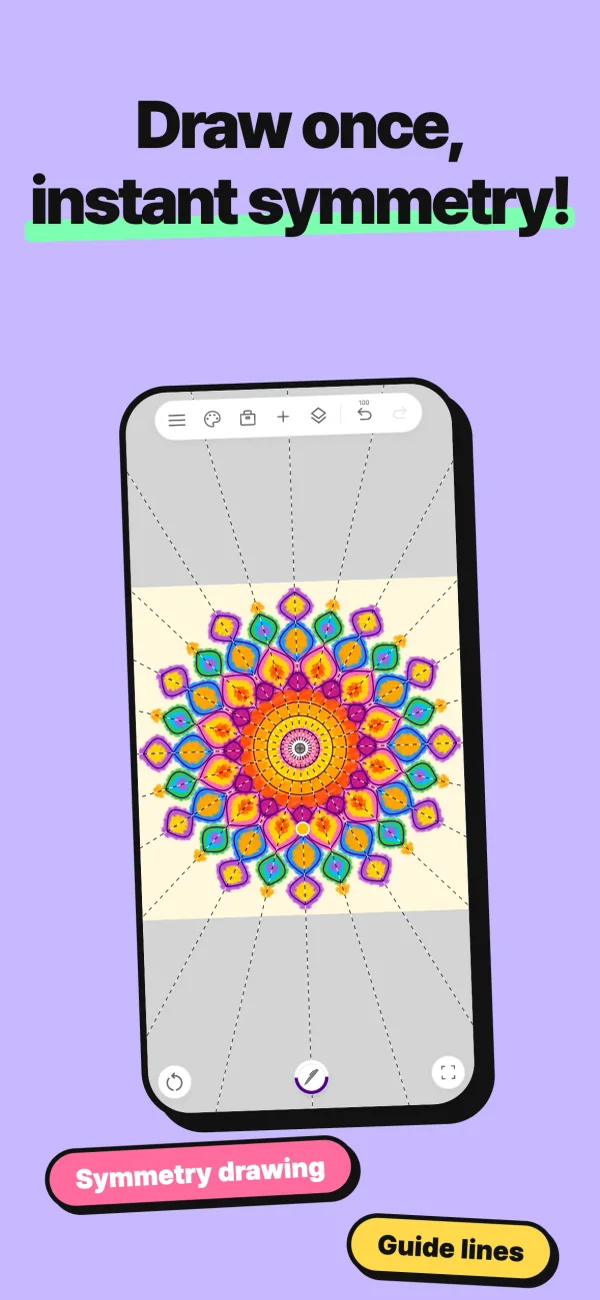
• Instant Symmetry – Draw once to easily create mandalas or symmetrical faces
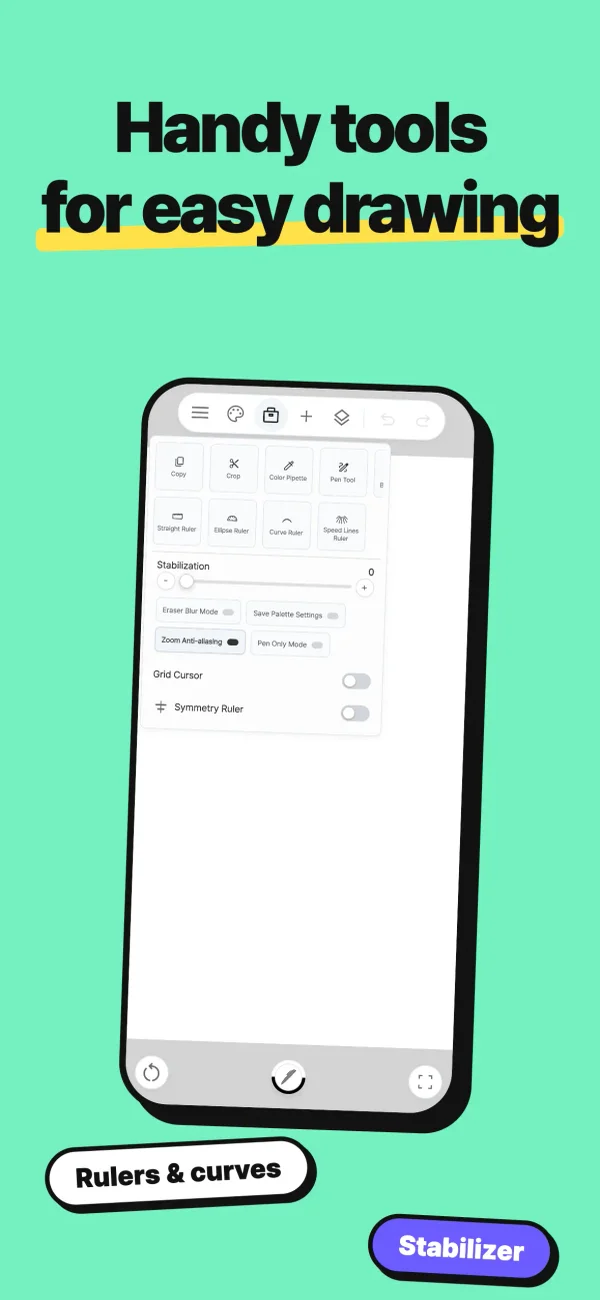
• Stabilizer & Rulers – Draw smooth, clean straight lines and curves without jitter
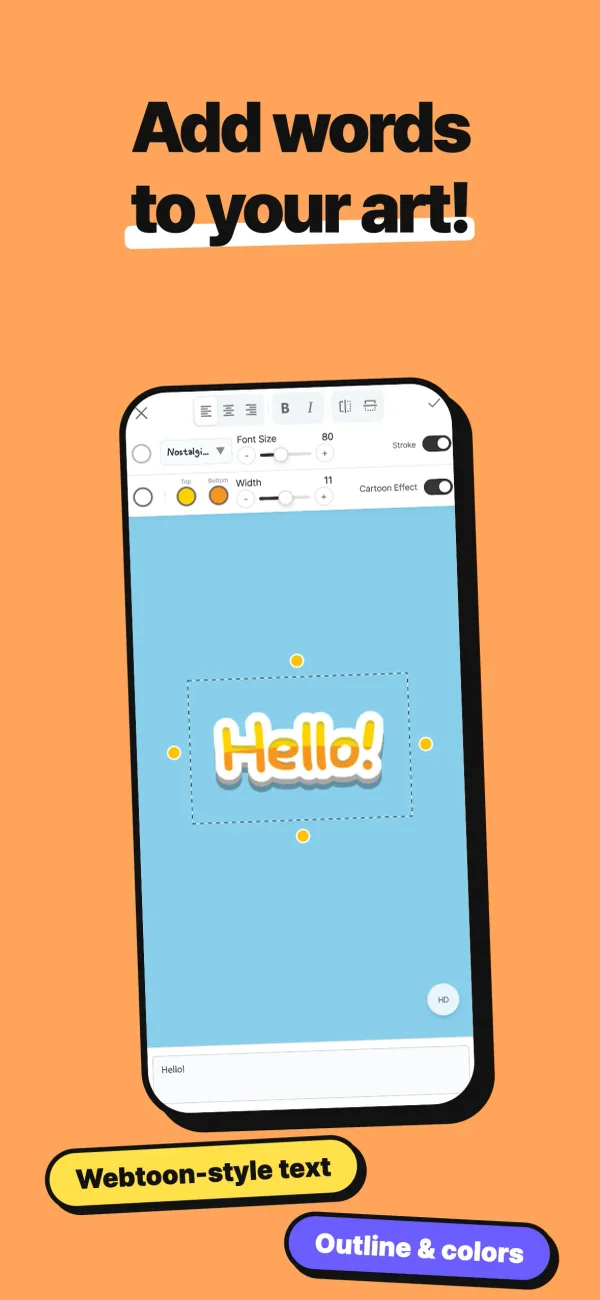
• Webtoon-Style Text – Add fun messages over your art with custom outlines and colors
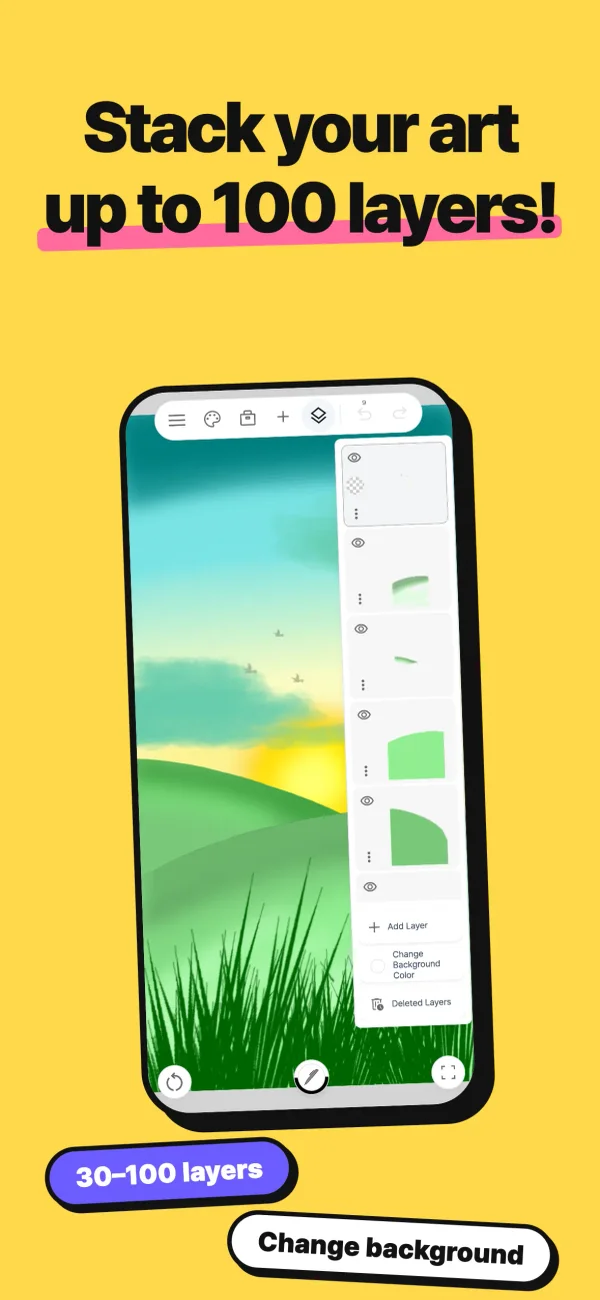
• Layer Drawing – Stack up to 100 layers when needed (varies by canvas size)
• Worry-Free Undos – Relax and undo up to 100 times if you make a mistake
• Auto-Save & Cloud Backup – Safely preserve your precious drawings to Google Drive
From casual doodles, journal decorating, and hand-drawn notes to vibrant illustrations!
Unleash your imagination on a clean, lightweight canvas today.
[Key Features]
▶ Drawing Tools
- Diverse brushes (Standard pen, pencil, paintbrush, brush pen, neon pen, rainbow, stamps, etc.)
- Brush size and opacity control, eraser with blur mode
- Freehand lines, straight lines, rectangles, and circles
- Eyedropper, paint bucket (fill), and gradients
▶ Layers & Editing
- Up to 100 layers (Alpha lock, merge, duplicate)
※ Maximum layers depend on canvas resolution (e.g., up to 100 on 1024x1024, 31 on 2048x2048)
- Restore deleted layers
- Up to 100 undos and redos
- Stroke stabilizer for smooth lineart
- Precision cursor and pen tool for detailed drawing and cutting out subjects from images
▶ Drawing Aids
- Straight, ellipse, and curve rulers; grid guides
- Mirror mode and symmetrical cursor (decalcomania)
- Custom canvas sizes, pinch-to-zoom, and canvas rotation
- Text tool with custom outlines and cartoon/webtoon effects
- Selection tool: cut, copy, and paste
▶ Files & Storage
- Google Drive sync for backing up and restoring project files
- Import images directly from your gallery or camera
- Save and load works in progress
- Export and share finished artwork to your photo album
If you have any suggestions or encounter any issues, please reach out via a review or email.
Privacy Policy: https://sites.google.com/view/drawingboard-privacy-policy
※ App Permissions
[Optional Permissions]
"Camera": Required to take photos and import captured images directly onto your canvas.
What’s new
Version 1.0.20 · Nov 15, 2026
- When you try to save a drawing with a name that is already taken, the app now asks you to enter a different name.
- Fixed an issue where lowering the opacity of the watercolor brush made strokes thinner or broken.
App privacy
What seongmi Jung declares on the App Store about how this app handles data.
-
Data used to track you
May be used to track you across apps and websites owned by other companies.
- Identifiers
- Usage data
-
Data not linked to you
May be collected but is not linked to your identity.
- Contact info
- Identifiers
- Usage data
Privacy practices may vary, for example with the features you use or your age.
Information
- Seller
- seongmi Jung
- Category
- Graphics & Design
- Version
- 1.0.20
- Updated
- Nov 15, 2026
- Released
- Jul 11, 2026
- Size
- 17.9 MB
- Requires
- iOS 26.0 or later
- Age rating
- 4+
- Price
- Free
- Languages
- English, Arabic, French, German, Japanese, Korean, Portuguese, Russian, Simplified Chinese, Spanish, Traditional Chinese
- Copyright
- © 2026 DrawingBoard. All rights reserved.
You might also like
-
 Art Painter (Drawing)Graphics & Design
-
 AuniDraw: Drawing AppDrawing App - paint & sketch
-
 Drawing App – Doodle & DrawSketch Paint Canvas Art Colors
-
 MicapaintArtist-Made Paint App, No Ads
-
 Scribble Board – FreehandFreehand sketch & notes
-
 SeePaint: Draw, Sketch & PaintDrawing,painting,animation,art
-
 Paintrix: Digital PaintingDrawing, Sketch, Manga, Art
-
 SuperPaint: Fluid ArtPhysics-based digital art
-
 WobblyPaint 95Retro Drawing & GIF Maker
-
 Drawing Art & Sketch: ArtworkDraw on paper, trace & paint