- Yaş sınırı4+
- KategoriGrafik ve Tasarım
- Geliştiriciseongmi Jung
- Dillerİngilizce+ 10 dil daha
- Boyut17,9 MB
Resmi App Store sayfasına bağlanır
Download.org, Drawing - Sketch için hiçbir dosya barındırmaz. Düğme, uygulamanın App Store üzerindeki sayfasını açar; uygulamayı orada seongmi Jung yayınlar. Sayfanın son kontrolü: 29.11.2026.
Ekran görüntüleri

Hakkında
Geliştirici bu metni dilinizde sunmamış.
It's easy! Open the app and start sketching freely, just like doodling on paper.
With no complicated menus, it’s a lightweight sketching and drawing app that anyone—kids and adults alike—can enjoy right away.
Plus, it’s packed with clever, fun features to explore as you draw.
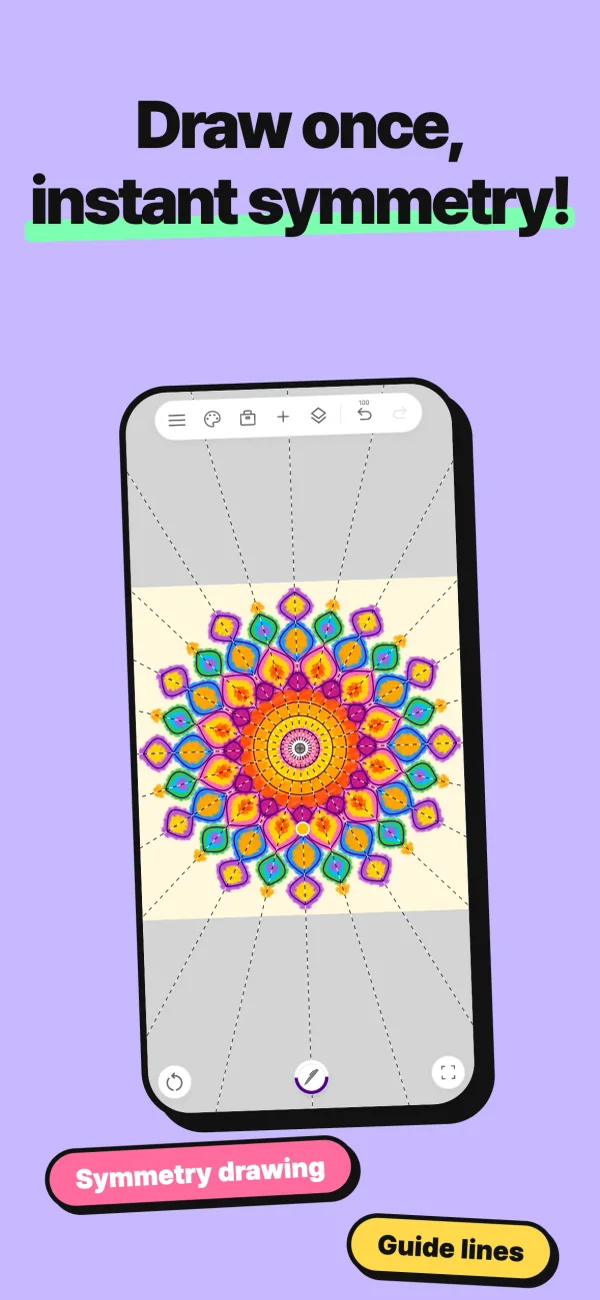
• Instant Symmetry – Draw once to easily create mandalas or symmetrical faces
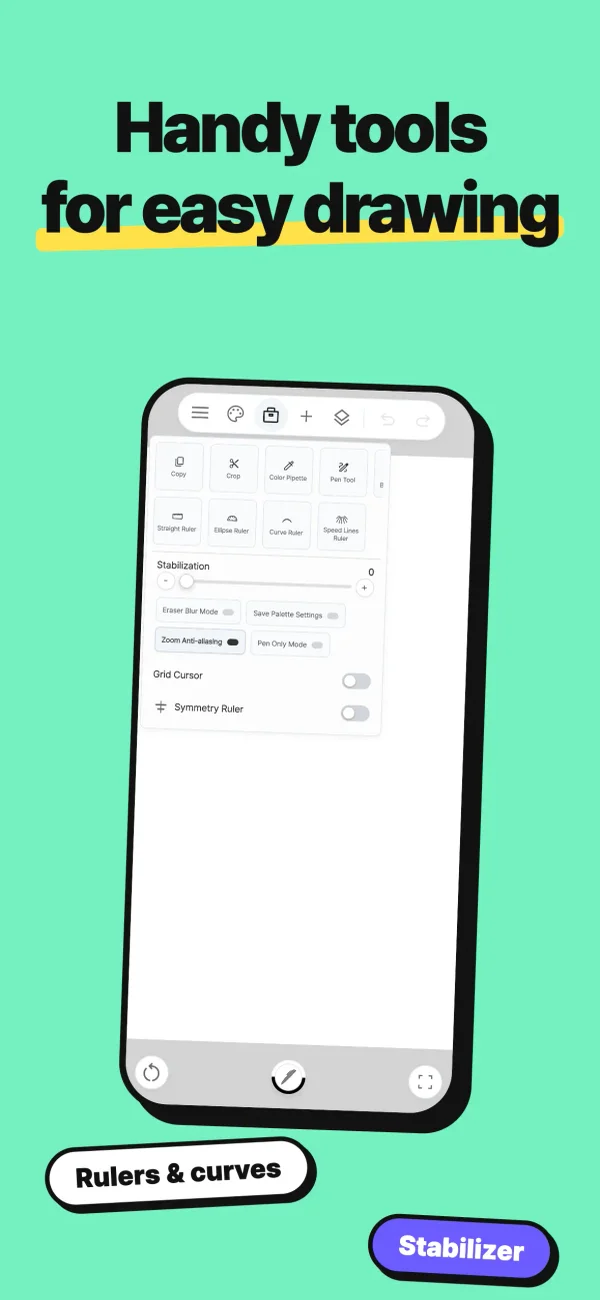
• Stabilizer & Rulers – Draw smooth, clean straight lines and curves without jitter
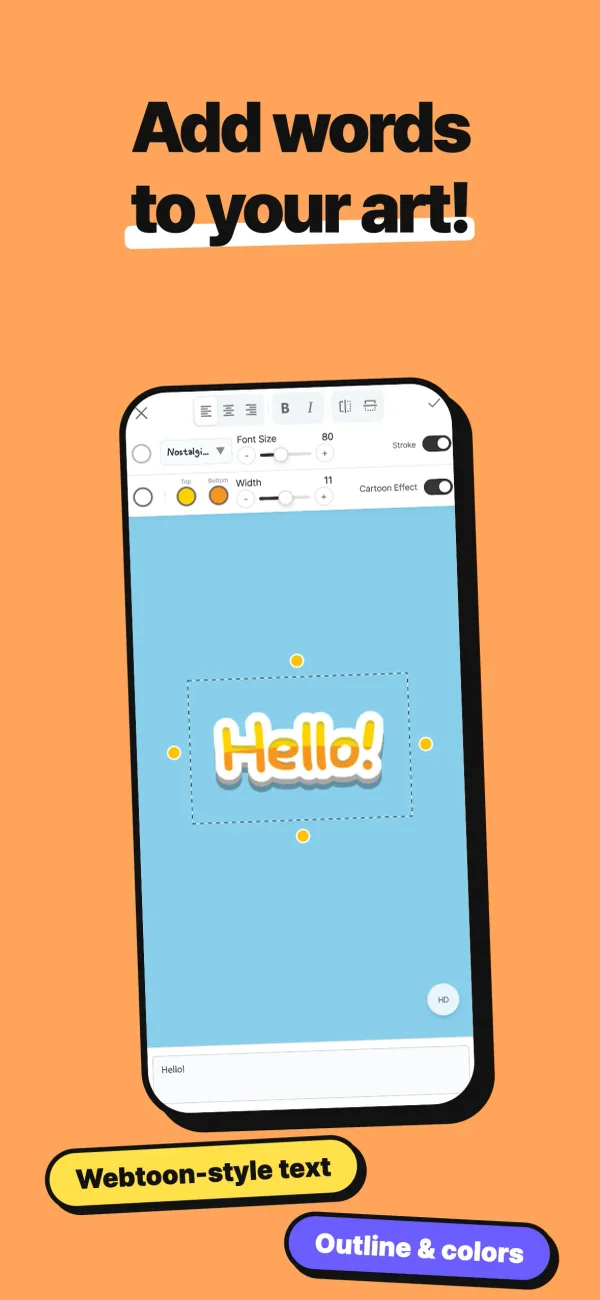
• Webtoon-Style Text – Add fun messages over your art with custom outlines and colors
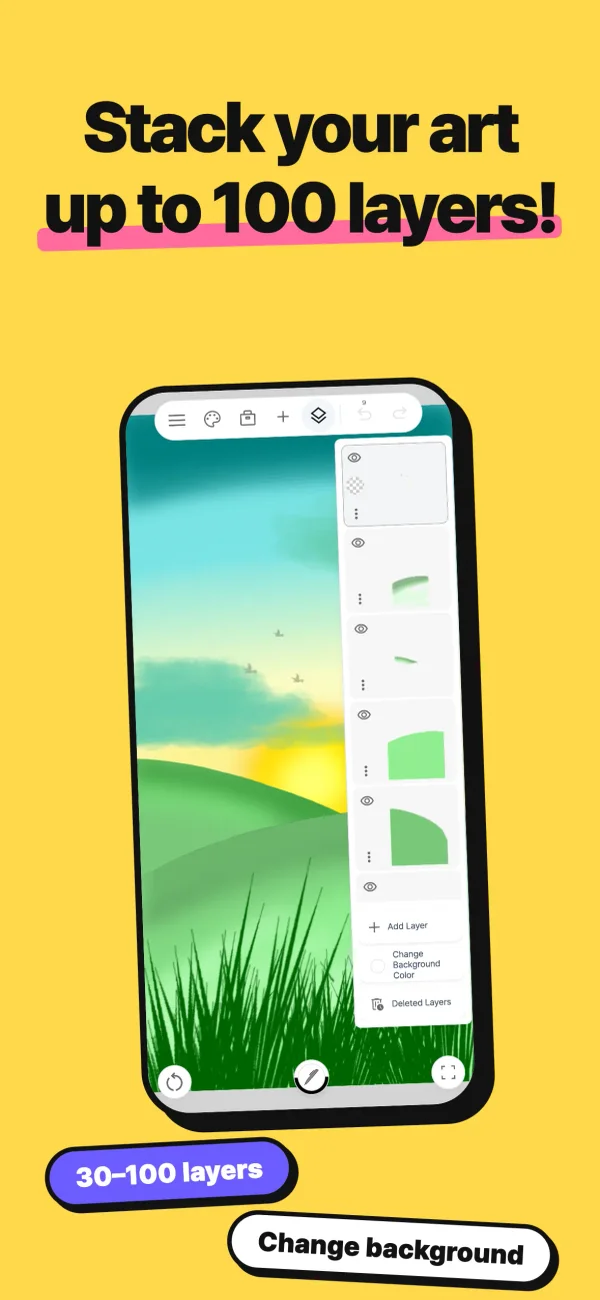
• Layer Drawing – Stack up to 100 layers when needed (varies by canvas size)
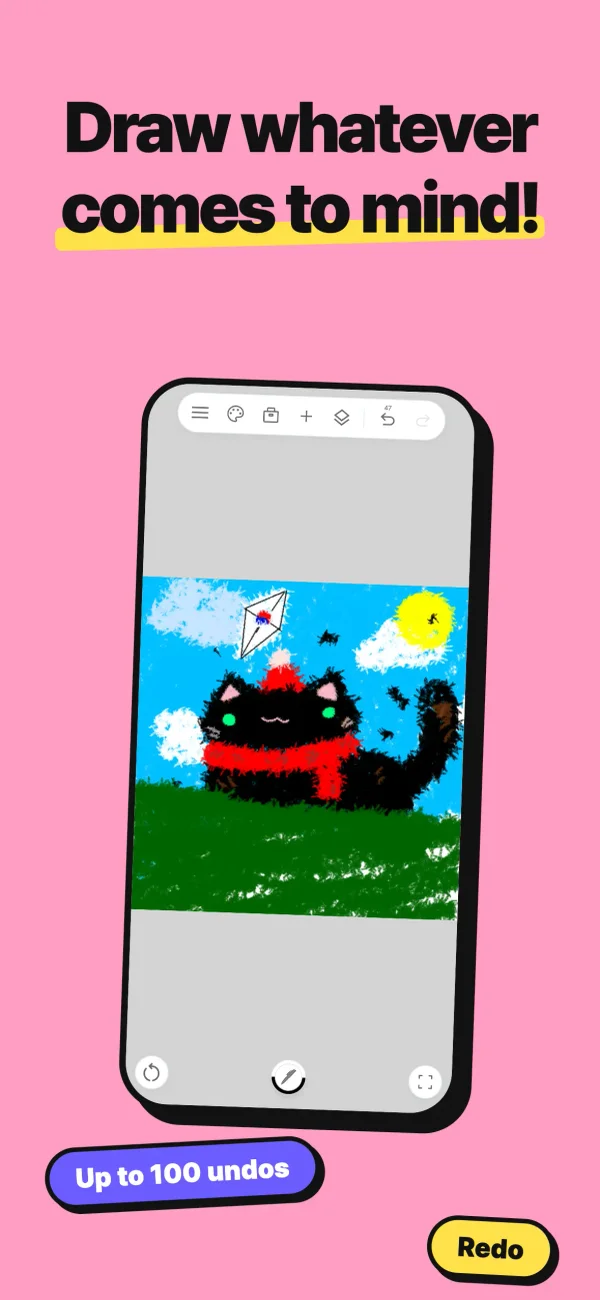
• Worry-Free Undos – Relax and undo up to 100 times if you make a mistake
• Auto-Save & Cloud Backup – Safely preserve your precious drawings to Google Drive
From casual doodles, journal decorating, and hand-drawn notes to vibrant illustrations!
Unleash your imagination on a clean, lightweight canvas today.
[Key Features]
▶ Drawing Tools
- Diverse brushes (Standard pen, pencil, paintbrush, brush pen, neon pen, rainbow, stamps, etc.)
- Brush size and opacity control, eraser with blur mode
- Freehand lines, straight lines, rectangles, and circles
- Eyedropper, paint bucket (fill), and gradients
▶ Layers & Editing
- Up to 100 layers (Alpha lock, merge, duplicate)
※ Maximum layers depend on canvas resolution (e.g., up to 100 on 1024x1024, 31 on 2048x2048)
- Restore deleted layers
- Up to 100 undos and redos
- Stroke stabilizer for smooth lineart
- Precision cursor and pen tool for detailed drawing and cutting out subjects from images
▶ Drawing Aids
- Straight, ellipse, and curve rulers; grid guides
- Mirror mode and symmetrical cursor (decalcomania)
- Custom canvas sizes, pinch-to-zoom, and canvas rotation
- Text tool with custom outlines and cartoon/webtoon effects
- Selection tool: cut, copy, and paste
▶ Files & Storage
- Google Drive sync for backing up and restoring project files
- Import images directly from your gallery or camera
- Save and load works in progress
- Export and share finished artwork to your photo album
If you have any suggestions or encounter any issues, please reach out via a review or email.
Privacy Policy: https://sites.google.com/view/drawingboard-privacy-policy
※ App Permissions
[Optional Permissions]
"Camera": Required to take photos and import captured images directly onto your canvas.
Yenilikler
Sürüm 1.0.21 · 28.11.2026
- Fixed an issue where lines appeared along stroke and screen edges when using the Blur or Mosaic brush.
- Colors with the Mosaic brush now look more natural.
- Your drawing is now restored automatically if it suddenly disappears.
- Fixed an issue where drawing right after closing a popup caused the screen to zoom in or out.
Uygulama gizliliği
Bu uygulamanın verileri nasıl işlediği hakkında seongmi Jung tarafından App Store üzerinde yapılan beyan.
-
Sizi izlemek için kullanılan veriler
Başka şirketlere ait uygulamalarda ve web sitelerinde sizi izlemek için kullanılabilir.
- Tanımlayıcılar
- Kullanım verileri
-
Sizinle ilişkilendirilmeyen veriler
Toplanabilir ancak kimliğinizle ilişkilendirilmez.
- İletişim bilgileri
- Tanımlayıcılar
- Kullanım verileri
Gizlilik uygulamaları, örneğin kullandığınız özelliklere veya yaşınıza göre değişiklik gösterebilir.
Bilgiler
- Satıcı
- seongmi Jung
- Kategori
- Grafik ve Tasarım
- Sürüm
- 1.0.21
- Güncellendi
- 28.11.2026
- Yayın tarihi
- 11.07.2026
- Boyut
- 17,9 MB
- Gereksinim
- iOS 26.0 veya sonrası
- Yaş sınırı
- 4+
- Fiyat
- Ücretsiz
- Diller
- İngilizce, Arapça, Fransızca, Almanca, Japonca, Korece, Portekizce, Rusça, Basitleştirilmiş Çince, İspanyolca, Geleneksel Çince
- Telif hakkı
- © 2026 DrawingBoard. All rights reserved.
Bunları da beğenebilirsiniz
-
 Sanat RessamGrafik ve Tasarım
-
 AuniDraw: Drawing AppGrafik ve Tasarım
-
 Drawing App – Doodle & DrawGrafik ve Tasarım
-
 Micapaint - Çizim uygulamasıTaşmayan fırça, reklamsız
-
 Scribble Board – SerbestSerbest çizim ve notlar
-
 SeePaint: Draw, Sketch & PaintGrafik ve Tasarım
-
 Paintrix: Çizim ve resim çizmeBirlikte boyama, manga, eskiz
-
 SuperPaint: Fluid ArtGrafik ve Tasarım
-
 WobblyPaint 95Grafik ve Tasarım
-
 Çizim öğren & Sketch: ArtworkAdım adım çizim dersleri,