DrawSlice - Sketch Studio
Canvas for Visual Ideas
Designed for iPhone, iPad
In-app purchases
- Age rating12+
- CategoryGraphics & Design
- DeveloperLionel Ng
- LanguagesEnglish
- Size20.3 MB
Links to the official App Store page
Download.org hosts no file of DrawSlice - Sketch Studio. The button opens its official App Store page, published by Lionel Ng. Listing last checked on Nov 11, 2026.
Screenshots

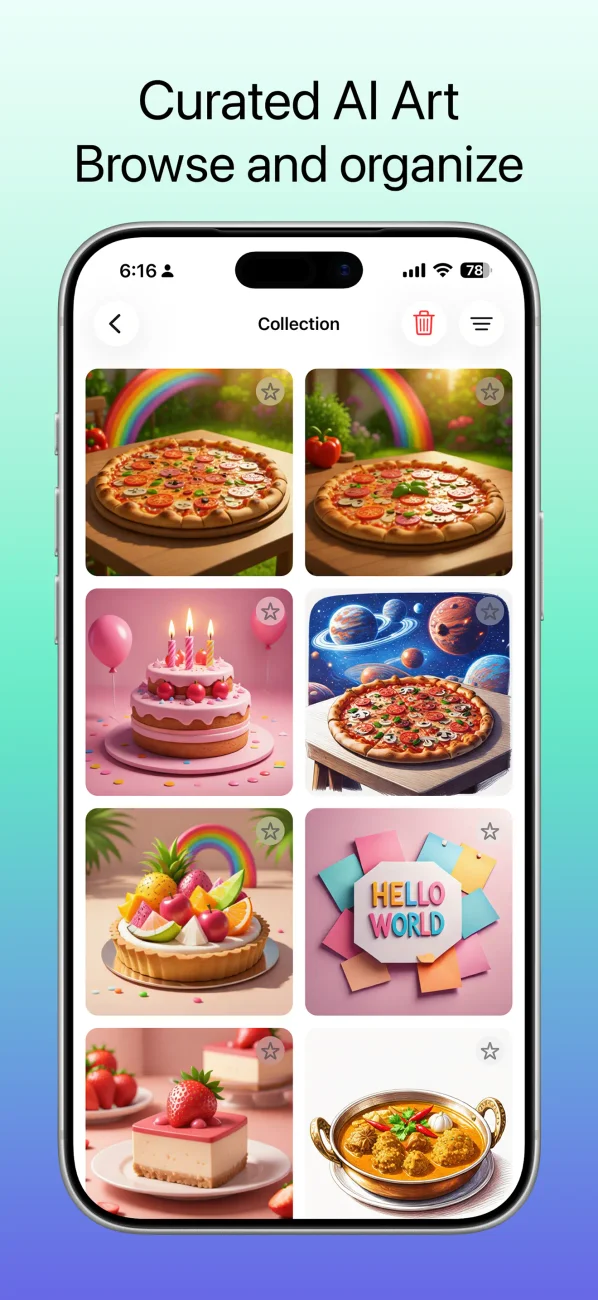
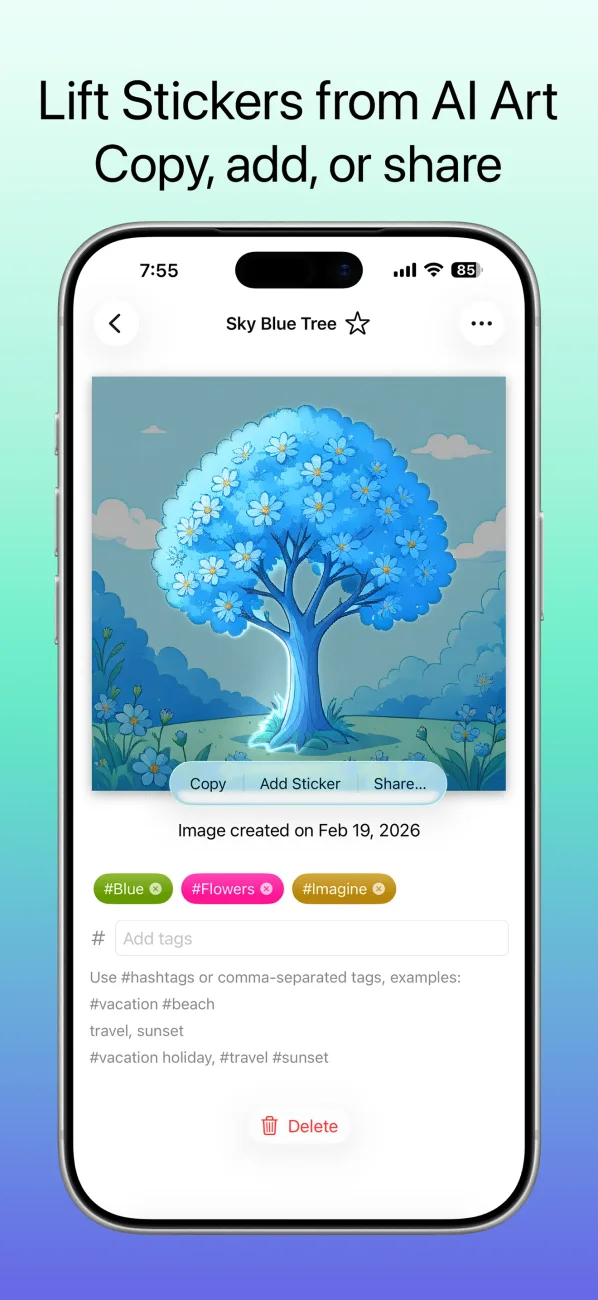
About
DrawSlice is a canvas for visual ideas, combining sketching, on-device image and sticker creation, structured canvases, and private creative tools in one focused workflow.
SKETCH, MARK UP, AND BUILD IDEAS
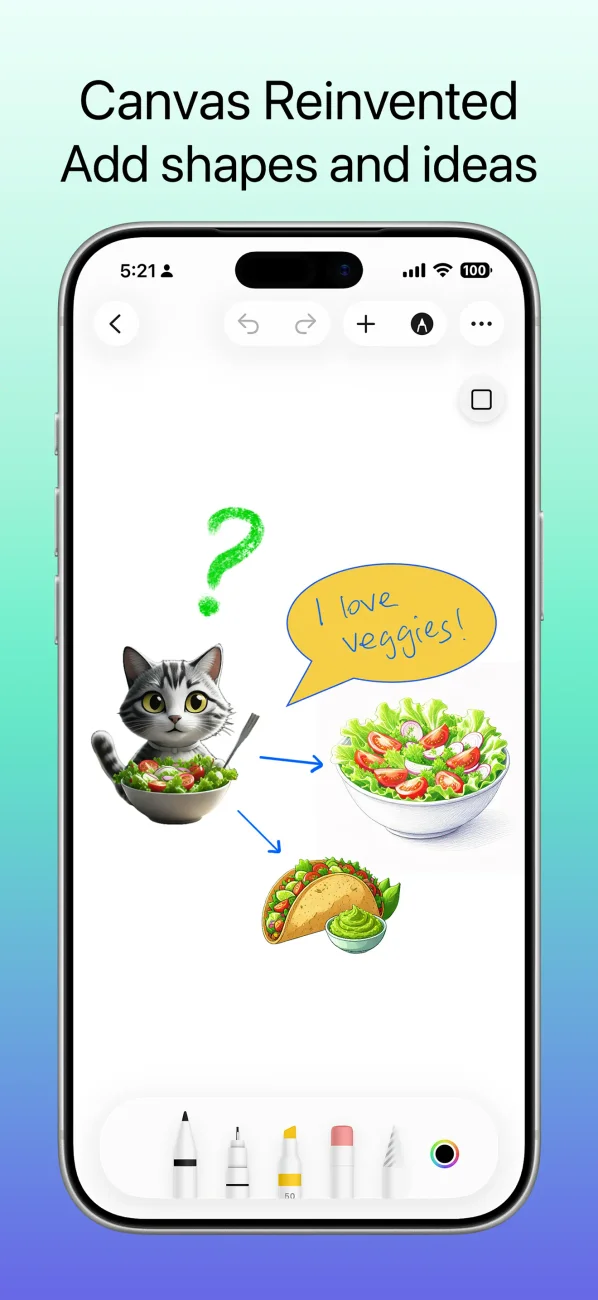
Create with a fluid, natural canvas designed for fast ideation and focused drawing sessions. Whether you use your finger on iPhone or Apple Pencil on iPad, DrawSlice makes it easy to sketch, annotate, and develop visual concepts.
• Smooth freehand drawing with intuitive zoom and pan
• Add shapes and text directly onto the canvas
• Full undo/redo support
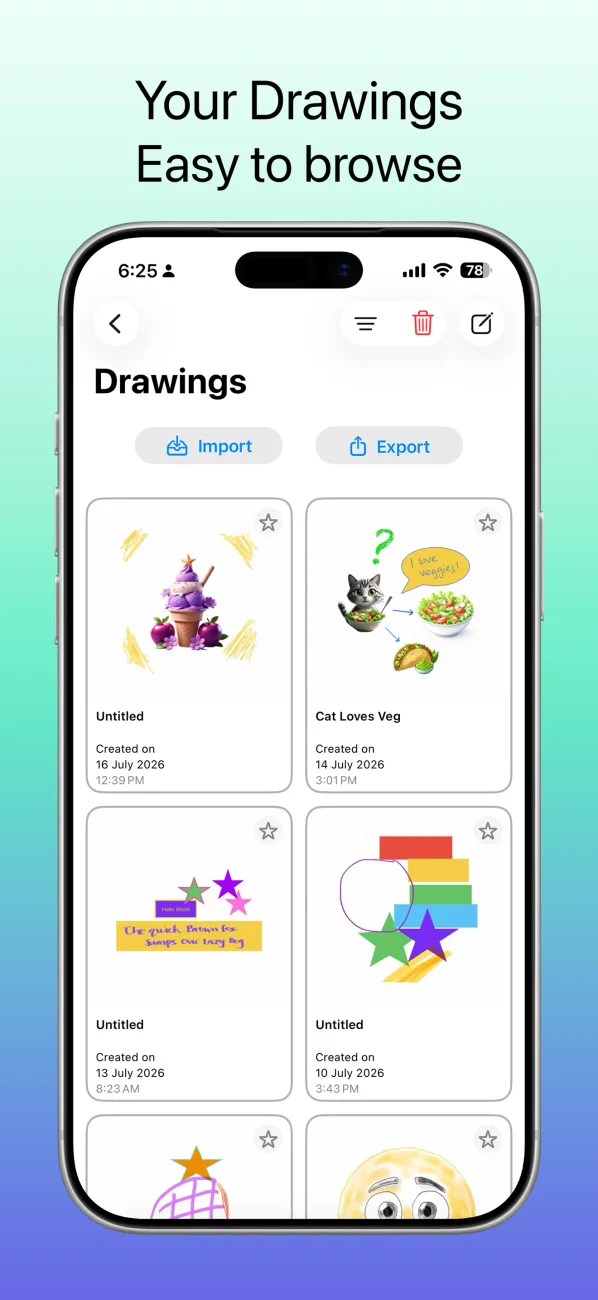
• Save, organize, and favorite your drawings
• Share your drawing files and export artwork to Photos
• Choose from multiple grid overlays for structure and precision
USE GENERATED REFERENCES TO EXPLORE IDEAS
Use generated images as visual inspiration while you draw. Explore compositions, study forms, and develop ideas without breaking your creative flow.
• Use generated images as drawing references
• Keep references visible while you sketch and refine ideas
• Combine hand-drawn strokes with shapes and annotations
• Turn rough ideas into more polished concepts faster
CREATE AI IMAGES AND STICKERS
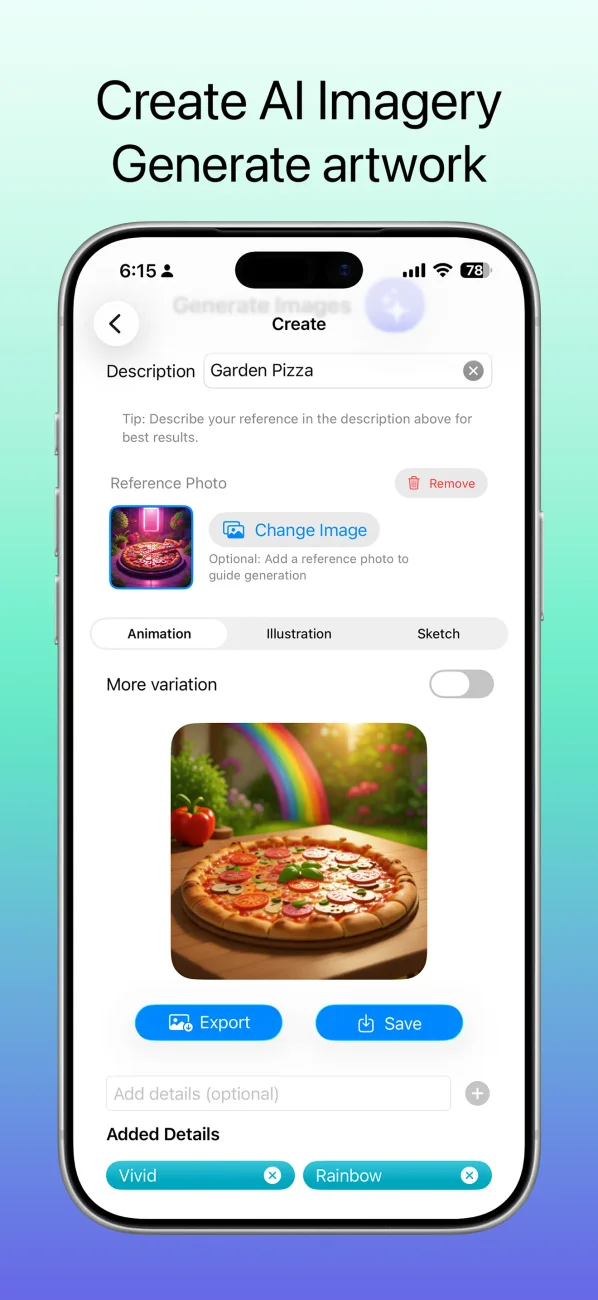
Generate beautiful images directly on your device, then lift subjects from your creations to use as stickers. On-device intelligence keeps the creative process private with no cloud processing required.
• Explore multiple artistic styles
• Use your drawings as inspiration for AI creations
• Lift subjects from generated artwork to use as stickers
• Organize creations easily with smart tags
• Fully on-device processing for complete privacy
STAY ORGANIZED
• Beautiful galleries for drawings and generated images
• Mark favorites for quick access
• Track your creative journey with insights
• iCloud sync keeps everything backed up across devices
• Dedicated search feature to find drawings and images instantly
Whether you're sketching concepts, collecting references, or creating polished visual ideas, DrawSlice gives you powerful tools in a focused, beautifully simple app.
DRAWSLICE PREMIUM
Take your creativity further:
• Grid overlays (dots, lines, full grid, isometric) for perfect proportions
• Custom color-coded tags for advanced organization
• High-resolution exports with 1.5x upscaling
• Exclusive premium app icons
PRIVACY BY DESIGN
Your creativity belongs to you. Drawings stay on your device, and image generation works entirely on-device. Optional iCloud sync uses secure CloudKit storage.
SUBSCRIPTIONS
• Payment is charged to your Apple ID at confirmation of purchase.
• Subscription auto‑renews unless canceled at least 24 hours before the end of the current period.
• Manage or cancel anytime in Settings › Apple ID › Subscriptions.
• Free trial, if offered, converts to a paid subscription unless canceled at least 24 hours before it ends.
• Any unused portion of a free trial, if offered, is forfeited when a subscription is purchased.
Terms of Use: https://www.apple.com/legal/internet-services/itunes/dev/stdeula/
What’s new
Version 1.1.1 · Aug 13, 2026
• Adds more editable shapes to the sketch canvas, including Polygon, Arrow, and Ellipse.
• Performance improvements and bug fixes.
App privacy
What Lionel Ng declares on the App Store about how this app handles data.
-
Data not collected
The developer does not collect any data from this app.
Privacy practices may vary, for example with the features you use or your age.
Information
- Seller
- Lionel Ng
- Category
- Graphics & Design
- Version
- 1.1.1
- Updated
- Aug 13, 2026
- Released
- Feb 12, 2026
- Size
- 20.3 MB
- Requires
- iOS 26.0 or later
- Age rating
- 12+
- In-app purchases
- Yes
- Languages
- English
- Copyright
- © 2026 Lionel Ng
You might also like
-
 AI Magic KitGraphics & Design
-
 Gradient Wallpapers: MeshingMesh Art & Lock Screen Maker
-
 Logo Maker: Design Creator+Poster & Flyer Maker, Business
-
 Drawing - SketchGraphics & Design
-
 AI Photo Generator - PromptoGenerate Image, Picture & Art
-
 AnySketch Neo AR Trace DrawingARXR Trace Sketch Drawing Tool
-
 ImageLab: AI Anime GeneratorLocal Art, Photo & Images
-
 Mockview - Mockup GeneratorTurn Screenshots to Mockups
-
 Cozy Coloring: Learn to Draw.Coloring book with cozy art
-
 swatchbook remixFashion & Design Customization