Driio: Network Drive Client
SMB, SFTP, NFS, WebDAV & S3
Designed for iPhone, iPad, Mac
Free · In-app purchases
- Age rating4+
- CategoryUtilities
- DeveloperLawman Services, LLC
- LanguagesEnglish
- Size45.2 MB
Links to the official App Store page
Download.org hosts no file of Driio: Network Drive Client. The button opens its official App Store page, published by Lawman Services, LLC. Listing last checked on Nov 23, 2026.
Screenshots
About
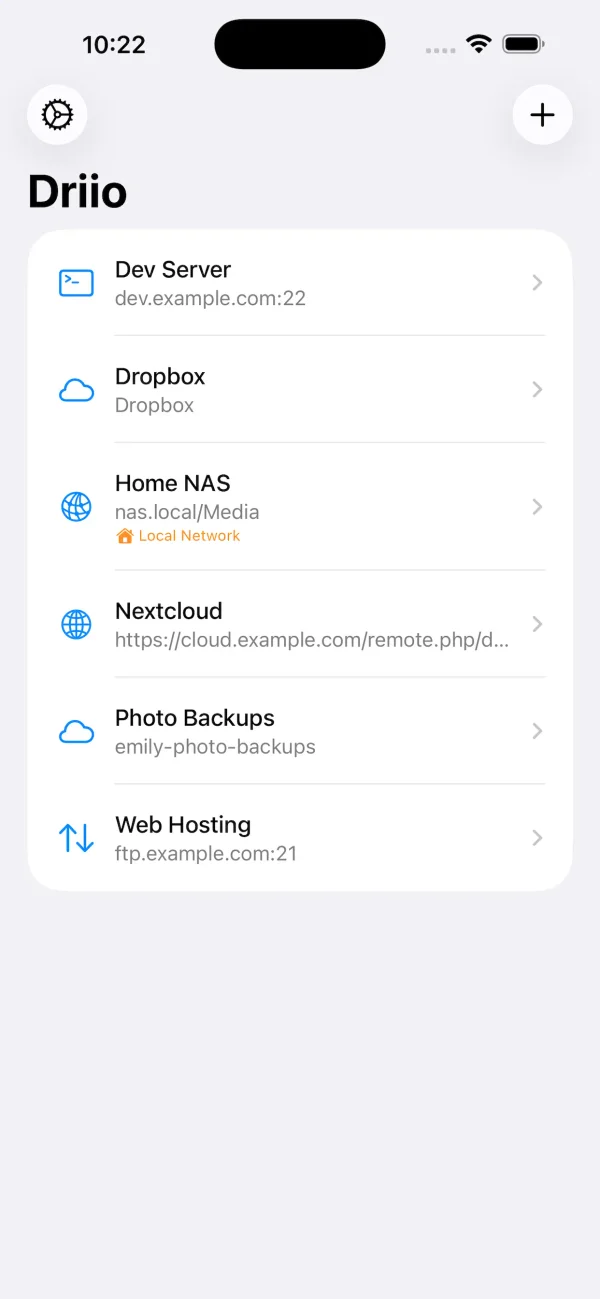
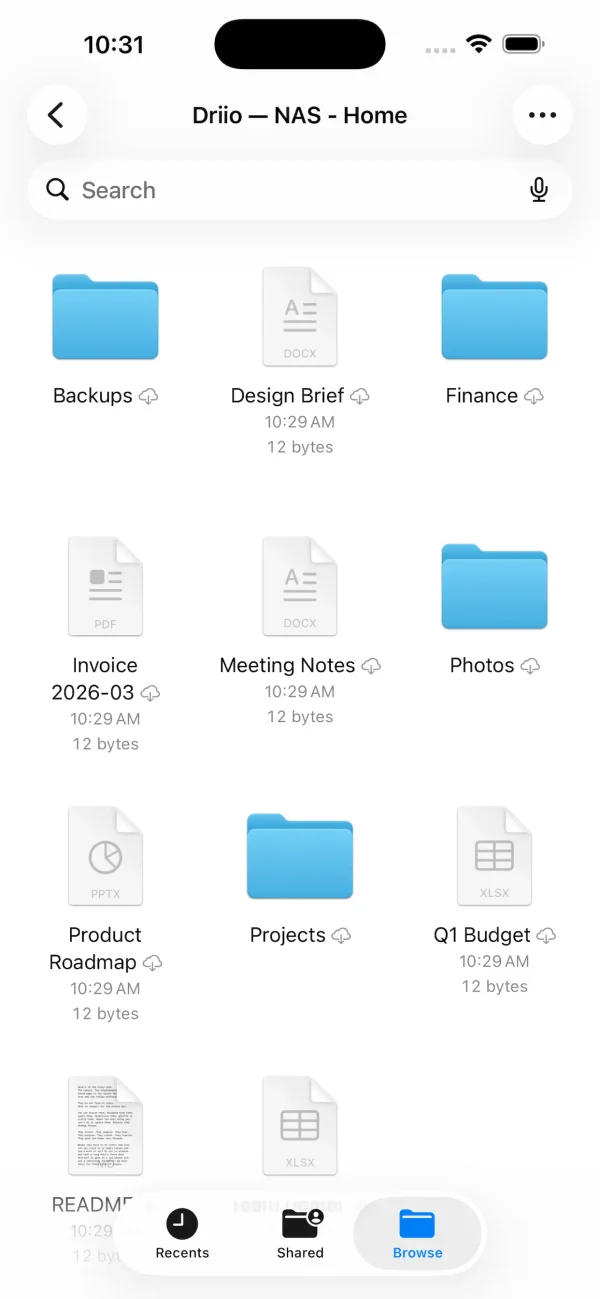
Driio puts your servers in the Files app. SMB shares, SFTP servers, NAS drives, WebDAV, Amazon S3, NFS, Dropbox and OneDrive appear next to iCloud Drive, and every app on your iPhone and iPad can open, save and share files on them.
ONE JOB, DONE PROPERLY
Driio doesn't scan PDFs, edit photos or play video. It connects your storage to the Files app you already use, so every app's open and save screens reach your NAS and servers without another app in the way.
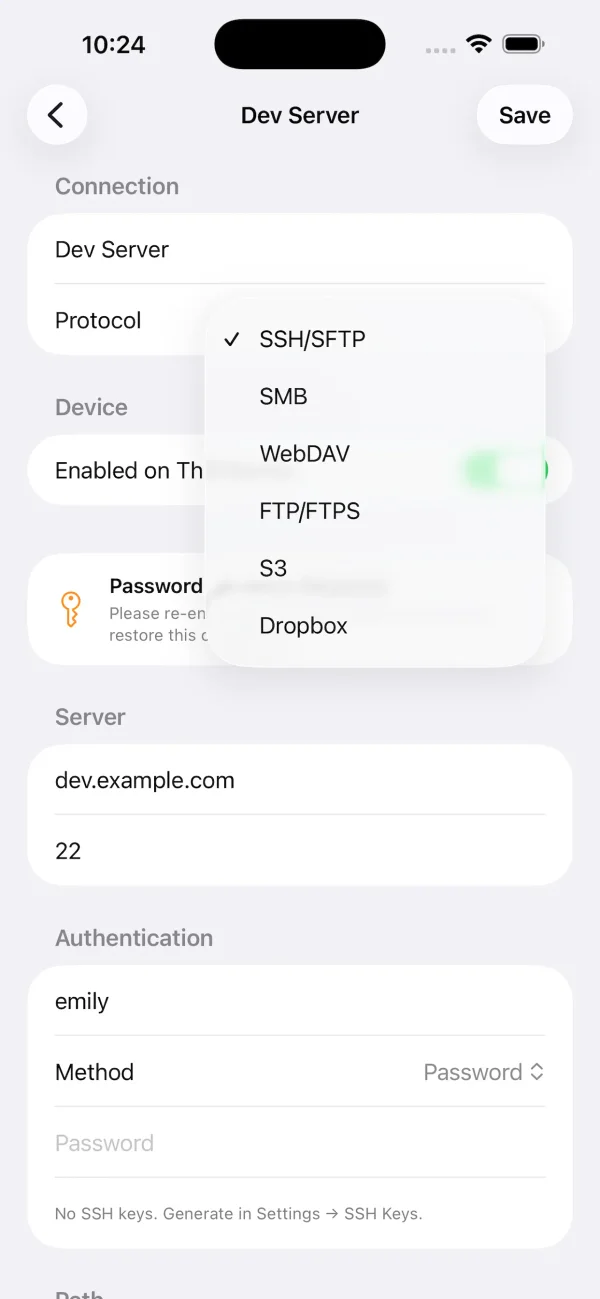
EIGHT WAYS TO CONNECT
• SMB: Windows shares, Synology, QNAP, TrueNAS, Unraid and Samba servers
• SSH/SFTP: password or Ed25519 key authentication, with keys generated in the app
• FTP and FTPS
• WebDAV: Nextcloud, ownCloud and web hosting
• Amazon S3 and S3-compatible storage: MinIO, Backblaze B2, Wasabi
• NFS: NFSv3 and NFSv4
• Dropbox
• OneDrive
MADE FOR ON THE GO
• Driio flags connections that only work on your home or office network
• Turn connections off per device to keep the Files app tidy
• Share links for Dropbox, OneDrive, Nextcloud and S3 from the Share sheet
• Recent errors listed per connection, so you can see what went wrong
PRIVATE BY DESIGN
• Direct connections only: your files never pass through our servers
• Passwords and SSH keys stored in iCloud Keychain, synced end-to-end encrypted
• No analytics, no tracking
ONE SUBSCRIPTION, EVERY DEVICE
Set up a connection once and it appears on your iPhone, iPad and Mac.
• 7-day free trial
• Monthly, yearly, or a one-time lifetime purchase
Terms of Use: https://www.apple.com/legal/internet-services/itunes/dev/stdasla/
What’s new
Version 2.10 · Nov 20, 2026
- S3: encryption with your own key. In an S3 connection's settings, set Encryption to With My Own Key, and the server encrypts every file Driio uploads with a key only you hold. Keep a copy of the key: without it, the files can't be read. Update Driio on all your devices before you turn it on.
- Notifications when a connection needs you: a refused sign-in, an untrusted certificate, or full storage. You can turn them off in Driio's settings.
- FTPS: servers that require TLS session reuse now work. That's the default on vsftpd and ProFTPD, where listings and transfers failed.
- After a server refuses a sign-in, Driio waits before trying the same password again, so the server doesn't lock your account.
- Fixed: an FTPS server with a valid certificate could only connect with Allow Untrusted Certificates turned on.
- Fixed: FTP downloads that took longer than 5 minutes failed.
- Fixed: uploading an empty file over FTPS failed on some servers.
App privacy
What Lawman Services, LLC declares on the App Store about how this app handles data.
-
Data not collected
The developer does not collect any data from this app.
Privacy practices may vary, for example with the features you use or your age.
Information
- Seller
- Lawman Services, LLC
- Category
- Utilities
- Version
- 2.10
- Updated
- Nov 20, 2026
- Released
- Feb 5, 2026
- Size
- 45.2 MB
- Requires
- iOS 17.0 or later
- Age rating
- 4+
- Price
- Free
- In-app purchases
- Yes
- Languages
- English
- Copyright
- © 2026 Lawman Services LLC
You might also like
-
 FlowMountMount, sync, and manage
-
 My NAS ManagerNAS monitor & file manager
-
 NFS Files – NAS Drive ClientSynology, QNAP & Linux Server
-
 Filio - File ManagerNAS and cloud, all in one
-
 WebDAV BrowserStream NAS files & videos
-
 S3 Drive ExplorerYour own S3-compatible storage
-
 DataLeftData left, at a glance
-
 Airframe Blackbox AnalyzerEvery flight tells a story.
-
 ShrimpSend-Fast File TransferFast & Reliable File Transfer
-
 Rumskrot RemoteRemote desktop for your Mac