
Duoboard: Foldable Keyboard
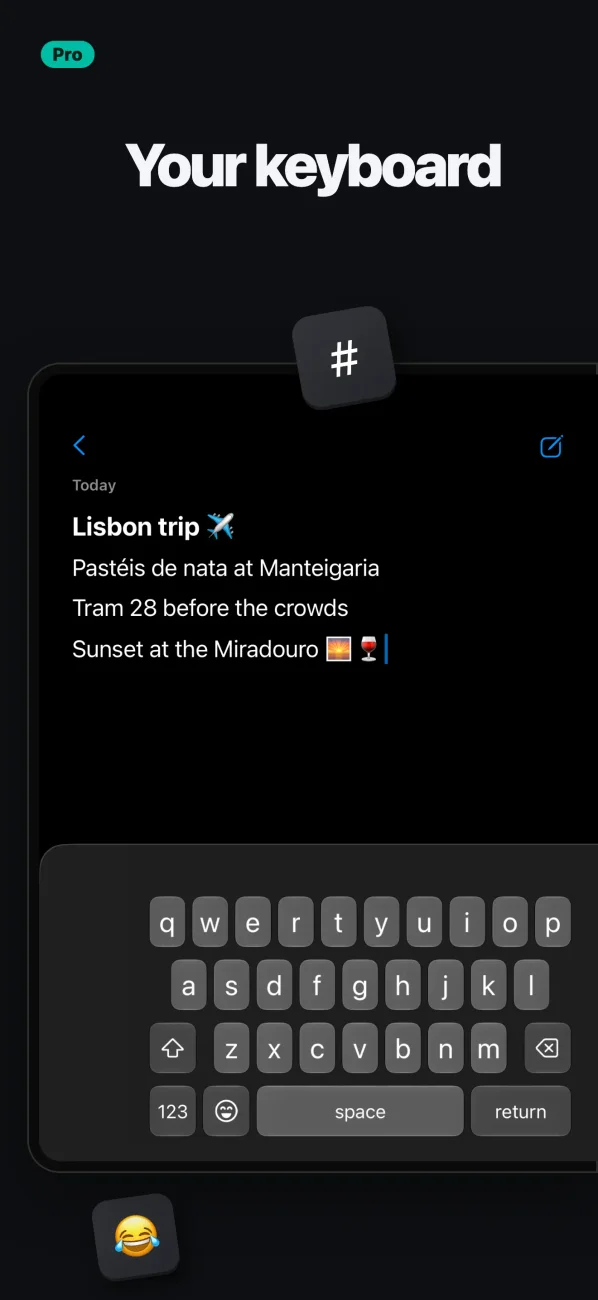
Your keyboard with a sidekick
Designed for iPhone, iPad
Free · In-app purchases
- Age rating4+
- CategoryUtilities
- DeveloperPatrick Gatewood
- LanguagesEnglish
- Size55.6 MB
Links to the official App Store page
Download.org hosts no file of Duoboard: Foldable Keyboard. The button opens its official App Store page, published by Patrick Gatewood. Listing last checked on Nov 26, 2026.
Screenshots
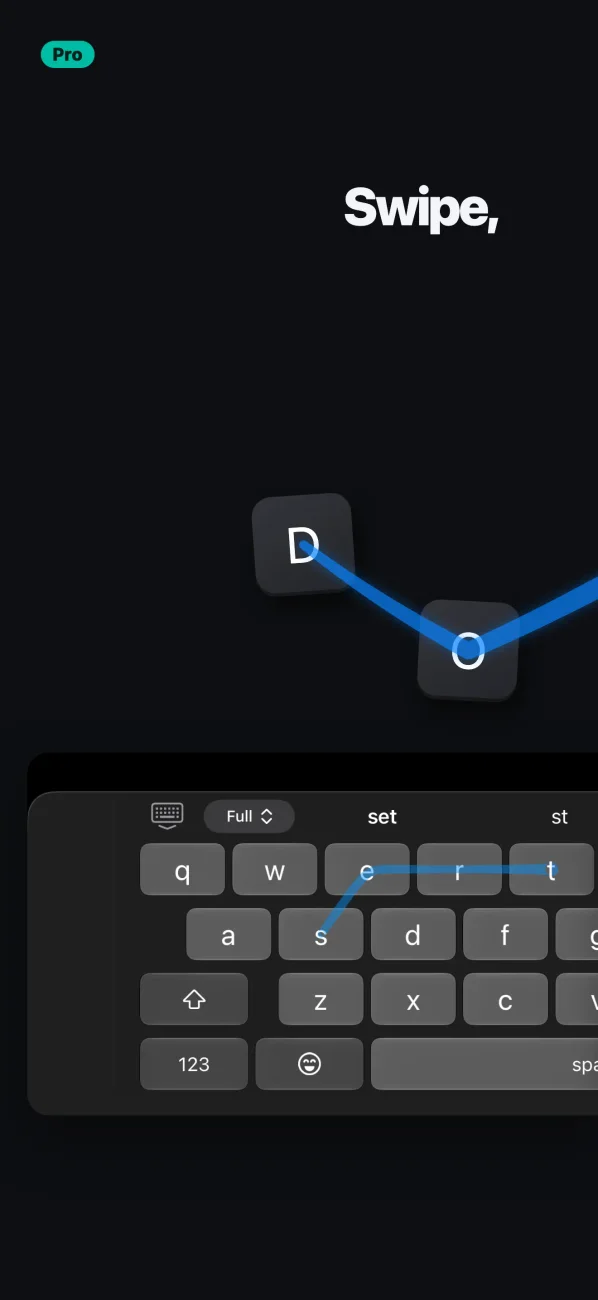

About
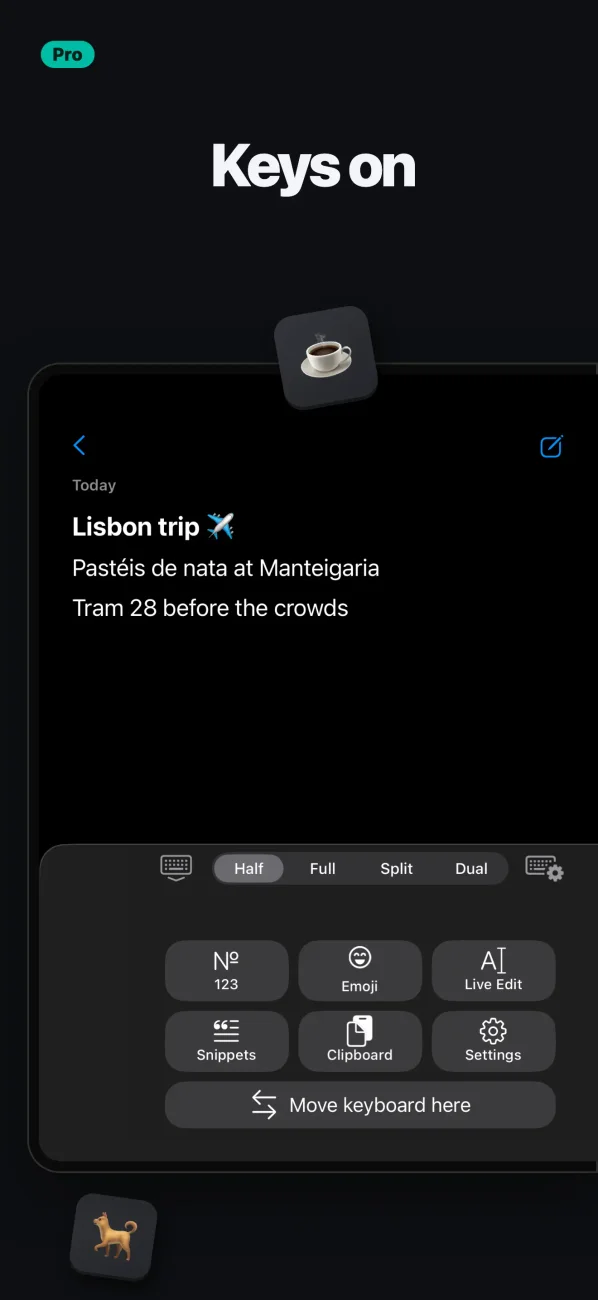
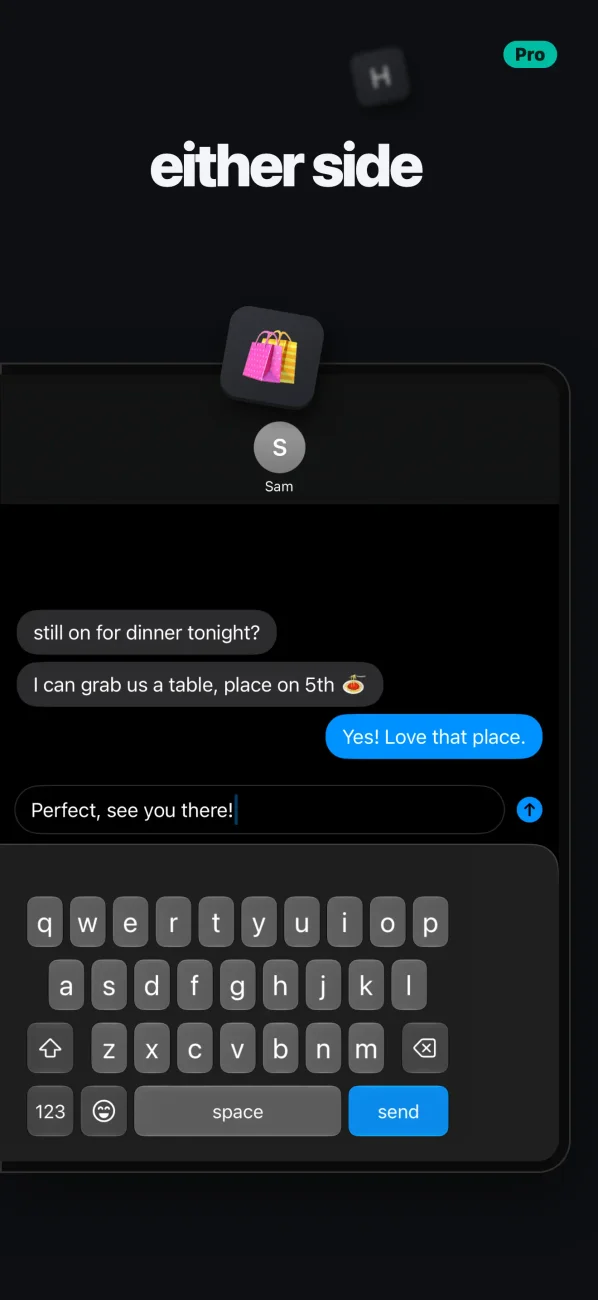
Duoboard puts your keyboard on one half of the open iPhone Duo and a productivity sidekick on the other. Or split the keys across both.
LIVE EDIT
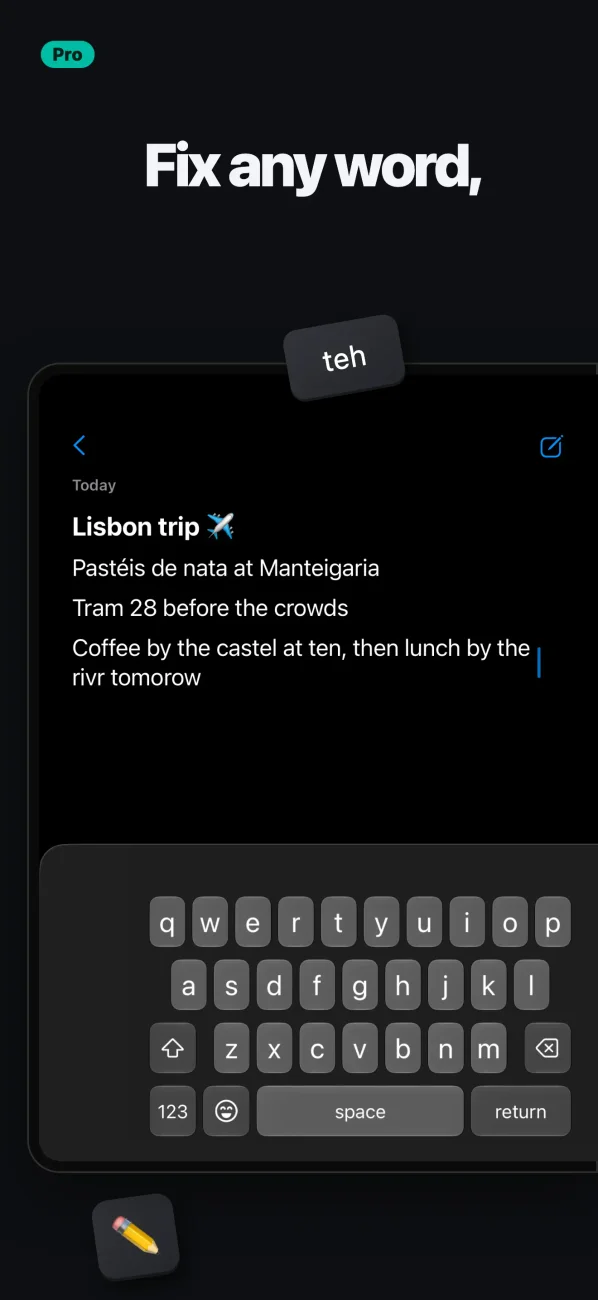
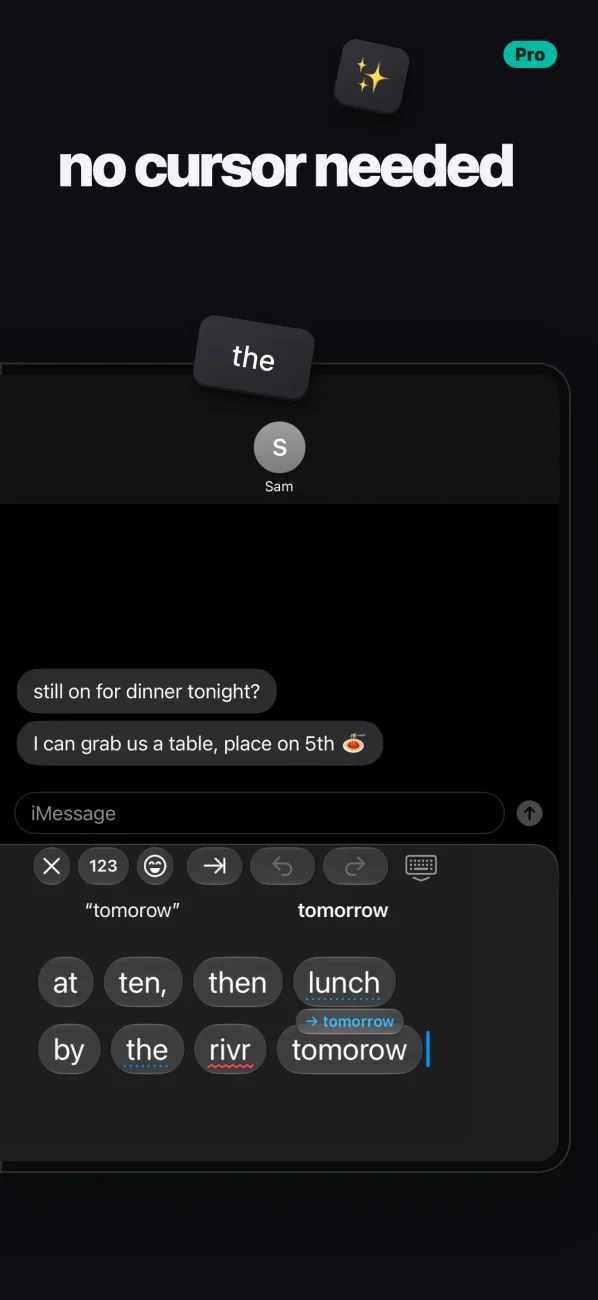
No more cursor dance. Everything you've typed shows up right beside the keys, word by word, big enough to hit. Tap any word to swap it, fix it or retype it, without wrestling with the text in your app. Pinch two words to join them, or spread one to split it. In Half and in Split.
DICTATION
Tap the mic and talk, or hold it and let go when you're done. Your words show up as you say them. Apple's speech recognition runs on your iPhone, so what you say never leaves it.
HALF
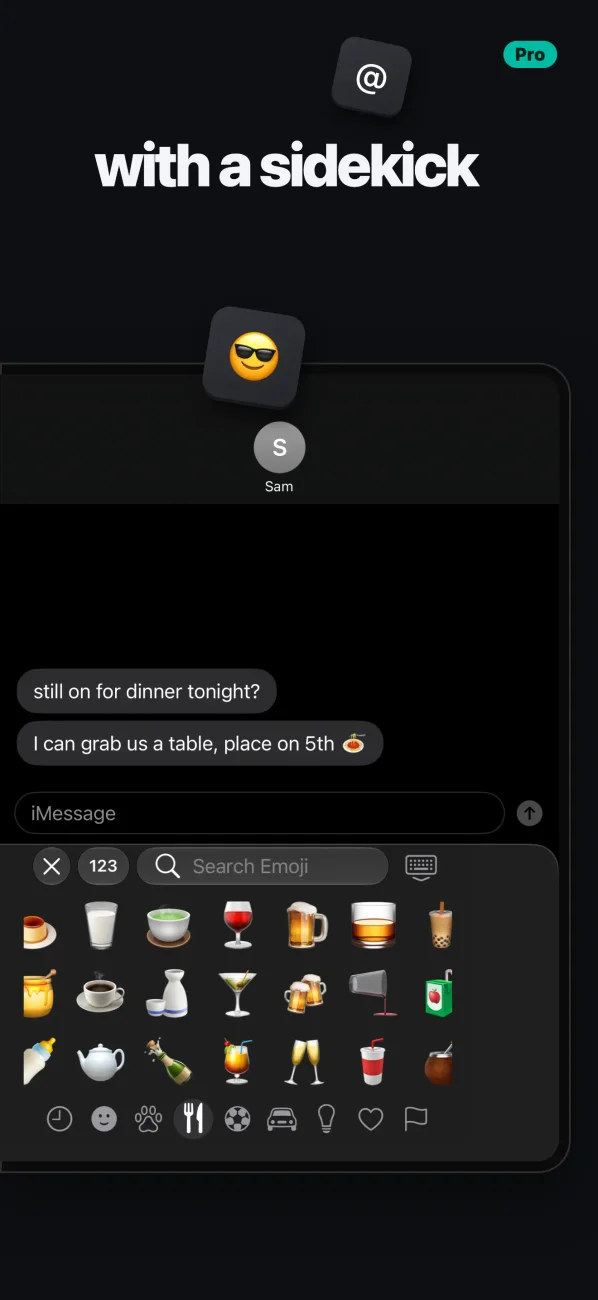
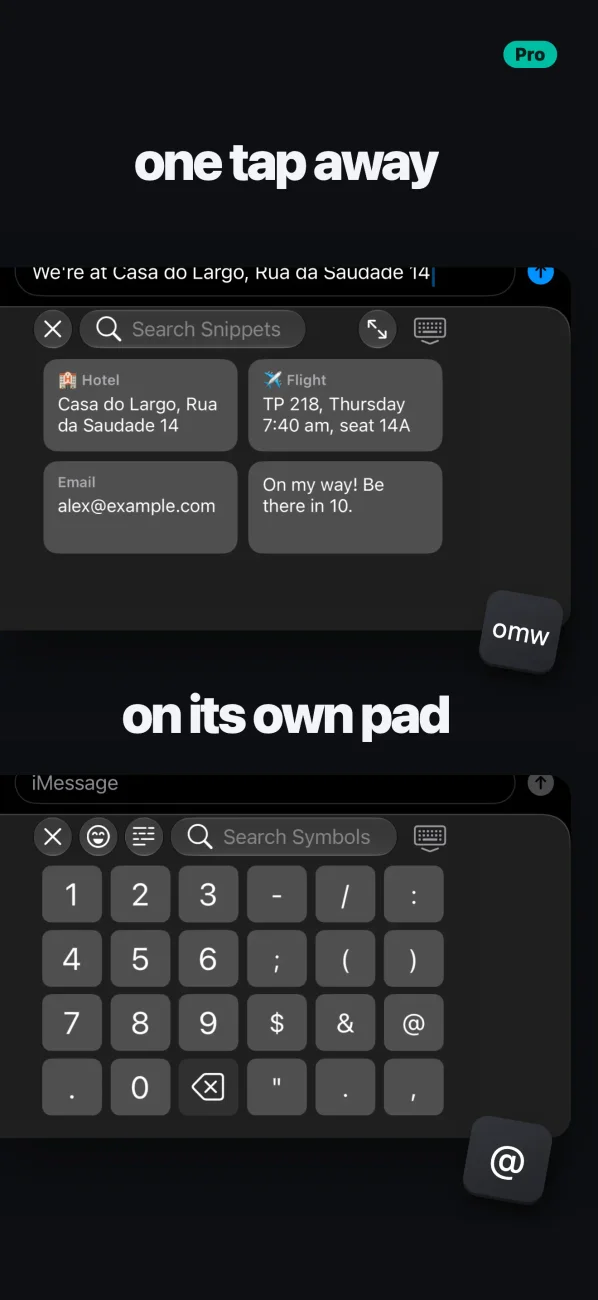
The keys on the screen you're holding, and your sidekick on the other: Live Edit, emoji with search, a number pad and symbols, your snippets and your clipboard.
SPLIT
One keyboard, a half under each thumb, like on iPad. Spread two fingers on the keys to split them, pinch to bring them back together, and drag the halves wider or narrower to fit your hands. Choose which keys show on which side.
DUAL
A whole keyboard under each thumb, split across the fold.
FULL
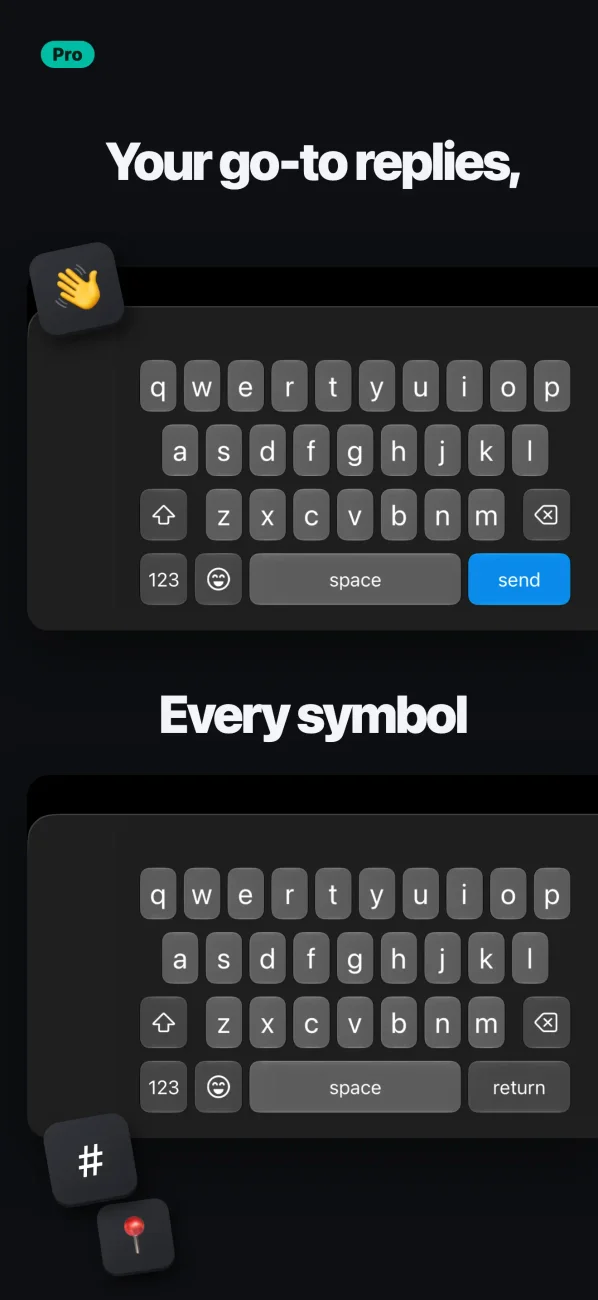
Or keep it classic, one keyboard across the whole screen.
THEMES
20 themes for your keys, or create your own.
ONE-HANDED, WITHOUT THE FUSS
• Sweep two fingers or flick the space bar toward a thumb, and the keyboard drops into Half under it. Sweep again to tuck the keys in for one hand. No holding the globe key, no menu.
• On the closed Duo, flick the space bar toward your thumb for one-handed keys, and back for full width.
• Drag the keyboard to any height and set its width, remembered for closed, open upright and open sideways.
TYPES THE WAY YOU DO
• Swipe typing, with suggestions as you swipe
• Autocorrect that learns your words and your contacts' names, and reads the words before it
• Next-word suggestions after a space
• Missed spaces come apart: "itsjust" becomes "it's just"
• Hold the space bar for a trackpad: the higher your thumb, the faster the cursor. Tap a second finger to select
• Smart punctuation: curly quotes, and -- for an em dash
• A full space bar in address bars, if you'd rather swap / and . for it
• Hold 123 for snake_case, kebab-case, camelCase or file paths
• An optional number row, and a touch and hold on a letter for its accents
• Emoji search that forgives typos
• What you just copied waits in the suggestion bar, one tap to paste
• Undo and redo in the suggestion bar
• Set how fast the delete key repeats
SNIPPETS AND CLIPBOARD
Save the things you type all the time, your address, your email, a go-to reply, and send them with a tap. Duoboard can also keep what you copy, so it's there when you need it again.
ON IPAD TOO
Duoboard works on iPad too, Split and Live Edit included.
PRIVATE
Nothing you type or say leaves your device. No account, no ads, no tracking.
DUOBOARD PRO
The Full keyboard is free, with autocorrect, emoji, snippets, your clipboard, dictation and three themes. Duoboard Pro unlocks Half, Split, Dual, Live Edit, swipe typing and every theme, your own included: try it free for 7 days, then keep it with a one-time purchase. No subscription.
What’s new
Version 1.4 · Nov 25, 2026
Dictation: tap or hold the mic and talk. Transcribed locally.
Also in this update:
• 20 themes, or create your own. Most need Pro
• Smart punctuation: curly quotes
• A full space bar in Safari's address bar (or any other)
• Select with the trackpad: hold the space bar, then tap a second finger
• Steadier haptics, and Split keeps its width
App privacy
What Patrick Gatewood declares on the App Store about how this app handles data.
-
Data not linked to you
May be collected but is not linked to your identity.
- Purchases
- Identifiers
Privacy practices may vary, for example with the features you use or your age.
Information
- Seller
- Patrick Gatewood
- Category
- Utilities
- Version
- 1.4
- Updated
- Nov 25, 2026
- Released
- Nov 5, 2026
- Size
- 55.6 MB
- Requires
- iOS 26.0 or later
- Age rating
- 4+
- Price
- Free
- In-app purchases
- Yes
- Languages
- English
- Copyright
- © 2026 Robot Hand, LLC
You might also like
-
 FoldboardThe keyboard that follows you
-
 MeBoard: Glide & HapticsThe most configurable keyboard
-
 ReachTypeCustomizable Split Keyboard
-
 Brim BrowserEdge-to-edge browsing
-
 Brutal Time: Typographic ClockDesk clock & StandBy widgets
-
 Hingeworthy : Fold CounterCount every open and close
-
 FoldCounter: Fold StatsTrack your fold
-
 OutSpan - Fullscreen BrowsingWide web pages and ad blocker
-
 EFKey – Swipe & AI KeyboardTranslate, dictate, gestures
-
 Wider - Fullscreen BrowsingMore room for the internet