Duplex Print Helper
Split PDF for Duplex Printing
Designed for iPhone, iPad, Mac
Free · In-app purchases
- Age rating4+
- CategoryProductivity
- Developer诗琴 杨
- LanguagesEnglish+ 62 more
- Size32.6 MB
Links to the official App Store page
Download.org hosts no file of Duplex Print Helper. The button opens its official App Store page, published by 诗琴 杨. Listing last checked on Nov 24, 2026.
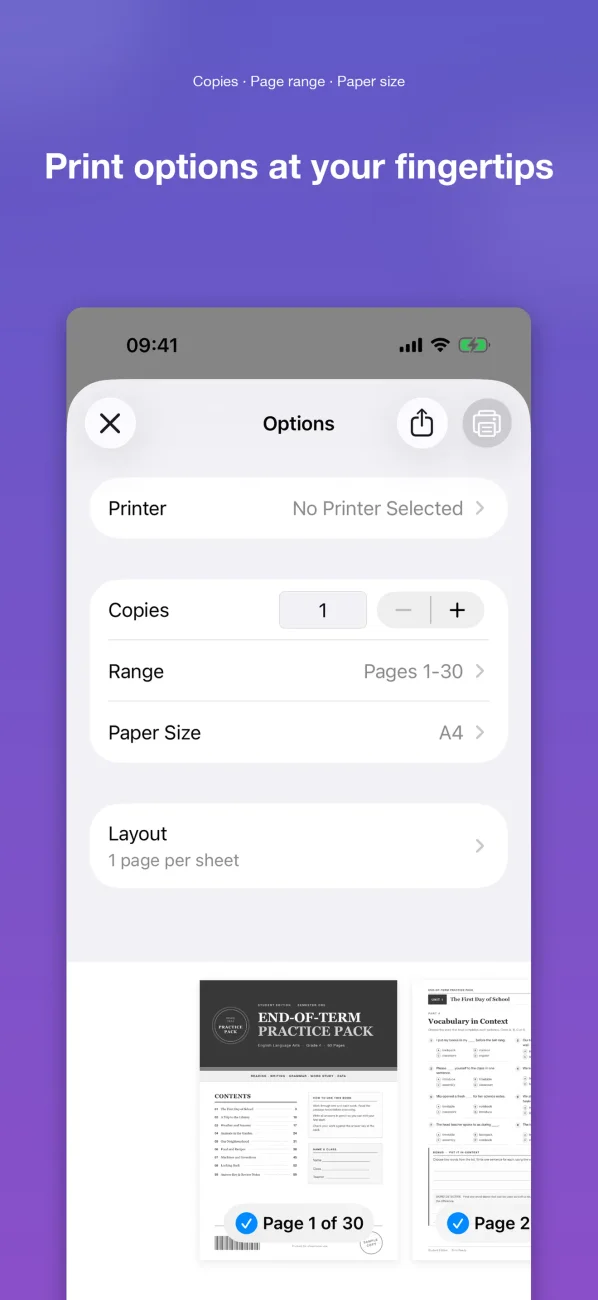
Screenshots

About
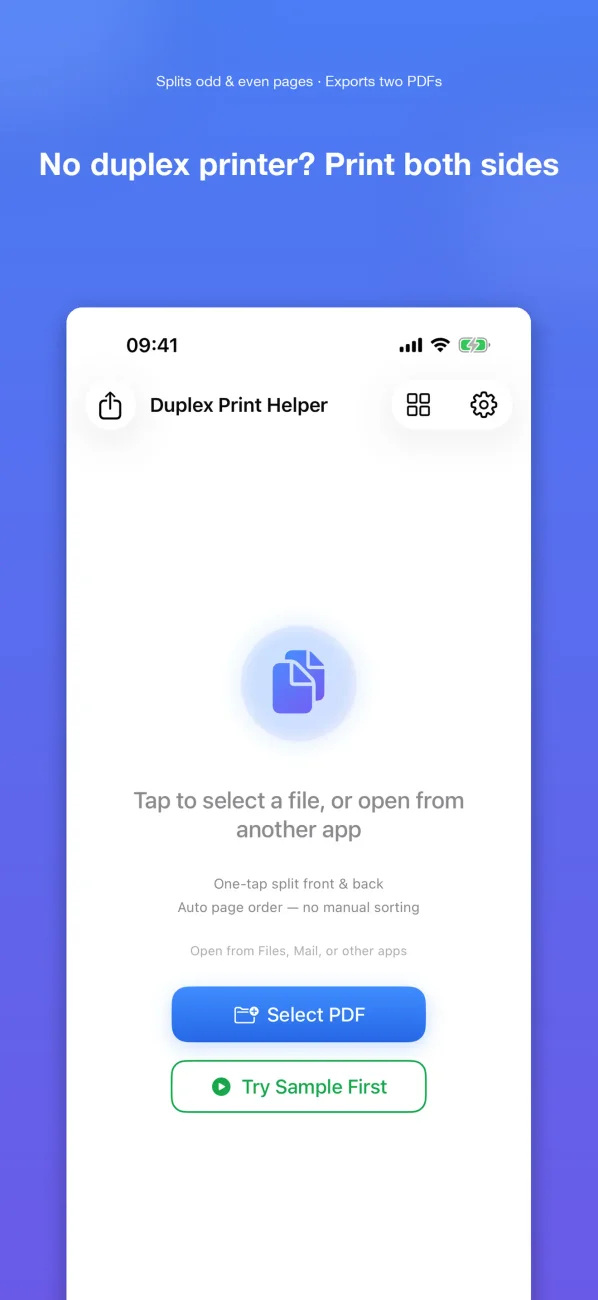
Duplex Print Helper - print on both sides, even with a printer that can't.
Print the odd pages first, flip the stack, then print the even pages. That's the whole trick. This app makes the two PDFs for you and shows you the page order before anything goes to paper, so you don't waste a whole stack finding every back page upside down.
One-time unlock. No subscription, no ads, no account to create, and your PDFs stay on your device.
[What you get]
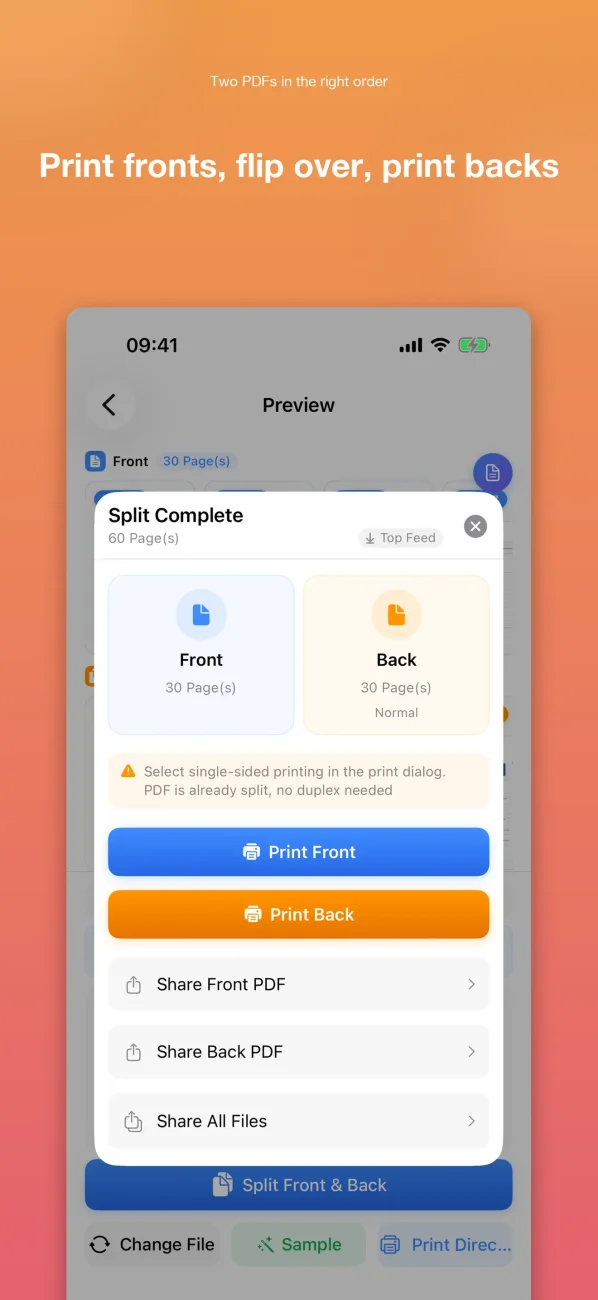
- Two ready-to-print PDFs: front (odd pages) and back (even pages). Print them in the app, or export and share them to print anywhere.
- A preview of both sides and the exact page order before you print.
- Back pages ordered for top-feed or bottom-feed printers - the order changes with your printer.
[3 steps]
1. Open your PDF
2. Check the front/back preview and choose how your printer feeds paper
3. Print the front PDF, flip the stack, print the back PDF
[Why people use it]
- Kids' homework - teachers keep asking for double-sided printouts
- Office documents - the work printer has no duplex
- Home - save paper without buying a new printer
[Also included]
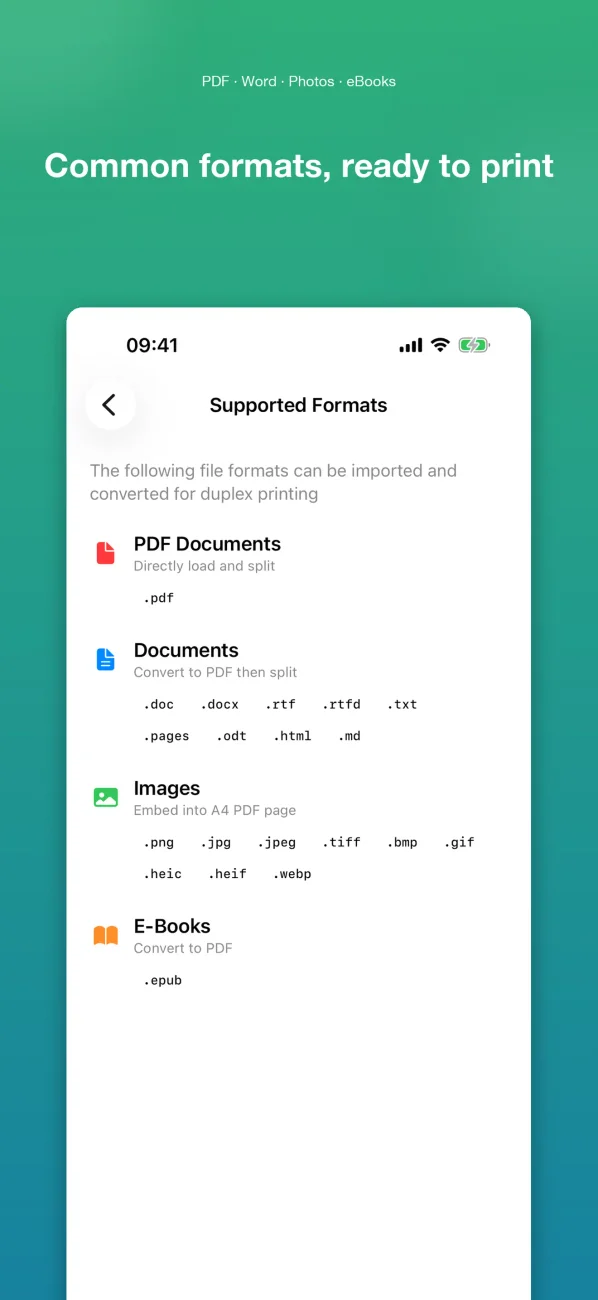
- Convert Word, images, e-books and other formats to PDF
- Works with inkjet, laser and most printers
- Simple enough for anyone, including seniors
---
If this saves you a ream of paper, a 5-star review helps more people find it!
Terms of Use (EULA): https://www.apple.com/legal/internet-services/terms/site.html
What’s new
Version 5.6.0 · Nov 10, 2026
【New】Switch between 50 languages right inside the app — follow your system or pick any you like
【New】New "Print Directly" on the preview page — print the whole PDF as-is, free for everyone
【New】Sharing the app now opens a quick intro card with a demo video before you send it
【Fixed】Mac printing no longer stops after the first page
【Improved】Mac now remembers your split output folder — no more repeated permission prompts
【Improved】The result page adapts to small windows and large text sizes
App privacy
What 诗琴 杨 declares on the App Store about how this app handles data.
-
Data not collected
The developer does not collect any data from this app.
Privacy practices may vary, for example with the features you use or your age.
Information
- Seller
- 诗琴 杨
- Category
- Productivity
- Version
- 5.6.0
- Updated
- Nov 10, 2026
- Released
- May 6, 2026
- Size
- 32.6 MB
- Requires
- iOS 17.0 or later
- Age rating
- 4+
- Price
- Free
- In-app purchases
- Yes
- Languages
- English, Arabic, Asturian, Basque, Bengali, Bulgarian, Catalan, Croatian, Czech, Danish, Dutch, Estonian + 51 more
- Copyright
- © LiteApps
You might also like
-
 Pagimio: Two-Sided PrintingDuplex PDFs on simple printers
-
 QuillNestPDF & Image Toolkit
-
 AI Printing App & Doc ScannerScan, Clean Docs & Print Fast
-
 Sprint Focus: Habit TimerThree Short Sprints a Day
-
 Print Tool - AirPrint PDFPrint PDFs & photos wirelessly
-
 TapTimerProductivity
-
 课伴-家教课时管理与AI课后反馈Productivity
-
 Paperjet: Printer App & ScanWireless Document & Photo PDF
-
 iFatturatoProductivity
-
 TraceCraft:HandwritingChinese, Pinyin & Printables