
- Age rating4+
- CategoryProductivity
- DeveloperCASEY ROBERT KLEINMAN
- LanguagesEnglish
- Size4.5 MB
Links to the official App Store page
Download.org hosts no file of TrueDim. The button opens its official App Store page, published by CASEY ROBERT KLEINMAN. Listing last checked on Nov 23, 2026.
Screenshots
About
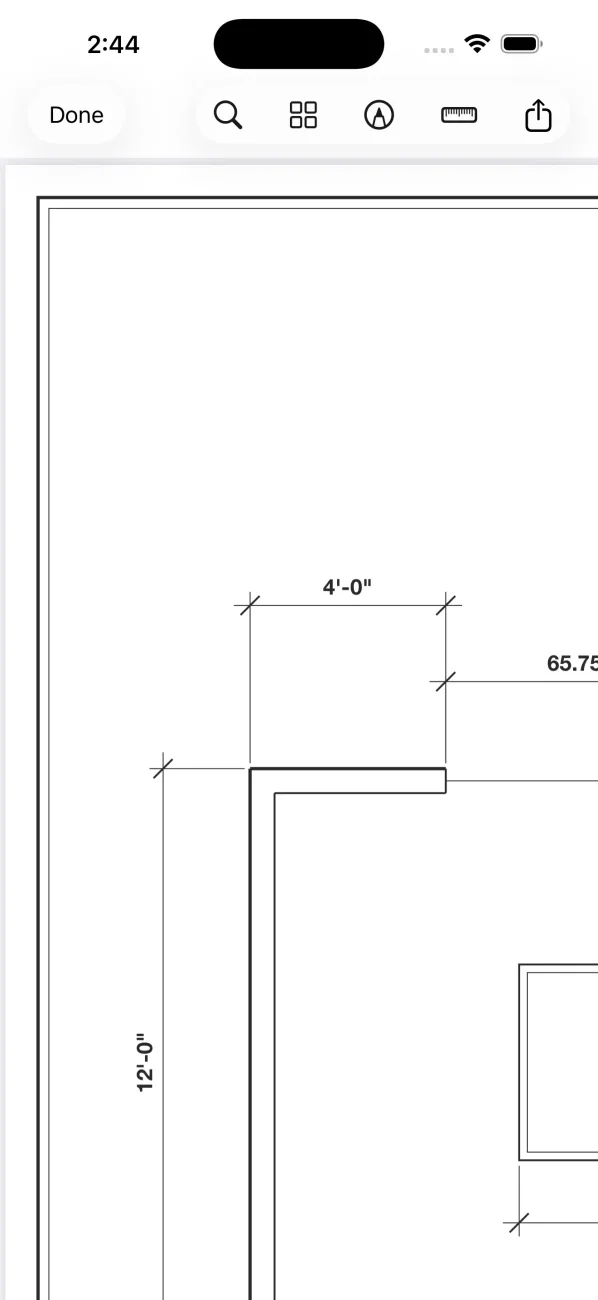
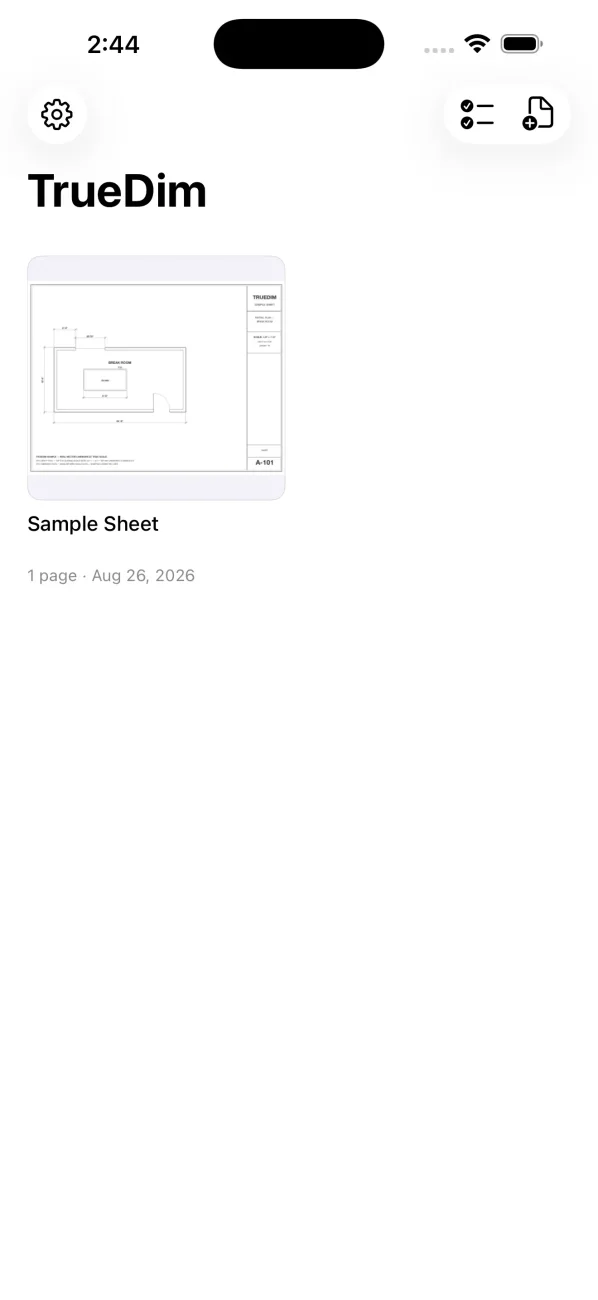
TrueDim is the measurement-grade PDF markup app for people who work from drawings.
REQUIRES A FETZER WORK ACCOUNT
TrueDim is the field and shop tool for Fetzer Architectural Woodwork. Signing in with a Fetzer work email is required to use the app. Accounts are issued by the company — there is no public sign-up, and the app cannot be used without one.
Most PDF tools treat a sheet like a page of text. TrueDim treats it like what it is — linework at a scale, with a job riding on the numbers.
DIMENSIONS WITH A SPINE
• Witness legs with per-leg trims, five cap styles, and endpoint tags (VIF, AFF, CL and friends)
• Multi-reading dimensions with a live readings table
• Stable D-numbers and a dimension schedule that jumps to any dim on the sheet
VERIFY AGAINST THE SHEET
• Tap a printed scale note to adopt it
• Tap a printed dimension to capture it as a live dimension
• No text layer? Calibrate with two snapped clicks and a known length
SNAPS TO THE REAL LINEWORK
• Endpoints, intersections, and perpendicular tracking are read from the sheet's own vector geometry — the mark lands where the line actually is
CHECK SETS THAT ROUTE THEMSELVES
• Identity-locked ink for every reviewer
• Move a set on and the work orders on that drawing follow the routing
• Email notifications and the in-app Check Sets inbox keep the review moving without paper on anyone's desk
ONE FILE, EVERY DEVICE
• Marks live inside the PDF itself — a sheet marked on iPad opens live and editable on the desktop apps, and back again
• Apple Handoff: an open review follows you between your devices
THE ORIGINAL STAYS PRISTINE
• Autosave writes to a verified working copy; the pristine sheet is never rewritten
• Export flattened for the record, editable for the next reviewer, or clean
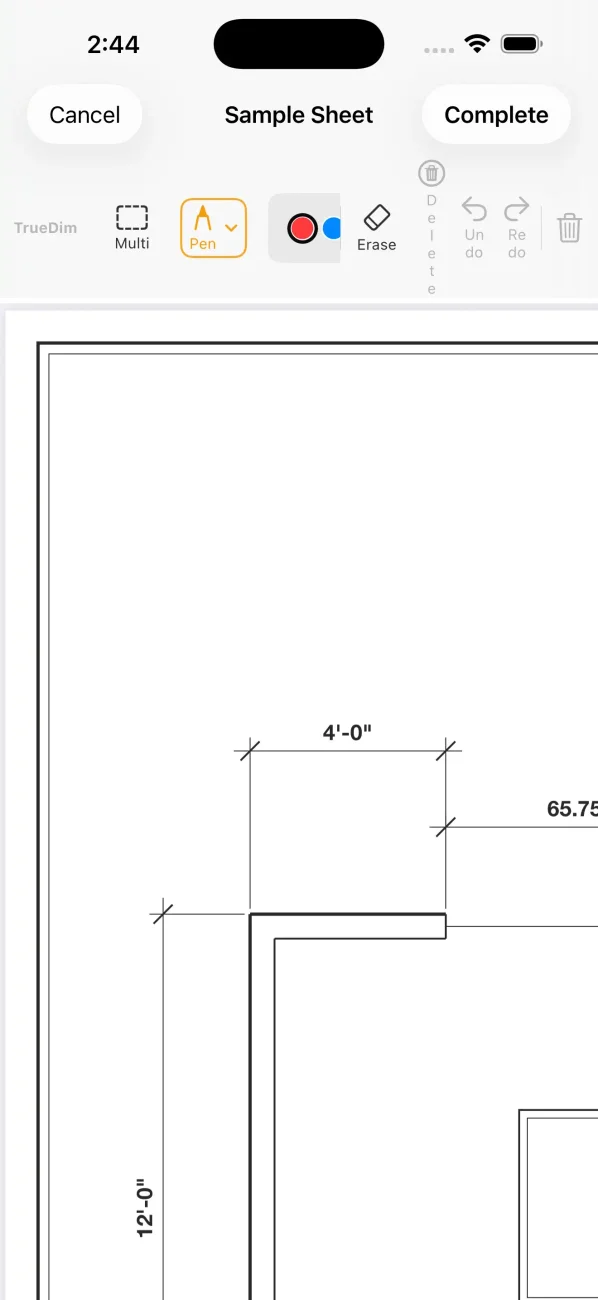
Full markup kit: pen, highlighter, regions, polylines, polygons, clouds, callouts, text, photos, stamps, counts, and areas — with per-tool remembered styles and undo/redo everywhere.
YOUR DRAWINGS STAY ON YOUR DEVICE
Once you have signed in on a device, drawing and measuring keep working with no network. Your documents and marks are stored on the device; signing in carries only your name and work email.
Built by Fetzer Architectural Woodwork — for people who build from drawings.
What’s new
Version 0.17.0 · Nov 22, 2026
Measurements made in TrueDim for Windows now open ready to use on the iPad: Polylength (each leg labelled, with the total), Volume, Arc length, and areas, perimeters and lengths measured on a slope. You can select, move and reshape them; before, they opened locked or did not show at all.
App privacy
What CASEY ROBERT KLEINMAN declares on the App Store about how this app handles data.
-
Data linked to you
May be collected and linked to your identity.
- Contact info
- User content
Privacy practices may vary, for example with the features you use or your age.
Information
- Seller
- CASEY ROBERT KLEINMAN
- Category
- Productivity
- Version
- 0.17.0
- Updated
- Nov 22, 2026
- Released
- Sep 2, 2026
- Size
- 4.5 MB
- Requires
- iOS 17.0 or later
- Age rating
- 4+
- Price
- Free
- Languages
- English
- Copyright
- © 2026 Fetzer Architectural Woodwork
You might also like
-
 AccuScaleBlueprint & Plan Measurement
-
 MeasurePlan: Floor Plan RulerMeasure rooms, areas & maps
-
 Scan-to-PDFScan and convert to PDF
-
 PlanMeasureMeasure floor plans & maps
-
 DWG Viewer: CAD Drawing ReaderConvert PDF to DWG, DXF Editor
-
 FieldSketch: Camera SitePlansSurvey with Your Camera
-
 Crane LoaderProductivity
-
 DWG OfficeZipCAD Viewer, Measure & Edit
-
 MilliDraw - Measure & DrawScaled Drawings & PDF/DXF
-
 PlanMeasure TakeoffBlueprint PDF estimator