- Age rating4+
- CategoryProductivity
- DeveloperThuvarakan Mohanathas
- LanguagesEnglish
- Size66.3 MB
Links to the official App Store page
Download.org hosts no file of Dynamic Notes App. The button opens its official App Store page, published by Thuvarakan Mohanathas. Listing last checked on Nov 14, 2026.
Screenshots
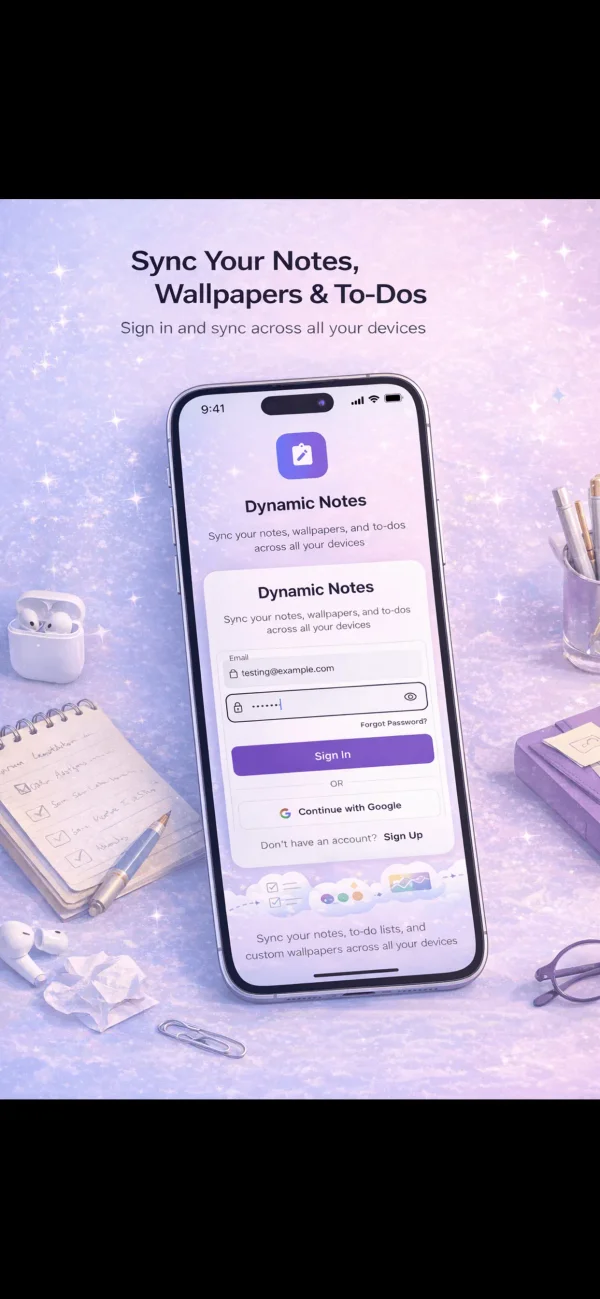

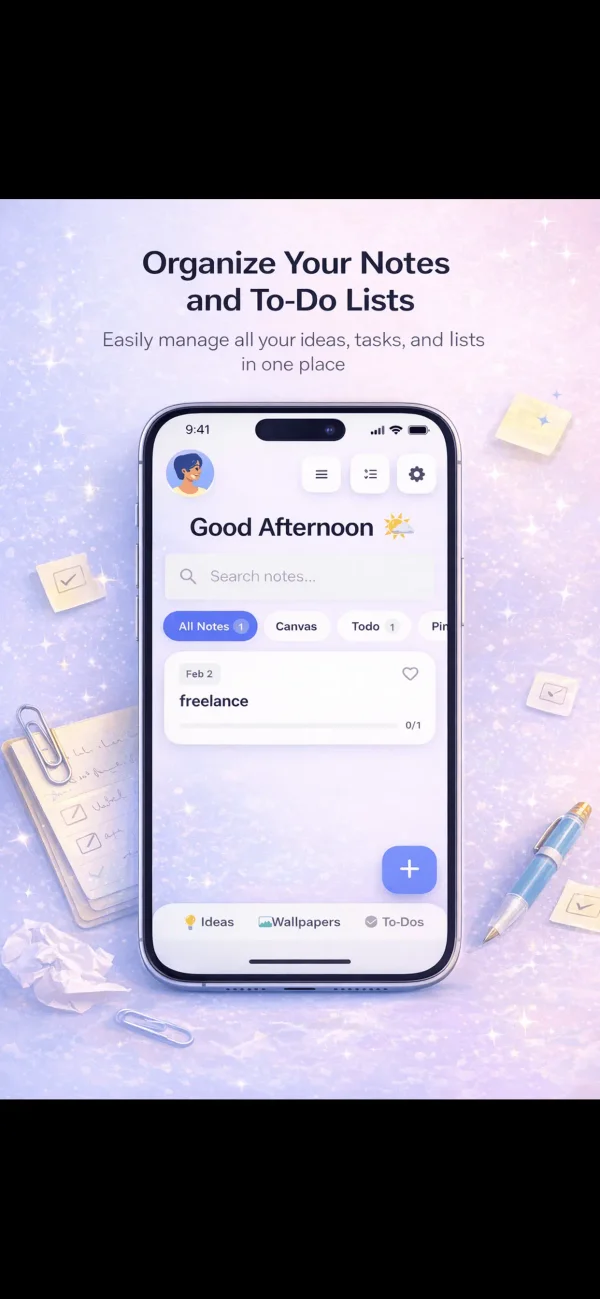
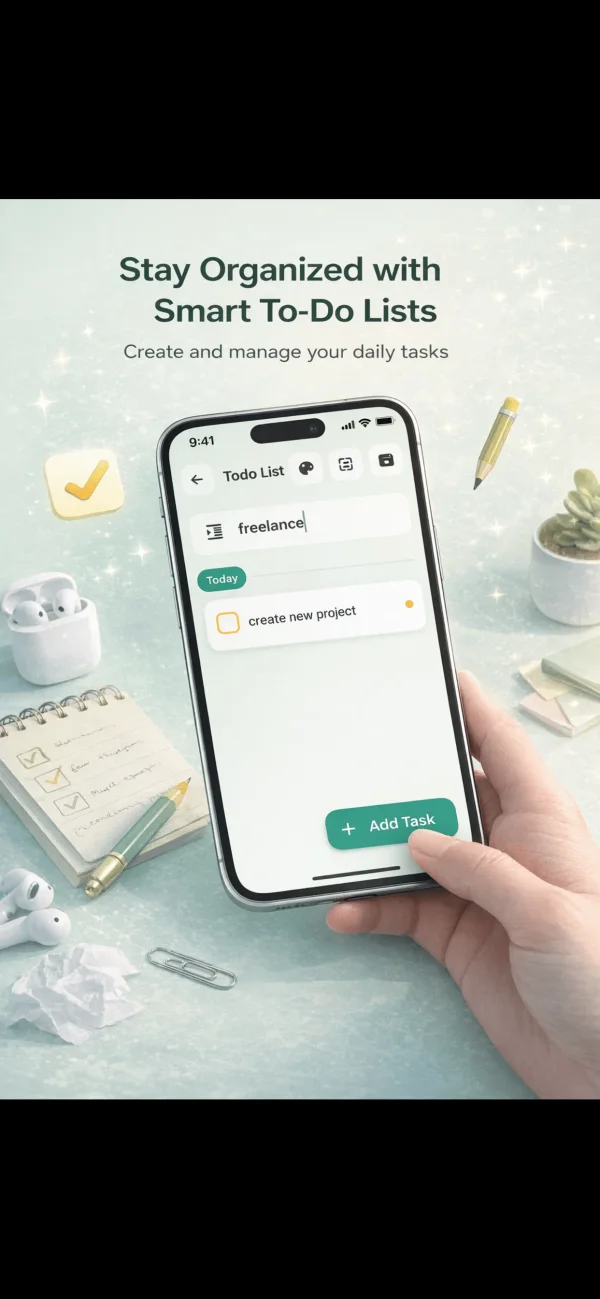

About
Dynamic Notes is your all-in-one creative note-taking companion that combines powerful drawing tools, smart task management, and AI-powered features in one beautiful app.
CREATIVE CANVAS
• Draw freely with multiple pen types - Ballpoint, Fountain, Gel, and Technical pens
• Use markers - Chisel, Bullet, Fine, and Brush styles
• Full color picker with custom color support
• Add text with 7 beautiful fonts including Lobster, Pacifico, and Dancing Script
• Insert images and emojis directly onto your canvas
• Customize backgrounds with solid colors, gradients, or your own images
• Grid lines and margin guides for perfect alignment
• 50-step undo/redo history
SMART TASK MANAGEMENT
• Create beautiful to-do lists with priorities
• Set due dates for your tasks
• Track progress with visual completion bars
• Color-code your lists with 10+ background options
• Gradient backgrounds for stunning task lists
DYNAMIC WALLPAPERS
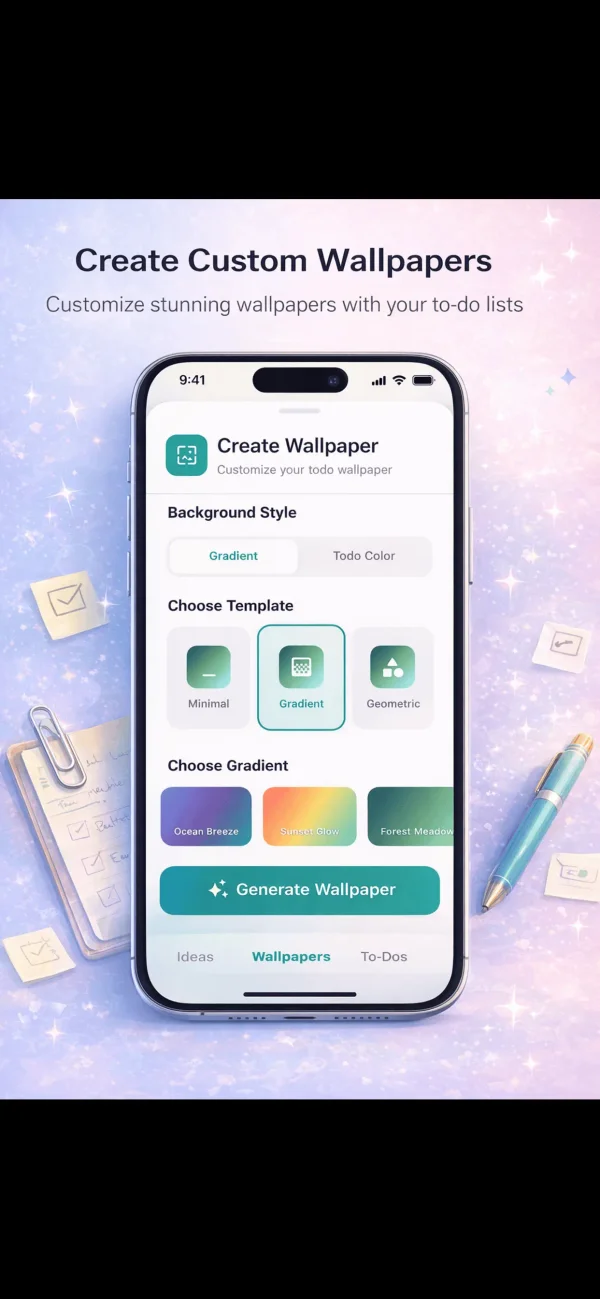
• Generate beautiful wallpapers from your to-do lists
• 5 unique design templates: Minimal, Gradient, Geometric, Organic, and Vibrant
• 6 preset gradients: Ocean Breeze, Sunset Glow, Forest Dream, and more
• Customize date display, progress bars, and decorative elements
• Save directly to your photo gallery
ORGANIZATION & SYNC
• Pin important notes for quick access
• Mark favorites with heart icon
• Archive notes to declutter
• Powerful search across all notes
• Drag and drop to reorder notes
• Filter by category: All, Canvas, Todo, Pinned, Favorites
CLOUD BACKUP
• Secure sync with your account
• Works offline - syncs when connected
• Never lose your notes again
• Access from any device
BEAUTIFUL DESIGN
• Modern, clean interface
• Smooth animations throughout
• Light and dark theme support
• Elegant onboarding experience
Whether you're a student taking visual notes, an artist sketching ideas, a professional managing tasks, or anyone who loves staying organized creatively - Dynamic Notes adapts to your style.
Download now and transform the way you capture ideas!
App privacy
What Thuvarakan Mohanathas declares on the App Store about how this app handles data.
-
Data linked to you
May be collected and linked to your identity.
- Contact info
- User content
- Identifiers
Privacy practices may vary, for example with the features you use or your age.
Information
- Seller
- Thuvarakan Mohanathas
- Category
- Productivity
- Version
- 1.0
- Updated
- Mar 24, 2026
- Released
- Mar 23, 2026
- Size
- 66.3 MB
- Requires
- iOS 16.0 or later
- Age rating
- 4+
- Price
- Free
- Languages
- English
- Copyright
- Copyright © 2025, Redstone
You might also like
-
 Pitch DifferentWrite Better, Win Bigger
-
 quickpinsPin content to Dynamic Island
-
 Cloak's Vault (Clault)File DRM & Signing
-
 Pique: Keep thoughts afloatLock Screen Note
-
 Monotasking: reminders widgetFocus on the important task
-
 NotchBudDaily briefs, meetings & todos
-
 Daily Notes: Planner & JournalNotebook, Notepad, Tasks, Draw
-
 Cloak FilesProductivity
-
 CAPTURR for Roam ResearchNative. Fast. Works Offline.
-
 Runny - Quick Chat Style NotesCapture ideas by a single tap