- Age rating4+
- CategoryBusiness
- DeveloperTOSHIBA TEC CORPORATION
- LanguagesEnglish+ 16 more
- Size12.5 MB
Links to the official App Store page
Download.org hosts no file of e-BRIDGE Print & Capture. The button opens its official App Store page, published by TOSHIBA TEC CORPORATION. Listing last checked on Nov 14, 2026.
Screenshots


About
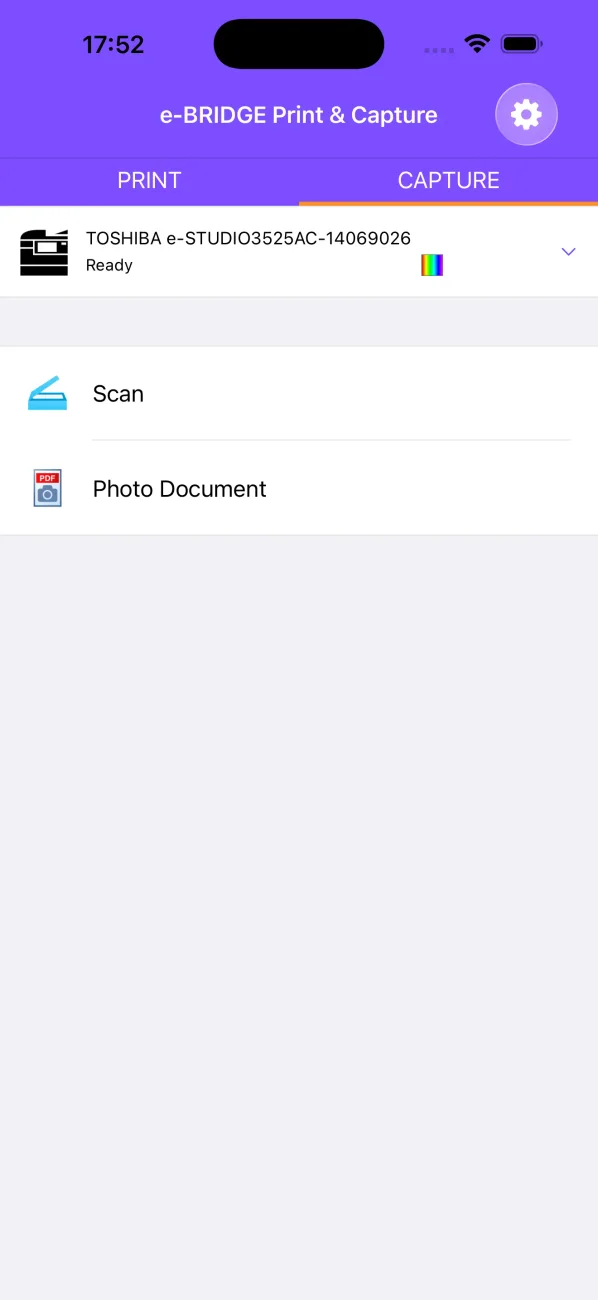
e-BRIDGE Print & Capture is an application that allows you to print and scan from TOSHIBA MFPs utilizing your iOS device.
Key Features:
- Print documents (JPEG/PDF) from cloud storage services (Box, Dropbox, Google Drive, OneDrive) through TOSHIBA MFPs
- Print images stored in iOS Photos or captured by the device's Camera
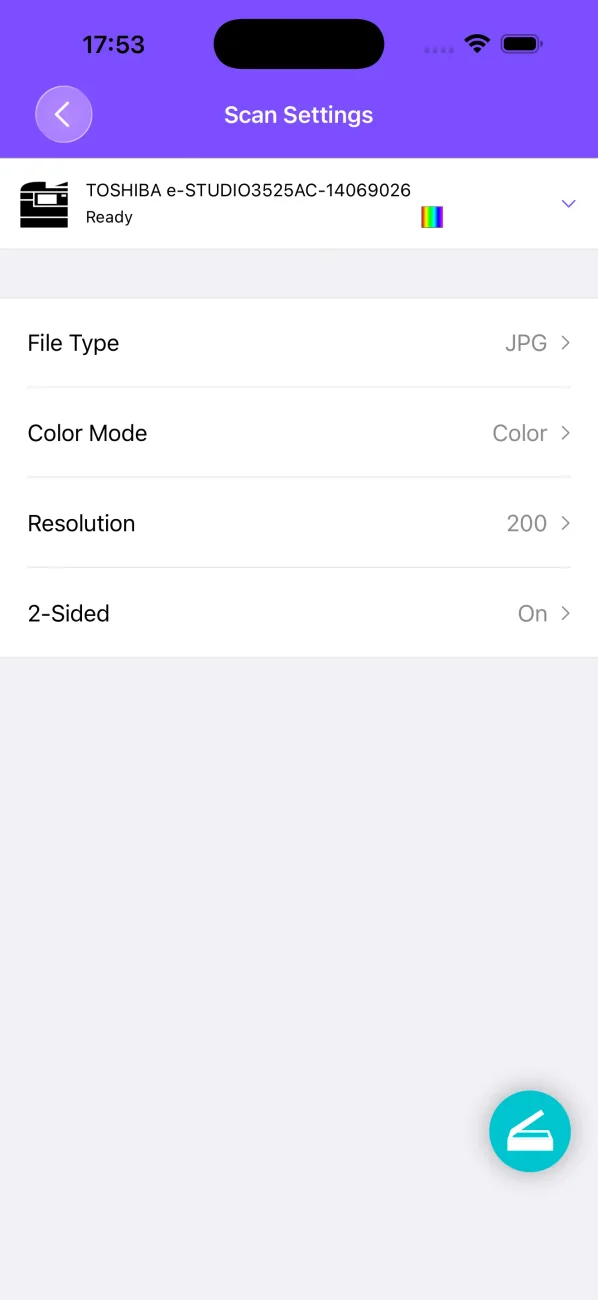
- Utilize advanced MFP print settings such as number of copies, duplex, color mode (BW/Color/Twin Color), Print Mode (Normal/Private/Hold/Multi Station*), Paper Type, Paper Size, Staple, Omit Blank Pages and Toner Save
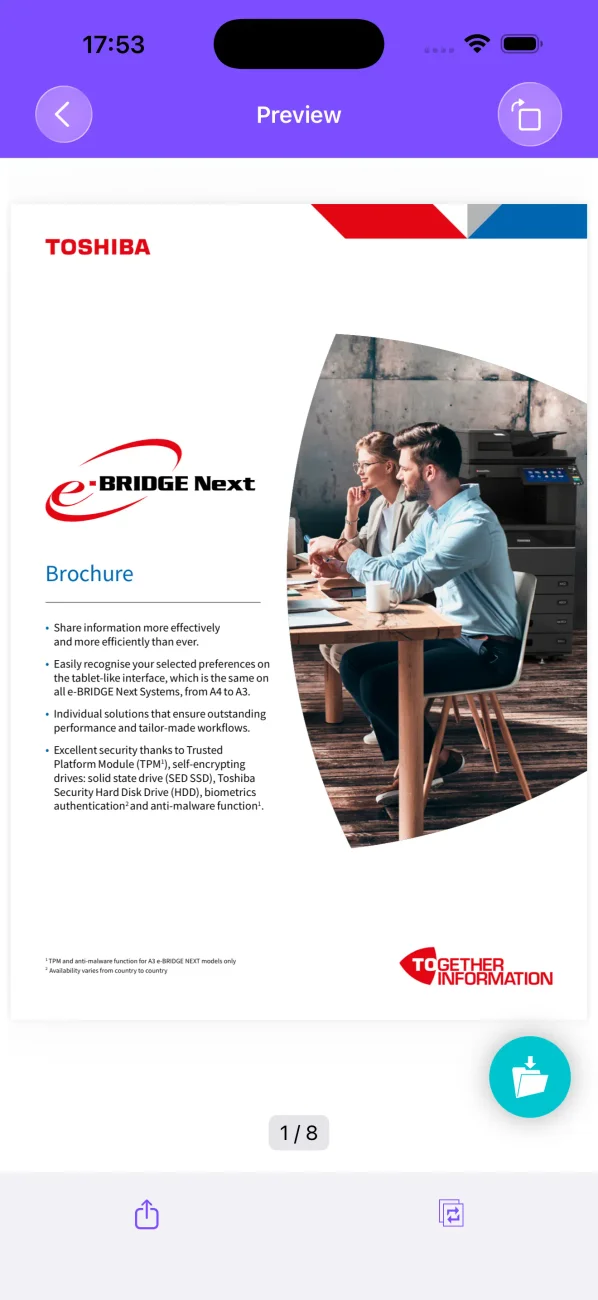
- Scan documents from TOSHIBA MFP and upload it to a cloud storage service or send it by Email
- The document scanner function adjusts distortion and optimizes the images on the device or those newly captured
- TOSHIBA MFPs can be discovered on your network via scanning the QR code printed from e-BRIDGE Print & Capture with the scanner on e-BRIDGE Print & Capture or by searching through your history of the most recently used MFPs
- Authentication and department codes are recommended to maintain office security
* Optional Enabler required in MFP
-------------------------
System Requirements
- Supported e-STUDIO models should be used
- SNMP and Web Service settings on the MFP must be enabled
- Please contact your dealer or sales representative about configuring this application when using with user authentication or department codes
-------------------------
Supported Languages
Chinese (Simplified), Chinese (Traditional), Danish, Dutch, English (US), English (UK), Finnish, French, German, Italian, Japanese, Norwegian, Polish, Russian, Spanish, Swedish, Turkish, Portuguese
-------------------------
Supported Models
Please refer to the following page for supported models.
https://www.toshibatec.com/supported_models/
-------------------------
Supported OS
iOS 18
iOS 26
iOS 27
-------------------------
Website for e-BRIDGE Print & Capture
Please refer to the following page for Website.
https://www.toshibatec.com/cnt/products_overseas/mobile_solutions/e_bridge/
-------------------------
Note
- Before using this App with a cloud storage service, install the cloud storage app on your device
- MFPs may not be discovered under the following conditions. If not discovered, you may manually enter the hostname or use the QR Code.
*IPv6 is used
*SSL is used in the Web Service Setting
*Other unknown reasons
- It is recommended to print the QR Code in Black and White for best scanning results
- If the scanned document is JPEG and has multiple pages, thumbnail view page will be uploaded
- If the size of a scanned document is very large, it may fail when sending by Email.
- Hold/Private prints are available with the e-STUDIO2550C series when an optional hard disk is installed
- User name cannot contain "@" mark
The company names and product names here are the trademarks of their respective companies.
What’s new
Version 4.11 · Oct 23, 2026
- Support new models
App privacy
What TOSHIBA TEC CORPORATION declares on the App Store about how this app handles data.
-
Data not linked to you
May be collected but is not linked to your identity.
- Usage data
- Diagnostics
Privacy practices may vary, for example with the features you use or your age.
Information
- Seller
- TOSHIBA TEC CORPORATION
- Category
- Business
- Version
- 4.11
- Updated
- Oct 23, 2026
- Released
- Mar 17, 2014
- Size
- 12.5 MB
- Requires
- iOS 18.0 or later
- Age rating
- 4+
- Price
- Free
- Languages
- English, Danish, Dutch, Finnish, French, German, Italian, Japanese, Norwegian Bokmål, Polish, Portuguese, Russian + 5 more
- Copyright
- © 2014-2026 Toshiba Tec Corporation, All Rights Reserved.
You might also like
-
 Basecamp 2 for iPhoneBusiness
-
 Konica Minolta Mobile PrintProductivity
-
 PrinterShare: WiFi & PDFFor HP, Epson, Canon and more
-
 Lexmark PrintProductivity
-
 KYOCERA Mobile PrintProductivity
-
 Toshiba eTAGFast setup for print devices
-
 Xerox® WorkplaceProductivity
-
 ECI MobileTechBusiness
-
 RICOH Smart Device ConnectorBusiness
-
 PrintDirect for iPhoneBusiness