Ear Training: Dictation
Melody, Rhythm, Chord, Harmony
Designed for iPhone, iPad, iPod touch
Free · In-app purchases
- Age rating4+
- CategoryMusic
- DeveloperHEE GWANG KIM
- LanguagesEnglish+ 8 more
- Size181.4 MB
Links to the official App Store page
Download.org hosts no file of Ear Training: Dictation. The button opens its official App Store page, published by HEE GWANG KIM. Listing last checked on Nov 23, 2026.
Screenshots


About
The app's composing algorithm weighs many musical elements together to create a new melody every time, so you'll enjoy an endless variety of fresh tunes.
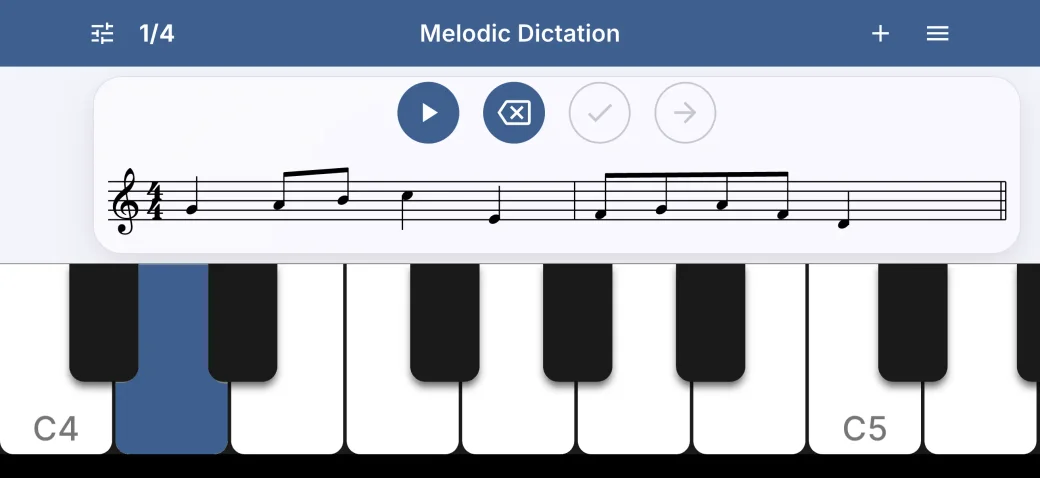
● Melodic Dictation
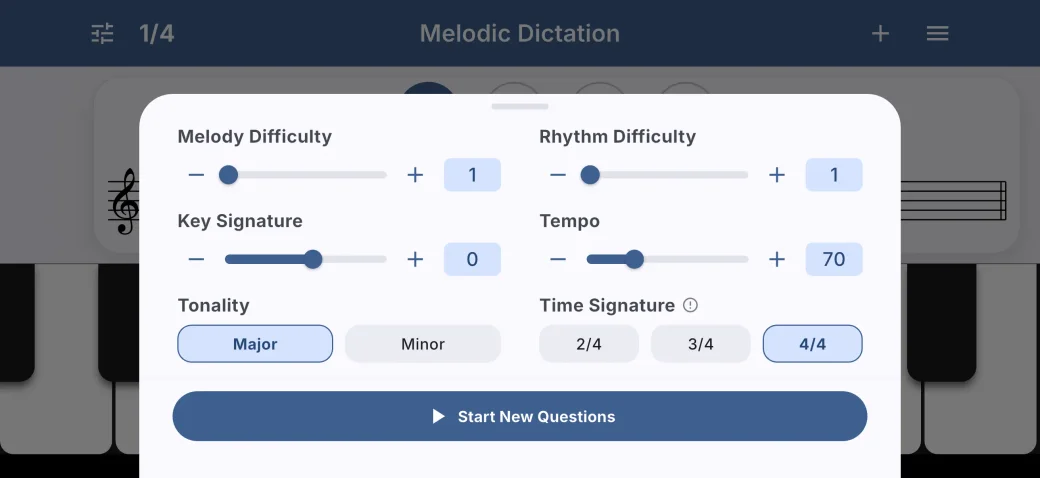
Melody difficulty is organized step by step from beginner to advanced, and rhythm difficulty can be selected separately.
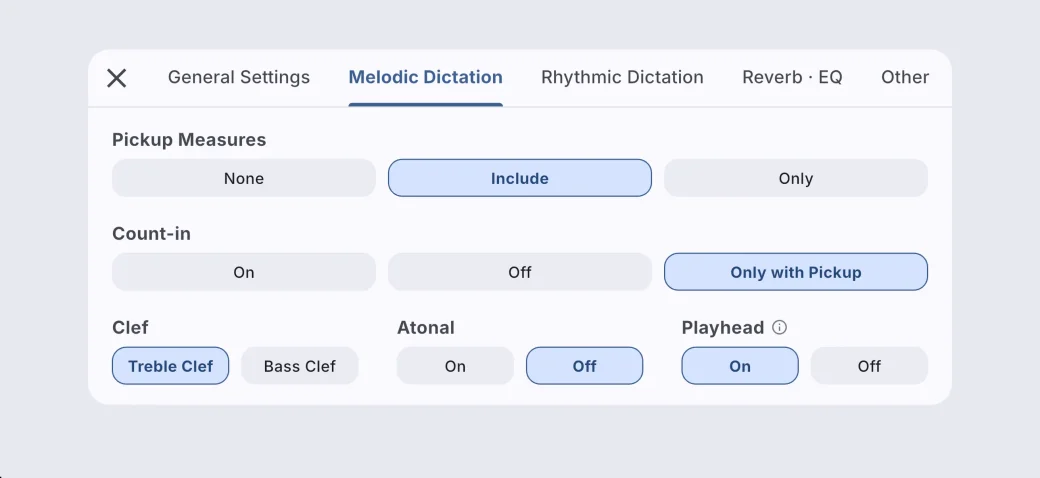
You can also freely combine time signature, key signature, major/minor/atonal, pickup measures, clef, tempo, and more to create your own personalized ear-training sessions.
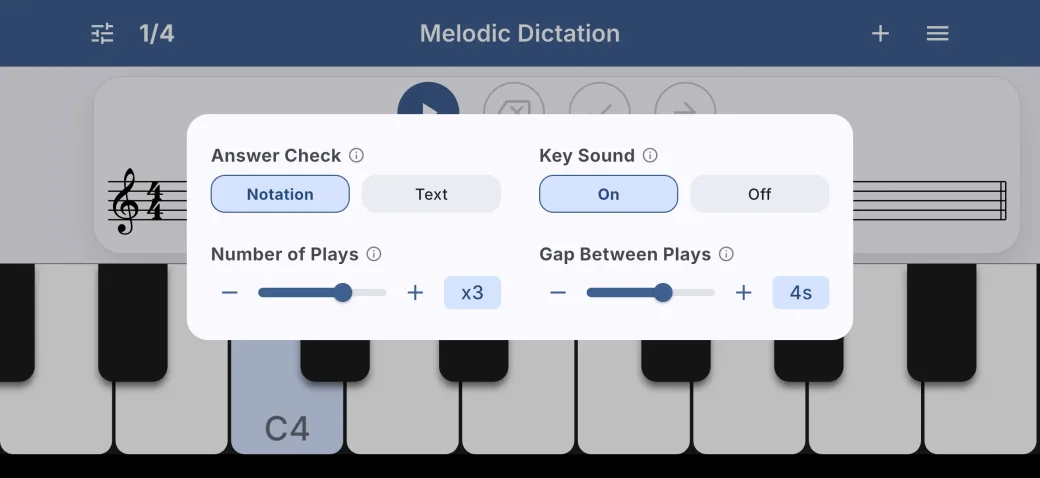
Melodies are entered easily on the keyboard, and you can set the number of plays and the gap between plays to practice in nearly the same way as a real dictation exam.
● Rhythmic Dictation
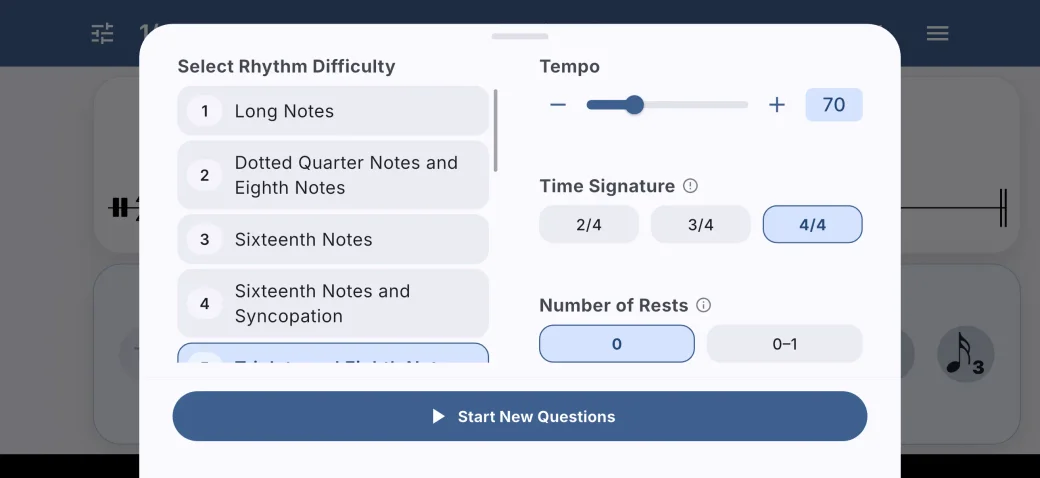
Twelve levels take you from simple on-beat quarter-note rhythms to complex syncopated patterns, and you can pick out just the rhythms you find difficult for focused, repeated practice. You can also freely combine rhythm difficulty, tempo, time signature, and the number of rests to create questions that suit you.
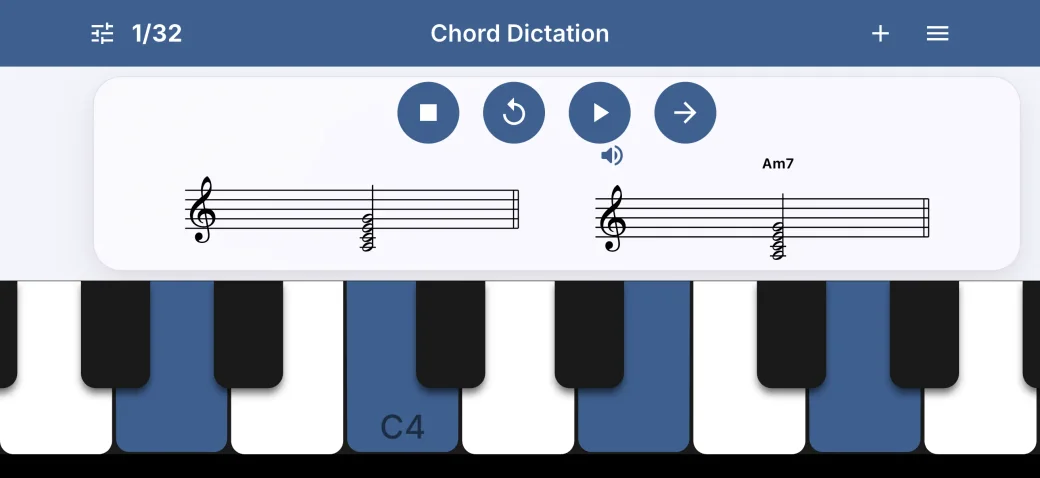
● Chord Dictation
Train absolute pitch, intervals, triads, and seventh chords.
Absolute pitch is free at every level, and the beginner levels of intervals and triads are free.
In particular, the beginner levels for triads and seventh chords are designed so that neighboring questions differ by only one or two notes, letting you compare the color of each chord by ear. At higher levels, more difficult chords appear, and questions are built from unrelated chords.
With "Select Seventh Chords," you can also focus on specific chords.
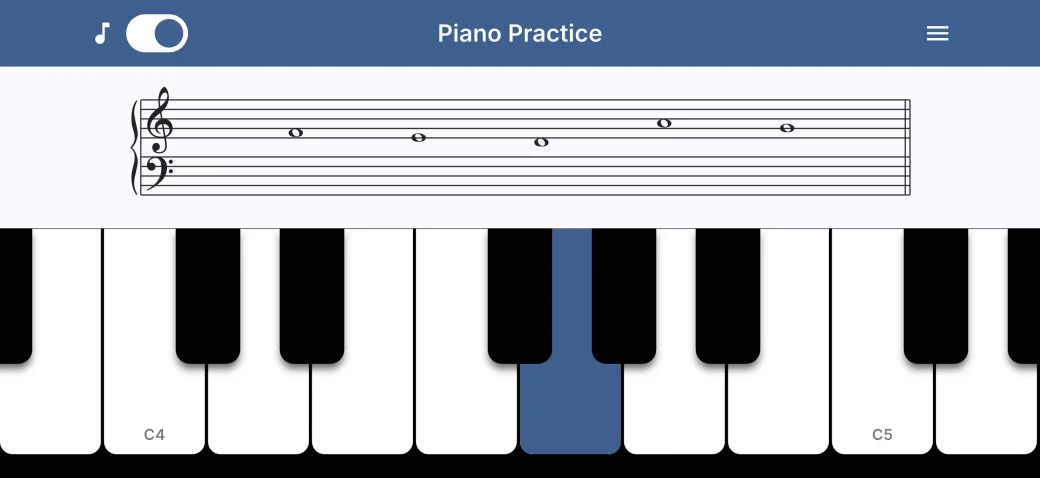
● Piano Practice
Piano practice is free. The keys you press appear instantly on the score, making piano practice fun.
● Premium
Most beginner content in this app is free, and the intermediate and advanced levels are available with Premium.
Choose from monthly, annual, or lifetime plans. If you have an active monthly or annual subscription, you can purchase the lifetime plan after canceling it and once the remaining period has ended.
● About the Developer
The developer majored in composition and has taught many students at a university music school. The most effective way to develop your musical ear is through sight-singing and ear training. As your ear-training skills improve, you can hear music in your mind, which is a great advantage for composing and arranging. You'll also sing and play your instrument with accurate pitch, which improves your performance as well. We hope this app becomes a reliable help in developing your musical ear.
Terms of Use: https://hgkapp.blogspot.com/2026/11/terms-of-use-ear-training-quiz.html
Privacy Policy: https://hgkapp.blogspot.com/2026/11/privacy-policy-ear-training-quiz.html
What’s new
Version 4.0.2 · Nov 17, 2026
Updated the support and privacy policy links in the app.
New in 4.0
Melodic Dictation
- Create custom exercises by selecting melody difficulty, rhythm difficulty, key signature, tempo, and tonality.
- Set the number of plays and the count-in, and turn on the playhead to see the current playback position on the score for more comfortable practice.
- You can also practice with melodies that start with a pickup measure.
Rhythmic Dictation (New)
- Practice by choosing a rhythm difficulty or Custom Rhythm Dictation, and set the tempo, time signature, and number of rests.
Chord Dictation
- In addition to Absolute Pitch and Interval, Triad and Seventh Chord training modes have been added.
Piano Practice (New)
- When you play the keyboard, each note you play appears on the score.
- Check the notes you play visually as you practice.
Reverb · EQ
- Choose an EQ preset and a reverb for each type of practice.
App privacy
What HEE GWANG KIM declares on the App Store about how this app handles data.
-
Data not collected
The developer does not collect any data from this app.
Privacy practices may vary, for example with the features you use or your age.
Information
- Seller
- HEE GWANG KIM
- Category
- Music
- Version
- 4.0.2
- Updated
- Nov 17, 2026
- Released
- Oct 11, 2023
- Size
- 181.4 MB
- Requires
- iOS 15.0 or later
- Age rating
- 4+
- Price
- Free
- In-app purchases
- Yes
- Languages
- English, French, German, Italian, Japanese, Korean, Portuguese, Spanish, Traditional Chinese
- Copyright
- © C-2023-044596
You might also like
-
 Tone Match: Music Ear TrainingMusical Note Matching
-
 Interval Ear TrainingLearn to play by ear!
-
 OpenEar - Ear trainingMusic
-
 Chords: intervals and scalesLearn notes, solfeggio. Music.
-
 Piano Ear TrainingInteractive Aural Exercises
-
 MelodEar: Perfect Ear TrainingMusic Theory & Jazz Harmony
-
 Ear training: notes and chordsPitch training exercises
-
 Rhythm: metronome tempo tutorSense of rhythm. Tap game.
-
 Hearing: ear training. Piano.Musical ear - absolute pitch.
-
 Suggester 2 : Chords & ScalesBrilliant chord progressions