
Interval Ear Training
Learn to play by ear!
Designed for iPhone, iPad, iPod touch
Free · In-app purchases
- Age rating4+
- CategoryMusic
- Developer262Hz
- LanguagesEnglish+ 1 more
- Size294.6 MB
Links to the official App Store page
Download.org hosts no file of Interval Ear Training. The button opens its official App Store page, published by 262Hz. Listing last checked on Nov 12, 2026.
Screenshots

About
***** Highly addictive piano game. *****
A fun way to develop a better musical ear!
Great for experienced musicians and beginners.
Music students love this app.
----
Interval Ear Training can help improve:
• Interval recognition
• Sense of pitch
• Transcription skills
• Improvising skills
• Self esteem
---
How to Play:
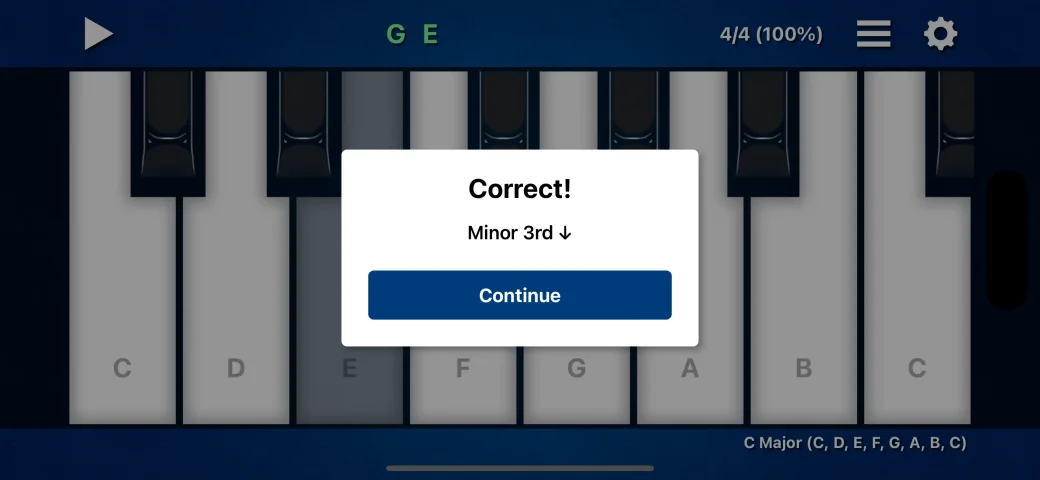
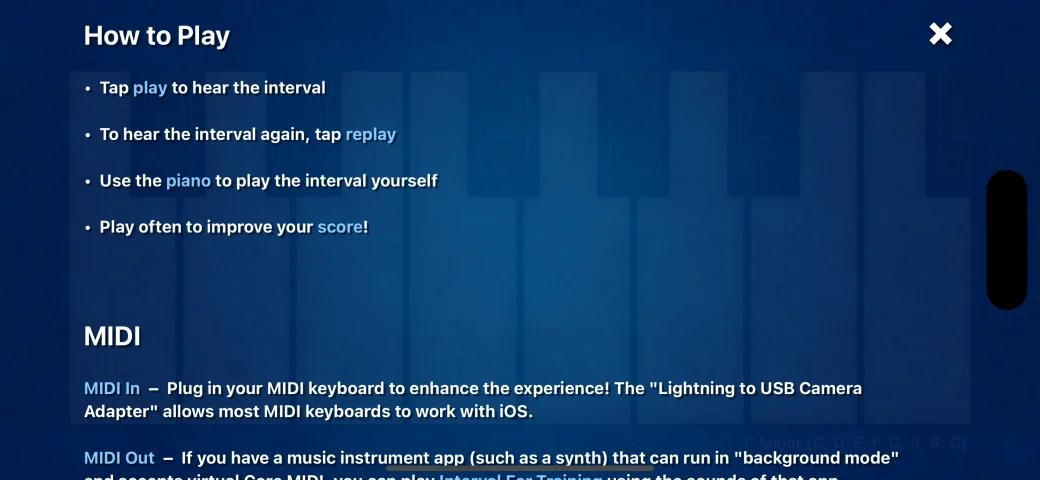
• Tap "play" to hear the interval
• To hear the interval again, tap "replay"
• Use the piano to play the interval yourself
• Play often to improve your score!
---
MIDI In – Plug in your MIDI keyboard to enhance the experience! (Core MIDI compatible)
MIDI Out – If you have a music instrument app (such as a synth) that can run in "background mode" and accepts virtual Core MIDI, you can play Interval Ear Training using the sounds of that app.
---
Tips for the Beginners:
Use the + and - keyboard range control to set the keyboard to a small range such as "C, D" or "C, D, E".
Keep practicing, and as you progress you'll want to make the range larger.
---
Tips for the Pros:
Set "Feedback" to "Never" and turn on "Autoplay" to play continuously without ever missing a beat. Crank up the tempo to see how fast you can go!
For more advanced ear training features, you'll want to Unlock Pro Settings.
---
Interval Settings:
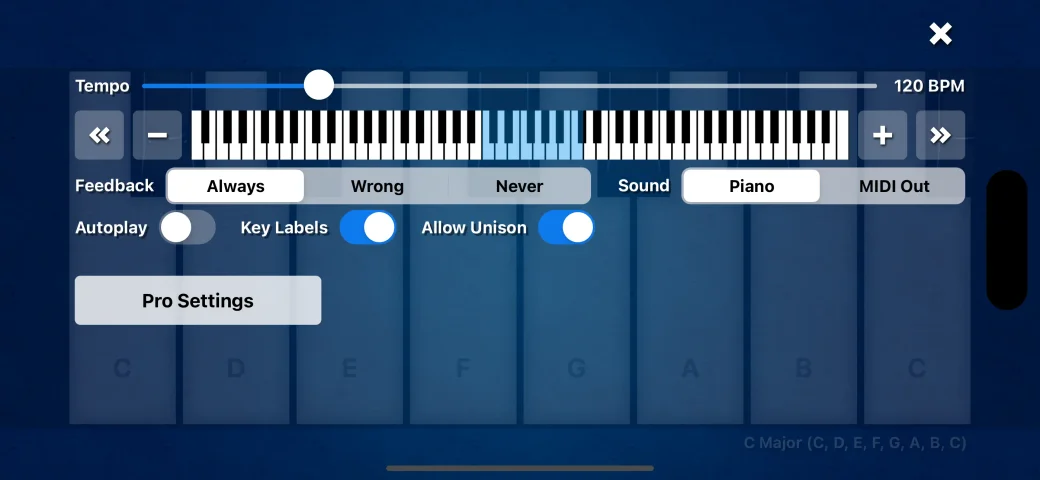
Tempo – 60 to 320 BPM
Keyboard Range – Starting at 2 notes in a major scale (ex. “C, D”) and up to 12 notes in a major scale (ex. “C, D, E, F, G, A, B, C, D, E, F, G”) with the ability to change octaves.
Feedback – Set to "Never" to stop all messages. Set to "Wrong" if you only want messages for incorrect intervals.
Sound – Set to "Piano" to hear the built-in piano sound. Set to "MIDI Out" to hear the sound of a music instrument app (such as a synth) that can run in "background mode" and accepts virtual Core MIDI.
Autoplay – Turn on to always play the next interval immediately. Turn off if you want to play the keyboard freely between intervals.
Key Labels – Turn off to remove note names on white keys.
Allow Unison – Turn off if you don't want the same note to be played twice in a row.
---
Pro Settings (requires in-app purchase):
Scale – 13 major scales
Difficulty - Diatonic, Random Tonic, Chromatic
Length – 2 to 6 notes
---
About the Difficulty Setting:
"Diatonic" uses notes from a major scale. This setting is recommended.
"Random Tonic" uses notes from a random major scale each time.
"Chromatic" mode is the "extreme mode" where any combination of notes is possible. As a result, strange intervals like the Augmented 2nd (ex. F to G#) are possible.
---
About the Score:
Interval Ear Training is all about self progression. Tap the score to reset at any time. The game goes on forever and the music never ends!
---
Can you guess the next note? Download the app to find out!
What’s new
Version 4.2.2 · Jul 19, 2024
Minor updates
App privacy
What 262Hz declares on the App Store about how this app handles data.
-
Data not linked to you
May be collected but is not linked to your identity.
- Usage data
- Diagnostics
Privacy practices may vary, for example with the features you use or your age.
Information
- Seller
- 262Hz LLC
- Category
- Music
- Version
- 4.2.2
- Updated
- Jul 19, 2024
- Released
- Mar 13, 2010
- Size
- 294.6 MB
- Requires
- iOS 12.0 or later
- Age rating
- 4+
- Price
- Free
- In-app purchases
- Yes
- Languages
- English, Russian
- Copyright
- © 2010 262Hz LLC
You might also like
-
 Piano Ear TrainingInteractive Aural Exercises
-
 Active Ear - Ear TrainerEar Training For Musicians
-
 EarForge: Learn Ear TrainingPersonal ear trainer
-
 Auricula: Interval Ear TrainerPractice your sense of hearing
-
 OpenEar - Ear trainingMusic
-
 Better Ears BeginnerEar Training, Theory & Rhythm
-
 Chords: intervals and scalesLearn notes, solfeggio. Music.
-
 Complete Ear TrainerEar Training for Musicians
-
 Tone Match: Music Ear TrainingMusical Note Matching
-
 Berklee Online Ear TrainerImprove your musical ear!