EarTimer
Train & bus naps with earbuds
Designed for iPhone
Free · In-app purchases
- Age rating4+
- CategoryUtilities
- DeveloperTomokazu Shinozaki
- LanguagesEnglish+ 9 more
- Size27.5 MB
Links to the official App Store page
Download.org hosts no file of EarTimer. The button opens its official App Store page, published by Tomokazu Shinozaki. Listing last checked on Nov 21, 2026.
Screenshots
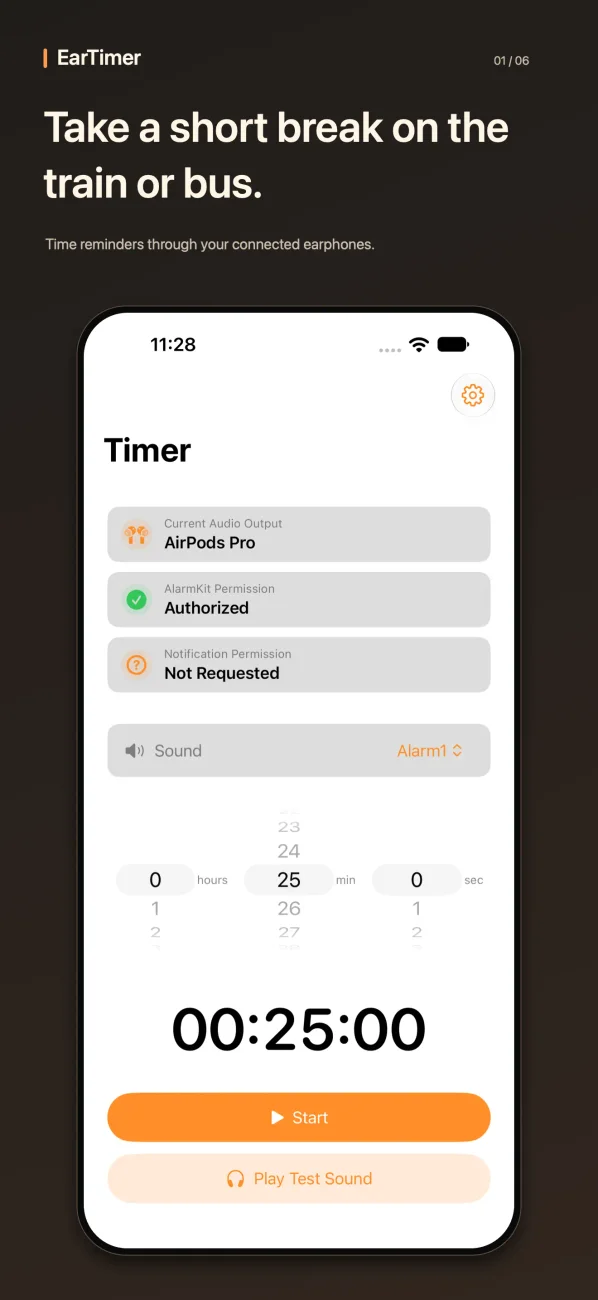
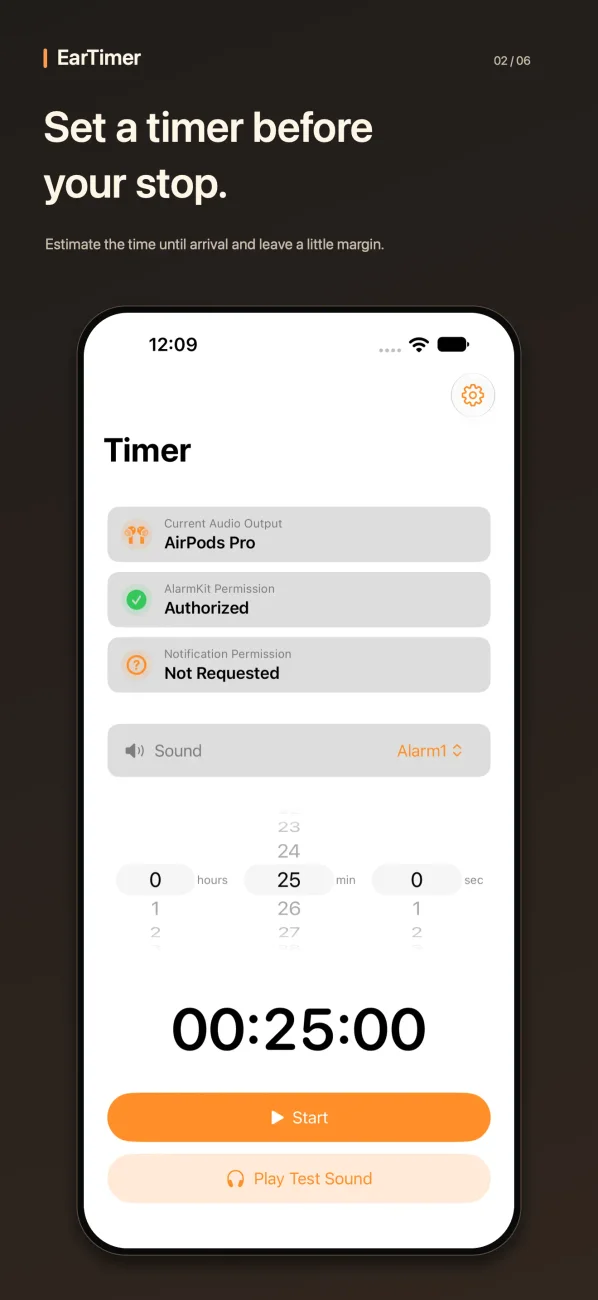

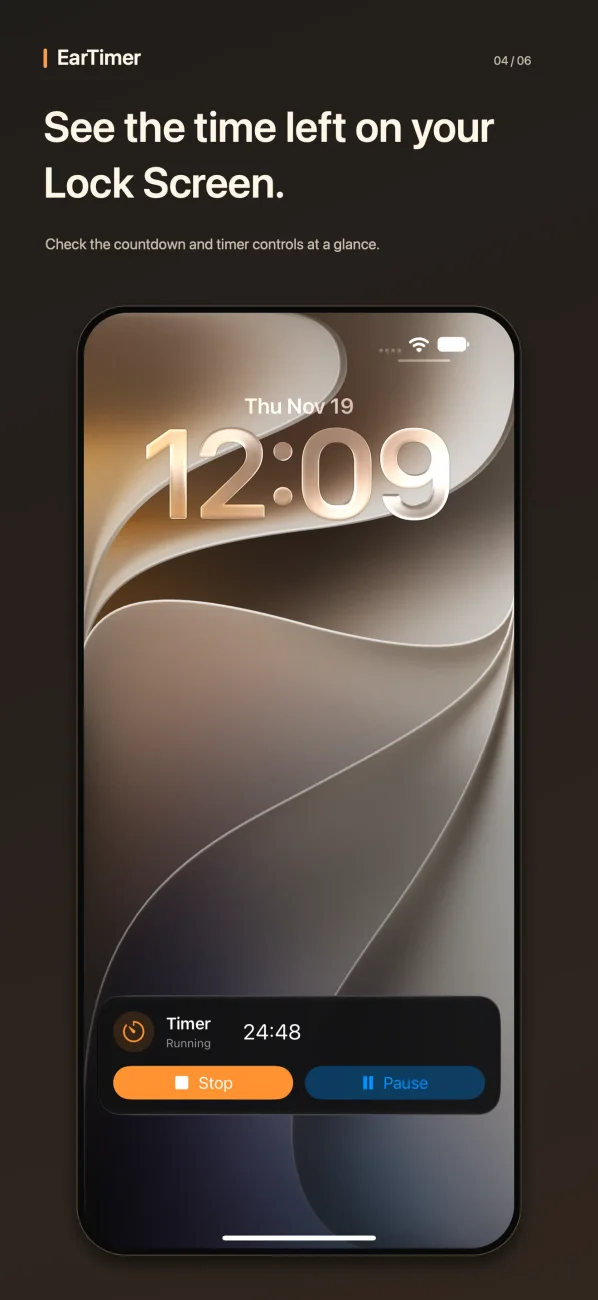
About
Turn time on the train or bus into a short break.
Want a little sleep, but worry about an alarm sounding on board?
EarTimer is a timer that plays alerts through connected headphones. Set it for a little before you expect to get off, and use your journey for a short rest.
FOR TIME ON THE MOVE
• Take a short nap on a commuter train or bus.
• Rest before arrival on a high-speed or express train.
• Set a time limit for reading or working while traveling.
A SIMPLE START
1. Connect headphones and check the audio output.
2. Use test playback to check the sound and volume.
3. Allow time before your expected arrival, then start the timer.
EASY TO CHECK WHILE TRAVELING
• Set hours, minutes and seconds.
• Pause, resume or cancel a running timer.
• View and control the countdown in a Live Activity on the Lock Screen.
• Use Dynamic Island on supported iPhones.
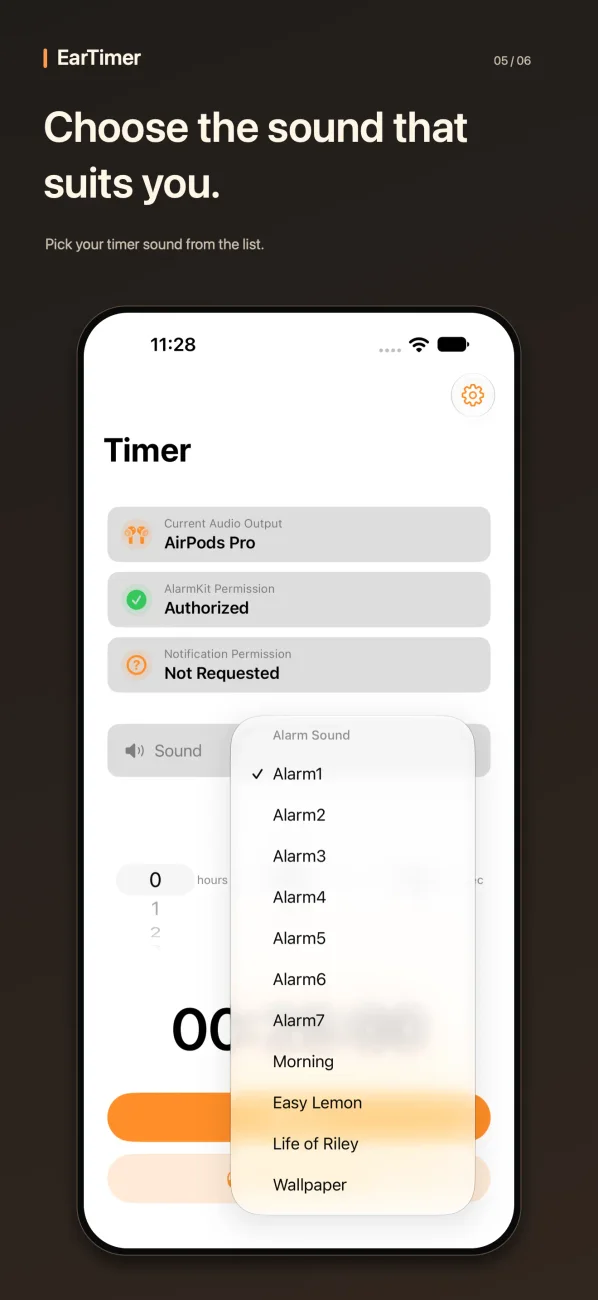
• Choose a timer sound to suit you.
Also useful for breaks in libraries or shared spaces, reading and focused work.
This timer alerts you after the time you set. It does not automatically detect arrival at your destination or train/bus delays.
ABOUT APPLE WATCH
Apple Watch may receive the system alarm notification and play a sound. In quiet places or on transit, also check your Watch's Silent Mode and test the behavior beforehand. This does not guarantee that sound from Apple Watch will be suppressed. The Watch controls the timer on its paired iPhone; it is not a standalone timer.
HOW HEADPHONE PLAYBACK WORKS
EarTimer starts timer audio when a supported external audio output is connected. If that output disconnects, the app pauses its audio rather than intentionally routing the timer sound to the iPhone speaker. Without headphones, the system timer may still show an alert and vibrate; the selected timer sound does not start.
KEEP THESE LIMITATIONS IN MIND
Keep EarTimer running; do not force-quit it before your timer ends. Headphone audio is not guaranteed after force-quitting, an iPhone restart, or termination by iOS. Calls, Siri, other audio apps, Bluetooth reconnection, and system conditions can interrupt playback. Reopen EarTimer with headphones connected to prepare playback again. Check your audio output and volume before use. Do not rely on EarTimer as your only alarm for an important wake-up or deadline.
FREE WITH OPTIONAL AD REMOVAL
The free app can show a non-personalized banner ad on the Timer screen. A one-time Remove Ads in-app purchase removes the banner. Customers who purchased EarTimer before it became free retain their ad-free experience. Purchases can be restored in Settings. Advertising and privacy choices are explained in the app's privacy policy.
Requires an iPhone with iOS 26.0 or later. Headphone audio requires a compatible connected output; Live Activity availability depends on the device and system settings.
What’s new
Version 1.1.3 · Nov 19, 2026
Updated the App Store description and screenshots for short naps on trains and buses. Timer features and controls remain unchanged.
App privacy
What Tomokazu Shinozaki declares on the App Store about how this app handles data.
-
Data used to track you
May be used to track you across apps and websites owned by other companies.
- Identifiers
-
Data linked to you
May be collected and linked to your identity.
- Location
- Identifiers
- Usage data
-
Data not linked to you
May be collected but is not linked to your identity.
- Diagnostics
Privacy practices may vary, for example with the features you use or your age.
Information
- Seller
- Tomokazu Shinozaki
- Category
- Utilities
- Version
- 1.1.3
- Updated
- Nov 19, 2026
- Released
- Sep 8, 2026
- Size
- 27.5 MB
- Requires
- iOS 26.0 or later
- Age rating
- 4+
- Price
- Free
- In-app purchases
- Yes
- Languages
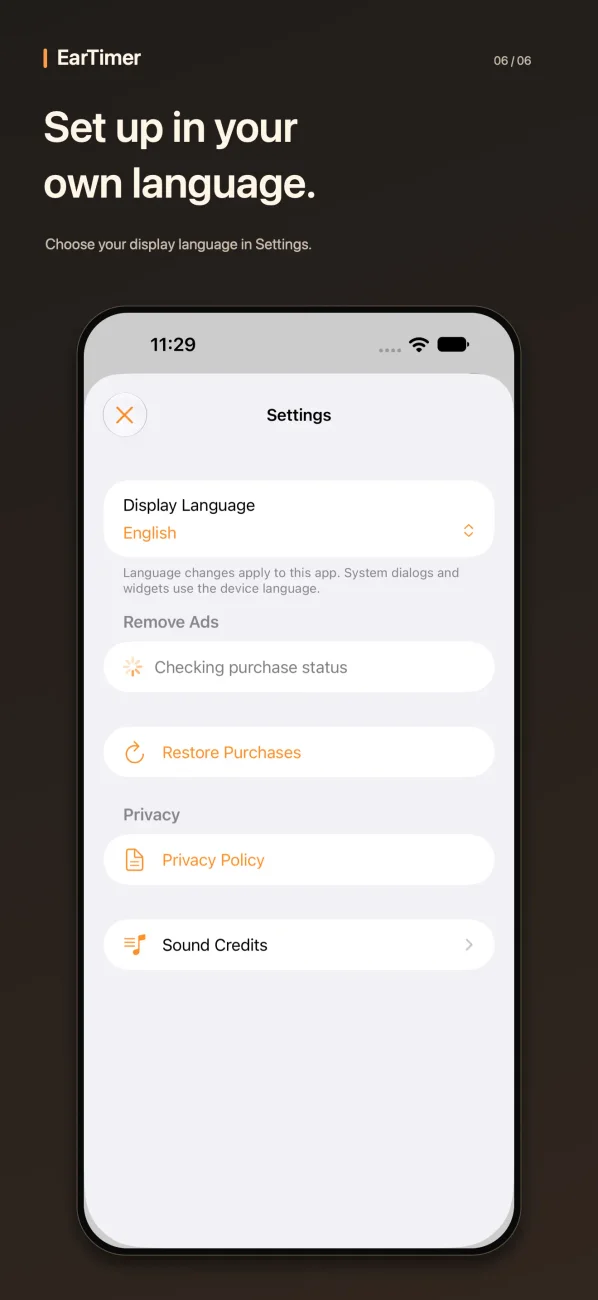
- English, Hindi, Indonesian, Japanese, Korean, Portuguese, Simplified Chinese, Spanish, Traditional Chinese, Vietnamese
- Copyright
- © 2026 Tomokazu Shinozaki
You might also like
-
 CalMerge - Calendar to PDFOne-time buy. No subs.
-
 Race Timer: SpeedGateAuto Starts, Precise Results
-
 RushCountdownAccurate PiP Countdown
-
 Flip Clock Pro: Desk ClockFull Screen Focus Timer
-
 QuickQR UnlimitedScan. Share. Connect.
-
 LANChat ProNearby Messages & File Share
-
 Barcode+QRcode ScannerScan, Create & Share Codes
-
 Warranti: Warranty TrackerNever miss a return window
-
 Crop your photos!For Passports & identity card
-
 Unspied: Privacy ScannerBluetooth & Wireless Safety