
Easy Air Screen Lite
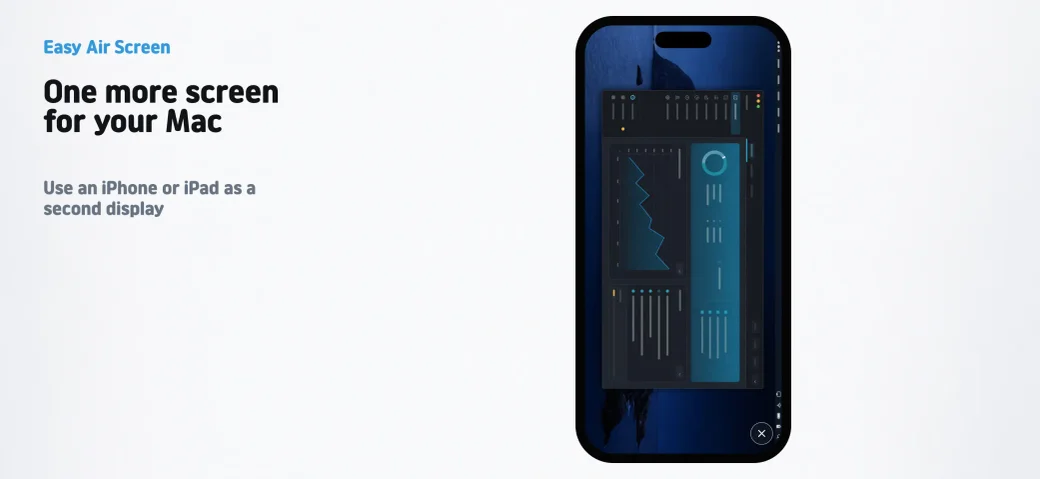
Mac screen as wireless display
Designed for iPhone, iPad
In-app purchases
- Age rating+4
- CategoryProductivity
- DeveloperJEONG HYEON CHOI
- LanguagesPortuguese+ 8 more
- Size42.7 MB
Links to the official App Store page
Download.org hosts no file of Easy Air Screen Lite. The button opens its official App Store page, published by JEONG HYEON CHOI. Listing last checked on Nov 12, 2026.
Screenshots
About
Extend your Mac screen to an iPhone or iPad and use it as a second monitor. This is the Lite version — free to use with ads.
Easy Air Screen Lite finds your Mac and your iPhone or iPad on the same Wi-Fi and streams the screen wirelessly. Put one more window where you need it, even away from your desk.
■ Wireless over the same Wi-Fi
Run Easy Air Screen for Mac, then find and connect your device in the app. No cable and no sign-up required.
■ Extended display and mirroring
Use macOS Display settings to extend or mirror your screen.
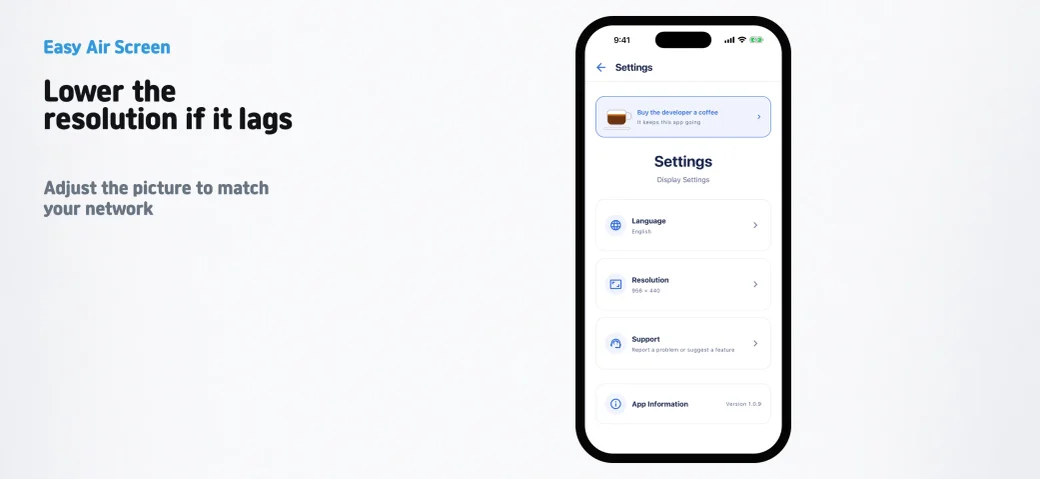
■ Adjustable resolution
If the network feels slow or laggy, lower the resolution in the app's display settings. For a stable connection we recommend 5GHz Wi-Fi on both devices.
■ When your Mac doesn't appear
If automatic discovery can't find your Mac, enter its IP address directly in the app.
■ About ads
This app is free and supported by ads. A banner is shown at the bottom of the home screen, and one full-screen ad appears when a connection starts. Ads are served by Google AdMob; the app does not request tracking permission and requests non-personalized ads only.
To use the app without ads, the paid version Easy Air Screen is available.
■ Getting started
1. Install Easy Air Screen Lite on your iPhone or iPad.
2. Download and run the Mac app.
3. Connect both devices to the same Wi-Fi.
4. Select your Mac in the app to connect.
■ Privacy
Your screen is streamed directly between devices on your local network and never passes through our servers. The app works without an account. Only crash diagnostics and the data needed to serve ads are processed — see the privacy policy for details.
Contact: privacy@cottonray.com
What’s new
Version 1.0.13 · Aug 27, 2026
Stability and usability improvements.
App privacy
What JEONG HYEON CHOI declares on the App Store about how this app handles data.
-
Data not linked to you
May be collected but is not linked to your identity.
- Location
- User content
- Identifiers
- Usage data
- Diagnostics
Privacy practices may vary, for example with the features you use or your age.
Information
- Seller
- JEONG HYEON CHOI
- Category
- Productivity
- Version
- 1.0.13
- Updated
- Aug 27, 2026
- Released
- Aug 25, 2026
- Size
- 42.7 MB
- Requires
- iOS 16.4 or later
- Age rating
- +4
- In-app purchases
- Yes
- Languages
- Portuguese, German, Simplified Chinese, Korean, Spanish, French, English, Japanese, Russian
- Copyright
- © 2026 Cottonray
You might also like
-
 AI Prompt Generator & ManagerBuilder, Library & Organizer
-
 Second Monitor: ScreenDeckWireless Display for Mac
-
 ShareLAN — Screen to PCWireless Screen Sharing
-
 Slate: Second MonitorDual Display for Windows PC
-
 MacKeymapperProductivity
-
 BrainDump: Voice Tasks & FocusCalm To-Do for Busy Minds
-
 콘보Productivity
-
 PrompTessor - AI PromptGenerate & Optimize AI Prompts
-
 주보플러스 - 교회 주보 앱Productivity
-
 SuperX - PIP ExtensionPicture-in-Picture Everything