- Age rating+4
- CategoryProductivity
- DeveloperJOOBONG LEE
- Size4.7 MB
Links to the official App Store page
Download.org hosts no file of MacKeymapper. The button opens its official App Store page, published by JOOBONG LEE. Listing last checked on Nov 12, 2026.
Screenshots



About
Turn your iPhone into a Mac app launcher.
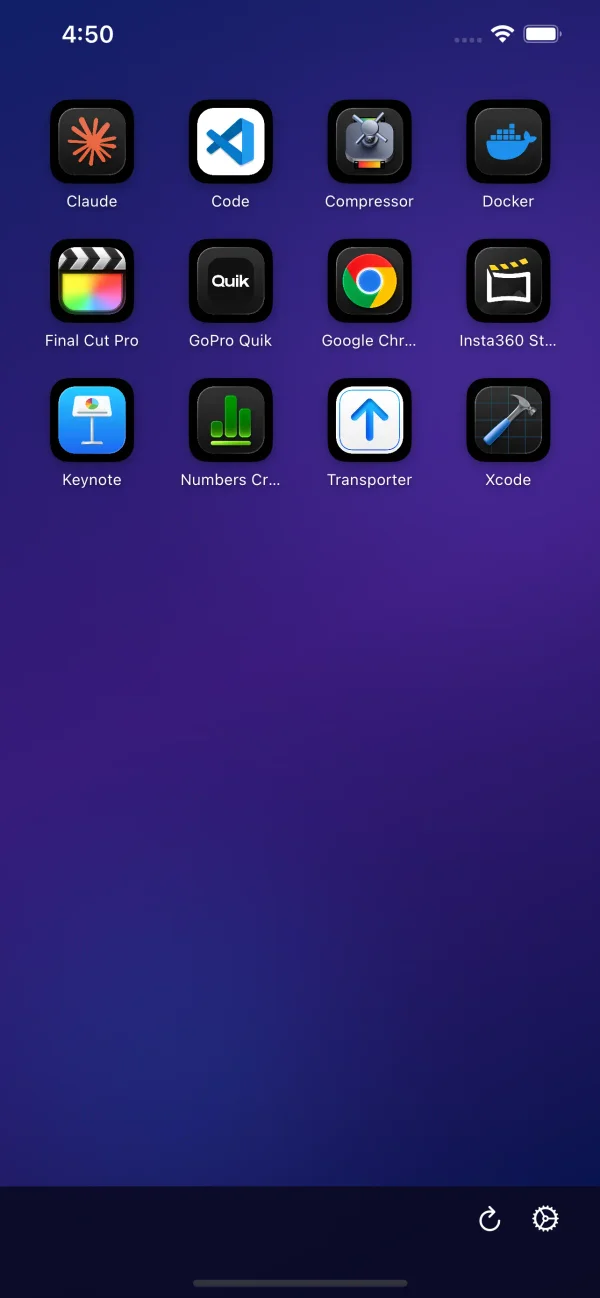
Tap any app icon on your iPhone - it opens instantly on your Mac. No mouse, no Dock scrolling, no shortcuts to remember.
HOW IT WORKS
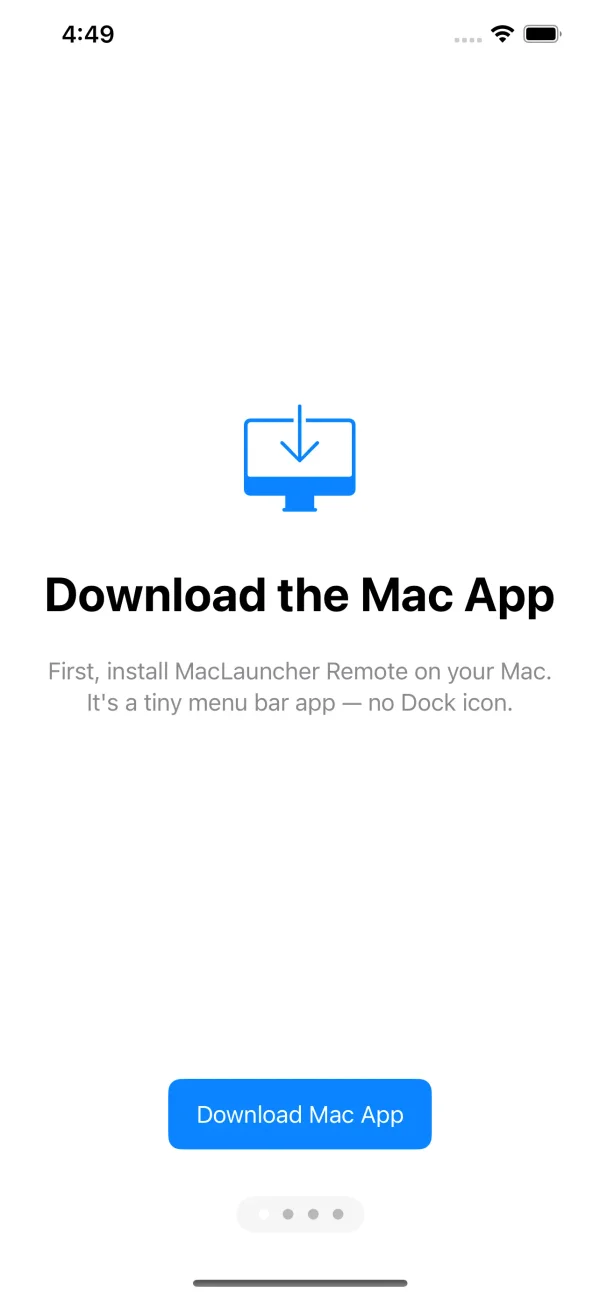
Install the free companion app on your Mac. MacKeymapper discovers it automatically over Wi-Fi and shows your Mac apps on your iPhone. One tap launches them instantly.
FEATURES
- Zero-config connection: auto-discovers your Mac on the same Wi-Fi
- Portrait and landscape support: 4-column portrait, 5-column landscape grid
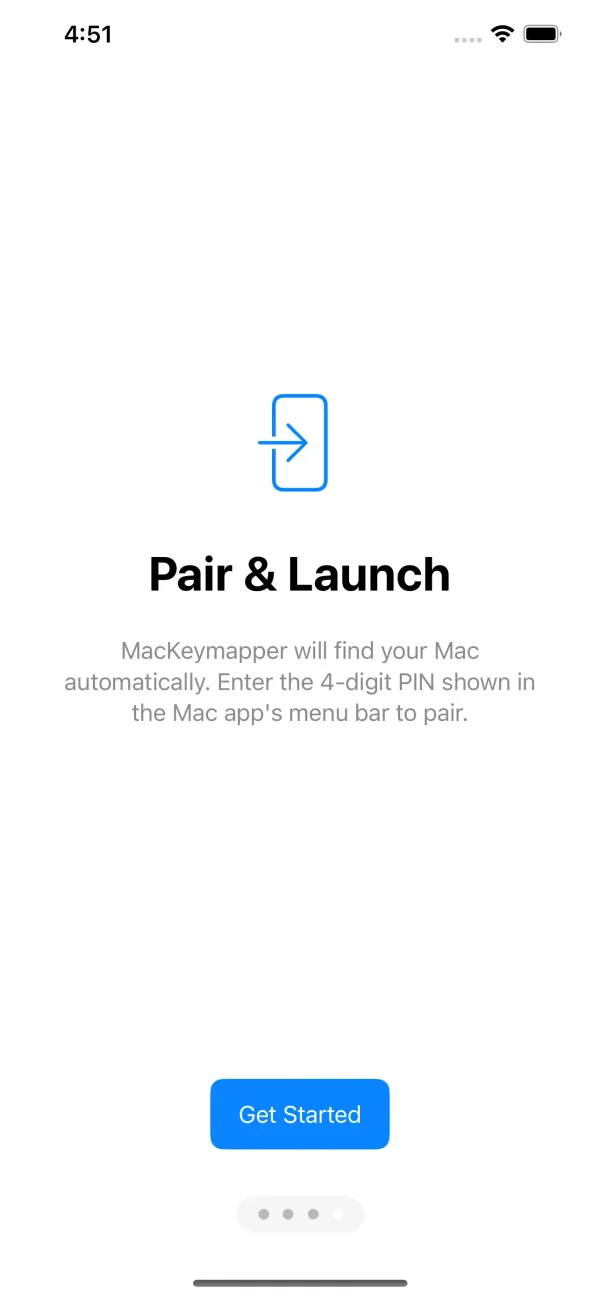
- Secure: PIN authentication keeps your Mac exclusively yours
- Always ready: Mac companion runs quietly in the menu bar
FREE / PREMIUM
Free: Up to 4 app shortcuts
Premium (one-time purchase):
- Unlimited app shortcuts
- No ads
- Custom wallpaper
GETTING STARTED
1. Download the free Mac app at mackeymapper.com
2. Launch MacKeymapper on your iPhone
3. Make sure both devices are on the same Wi-Fi
4. Your Mac appears automatically, tap to connect
Requires both devices to be connected to the same Wi-Fi network.
iPhone이 Mac 앱 런처가 됩니다.
iPhone에서 앱 아이콘을 탭하면 Mac에서 즉시 실행됩니다. 마우스 클릭도, Dock 스크롤도, 단축키 외울 필요도 없습니다.
사용 방법
Mac에 무료 companion 앱을 설치하세요. MacKeymapper가 Wi-Fi를 통해 자동으로 Mac을 찾아 iPhone에 앱 목록을 표시합니다. 아이콘을 탭하면 Mac에서 바로 실행됩니다.
주요 기능
- 자동 연결: 같은 Wi-Fi에 있으면 별도 설정 없이 즉시 연결
- 세로 및 가로 완전 지원: 세로 4열, 가로 5열 그리드
- 보안 연결: PIN 인증으로 내 Mac에만 연결되도록 보호
- 항상 대기 중: Mac companion 앱이 메뉴 바에서 백그라운드 실행
무료 및 프리미엄
무료: 최대 4개 앱 바로가기
프리미엄 (일회성 구매):
- 앱 바로가기 무제한
- 광고 없음
- 배경화면 커스터마이징
시작하는 방법
1. mackeymapper.com에서 Mac용 앱을 무료로 다운로드하세요
2. iPhone에서 MacKeymapper를 실행하세요
3. 두 기기가 같은 Wi-Fi에 연결되어 있는지 확인하세요
4. Mac이 자동으로 나타납니다. 탭해서 연결하세요
두 기기 모두 동일한 Wi-Fi 네트워크에 연결되어 있어야 합니다.
What’s new
Version 1.0.1 · Jun 10, 2026
Bug fixes and improvements.
• Premium unlock now activates automatically after redeeming an offer code —
no need to tap Restore Purchases manually.
App privacy
What JOOBONG LEE declares on the App Store about how this app handles data.
-
Data used to track you
May be used to track you across apps and websites owned by other companies.
- Usage data
-
Data not linked to you
May be collected but is not linked to your identity.
- Usage data
Privacy practices may vary, for example with the features you use or your age.
Information
- Seller
- JOOBONG LEE
- Category
- Productivity
- Version
- 1.0.1
- Updated
- Jun 10, 2026
- Released
- Jun 9, 2026
- Size
- 4.7 MB
- Requires
- iOS 16.0 or later
- Age rating
- +4
- In-app purchases
- Yes
- Copyright
- © 2026 Joobong Lee
You might also like
-
 TickkuMulti-Step Timers, Made Easy
-
 MinuteCueVisual focus timer & routines
-
 PassforAllProductivity
-
 HarudalA day and a month, one screen
-
 ShieldMailKeep Your Email Safe
-
 Quick Memo+ToDo - PinDeckMemo Widget · To-Do · Gestures
-
 Pack Check: Voice ChecklistNever leave without it again
-
 LookCalendarLock Screen & Watch Calendar
-
 AetherLifeAetherLife Organizer
-
 Apper: Save Apps as IdeasUpdate tracker & idea library