- Age rating4+
- CategoryUtilities
- DeveloperKSENIYA DEMIDOVA
- LanguagesEnglish
- Size41.3 MB
Links to the official App Store page
Download.org hosts no file of Easy Markdown Reader. The button opens its official App Store page, published by KSENIYA DEMIDOVA. Listing last checked on Nov 12, 2026.
Screenshots

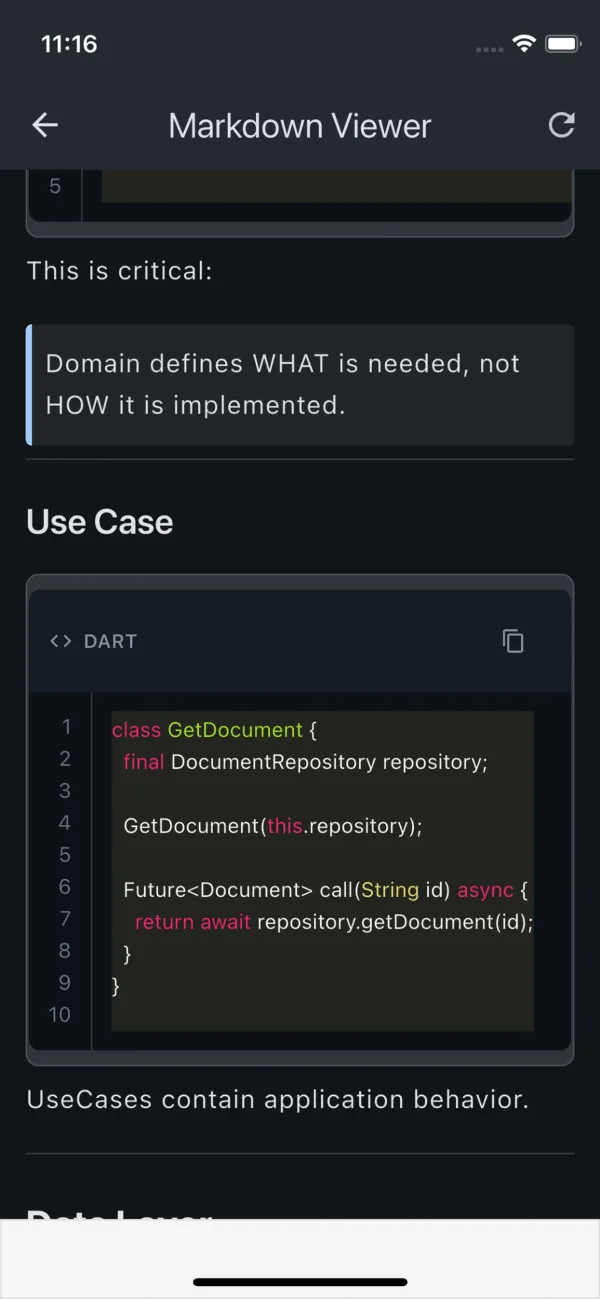

About
Easy Markdown Reader - Professional Markdown and Diagram Viewer
Transform your technical documentation into a beautiful, interactive reading experience. Easy Markdown Reader is designed for developers, technical writers, and anyone who works with Markdown files.
FULL MARKDOWN SUPPORT
Complete GitHub Flavored Markdown syntax including headers, lists, tables, blockquotes, bold and italic text, links, images, and horizontal rules. View your documentation exactly as intended with proper formatting and styling.
ADVANCED MERMAID DIAGRAMS
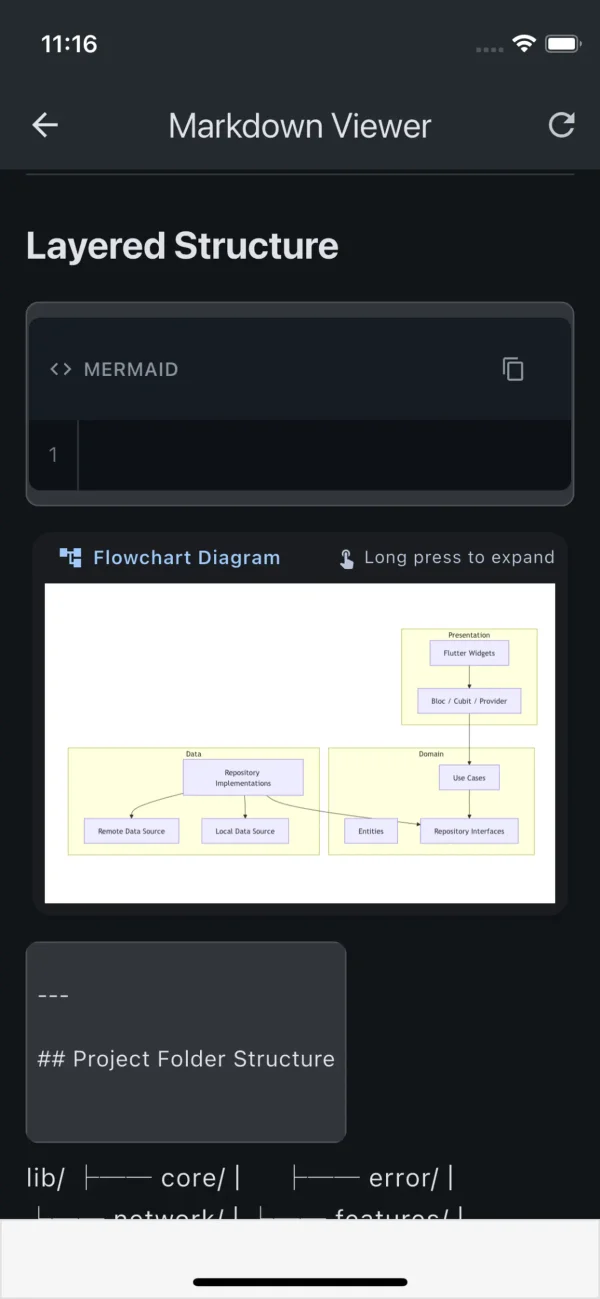
Support for over 20 diagram types including flowcharts, sequence diagrams, class diagrams, state diagrams, ER diagrams, Gantt charts, pie charts, user journey diagrams, git graphs, mindmaps, timelines, Sankey diagrams, XY charts, block diagrams, packet diagrams, quadrant charts, requirement diagrams, C4 diagrams, ZenUML, and architecture diagrams.
INTERACTIVE DIAGRAM VIEWER
Long press any diagram to open it in full-screen mode. Use pinch-to-zoom gestures to zoom from 0.5x to 4.0x magnification. Pan around large diagrams with smooth touch controls. Fit-to-screen button for quick overview. High-resolution rendering ensures crisp text and lines at any zoom level.
SMART AUTO-FIX
Automatically corrects common syntax errors in your Markdown files. Adds quotes for special characters, fixes arrow syntax, and normalizes spacing. View diagrams even when source files contain minor formatting issues.
BEAUTIFUL CODE BLOCKS
Syntax highlighting for over 180 programming languages. Features include line numbers, copy button, automatic theme switching between light and dark modes, and horizontal scrolling for long lines. Supports all major programming languages and markup formats.
CLEAN INTERFACE
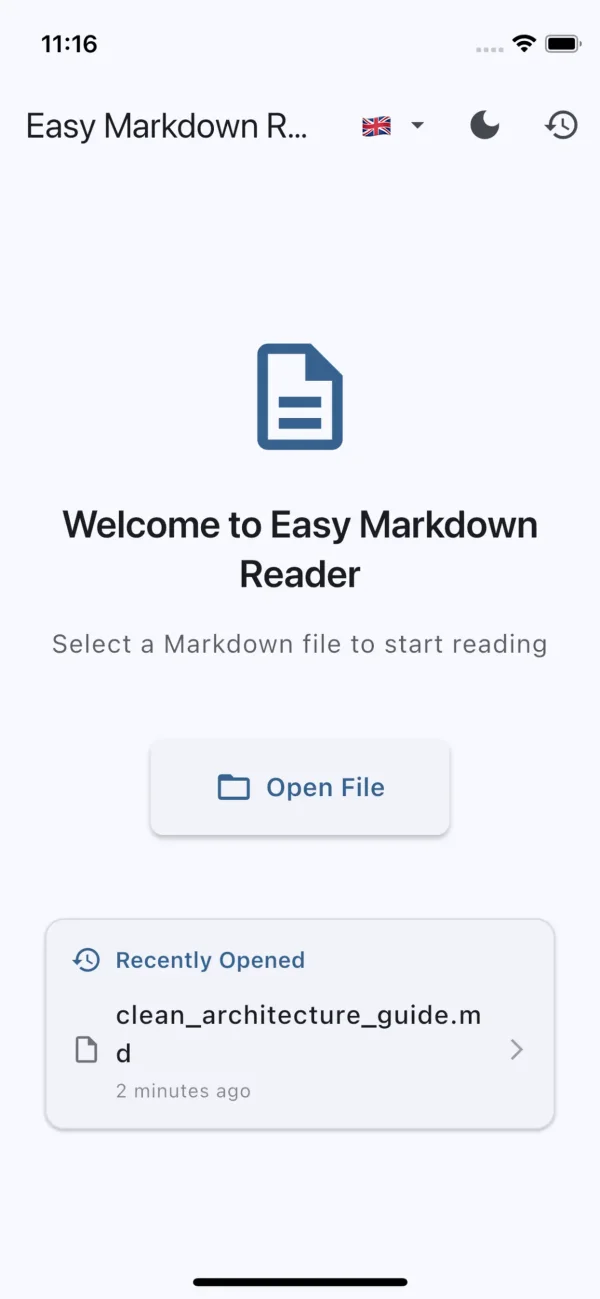
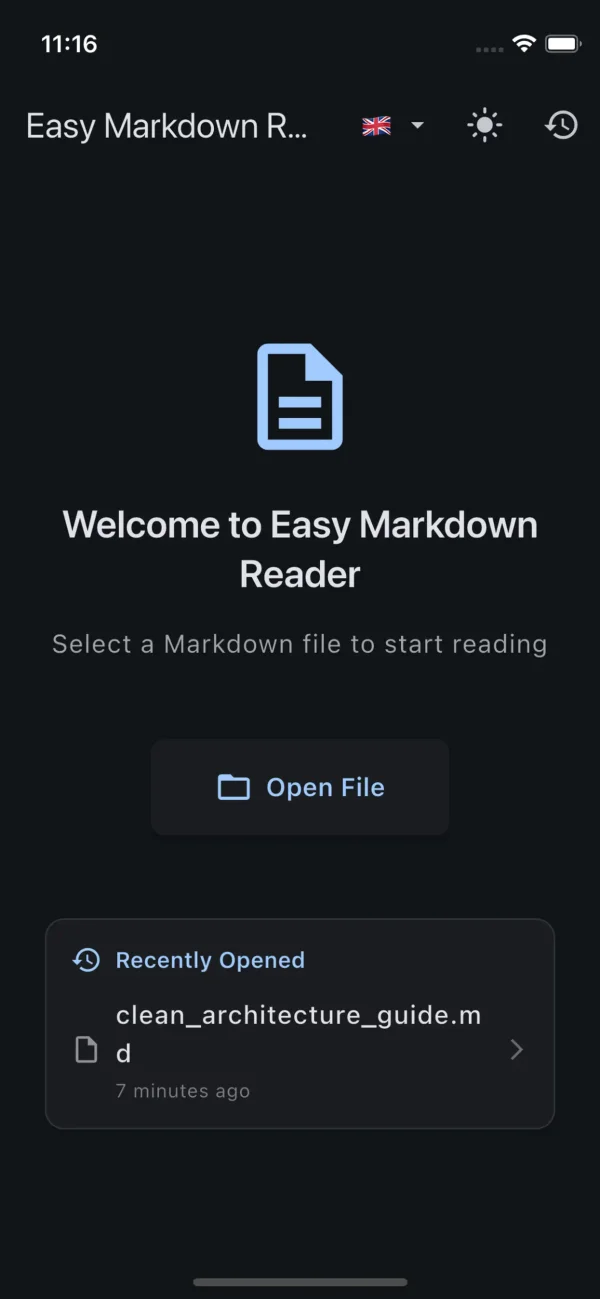
Distraction-free reading experience with Material Design 3. Smooth scrolling performance. Access recently opened files quickly. Reload documents with one tap. Light and dark theme support with instant switching.
FILE HISTORY
Keep track of all your opened files. Access your reading history with one tap. Remove individual files or clear entire history. Files are sorted by most recent access for easy navigation.
OPTIMIZED PERFORMANCE
Fast file loading with efficient rendering. Content caching reduces re-parsing. Smooth 60fps animations throughout the app. Optimized for both small and large documents.
PRIVACY FOCUSED
All files stay on your device. No data collection or tracking. No account required. Works completely offline. Your documents remain private and secure.
PERFECT FOR
Software developers reading technical documentation. Technical writers reviewing their work. Project managers viewing project documentation. Students and educators working with course materials. Anyone who needs to read Markdown files on iOS.
App privacy
What KSENIYA DEMIDOVA declares on the App Store about how this app handles data.
-
Data not linked to you
May be collected but is not linked to your identity.
- Identifiers
Privacy practices may vary, for example with the features you use or your age.
Information
- Seller
- KSENIYA DEMIDOVA
- Category
- Utilities
- Version
- 6.0.0
- Updated
- Feb 18, 2026
- Released
- Feb 17, 2026
- Size
- 41.3 MB
- Requires
- iOS 13.0 or later
- Age rating
- 4+
- Languages
- English
- Copyright
- © "neo321654"
You might also like
-
 Markdown Reader - LiteLaTeX, Mermaid & Code Reader
-
 Only Markdownsimple, black & white
-
 MarkFlow:Read Markdown filesRead Markdown documents easily
-
 MarkdownrFast & elegant Markdown Viewer
-
 Markdown Format PreviewFormat & Read Text Easily
-
 Md Preview - Markdown ViewerLaTeX Math & Code Highlight
-
 Markdown-IMGUtilities
-
 MDPeak: Markdown Reading SpaceNo Ads. Built for Focus.
-
 Markdown: Journal and NotesSimple note and journals
-
 Viewer3DView STL, STEP, OBJ & 3DM