
- Age rating4+
- CategoryProductivity
- DeveloperHideo Nose
- LanguagesEnglish+ 1 more
- Size3.9 MB
Links to the official App Store page
Download.org hosts no file of Easy Reference Measure. The button opens its official App Store page, published by Hideo Nose. Listing last checked on Nov 15, 2026.
Screenshots


About
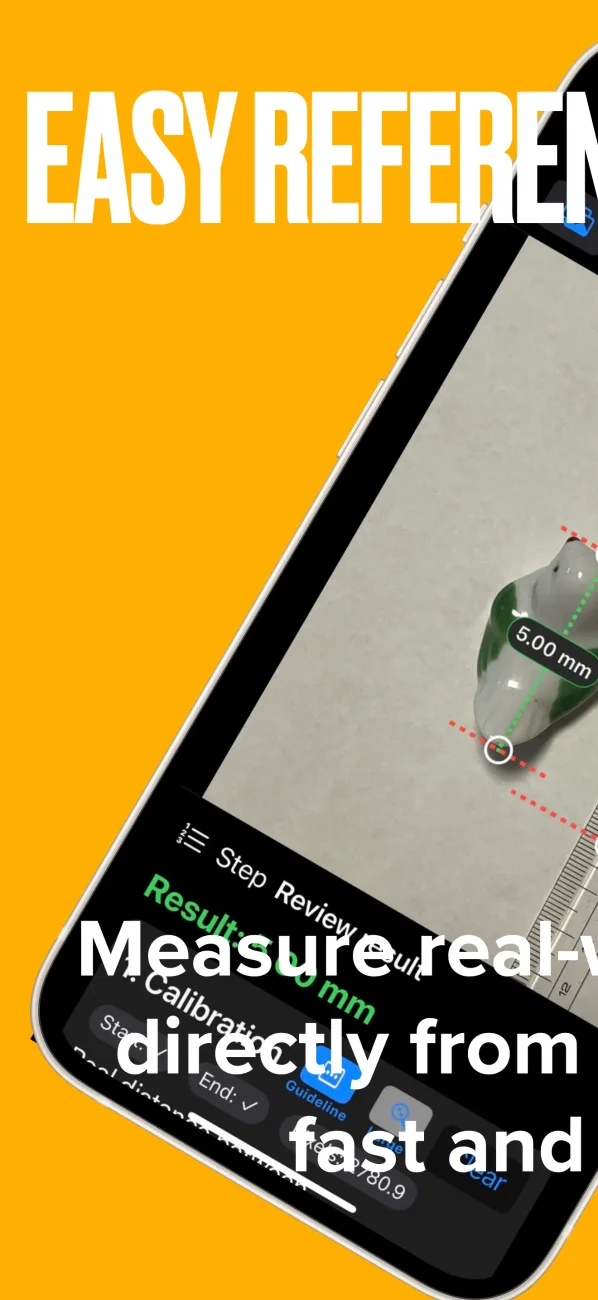
Measure real-world lengths directly from your photos—fast and simple!
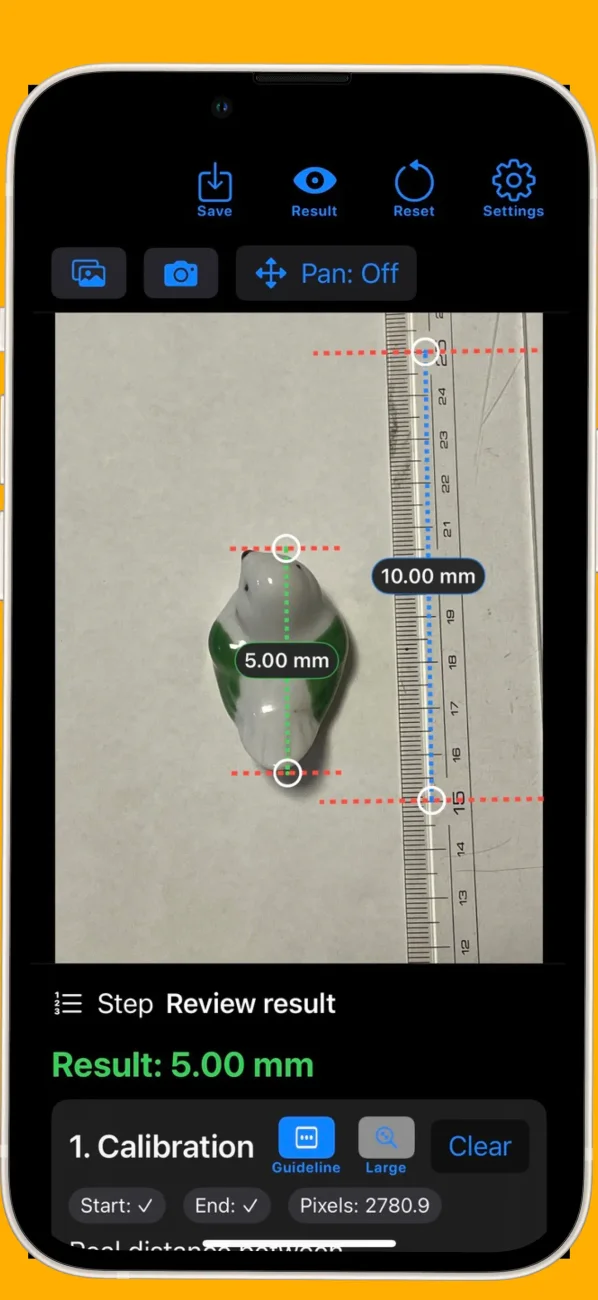
This app turns your smartphone into a powerful measuring tool. By including a reference object such as a ruler or a coin in your photo, you can instantly calculate the actual size of any object captured. Whether for research, DIY, or hobbies, this app makes measuring more accessible than ever.
*Key Features
Accurate length measurement from photos
Use reference objects (rulers, coins, cards, etc.) to set the scale
Zoom, pan, and reset gestures for precise control
Double-tap to reset zoom and position
Save and share annotated images with measurement results
*How It Works
Capture or Select a Photo
Take a new photo with your camera or select one from your gallery.
Make sure to include a reference object such as a ruler or a coin.
Set Calibration Points
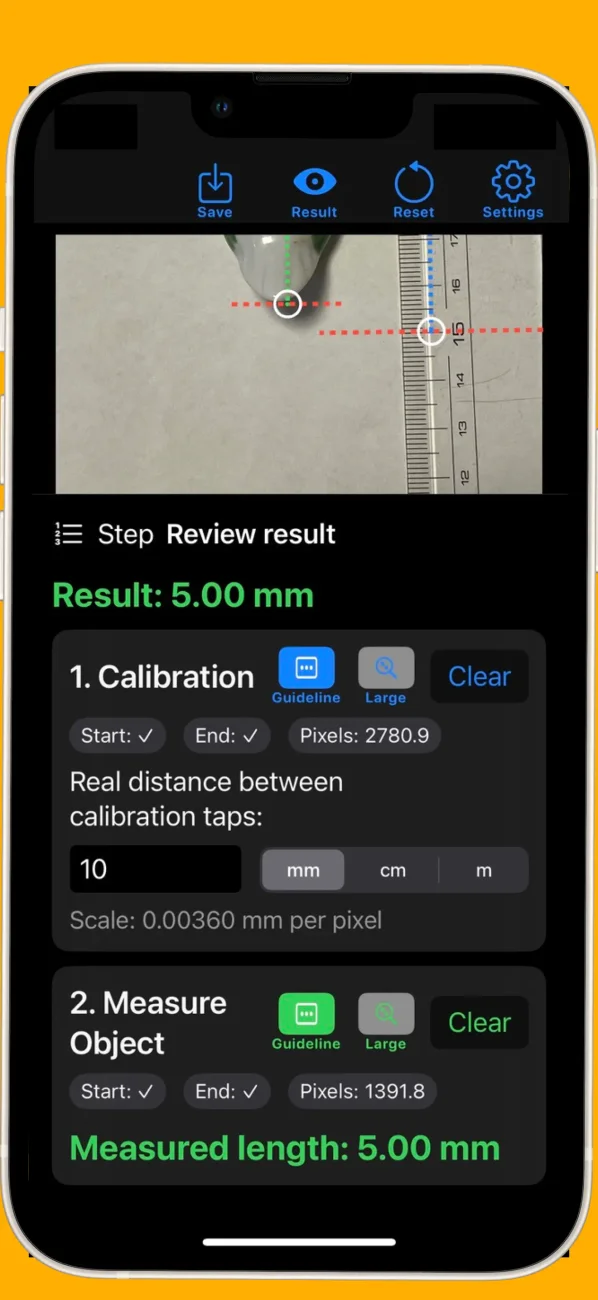
Tap the start and end points of the reference object (e.g., the 0 cm and 10 cm marks of a ruler).
Enter the real-world length between these two points to calibrate the scale.
Measure the Object
Tap the start and end points of the object you want to measure.
The app instantly calculates and displays the actual length.
Save and Share
The measurement result is added as a clear annotation on the photo.
Save the annotated image and share it via email, messaging apps, or social media.
*Use Cases
Check the size of pipes, screws, gaskets, etc.
Measure materials and objects for DIY projects
Document lengths for study and research
Assist in laboratory, or experimental records
Complex Shape Length
Simple, intuitive, and reliable.
With this app, your smartphone becomes a portable digital ruler—always ready when you need it.
What’s new
Version 1.1 · Oct 5, 2025
Added a real ruler screen.
Once you calibrate the scale using a physical ruler, you can easily measure lengths anytime, even without having a ruler on hand.
In addition, several minor bugs have been fixed.
App privacy
What Hideo Nose declares on the App Store about how this app handles data.
-
Data not collected
The developer does not collect any data from this app.
Privacy practices may vary, for example with the features you use or your age.
Information
- Seller
- Hideo Nose
- Category
- Productivity
- Version
- 1.1
- Updated
- Oct 5, 2025
- Released
- Sep 26, 2025
- Size
- 3.9 MB
- Requires
- iOS 16.6 or later
- Age rating
- 4+
- Price
- Free
- Languages
- English, Japanese
- Copyright
- © 2025 Hideo Nose
You might also like
-
 Screenshot Pixel Measure ToolAI Screenshot & Layout Measure
-
 Image Ruler - MeasuresCamera Photo Measure Tape
-
 MeasureSnap: Photo MeasureProductivity
-
 dimension proPrecisely Annotate Measurement
-
 Magic Photo Ruler. AI.AI Photo Ruler, Measure Tape.
-
 ImageMeterDimensions & notes on photos
-
 スマホで簡単距離測定「Sokute」Productivity
-
 SnapSizeMeasure distance
-
 PlanMeasureMeasure floor plans & maps
-
 QuiXplore - X Advanced SearchSupport X(Twitter) Search