Image Ruler - Measures
Camera Photo Measure Tape
Designed for iPhone, iPad, iPod touch
Free · In-app purchases
- Age rating4+
- CategoryProductivity
- DeveloperMartin Schurmann
- LanguagesEnglish+ 16 more
- Size47.3 MB
Links to the official App Store page
Download.org hosts no file of Image Ruler - Measures. The button opens its official App Store page, published by Martin Schurmann. Listing last checked on Nov 13, 2026.
Screenshots

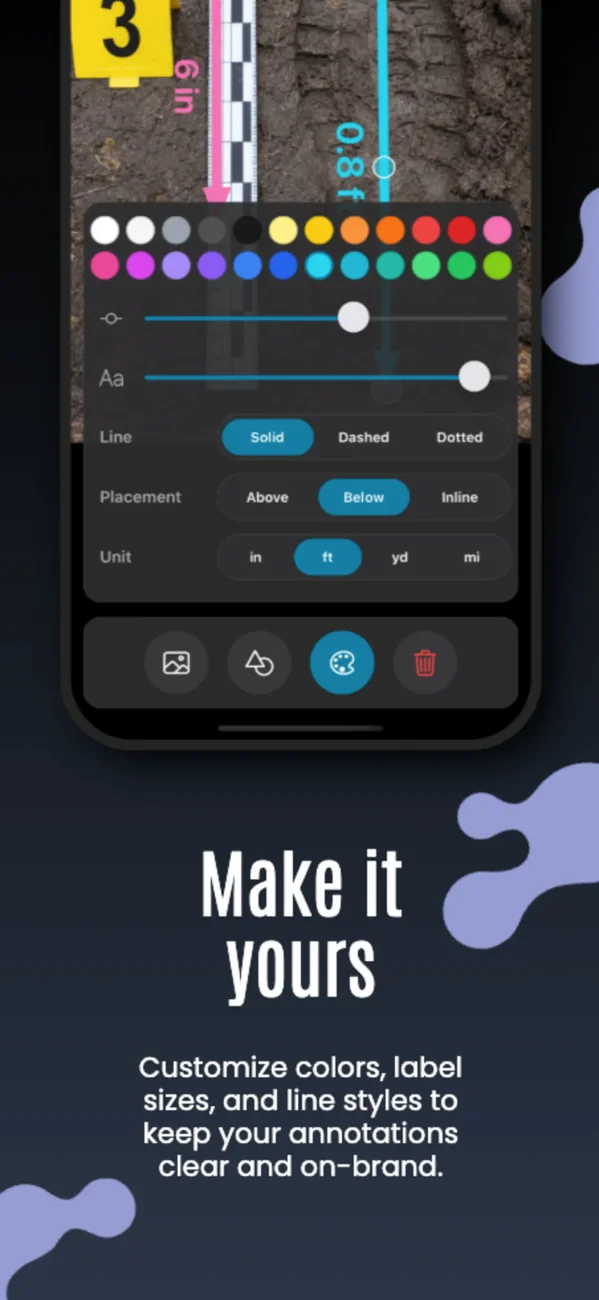
About
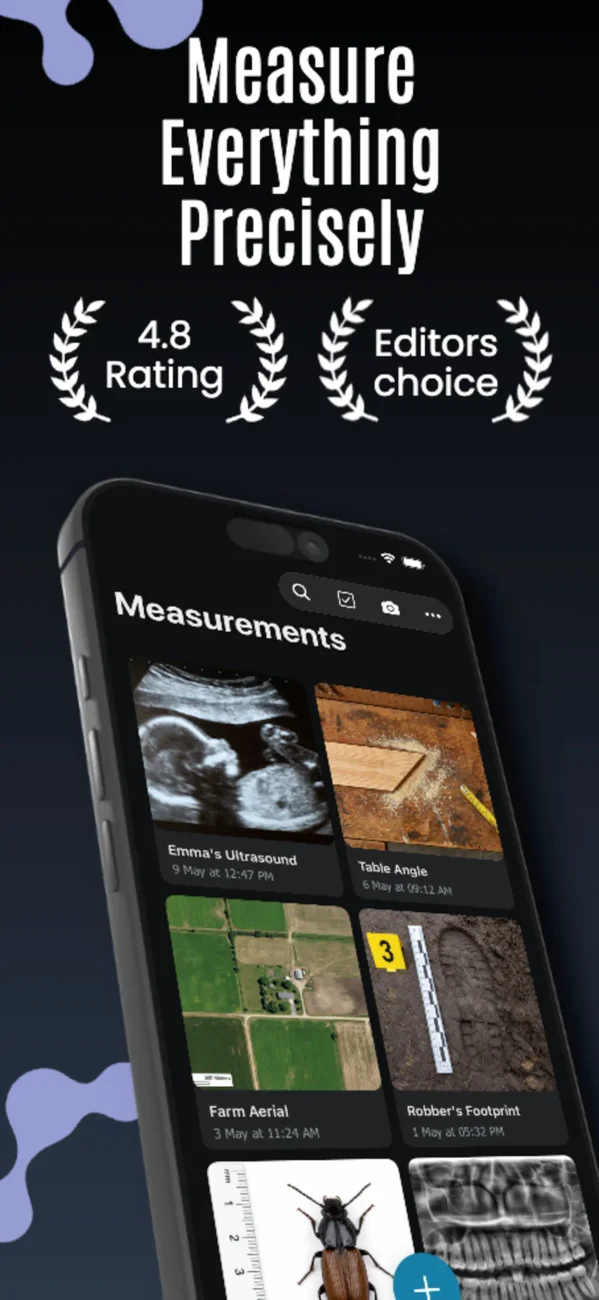
Measure anything in any photo.
Take a photo or import one from your library, place a reference object you already know the size of, and instantly calculate real-world measurements — lengths, angles, and areas — directly on the image.
How it works
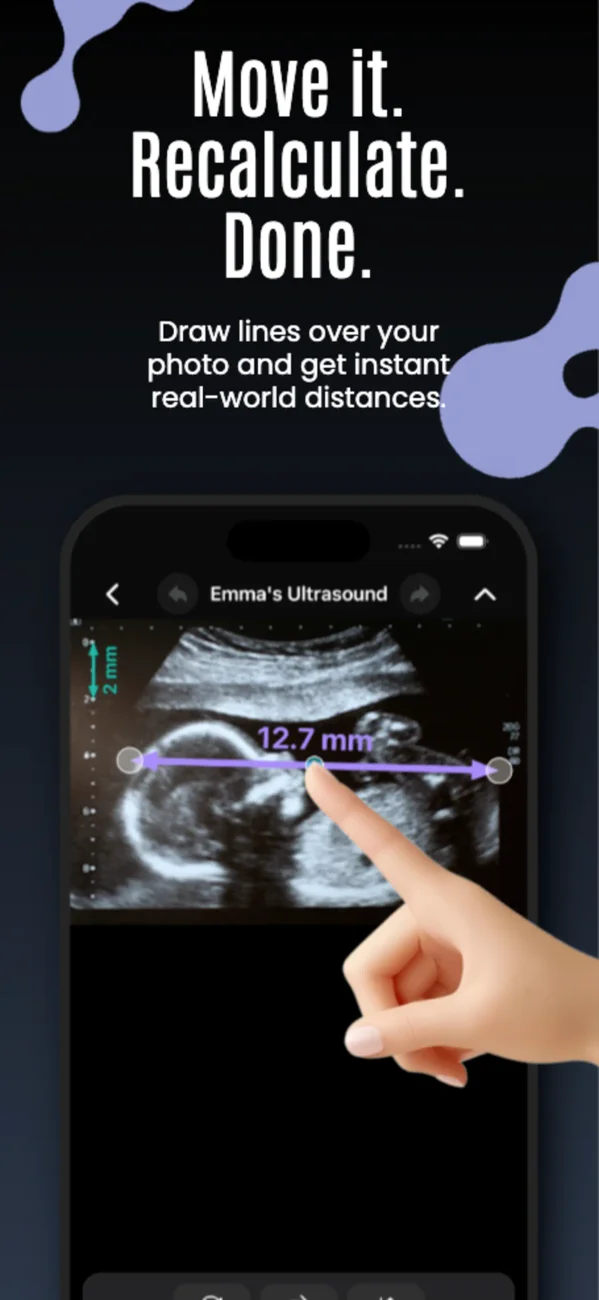
Set a reference line on a known object in your photo. From there, every measurement you draw is automatically calculated in real scale.
What you can measure
Ruler — measure distances and lengths
Arrow — annotate with directional measurements
Angle — measure the angle between any two lines
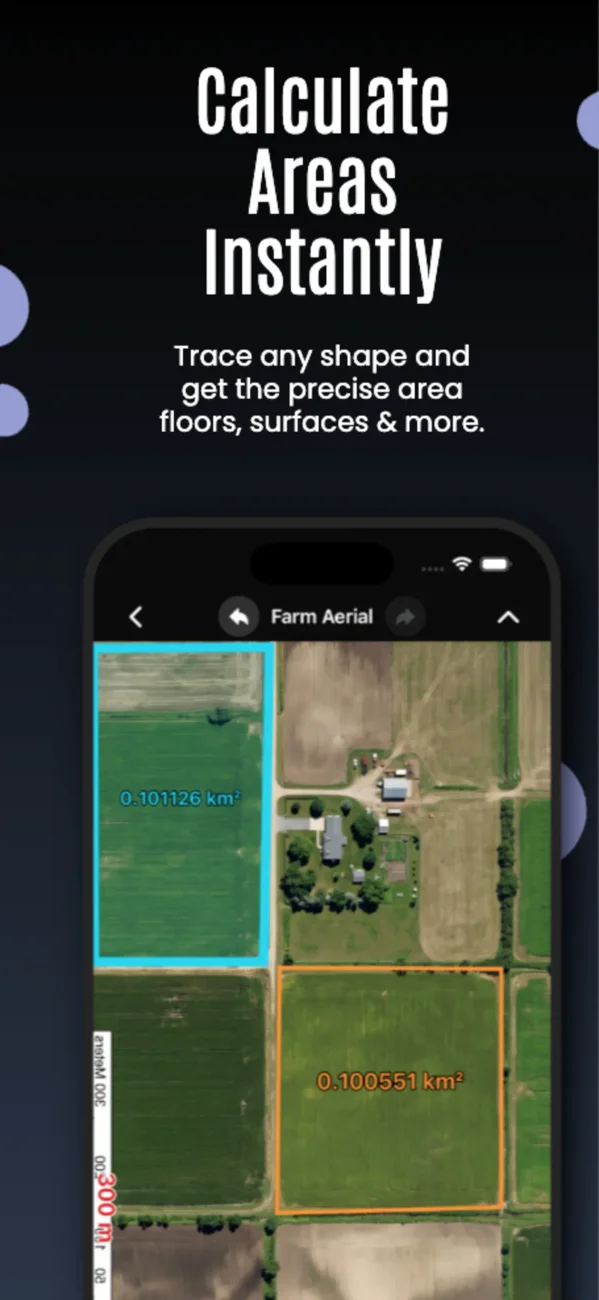
Area — tap points to outline a surface and calculate its area
Built for precision
Works entirely offline — no internet required
Metric and imperial units
Pinch to zoom for precise point placement
Undo and redo any change
Hide or show your reference line at any time
Tips for accurate results
For best accuracy, make sure your reference object and the object you're measuring are in the same plane, and that the camera was parallel to both when the photo was taken. Perspective distortion affects results.
Measurements are estimates based on the reference you provide.
What’s new
Version 1.2.10 · Oct 10, 2026
This is the biggest update yet — rebuilt from the ground up with a completely new look and powerful new tools.
Refreshed UI
A cleaner, more intuitive interface designed to get out of your way and let you focus on measuring. Everything is faster and easier to reach.
New: Angles & Areas
Go beyond straight lines. Measure the angle between any two surfaces, or outline a surface to calculate its area — all in real scale.
New: Export & Share
Share your measurements as an image with all annotations overlaid, or copy individual values directly to your clipboard. Perfect for sending to clients, collaborators, or keeping for your records.
New: Flip & Rotate
Imported a photo in the wrong orientation? Fix it instantly before you start measuring.
App privacy
What Martin Schurmann declares on the App Store about how this app handles data.
-
Data used to track you
May be used to track you across apps and websites owned by other companies.
- Identifiers
-
Data not linked to you
May be collected but is not linked to your identity.
- Identifiers
Privacy practices may vary, for example with the features you use or your age.
Information
- Seller
- Martin Schurmann
- Category
- Productivity
- Version
- 1.2.10
- Updated
- Oct 10, 2026
- Released
- Aug 18, 2019
- Size
- 47.3 MB
- Requires
- iOS 15.1 or later
- Age rating
- 4+
- Price
- Free
- In-app purchases
- Yes
- Languages
- English, Danish, Dutch, French, German, Indonesian, Italian, Japanese, Korean, Polish, Portuguese, Russian + 5 more
- Copyright
- © MaartenLabs
You might also like
-
 Photo Measures LiteMeasure, save and share
-
 My Measures + AR MeasureStore & Share Measurements
-
 Screenshot Pixel Measure ToolAI Screenshot & Layout Measure
-
 Photo MeasuresMeasure, save and share
-
 Measuring Tape, Photo RulerMeter: measure length, height
-
 AR Ruler: Digital Tape MeasureLidar Scanner: Distance・Length
-
 ImageMeterDimensions & notes on photos
-
 Measure Height With Camera AppMeasuring Altitude Phone Ruler
-
 Tape Measure Camera Ruler 3DRoom Area, Height & Floor Plan
-
 3D Snap: LiDAR Room ScannerDesign & Create Floor Plans