
- Age rating4+
- CategoryEducation
- Developermonois Inc.
- LanguagesEnglish+ 1 more
- Size193.8 MB
Links to the official App Store page
Download.org hosts no file of Easy Train Game. The button opens its official App Store page, published by monois Inc. Listing last checked on Nov 21, 2026.
Screenshots
About
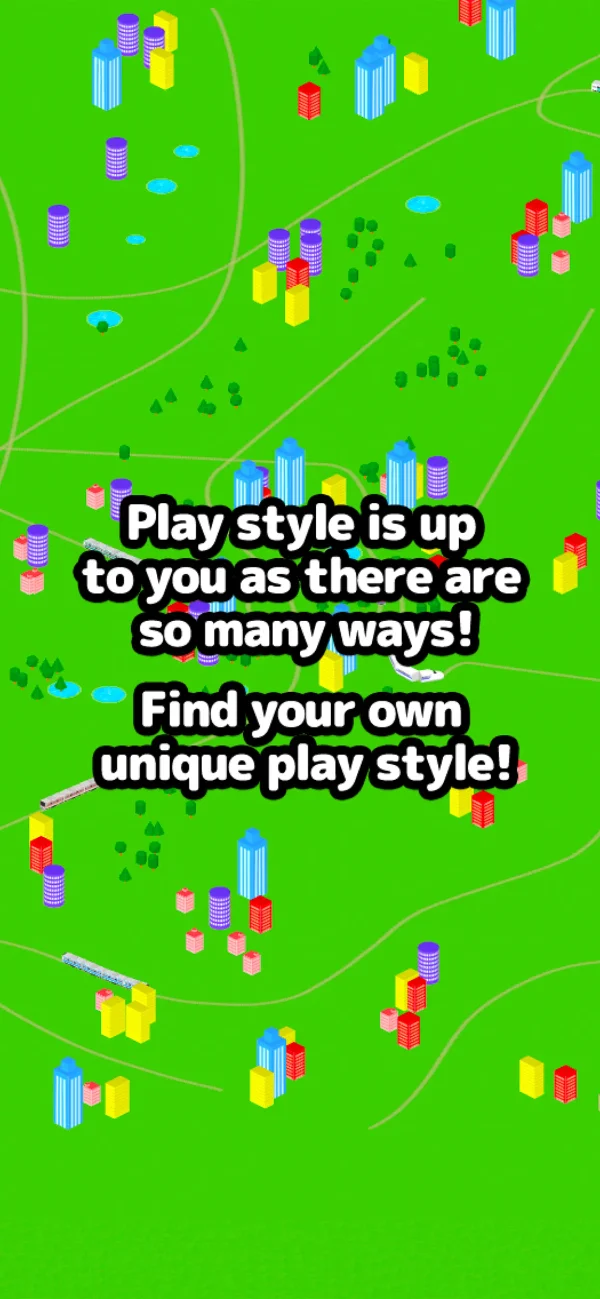
You can make the regular trains and bullet trains run with simple controls.
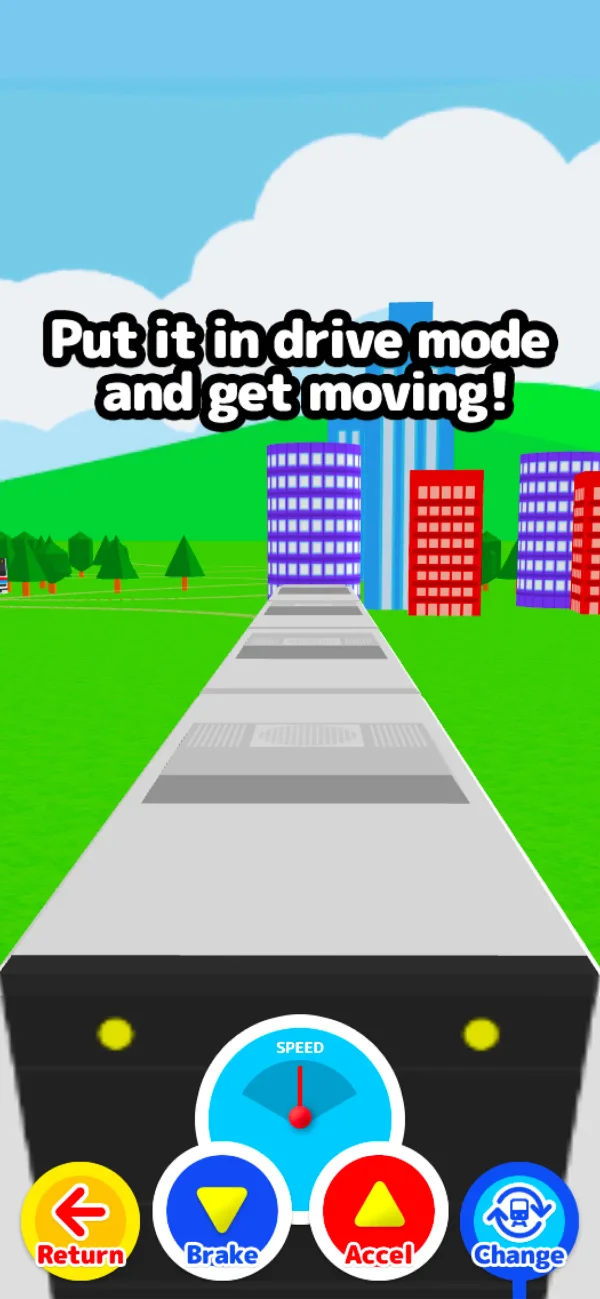
Driver mode makes you feel like a conductor!
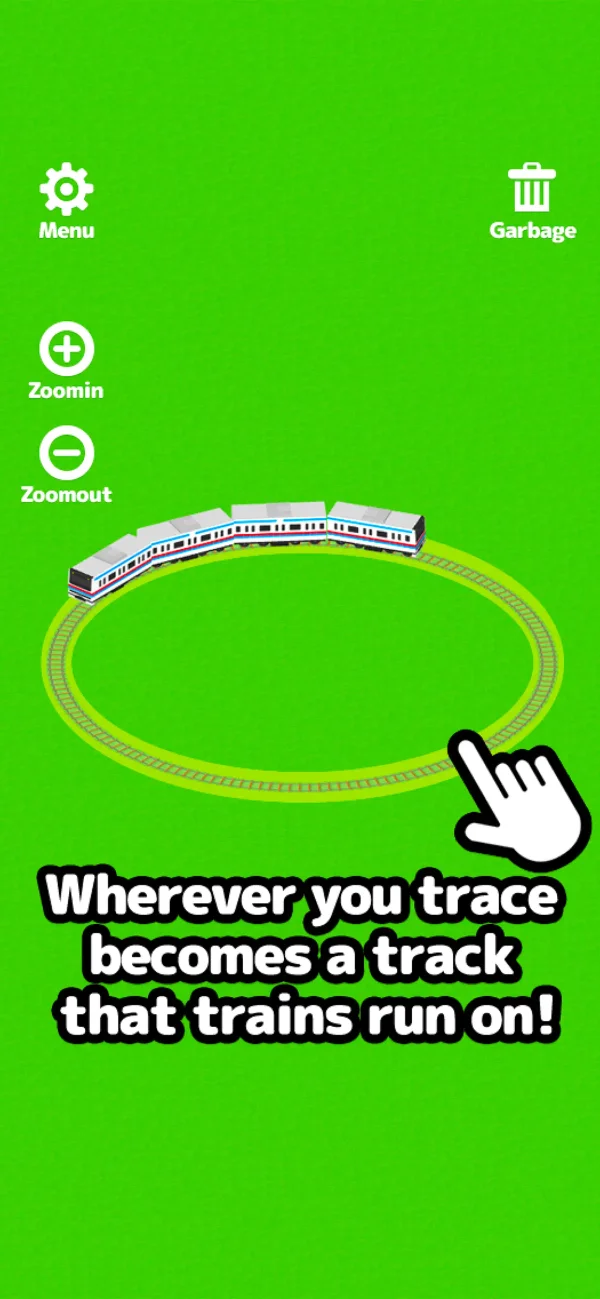
If you drag along the screen it will create rails that a train will start to run on.
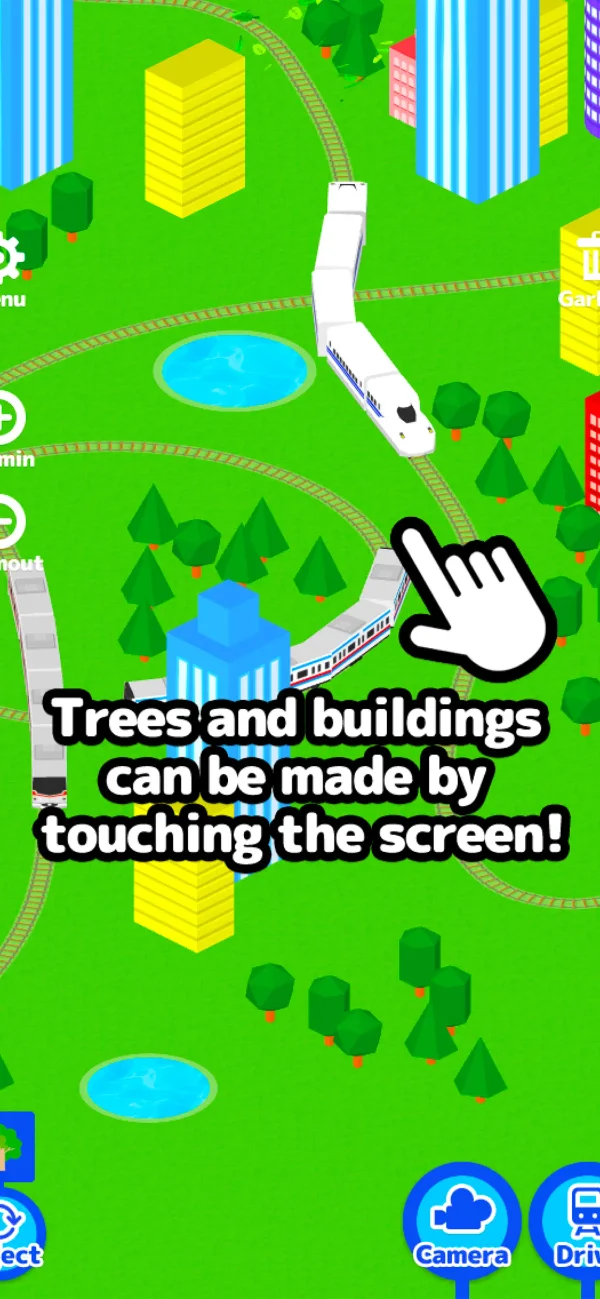
If you touch the screen buildings, trees and puddles will appear.
Touch and drag along the screen and create your own city!
It's also fun to see what happens when the train bumps into buildings, trees and puddles.
When you press the “Drive” button it changes to conductor mode where you feel just like you're really there.
Use the accelerator and the brake to drive the train!!
If you touch up, down, left or right on the screen while driving you will be able to look at the other trains that are running from different angles!!
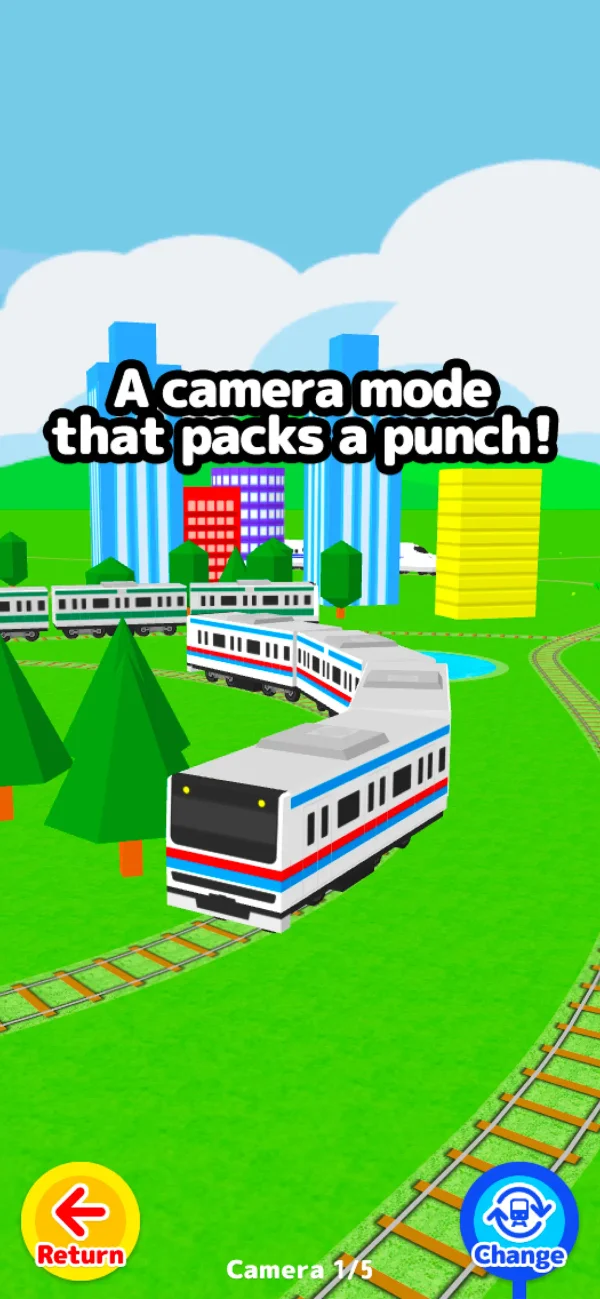
In camera mode you can follow the trains from many different angles.
Enjoy checking out your own personal city!!
****How to Play****
Normal Mode
-Create rails by dragging along the screen and a train selection list will appear. (You can also choose auto-select from the menu.)
-the train will start to run once You choose a train.
-If you tap the screen, buildings, trees and puddles will be placed. (Change with the bottom left “placement” button.)
-Adjust the camera in 4 levels with the “Larger” and “Smaller” buttons.
-If you press the “Drive” button it will switch into conductor mode.
-If you press the “Camera” button it will switch into camera mode.
-If you press the “Trash” button it will remove the last railway and object you created.
Conductor Mode
-Change the speed with the “Break” and “Accelerator” buttons.
-If You press up, down, left or right on the screen You can Change the camera angle.
-The ”Change Train” button will change the train to another train.
-The “Larger” and “Smaller” buttons will adjust the camera to 4 different levels.
-The “Return” button returns to normal mode.
Camera Mode
-Follow the trains from various perspectives.
-the camera will Change If You tap the screen.
-The “Change Train” button will change the train to another.
-The “Return” button will return you to normal mode.
What’s new
Version 1.17.0 · Feb 25, 2026
Minor bug fixes.
App privacy
What monois Inc. declares on the App Store about how this app handles data.
-
Data used to track you
May be used to track you across apps and websites owned by other companies.
- Identifiers
- Usage data
- Other data
-
Data not linked to you
May be collected but is not linked to your identity.
- User content
- Identifiers
- Usage data
- Other data
Privacy practices may vary, for example with the features you use or your age.
Information
- Seller
- monois Inc.
- Category
- Education
- Version
- 1.17.0
- Updated
- Feb 25, 2026
- Released
- Aug 8, 2014
- Size
- 193.8 MB
- Requires
- iOS 15.0 or later
- Age rating
- 4+
- Price
- Free
- Languages
- English, Japanese
- Copyright
- © monois Inc.
You might also like
-
 Railroad Crossing 3DEnjoy Japanese Trains!
-
 Brick Train Game:Kid & ToddlerBuild,Sim,Race Steam & Diesel
-
 Yamo Train - Baby Racing GamesCar Driving Simulator for Kids
-
 Train KitTrack builder game for kids
-
 Train Builder Games for kidsTrain games for Toddlers 2-5
-
 Train Driver at the StationRailroad Train Simulator Game
-
 Train Games: for KidsMy Learning: Math and Reading
-
 Train Driving Games for kidsTrain Simulator Game for Kids
-
 Chuggington Training HubReady for Adventure
-
 Train Kit: Wild WestSteam railroad game for kids