- Độ tuổi4+
- Danh mụcGiáo Dục
- Nhà phát triểnmonois Inc.
- Ngôn ngữTiếng Anh+ 1 ngôn ngữ khác
- Kích thước193,8 MB
Liên kết đến trang App Store chính thức
Download.org không lưu trữ tệp nào của Easy Train Game. Nút này mở trang ứng dụng trên App Store, nơi monois Inc. phát hành ứng dụng. Trang được kiểm tra lần cuối: 21/11/2026.
Ảnh chụp màn hình
Giới thiệu
Nhà phát triển chưa cung cấp nội dung này bằng ngôn ngữ của bạn.
You can make the regular trains and bullet trains run with simple controls.
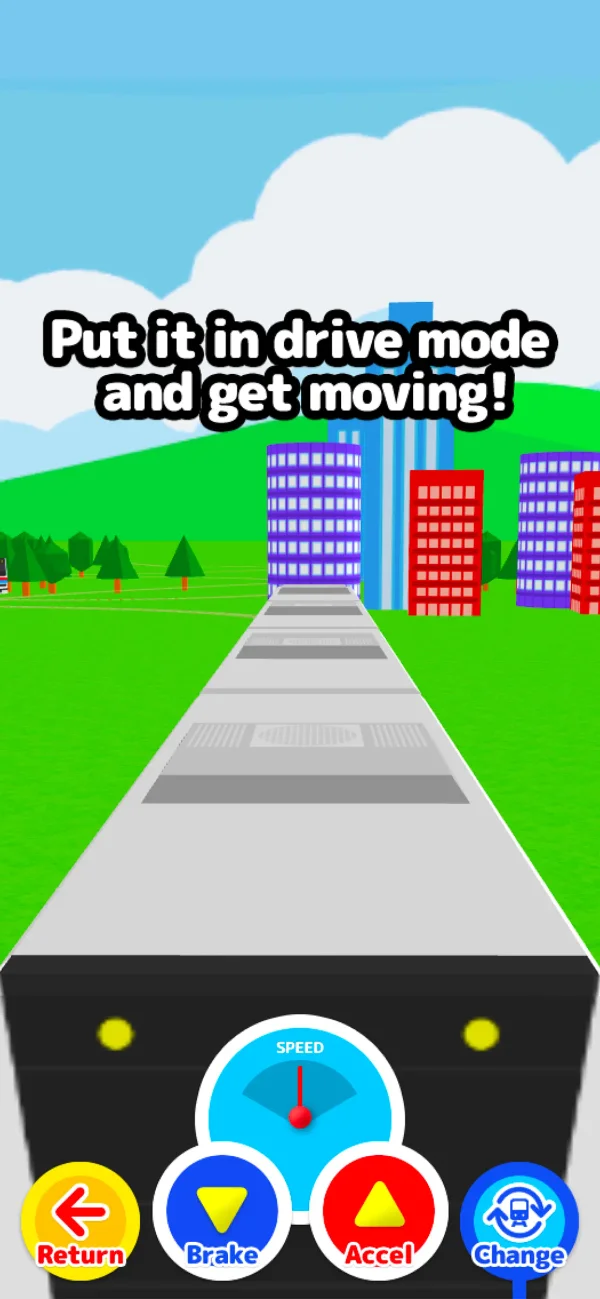
Driver mode makes you feel like a conductor!
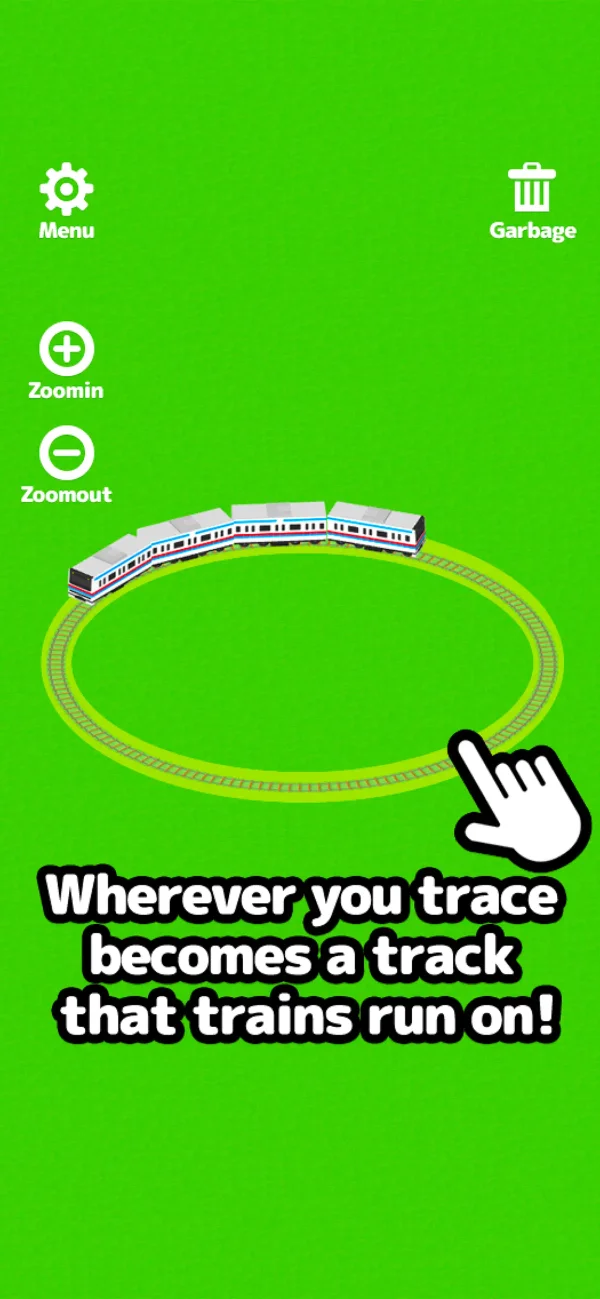
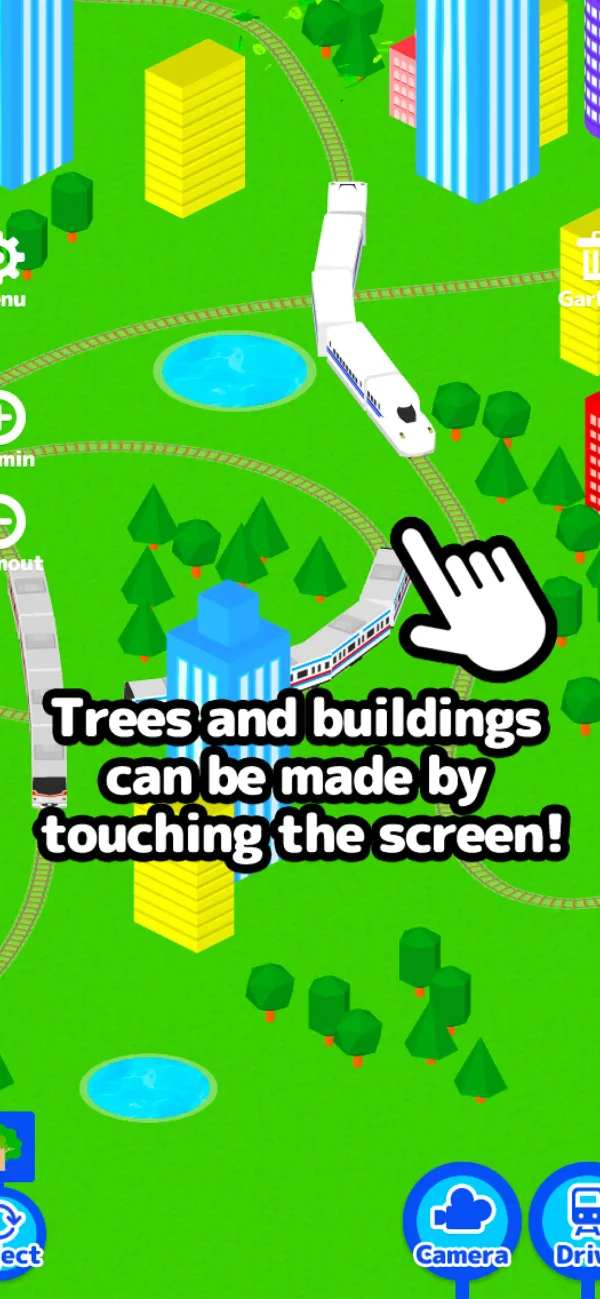
If you drag along the screen it will create rails that a train will start to run on.
If you touch the screen buildings, trees and puddles will appear.
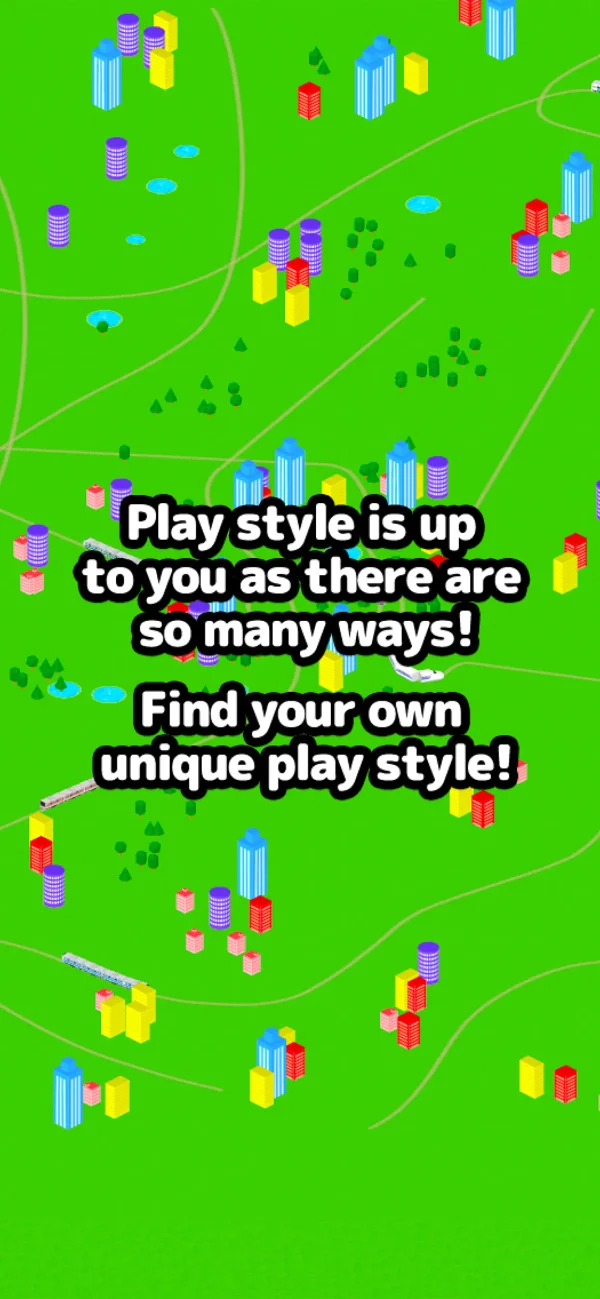
Touch and drag along the screen and create your own city!
It's also fun to see what happens when the train bumps into buildings, trees and puddles.
When you press the “Drive” button it changes to conductor mode where you feel just like you're really there.
Use the accelerator and the brake to drive the train!!
If you touch up, down, left or right on the screen while driving you will be able to look at the other trains that are running from different angles!!
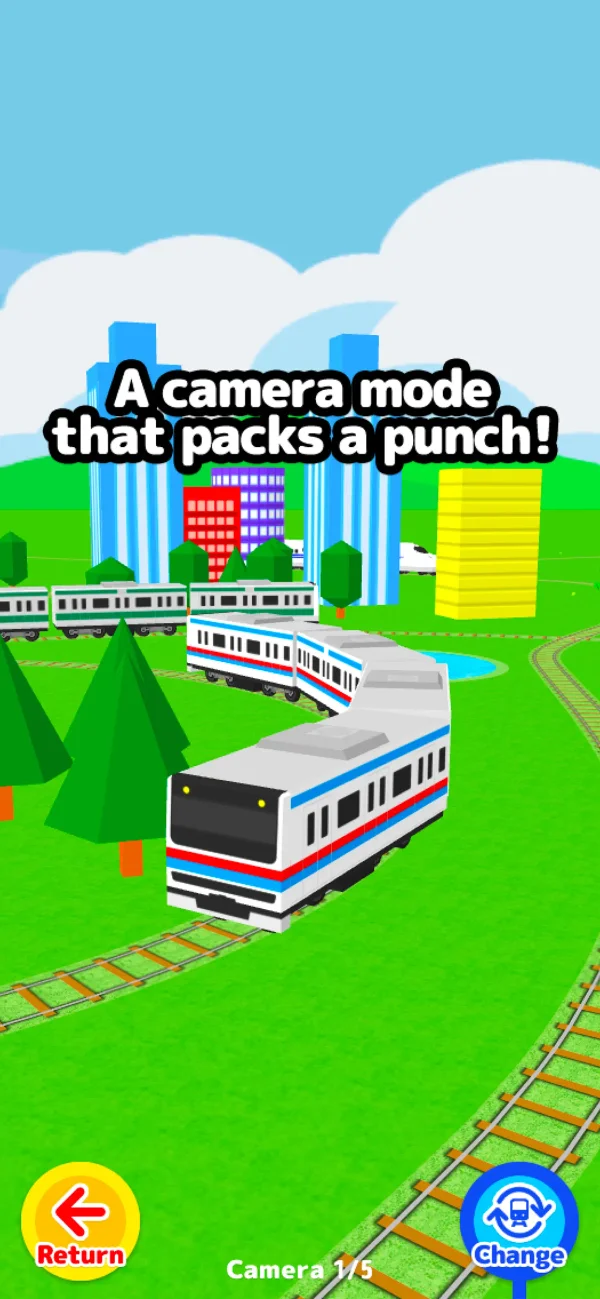
In camera mode you can follow the trains from many different angles.
Enjoy checking out your own personal city!!
****How to Play****
Normal Mode
-Create rails by dragging along the screen and a train selection list will appear. (You can also choose auto-select from the menu.)
-the train will start to run once You choose a train.
-If you tap the screen, buildings, trees and puddles will be placed. (Change with the bottom left “placement” button.)
-Adjust the camera in 4 levels with the “Larger” and “Smaller” buttons.
-If you press the “Drive” button it will switch into conductor mode.
-If you press the “Camera” button it will switch into camera mode.
-If you press the “Trash” button it will remove the last railway and object you created.
Conductor Mode
-Change the speed with the “Break” and “Accelerator” buttons.
-If You press up, down, left or right on the screen You can Change the camera angle.
-The ”Change Train” button will change the train to another train.
-The “Larger” and “Smaller” buttons will adjust the camera to 4 different levels.
-The “Return” button returns to normal mode.
Camera Mode
-Follow the trains from various perspectives.
-the camera will Change If You tap the screen.
-The “Change Train” button will change the train to another.
-The “Return” button will return you to normal mode.
Có gì mới
Phiên bản 1.17.0 · 25/02/2026
Minor bug fixes.
Quyền riêng tư của ứng dụng
Những gì monois Inc. khai báo trên App Store về cách ứng dụng này xử lý dữ liệu.
-
Dữ liệu được sử dụng để theo dõi bạn
Có thể được sử dụng để theo dõi bạn trên các ứng dụng và trang web do công ty khác sở hữu.
- Mã định danh
- Dữ liệu sử dụng
- Dữ liệu khác
-
Dữ liệu không liên kết với bạn
Có thể được thu thập nhưng không liên kết với danh tính của bạn.
- Nội dung của người dùng
- Mã định danh
- Dữ liệu sử dụng
- Dữ liệu khác
Phương thức đảm bảo quyền riêng tư có thể khác nhau, chẳng hạn như tuỳ theo các tính năng bạn sử dụng hoặc độ tuổi của bạn.
Thông tin
- Người bán
- monois Inc.
- Danh mục
- Giáo Dục
- Phiên bản
- 1.17.0
- Cập nhật
- 25/02/2026
- Phát hành
- 08/08/2014
- Kích thước
- 193,8 MB
- Yêu cầu
- iOS 15.0 trở lên
- Độ tuổi
- 4+
- Giá
- Miễn phí
- Ngôn ngữ
- Tiếng Anh, Tiếng Nhật
- Bản quyền
- © monois Inc.
Có thể bạn cũng thích
-
 Railroad Crossing 3DGiáo Dục
-
 gạch đào tạo:trò chơi trẻ emTrò chơi xe lửa cho trẻ em
-
 Yamo Train - Baby Racing GamesGiáo Dục
-
 Train KitGiáo Dục
-
 Trò Chơi Xây Dựng Tàu Hỏa TrẻTrò Chơi Tàu Hỏa cho Trẻ Nhỏ
-
 Train Driver at the StationRailroad Train Simulator Game
-
 Train Games: for KidsGiáo Dục
-
 Trò chơi lái tàu cho trẻ emMô phỏng Tàu hỏa Trẻ em
-
 Chuggington Training HubGiáo Dục
-
 Train Kit: Wild WestGiáo Dục