
Easy Video Compressor - Resize
Reduce File Size, Save Space
Designed for iPhone, iPod touch
Free · In-app purchases
- Age rating4+
- CategoryPhoto & Video
- DeveloperOsawa Shunsuke
- LanguagesEnglish+ 16 more
- Size33.4 MB
Links to the official App Store page
Download.org hosts no file of Easy Video Compressor - Resize. The button opens its official App Store page, published by Osawa Shunsuke. Listing last checked on Nov 26, 2026.
Screenshots
About
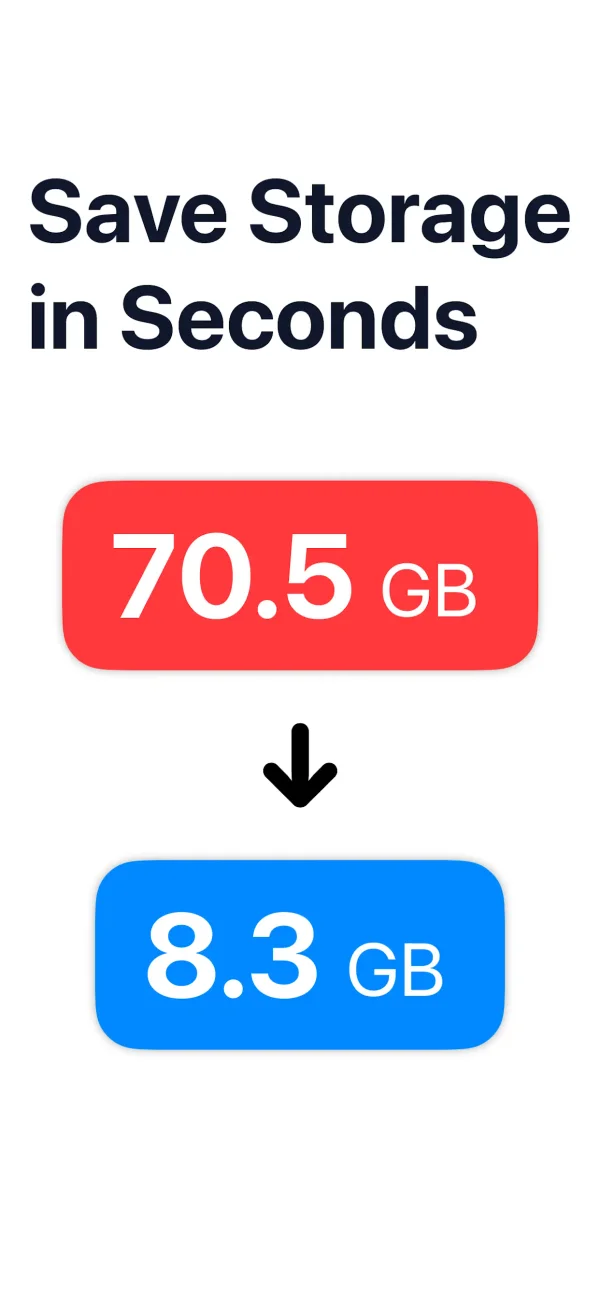
Easy Video Compressor is a video compression app that reduces the file size of videos on your iPhone and iPad. Pick a target size of 10 MB, 25 MB, or 50 MB, or choose the quality you want, and compress. It helps you share videos by email or chat, fit upload limits, and save storage space. Compression runs entirely on your device, so your videos are never uploaded for processing.
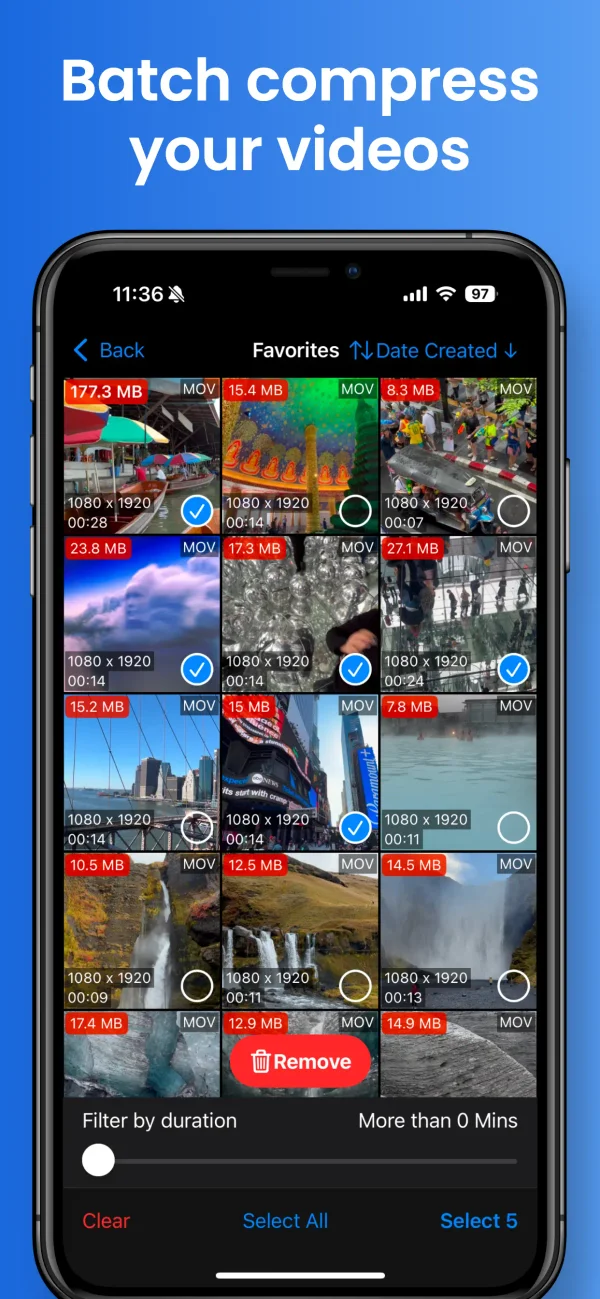
The free version lets you compress videos one at a time by target size or quality. Batch compression and fine-grained settings are available in the Pro version (one-time purchase).
■ Shrink videos for storage, email, and social media uploads
- You keep seeing "Storage Almost Full"
- Your photo library is packed with videos of kids and pets
- A video is too large to attach to an email or send on WhatsApp or Discord
- A submission form or social platform rejects your upload
- You want to keep 4K footage without it eating up space
- You want to convert H.264 to HEVC (H.265)
- You want to convert MOV to MP4 (Pro)
■ Compress to a target size (Target Size mode)
Choose 10 MB, 25 MB, or 50 MB, and the app automatically works out the resolution, bitrate, and audio settings for you. No technical knowledge needed.
- See the estimated size and resolution before compressing
- Get a heads-up before compressing if the target is unrealistic
- If the result exceeds the target, the app adjusts the settings where possible and compresses again
- Pro lets you set any target from 1 to 500 MB in 1 MB steps
Note: Some videos cannot be reduced to the size you specify.
■ Compress by quality (Quality mode)
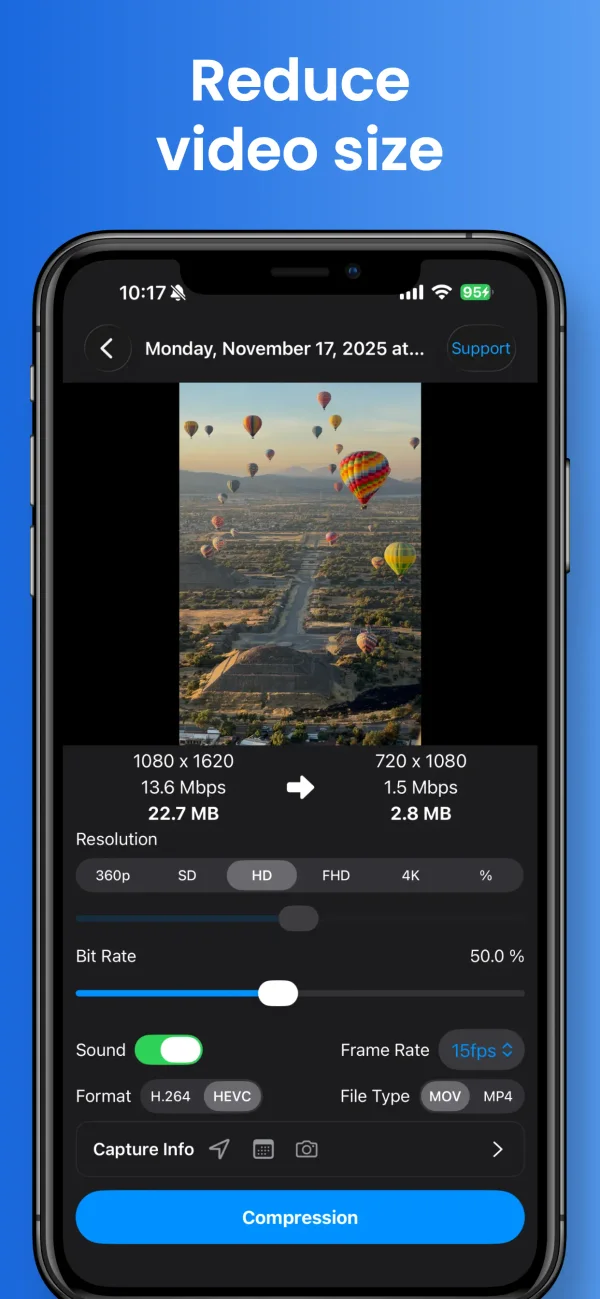
- Choose a resolution: 4K, Full HD, HD, SD, or 360p
- Adjust the bitrate to balance quality against file size
- Supports H.264 and HEVC (H.265) codecs
- Pro adds resolution in 1% steps, frame rate changes, and muting audio
■ Compare before and after, then save
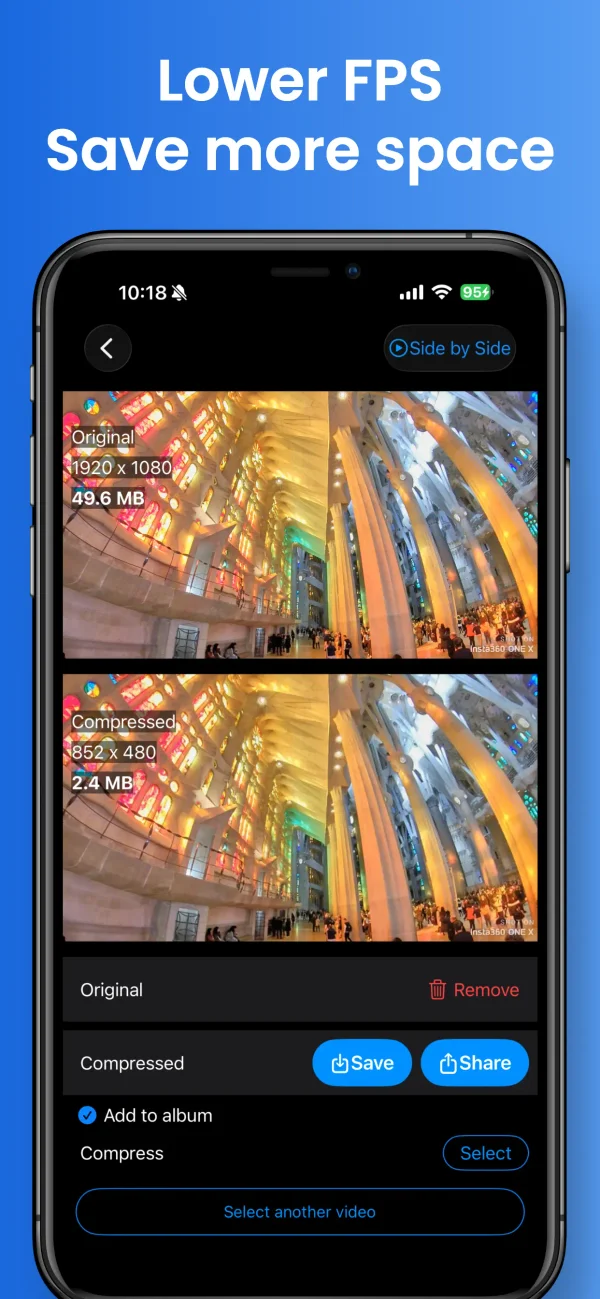
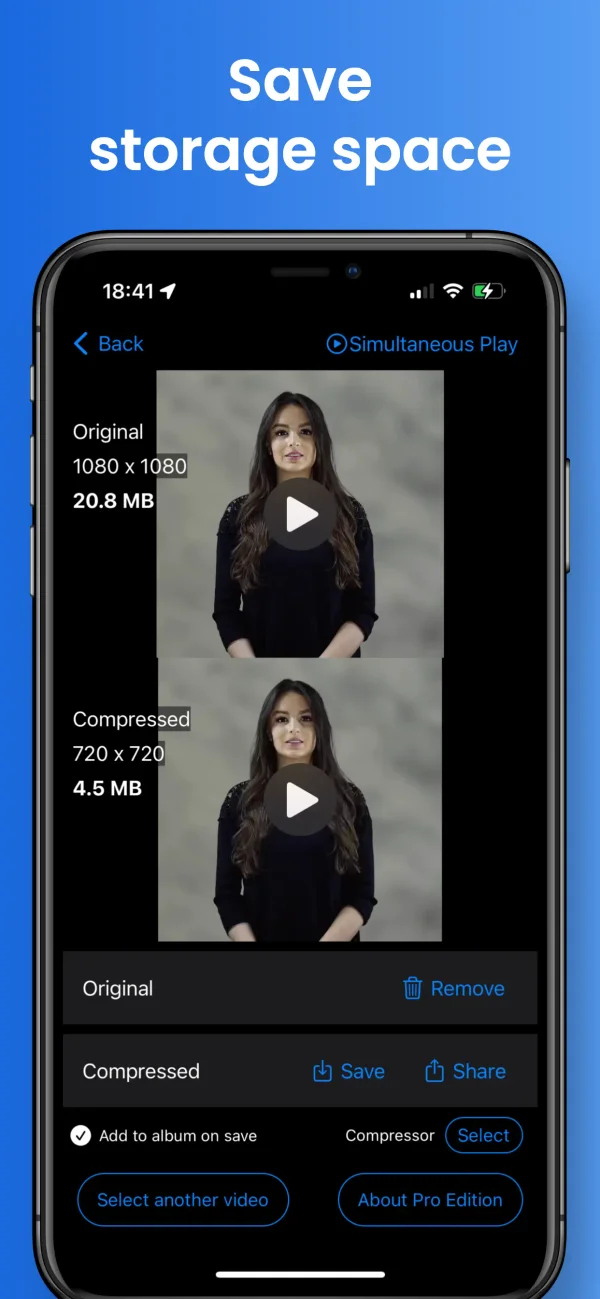
View the original and compressed videos on one screen to check the quality before saving or sharing. Replace the original with the compressed version and tidy up your library to free up storage. Pro lets you play both videos simultaneously and delete the original right from the app.
■ Find videos quickly
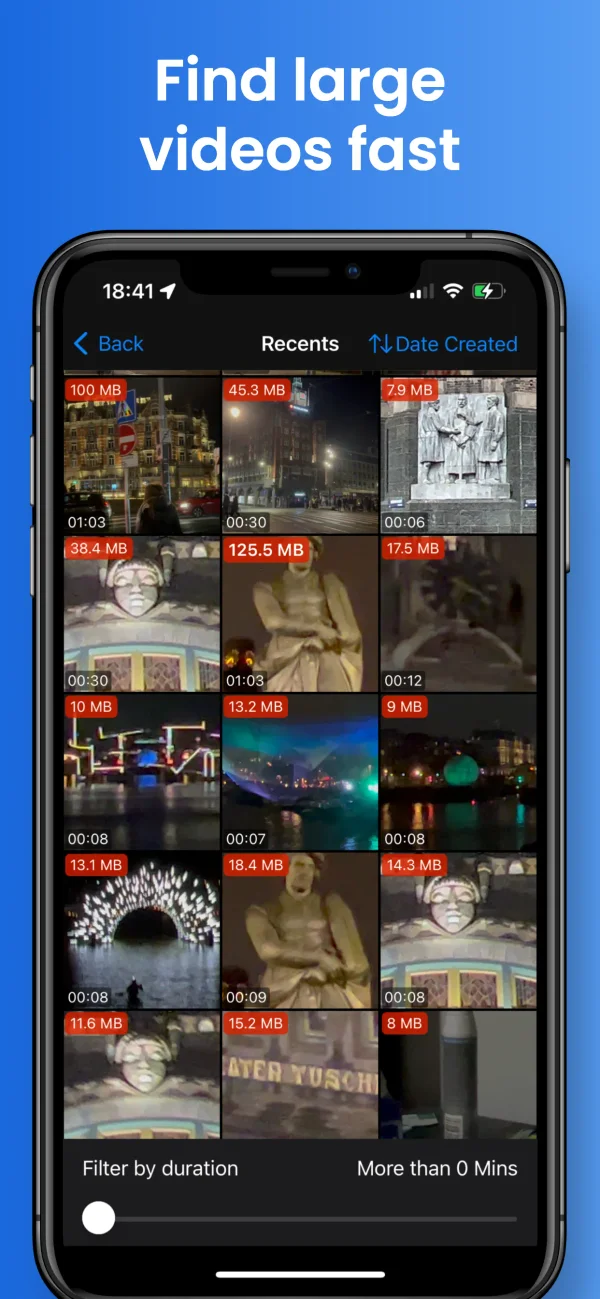
Thumbnails show file size, resolution, duration, file format, codec, and bitrate, so the largest videos are easy to spot. You can compress videos from the Files app (such as iCloud Drive) as well as your photo library.
■ Background compression
On iOS 26 and later, compression keeps running when you switch to another app. On devices with a Dynamic Island, you can check the progress there.
Note: Compression may be interrupted by system conditions or if you force quit the app.
■ On-device compression, no upload required
All processing happens on your device. Your videos are never uploaded to an external server for compression. Videos stored on your device can be compressed offline.
■ Pro version (one-time purchase)
Pro is a single purchase. There are no monthly or yearly fees.
- Compress multiple videos at once
- Set the target size in 1 MB steps
- Set the resolution in 1% steps and change the frame rate
- Mute audio for an even smaller file
- Convert to MP4
- Keep the original date, time, and location (MOV output also keeps camera information)
- Delete the original video from within the app
- Play the original and compressed videos side by side
- Sort by duration, width, height, and more
- Filter by duration or file format (MP4 / MOV)
- Customize the file name of compressed videos
- No ads
■ How it works
1. Pick a video from the list
2. Choose a target size or a quality
3. Tap Compress
4. Compare before and after, then save or share
■ Requirements
iPhone and iPad running iOS 15 or later
Available since 2020 and trusted by users around the world.
Questions or suggestions? Use Contact in the app settings.
What’s new
Version 10.9 · Nov 18, 2026
Compress videos straight from the Share button!
Select a video in Photos or Files, tap Share, and choose "Compressor" to open it right in the compression screen.
We also added a cloud icon to videos stored only in iCloud, and made the loading and compression messages easier to read.
App privacy
What Osawa Shunsuke declares on the App Store about how this app handles data.
-
Data used to track you
May be used to track you across apps and websites owned by other companies.
- Identifiers
- Usage data
-
Data not linked to you
May be collected but is not linked to your identity.
- Identifiers
- Usage data
- Diagnostics
Privacy practices may vary, for example with the features you use or your age.
Information
- Seller
- Osawa Shunsuke
- Category
- Photo & Video
- Version
- 10.9
- Updated
- Nov 18, 2026
- Released
- Oct 21, 2020
- Size
- 33.4 MB
- Requires
- iOS 15 or later
- Age rating
- 4+
- Price
- Free
- In-app purchases
- Yes
- Languages
- English, Arabic, French, German, Hindi, Indonesian, Italian, Japanese, Korean, Portuguese, Russian, Simplified Chinese + 5 more
- Copyright
- © Shunsuke Osawa
You might also like
-
 Video compressor - save spacesave storage and disk space
-
 Video Compress - Shrink VidsReduce size, save memory space
-
 Video Compressor : Save SpaceReduce Size, Resize & Shrink
-
 Video Compressor-Shrink videosCompress videos & photos
-
 Video Compressor・Reduce SizeBatch Resize, Compress, Shrink
-
 Video Compressor & Reduce sizeCompress Photo & Clean Storage
-
 Video Compress - Shrink VideosVideo Compressor, Reduce Size
-
 Panda Video Compress & ConvertVideo Compressor & Converter
-
 Compress Videos & Resize VideoCompress videos, save space
-
 Video Converter and CompressorMerge & Shrink Audio, Batch 4K