
Video Compressor : Save Space
Reduce Size, Resize & Shrink
Designed for iPhone, iPad, Mac
Free · In-app purchases
- Age rating4+
- CategoryPhoto & Video
- DeveloperInverse.AI
- LanguagesEnglish+ 46 more
- Size55.4 MB
Links to the official App Store page
Download.org hosts no file of Video Compressor : Save Space. The button opens its official App Store page, published by Inverse.AI. Listing last checked on Nov 25, 2026.
Screenshots
About
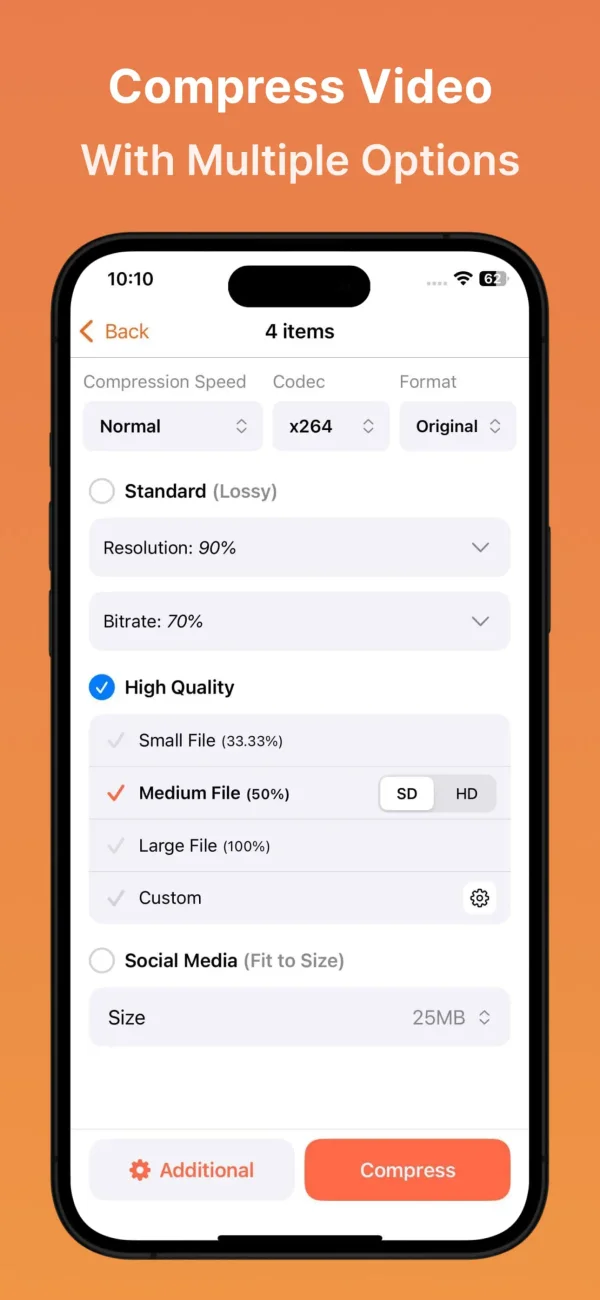
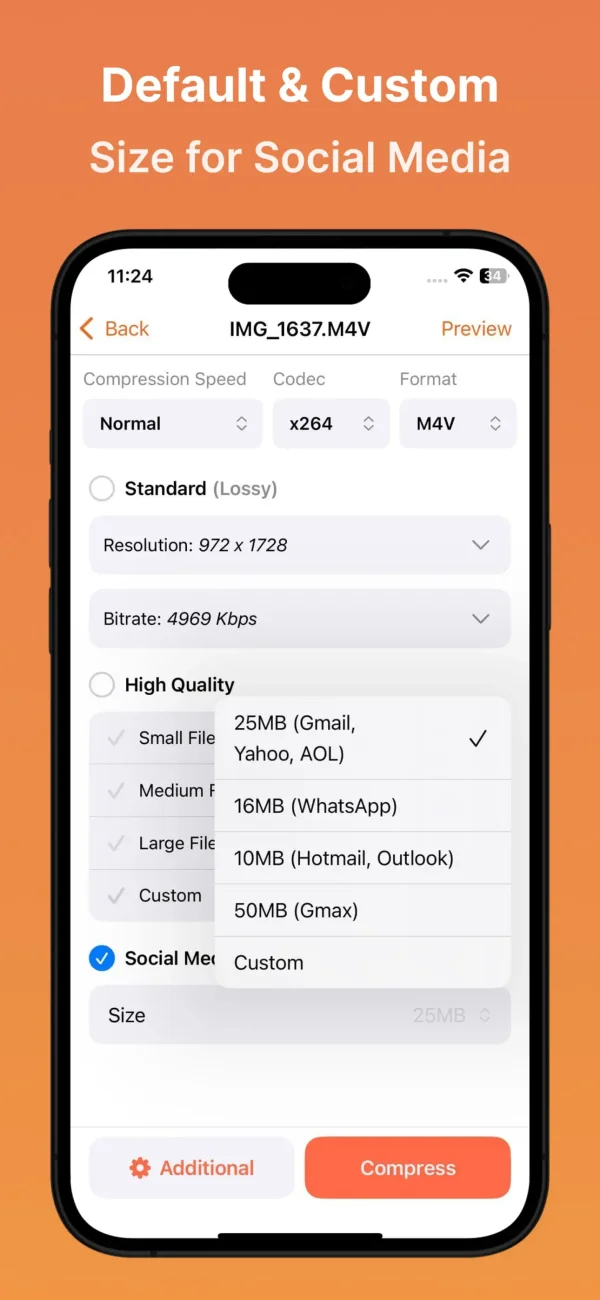
Video Compressor & Converter provides users with default compression/preset profiles to reduce the size of the video. Users can choose desired compression quality, compression speed, cut, trim and change video resolution. Users can also convert any format video to any other format. Easily merge and join videos to play together.
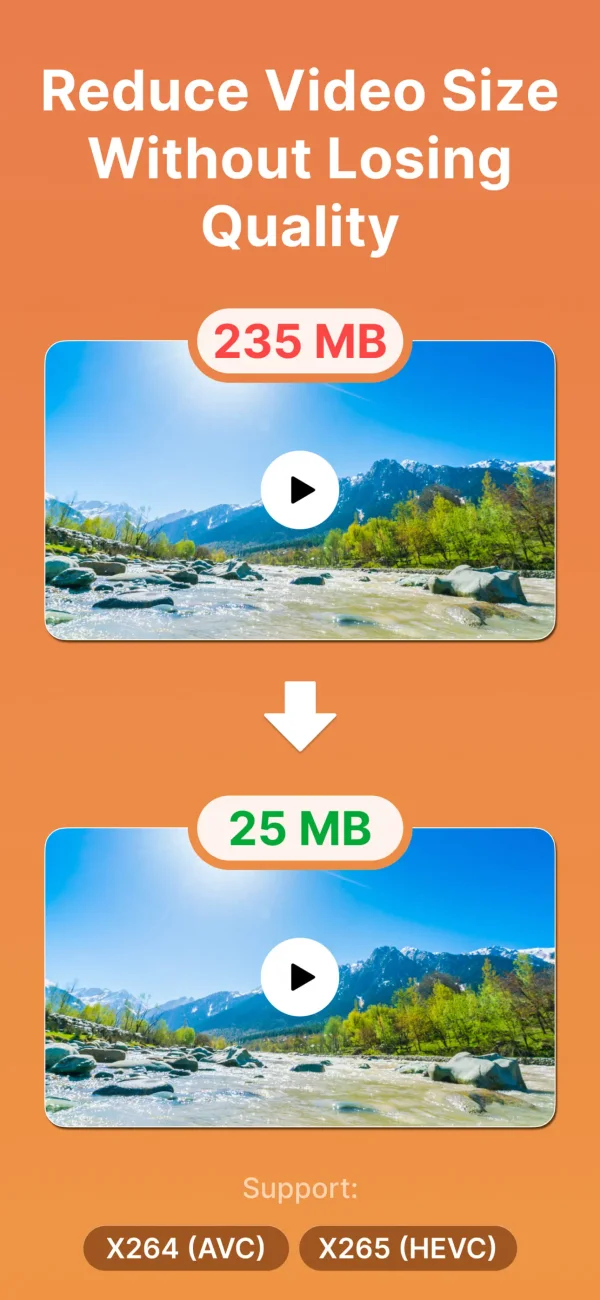
This Video Compressor can compress an uncompressed video without losing quality using X264 codec. It can also compress a compressed video by decreasing the quality which is Resolution. It supports many video formats.
Supported Video Formats
MP4, MKV, AVI, 3GP, FLV, MTS, MPEG, MPG, WMV, M4V, MOV, VOB.
KEY FEATURES:
- Compress an uncompressed video by keeping original quality.
- Choose from predefined multiple compression profiles with different quality and size settings.
- Compress video to a manually inputted size.
- Shows a preview of small duration for the chosen compression settings before the compression process starts. Helps users to understand the quality of the compression beforehand.
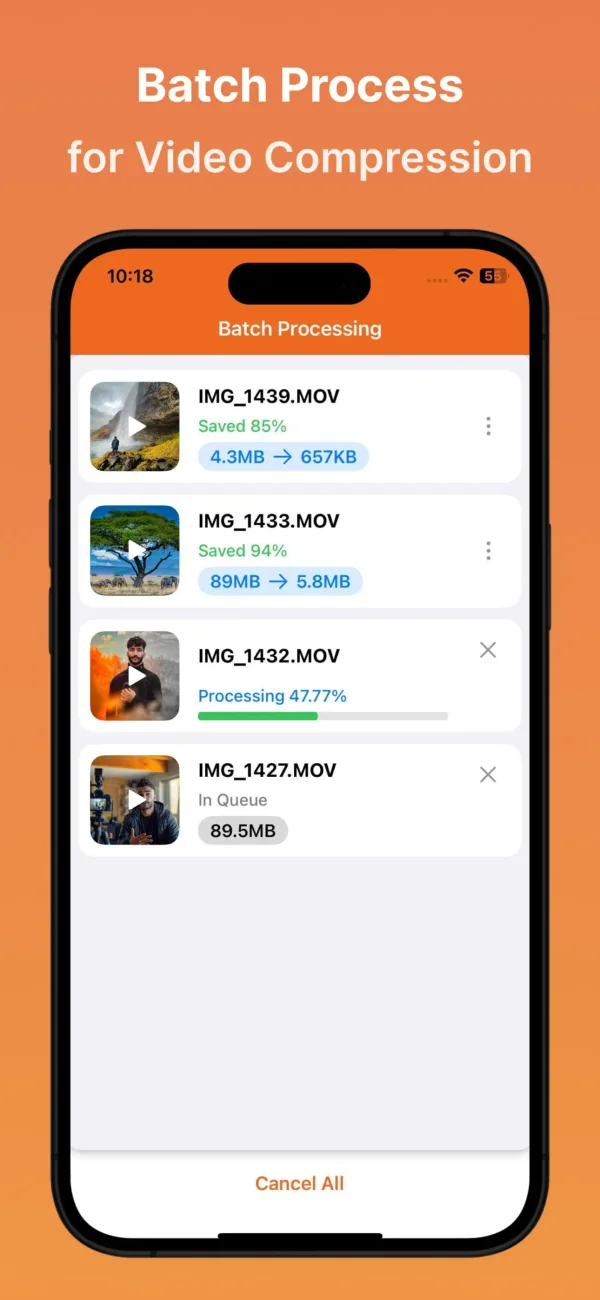
- Queue multiple videos to compress them in batch mode.
- Choose Compression process speed. Higher the speed larger the compressed video size.
- Compresses a video by decreasing resolution, video bitrate. In this option the user can see the estimated compressed video size before compressing. This doesn’t preserve original quality.
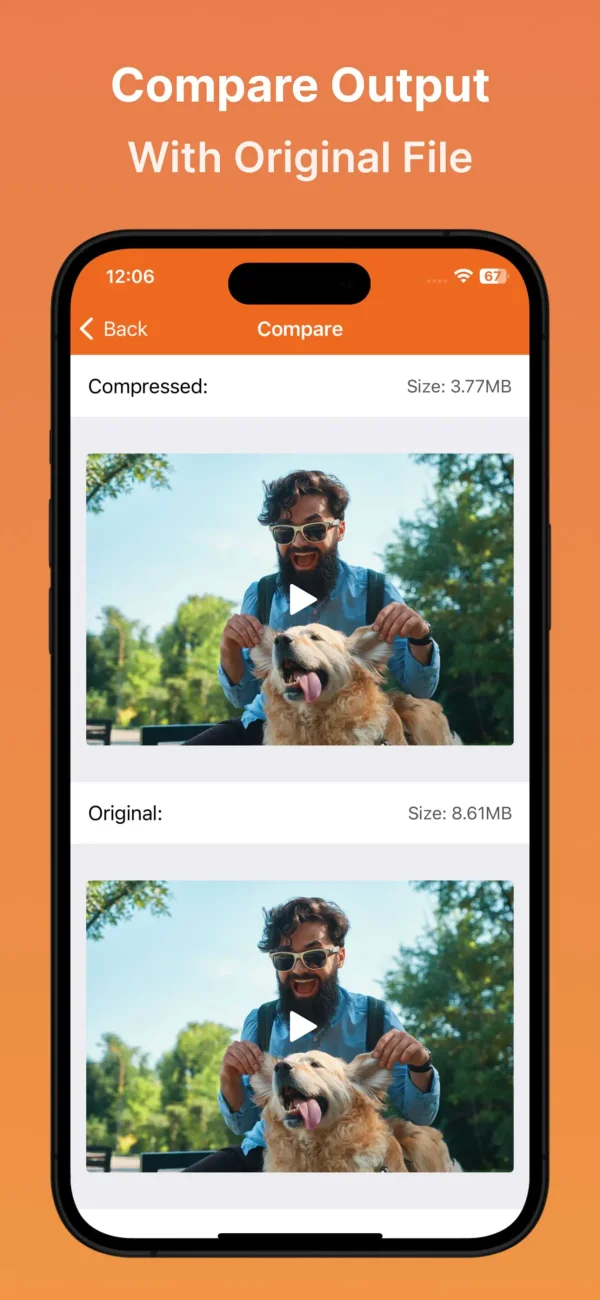
- Compare compressed and original video by playing them simultaneously in the same screen.
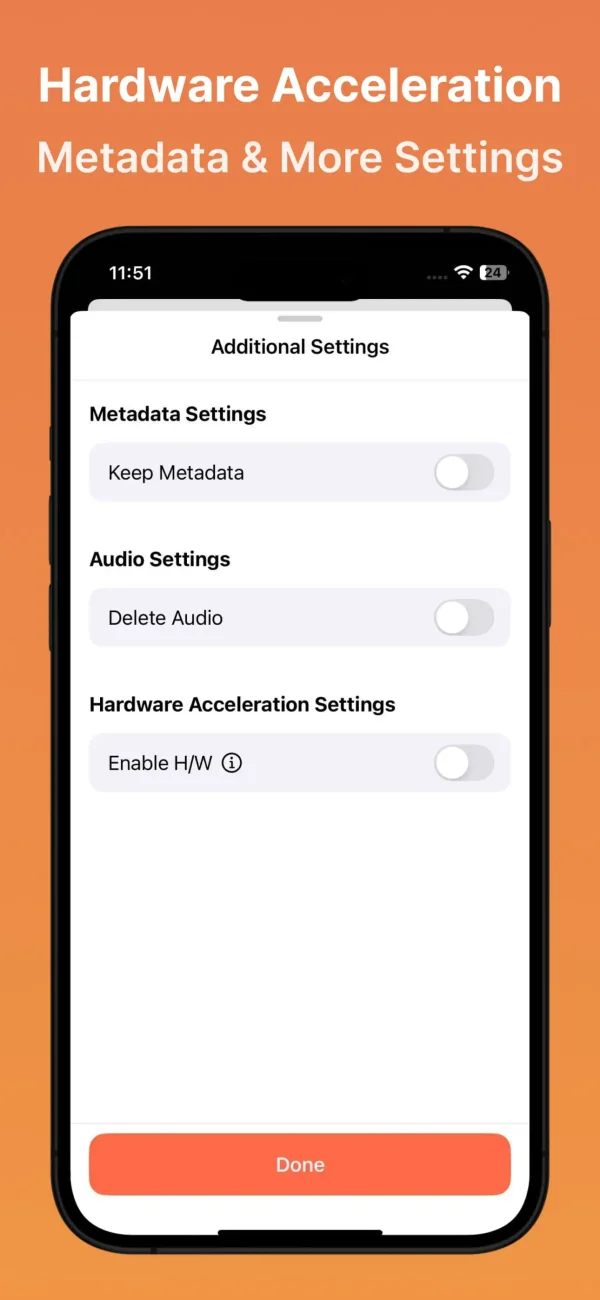
- Reduces video size, shrink video, save and clear device's storage space.
- High quality video compression and Low quality video compression.
- Medium compression option will be completed much faster than the High compression. But High compression will shrink the size much more than Medium compression.
- Has the option to compress and convert video very fast.
- Change any video format to any other format.
- Import files from Photos(gallery), Cloud, and Via Wi-fi.
- Clean UI design and super easy to use.
- Keep video quality sharp.
- Convert video to MP4, MKV, AVI, 3GP, FLV, MTS, M2TS, TS, M4V, MOV formats.(PRO Feature)
- Convert video from MP4, MKV, AVI, 3GP, FLV, MTS, MPEG, MPG, WMV, M4V, MOV, VOB formats.
- Easily Locate Compressed Videos on Output section.
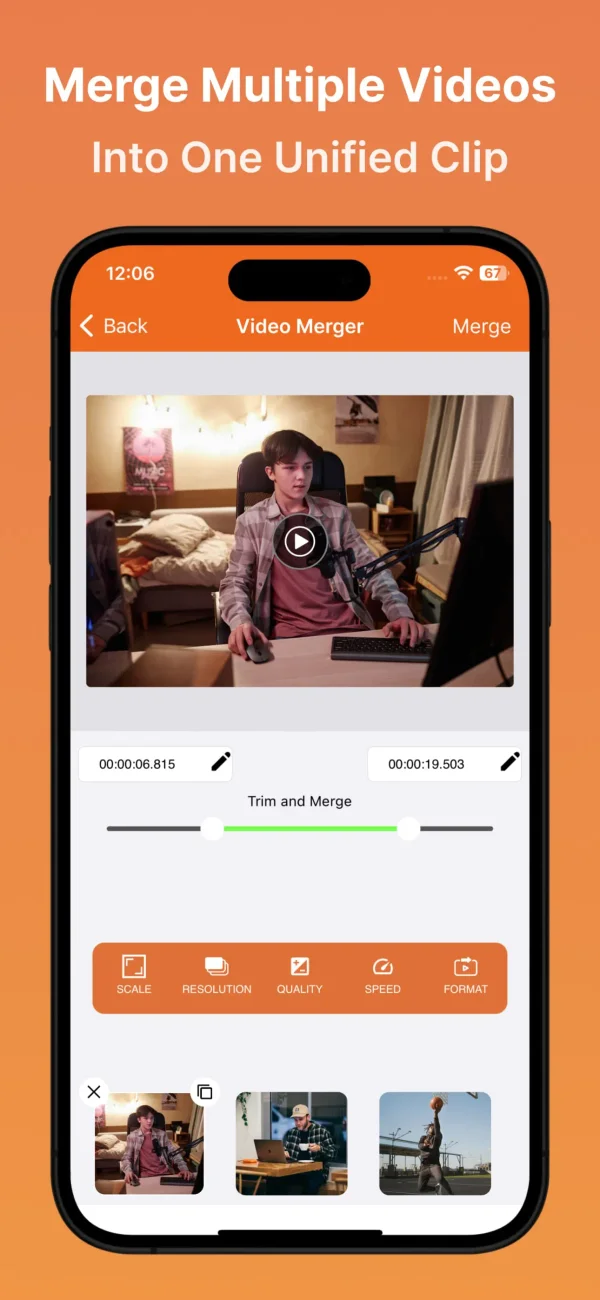
- Marge and Join Videos.
- Change aspect ratios while merging.
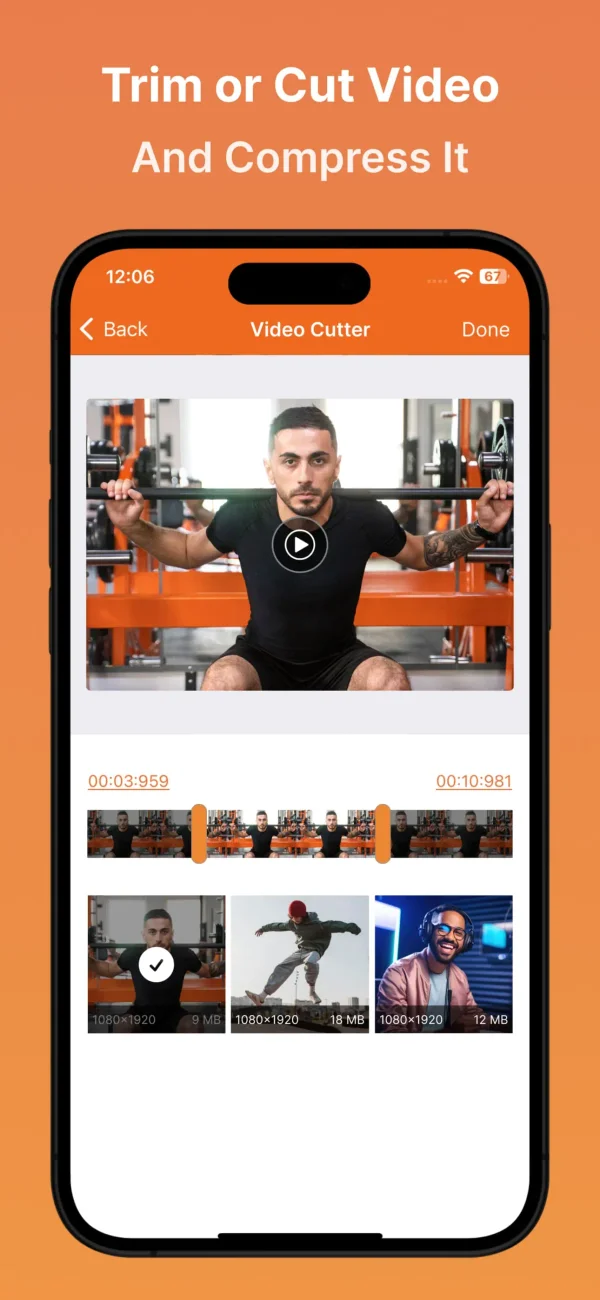
- Trim Videos.
- Play Compressed and Converted Video.
- Share compressed, converted and size-reduced videos.
- Shrink the video to the specific size
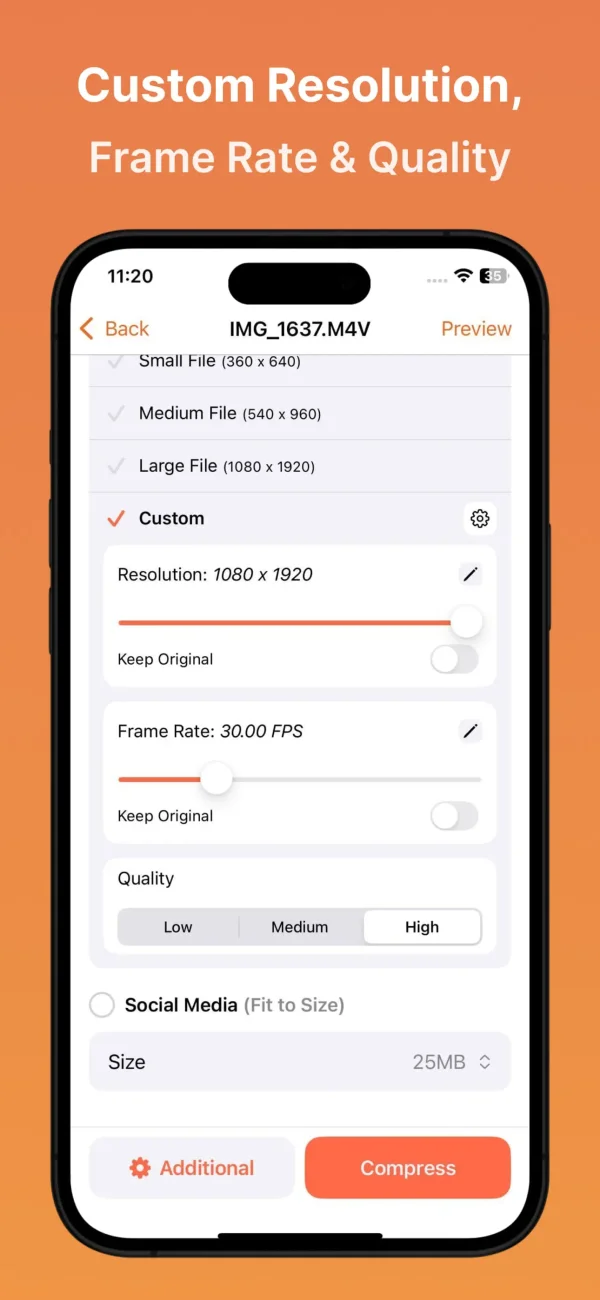
- Control video bitrate manually.
- Choose custom resolution.
- Cut, Trim, convert and compress.
BEFORE AND AFTER SAMPLES
Before: 72.7MB — After: 7.7MB (89.41% smaller)
Before: 194.6MB — After: 8.6MB (95.58% smaller)
Before: 1.37GB — After: 628.7MB (54.11% smaller)
This is the best Video compressor and converter app in the market which provides many options for compressing your video. Also, you can compress videos in batch mode by queuing multiple videos. You can choose desired compression quality, compression speed, video resolution, bitrate etc.
Video Compressor Compact Video Terms of Use at https://docs.google.com/document/d/1sjCpwsrHCufCvdOi6c0rd7Isu33_STR30NmX1YIn8Uo
Video Compressor Compact Video Privacy Policy at
https://docs.google.com/document/d/12EmYbpJ_HTufXgKW1R4pl0ftmNxsE8w_evvmoDSMDlM/edit
What’s new
Version 9.3 · Nov 23, 2026
- NEW: Now in 50 languages, including Korean, Hindi, Polish and Ukrainian.
- New installs follow your phone's language; System is added to the language list.
- Fixed wrong translations, including Japanese Yes and No.
- Bug Fixes
- UI Improvements
- Stability Enhancements
App privacy
What Inverse.AI declares on the App Store about how this app handles data.
-
Data not collected
The developer does not collect any data from this app.
Privacy practices may vary, for example with the features you use or your age.
Information
- Seller
- Inverse.AI
- Category
- Photo & Video
- Version
- 9.3
- Updated
- Nov 23, 2026
- Released
- Dec 29, 2020
- Size
- 55.4 MB
- Requires
- iOS 16.0 or later
- Age rating
- 4+
- Price
- Free
- In-app purchases
- Yes
- Languages
- English, Arabic, Bengali, Bulgarian, Catalan, Croatian, Czech, Danish, Dutch, Finnish, French, German + 35 more
- Copyright
- © Inverse.AI all rights reserved
You might also like
-
 Video Compressor-Shrink videosCompress videos & photos
-
 Video Compress - Shrink VidsReduce size, save memory space
-
 Video Compressor - resize allSimple batch vids size reducer
-
 Video compressor - save spacesave storage and disk space
-
 Video Compress - Shrink VideosVideo Compressor, Reduce Size
-
 Video Compressor & Reduce sizeCompress Photo & Clean Storage
-
 Easy Video Compressor - ResizeReduce File Size, Save Space
-
 Compress Videos & Resize VideoCompress videos, save space
-
 Panda Video Compress & ConvertVideo Compressor & Converter
-
 Video Compressor - HQ CompressReduce video size dramatically