
EasyLect: Lecture Translator
Live Captions & AI Class Notes
Designed for iPhone
In-app purchases
- Age rating4+
- CategoryProductivity
- Developer少华 豆
- LanguagesEnglish+ 6 more
- Size28.9 MB
Links to the official App Store page
Download.org hosts no file of EasyLect: Lecture Translator. The button opens its official App Store page, published by 少华 豆. Listing last checked on Nov 12, 2026.
Screenshots
About
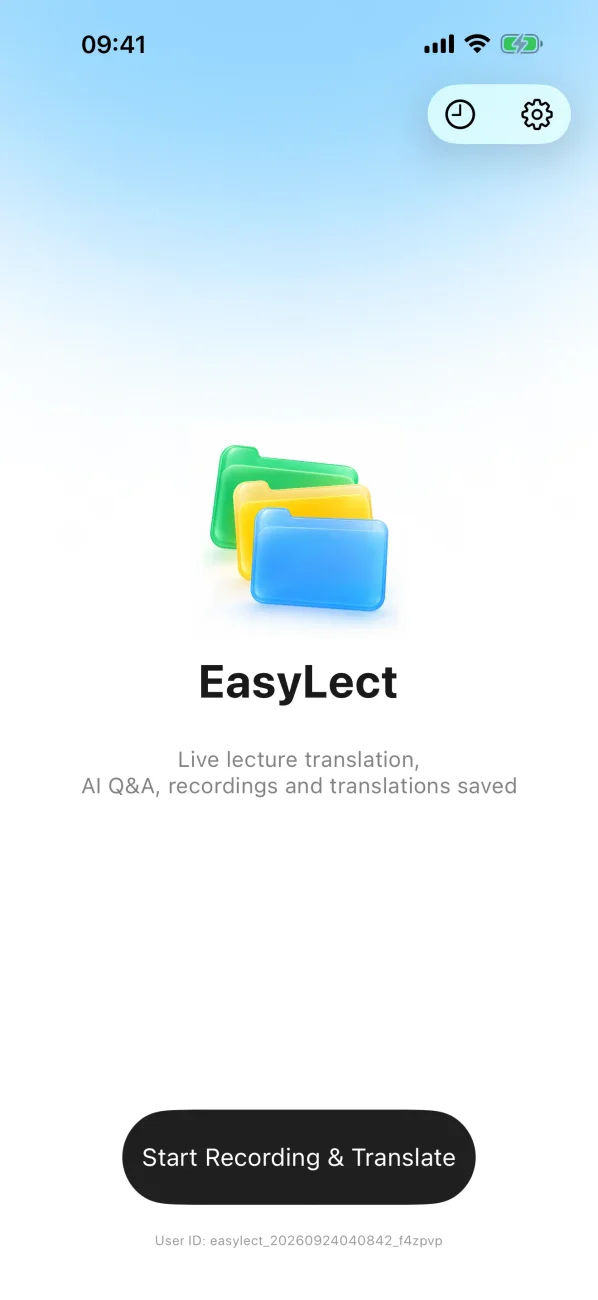
Follow English-taught lectures with live English transcription and Chinese translation. Review the same class with bilingual notes, audio playback and AI summaries.
Follow the lecture as it happens
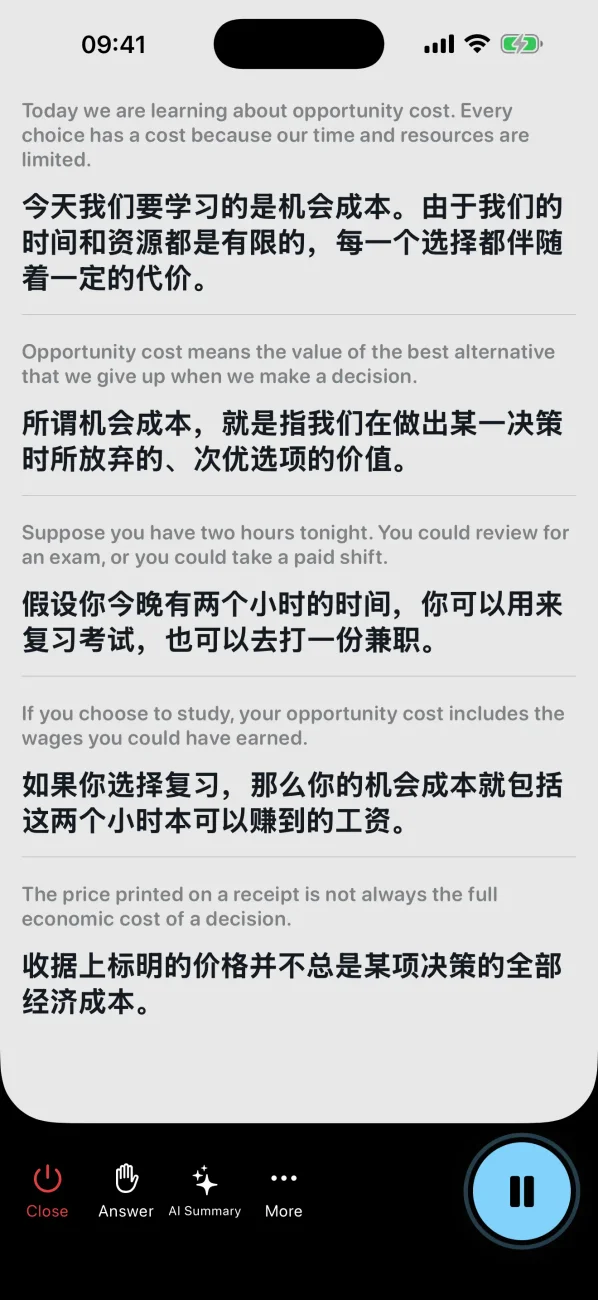
• See English speech transcribed sentence by sentence, with a Chinese translation alongside it. Read the original wording when a technical term matters, and use the translation when you need help keeping up.
• Completed sentences stay in the classroom view, so you can look back at the context of something you missed. Adjust the translation text size for a comfortable reading pace.
• Pause and resume the class recording as needed. Keep your attention on the lesson, knowing you can revisit the audio afterward.
Make sense of key ideas during class
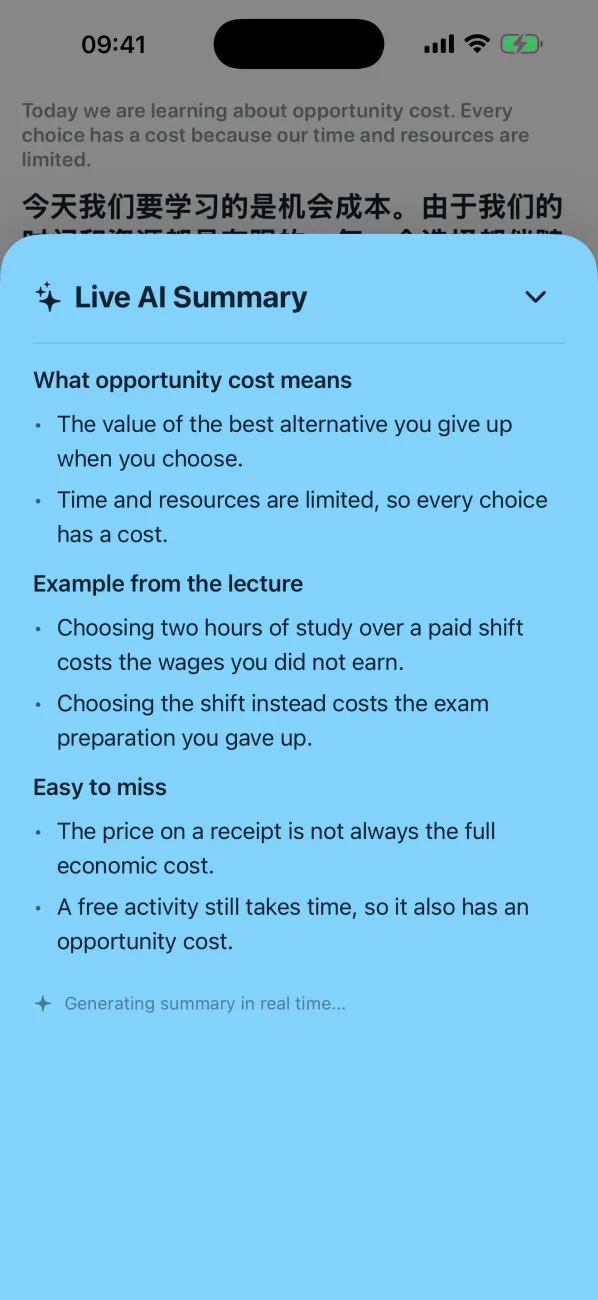
• Open the live AI summary to follow the concepts and examples being discussed. Use it to see how the current part of the lecture fits together.
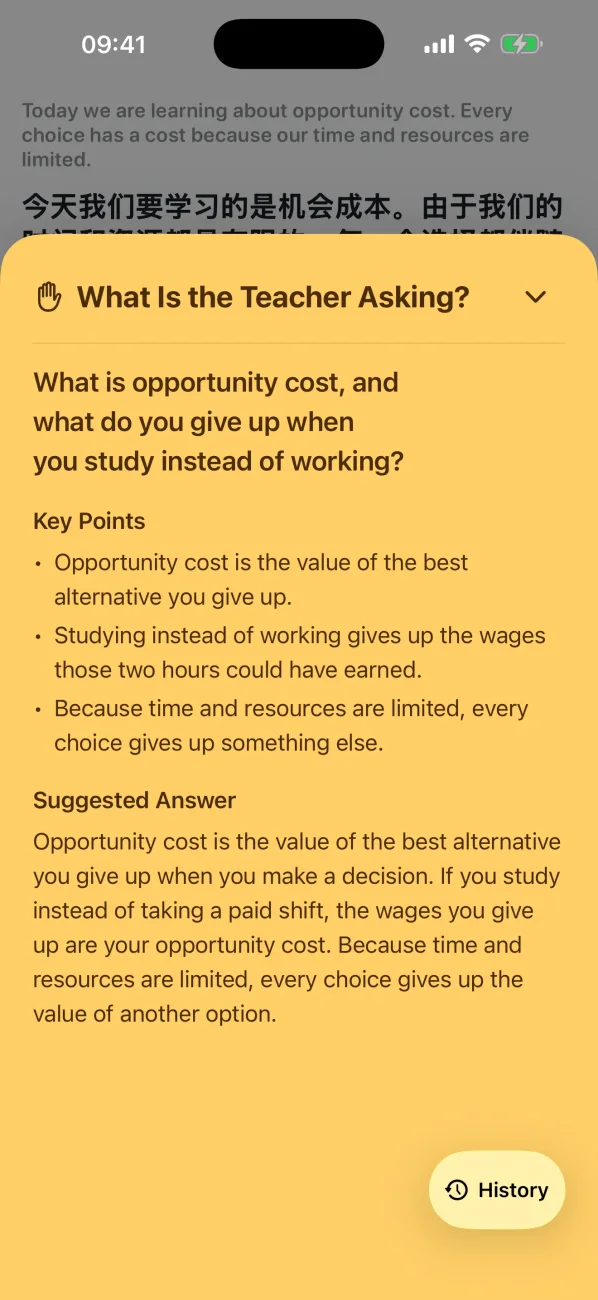
• Use question assistance to review a question, its key points and a suggested answer. Switch between the original wording and a translation when that helps you understand what was asked.
Review your lesson afterward
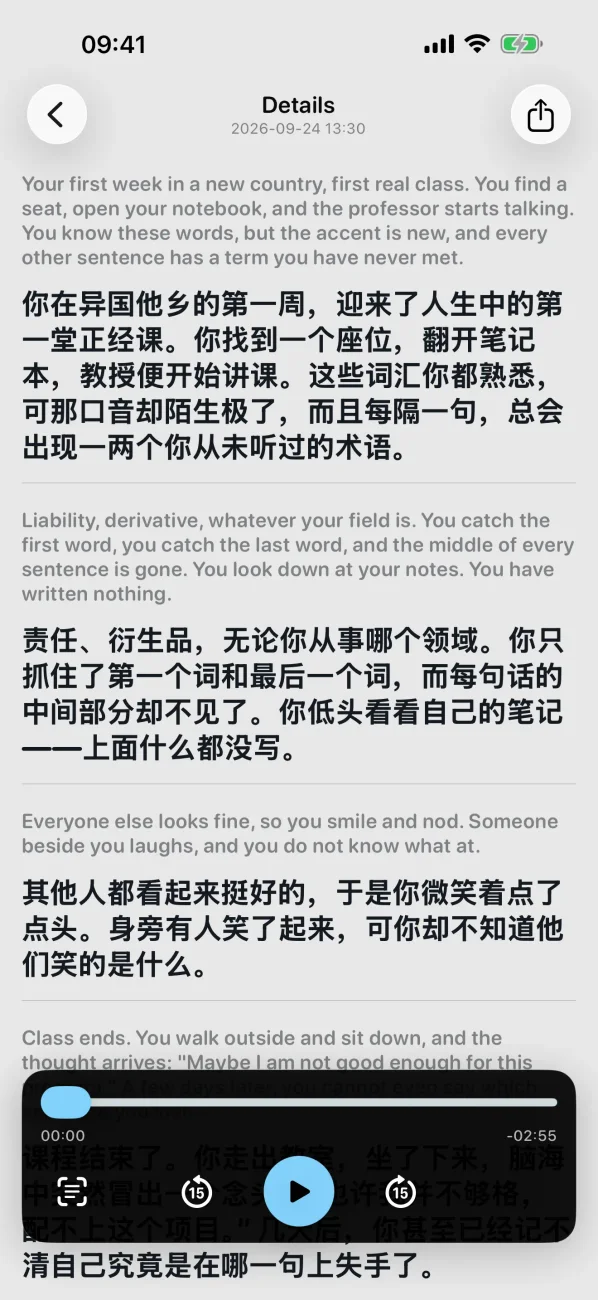
• Open a saved class from History to browse its English and Chinese transcript along a bilingual timeline. Replay the recording while you review the parts you want to hear again.
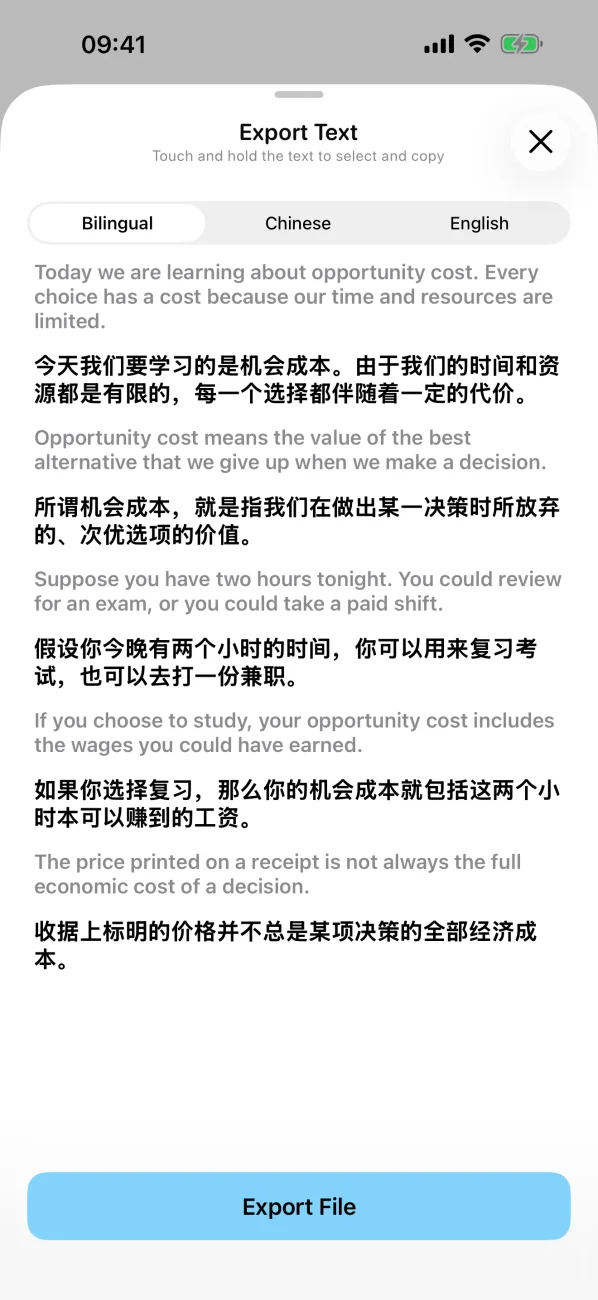
• Copy and correct transcript text. Export a bilingual, Chinese-only or English-only version of the class notes, or share the audio recording.
• Return to saved AI summaries and answers to organize the ideas you want to remember before your next class.
EasyLect is made for students studying abroad, university lectures and courses taught in English. It brings the live lecture, the words you heard and your after-class review together, so you can study from the same source instead of reconstructing a lesson from scattered notes.
Continued lecture use requires a subscription. Saved class history remains available to read, replay and export. Lecture audio and related text are sent to third-party AI services for processing. Lecture history, recordings and diagnostic data are uploaded to EasyLect's Alibaba Cloud services. Read the Privacy Policy for details.
Support: https://easylect.ooodou.top/support.html
Terms of Use (EULA): https://easylect.ooodou.top/terms.html
Privacy Policy: https://easylect.ooodou.top/privacy.html
What’s new
Version 2.6.0 · Nov 5, 2026
Service optimizations and stability improvements.
App privacy
What 少华 豆 declares on the App Store about how this app handles data.
-
Data linked to you
May be collected and linked to your identity.
- Purchases
- User content
- Identifiers
- Usage data
- Diagnostics
Privacy practices may vary, for example with the features you use or your age.
Information
- Seller
- 少华 豆
- Category
- Productivity
- Version
- 2.6.0
- Updated
- Nov 5, 2026
- Released
- Oct 3, 2026
- Size
- 28.9 MB
- Requires
- iOS 17.6 or later
- Age rating
- 4+
- In-app purchases
- Yes
- Languages
- English, French, German, Italian, Japanese, Korean, Simplified Chinese
- Copyright
- © 2026 EasyLect
You might also like
-
 SermonNote: AI Sermon NotesNotes from every message
-
 Libretto AI-Chat ClientUnofficial LibreChat client
-
 DiffMind-AI多模型科研学术文献论文助手Productivity
-
 Record Lectures - ClearlyLecture Recorder & Class Notes
-
 BeginClassLive Transcribe & AI Notes
-
 CaptionifyLive Transcription & Translate
-
 Mokutori: Document ScannerFast OCR, Direct to AI Agents
-
 Capsule Note - AI Smart MemoCapture Ideas, AI Organizes
-
 Tingdong: Captions & TranslateLive Translator & Voice Notes
-
 SecTrans: Live TranslatorLecture Captions & AI Notes