EasyLetter: Write a Letter
Write a letter and send it
Designed for iPhone, iPad, Mac, iPod touch
Free · In-app purchases
- Age rating4+
- CategoryProductivity
- DeveloperFelix Brix
- LanguagesEnglish+ 15 more
- Size11.2 MB
Links to the official App Store page
Download.org hosts no file of EasyLetter: Write a Letter. The button opens its official App Store page, published by Felix Brix. Listing last checked on Nov 25, 2026.
Screenshots
About
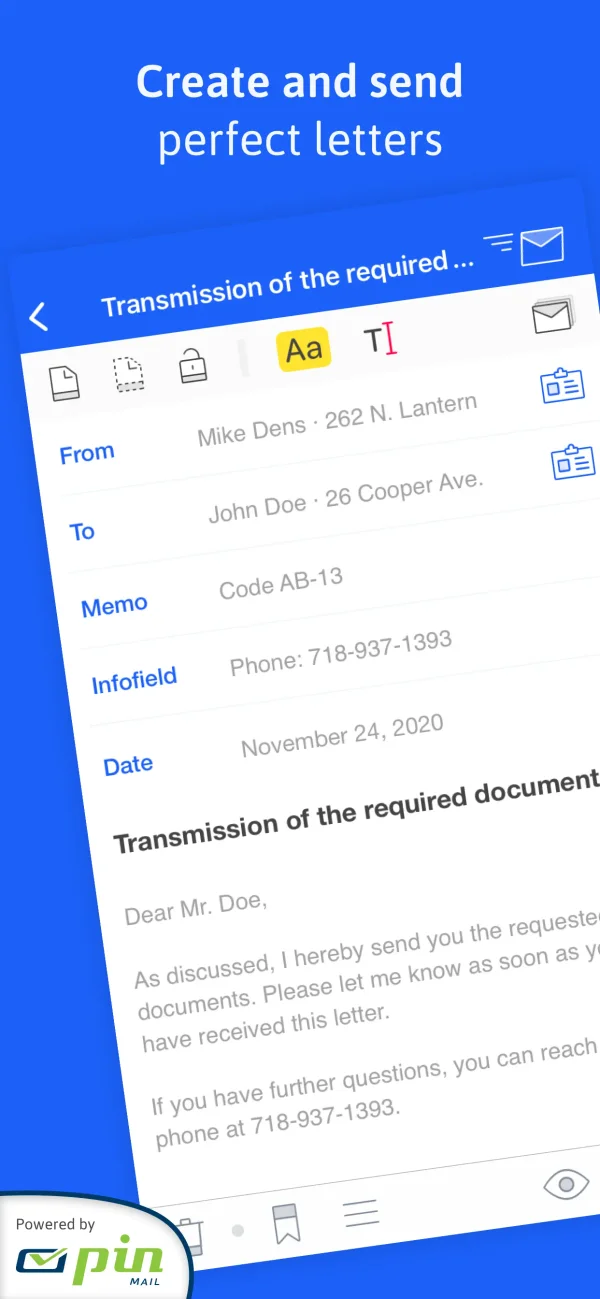
Welcome to EasyLetter - the efficient app for the easy creation of letters and documents.
Preparing a short letter or a well-formatted business letter can be a hassle. Especially when things have to be done quickly, you don't want to worry about formatting, but just start writing.
Every day, people use EasyLetter to make their correspondence more effective while also making a professional impression.
AUTOMATIC LAYOUT
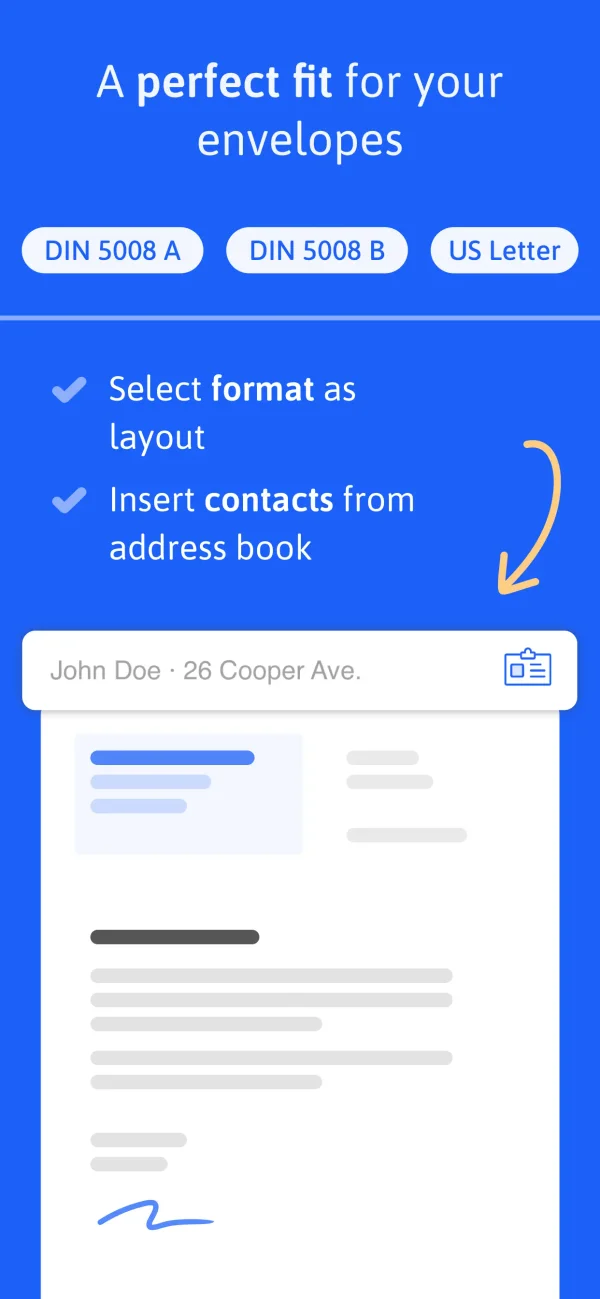
• Select one of the layouts provided and your letter will automatically follow the shape.
• DIN 5008 Form A, DIN 5008 Form B and US Letter
• Optional fold marks help when sending printed documents.
• Multi-page documents can be created with a simple click on "Insert Page".
SEND LETTERS
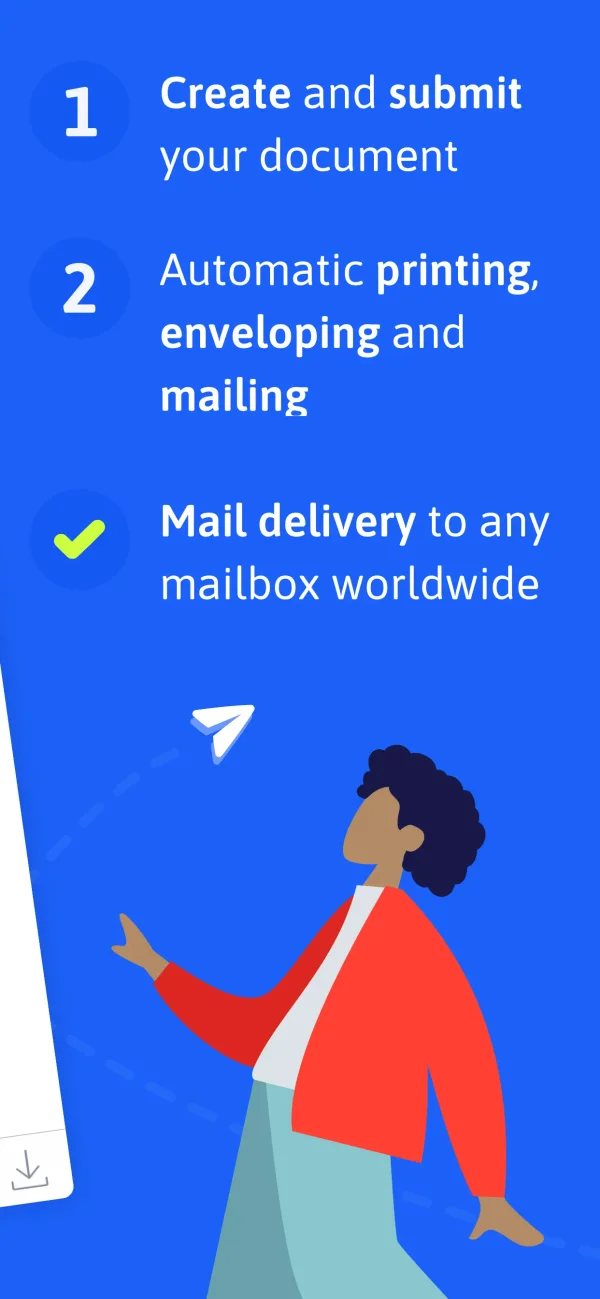
• Select a preferred shipping method and send your letter directly from EasyLetter
• Whether black and white or in color: printing, enveloping, franking and shipping are all from a single source and are handled by our cooperation partner PIN AG
ADD ATTACHMENTS
• Select images and PDF files when exporting or sending
• EasyLetter will merge all files into one compact PDF
• Attachments are sent with the letter
SAVE TIME WITH TEXT TEMPLATES
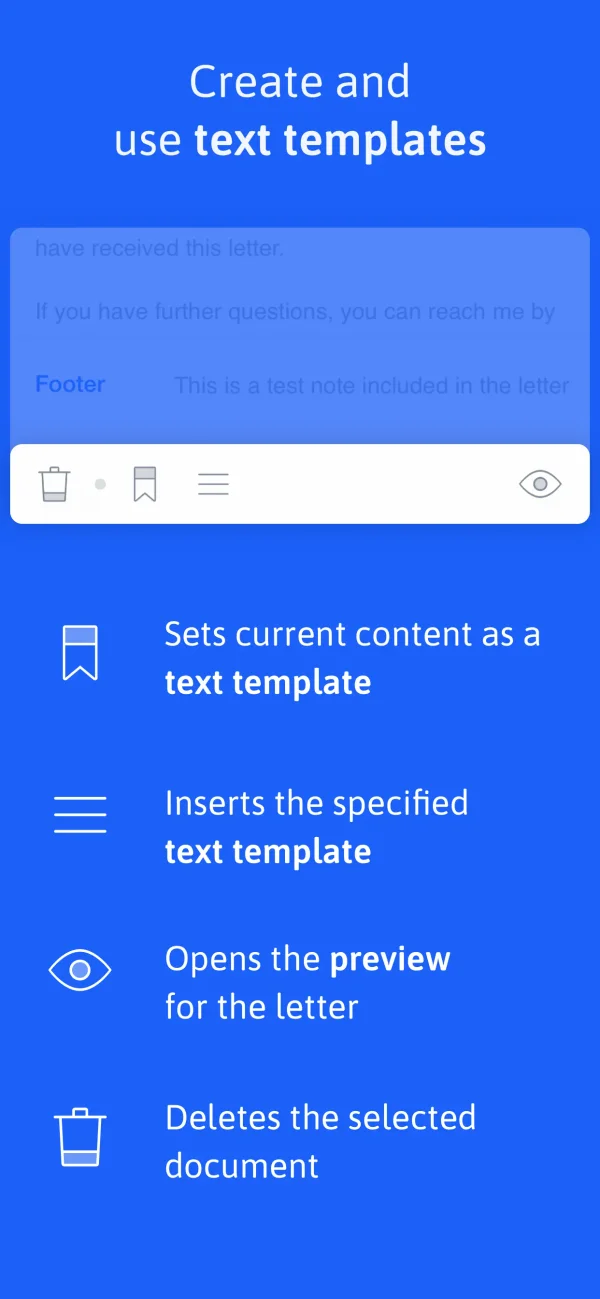
• Create a text template: With one click, the content of the selected document is used and saved as a template.
• Just as easily apply the saved text template to another document.
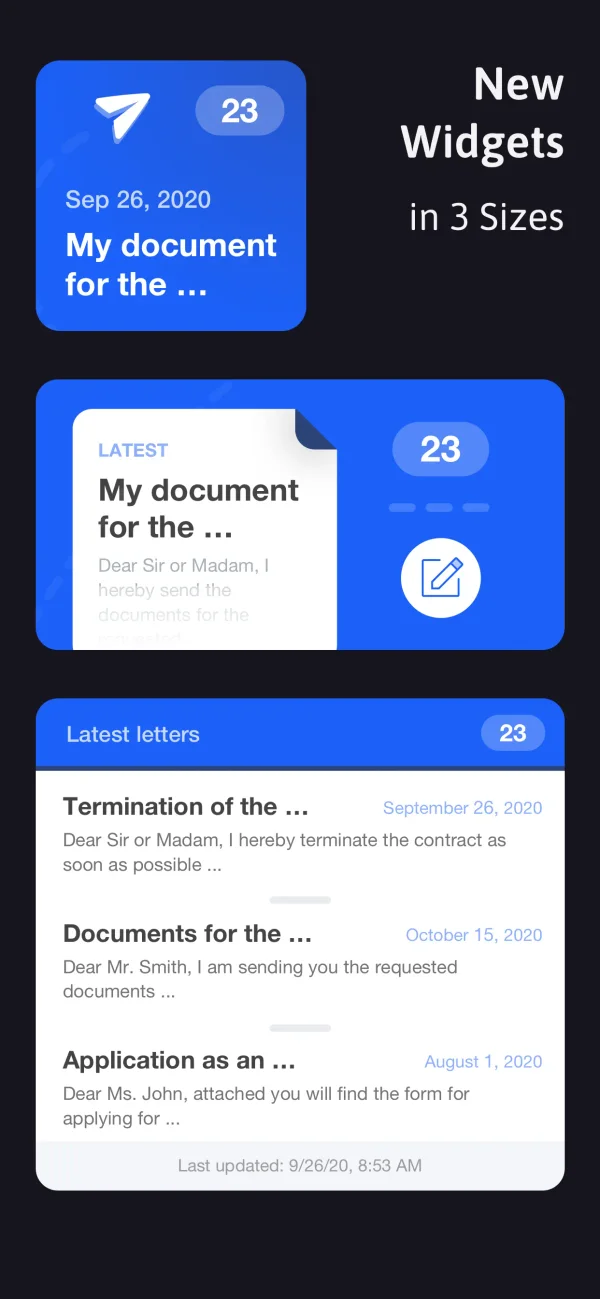
• Multiple documents can be managed through the sidebar. Text templates can easily be used by switching between documents.
PERSONALIZATION
• Add a letterhead in the letter settings to give a letter an even more professional look.
• Position an image on the left, in the middle or on the right in the upper area.
• The letterhead automatically adapts to the selected layout.
IMPORT CONTACTS
• Use contact information from the Contacts app with one click.
• Addresses are automatically formatted and inserted into the document.
EXPORT AND ICLOUD SYNCHRONIZATION
• Export the finished document as a PDF.
• Use EasyLetter on multiple devices: your letters are always up to date and can be edited from anywhere.
EASYLETTER PRO
More professionalism with the extended functions of EasyLetter.
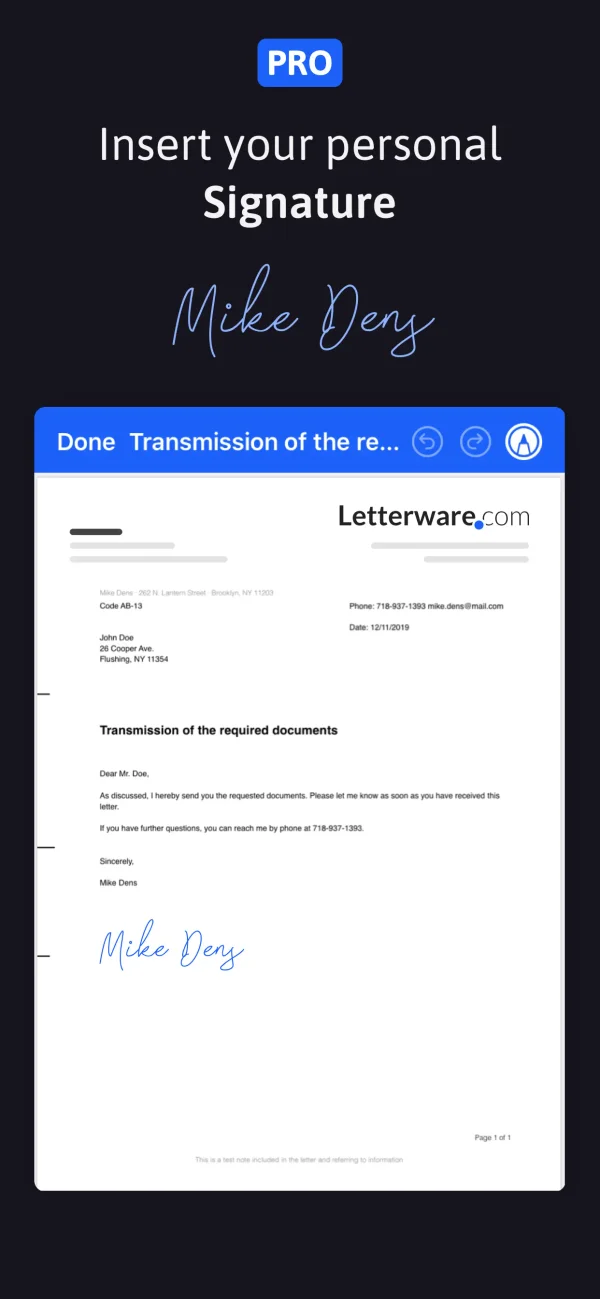
ADD SIGNATURE
• Define a signature and use it in all your documents.
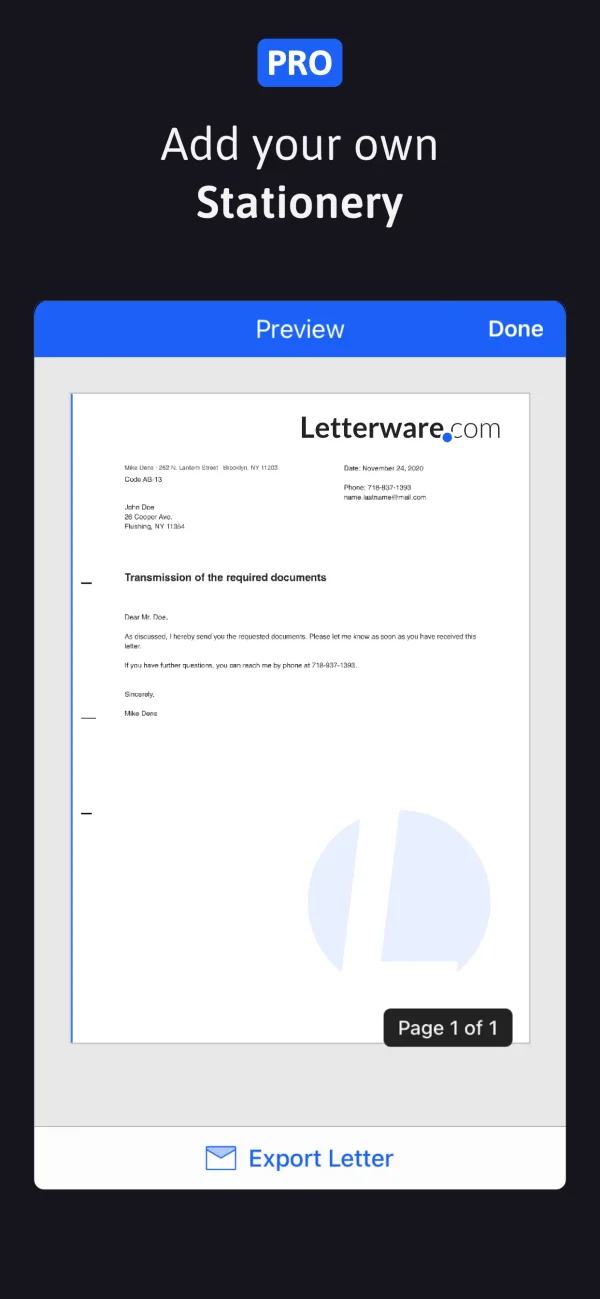
SET LETTERPAPER
• A background image for your documents: choose any image that is large enough for the best print quality.
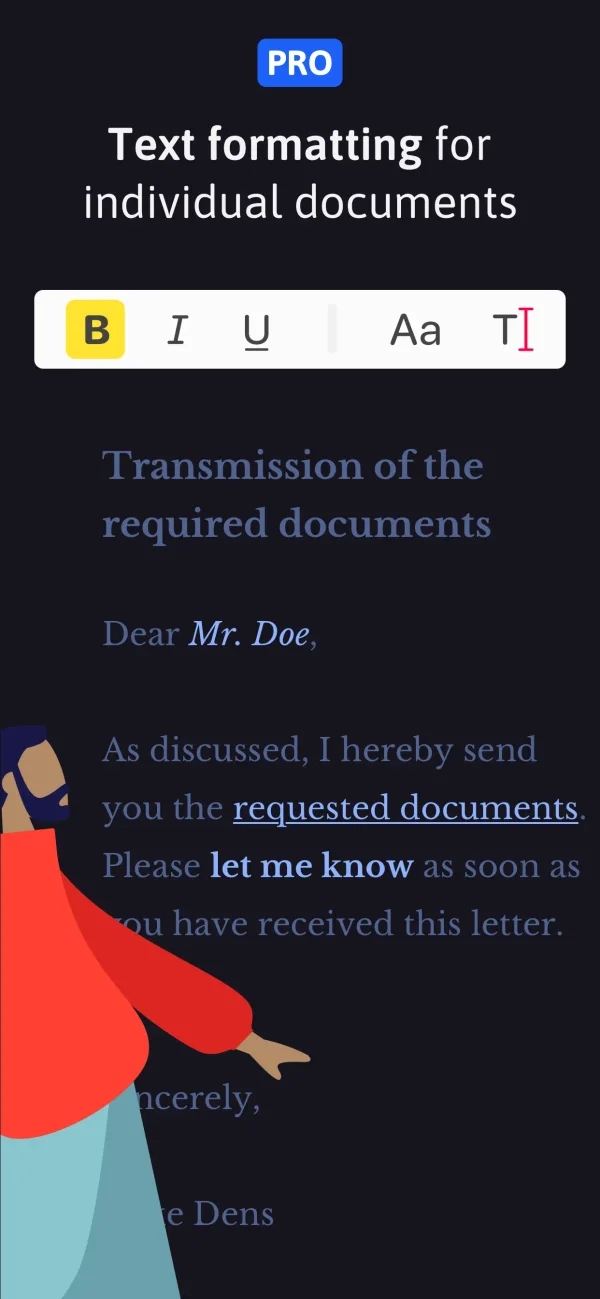
TEXT FORMATTING
• Choose any font to personalize your documents.
• Use different font styles such as bold and italic.
• Underline text passages for more expressiveness.
• Change the font size for the entire document to improve readability.
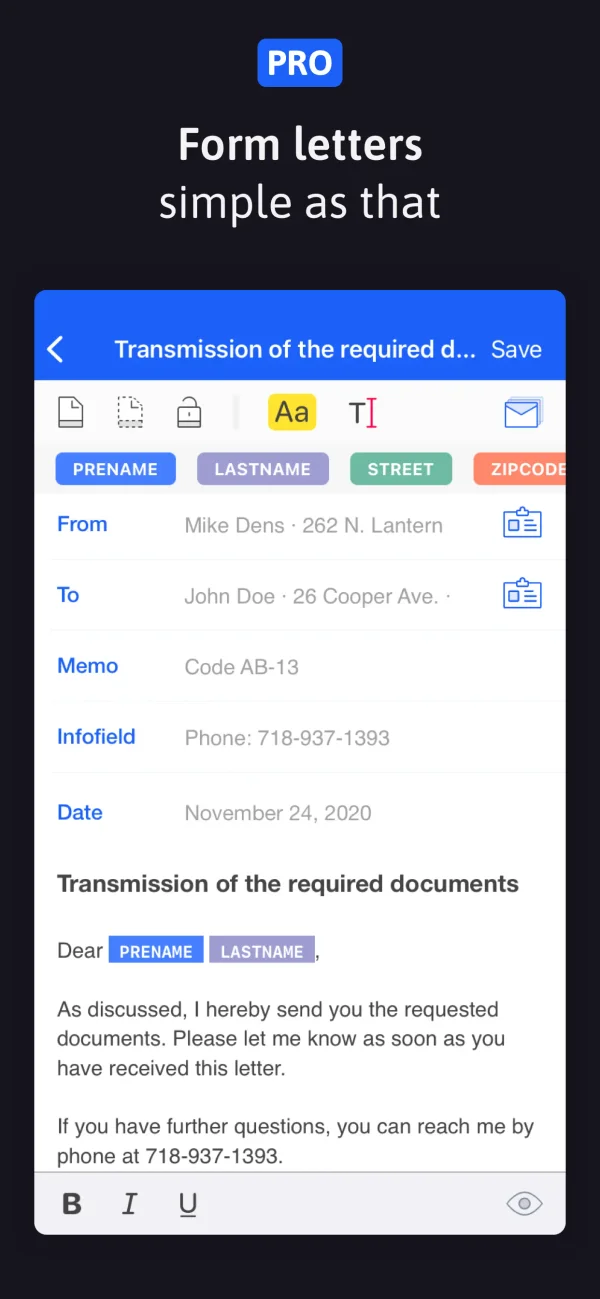
CREATE SERIAL LETTERS
• Convert your document into a form letter with one click.
• Use the placeholders for first name, last name, street, zip code, city and country in the input fields to enrich them with data.
• When exporting, select the contact addresses for which letters are to be created.
• When exporting, a folder is created in which the serial letters created are stored.
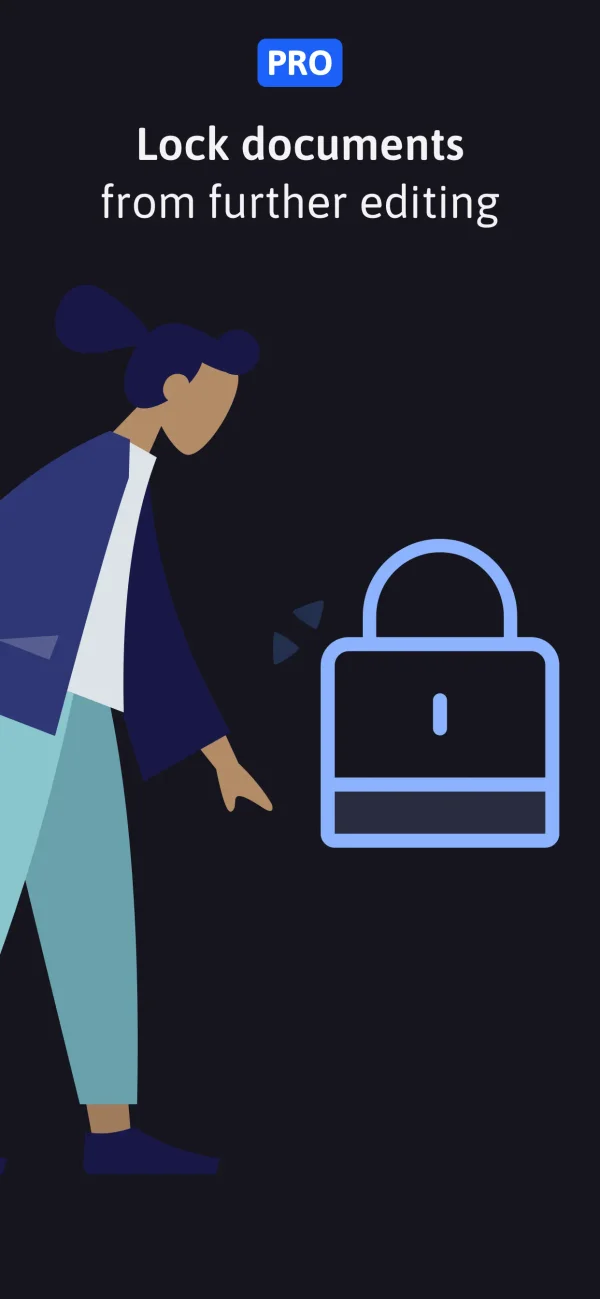
LOCK DOCUMENTS
• Lock and unlock documents in one step to protect them from further editing.
Terms of Use: https://www.apple.com/legal/internet-services/itunes/dev/stdeula/
What’s new
Version 1.15.3 · Jul 7, 2026
Navigate the year with EasyLetter
With our new annual subscription you can handle your mail cost‑effectively, predictably—and completely stress‑free.
EasyLetter GOLD – buy once, benefit forever
For anyone who loves maximum freedom, there’s now EasyLetter GOLD: a one‑time license that grants you lifetime access to every EasyLetter feature—no additional subscription fees, ever.
This release contains general improvements and bug fixes.
App privacy
What Felix Brix declares on the App Store about how this app handles data.
-
Data used to track you
May be used to track you across apps and websites owned by other companies.
- Identifiers
- Usage data
- Diagnostics
-
Data not linked to you
May be collected but is not linked to your identity.
- Identifiers
- Usage data
- Diagnostics
Privacy practices may vary, for example with the features you use or your age.
Information
- Seller
- Felix Brix
- Category
- Productivity
- Version
- 1.15.3
- Updated
- Jul 7, 2026
- Released
- Apr 11, 2020
- Size
- 11.2 MB
- Requires
- iOS 13.0 or later
- Age rating
- 4+
- Price
- Free
- In-app purchases
- Yes
- Languages
- English, Danish, Dutch, Finnish, French, German, Italian, Japanese, Korean, Polish, Portuguese, Russian + 4 more
- Copyright
- © 2025 jungspree
You might also like
-
 Letter: just write lettersPerfectly formatted letters
-
 PDF Viewer: Reader and EditorSign, Edit, Read, Sign, View
-
 Image Compressor ™Productivity
-
 AI Detector & Humanizer・Undetectable AI - BypassGPT
-
 PromptKit: AI HelperGenerate & Use Prompts for GPT
-
 Authenticator: 2FA OTP CodesTwo-Factor Login Protection
-
 FriendLock: Screentime FriendsSocial screen time control
-
 Chat Pen: AI Chatbot & SearchPDF, Voice & Image Assistant
-
 RetroBoard - T9 Watch KeyboardClassic Feature Phone Typing
-
 Goal Tracker & ProgressChallenges and Goals