Easylock Parental Controls
One ask, one answer, unlocked
Designed for iPhone, iPad
Free · In-app purchases
- Age rating4+
- CategoryUtilities
- DeveloperAVRAM ELIEZER FRISCH
- LanguagesEnglish
- Size7.7 MB
Links to the official App Store page
Download.org hosts no file of Easylock Parental Controls. The button opens its official App Store page, published by AVRAM ELIEZER FRISCH. Listing last checked on Nov 23, 2026.
Screenshots

About
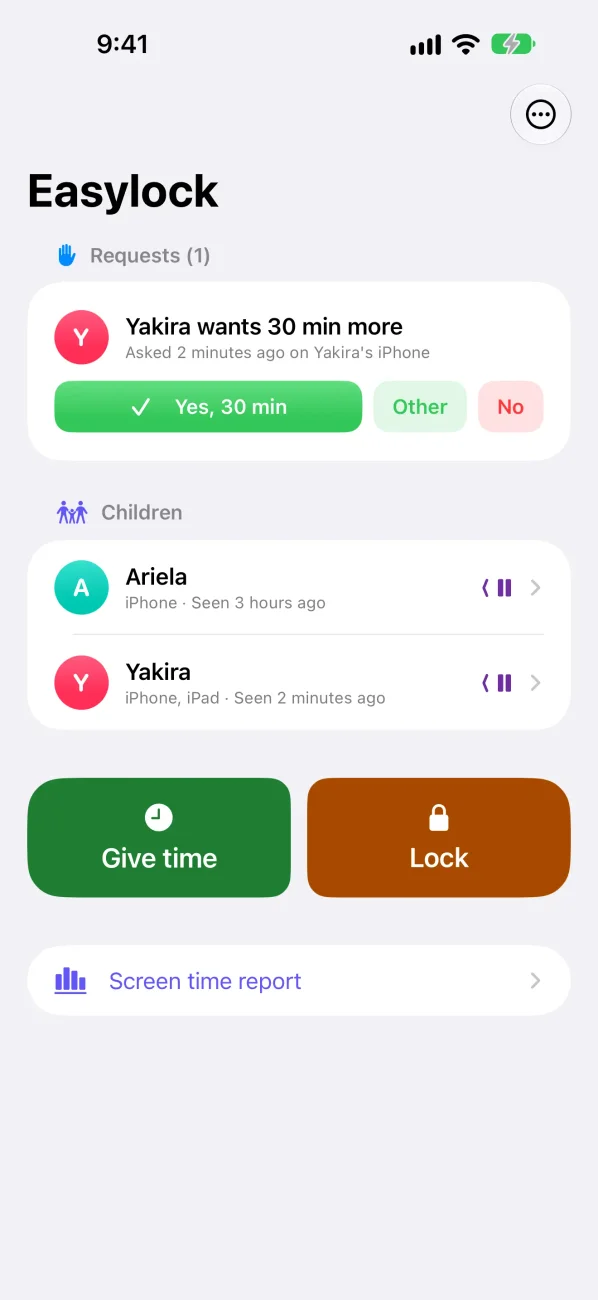
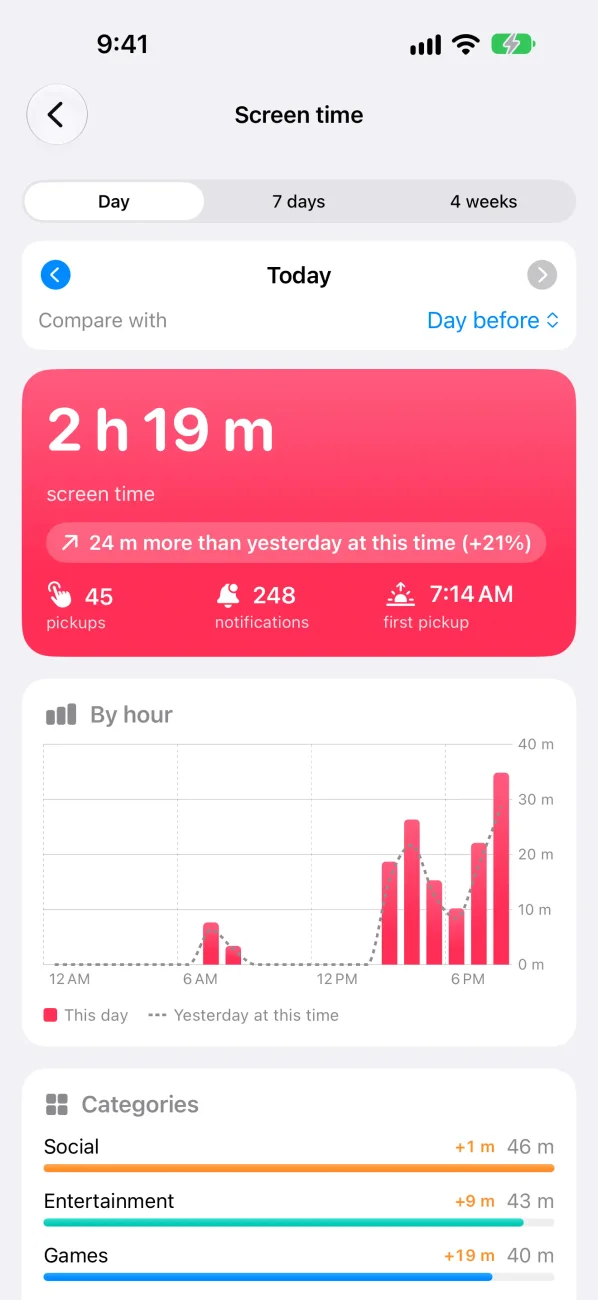
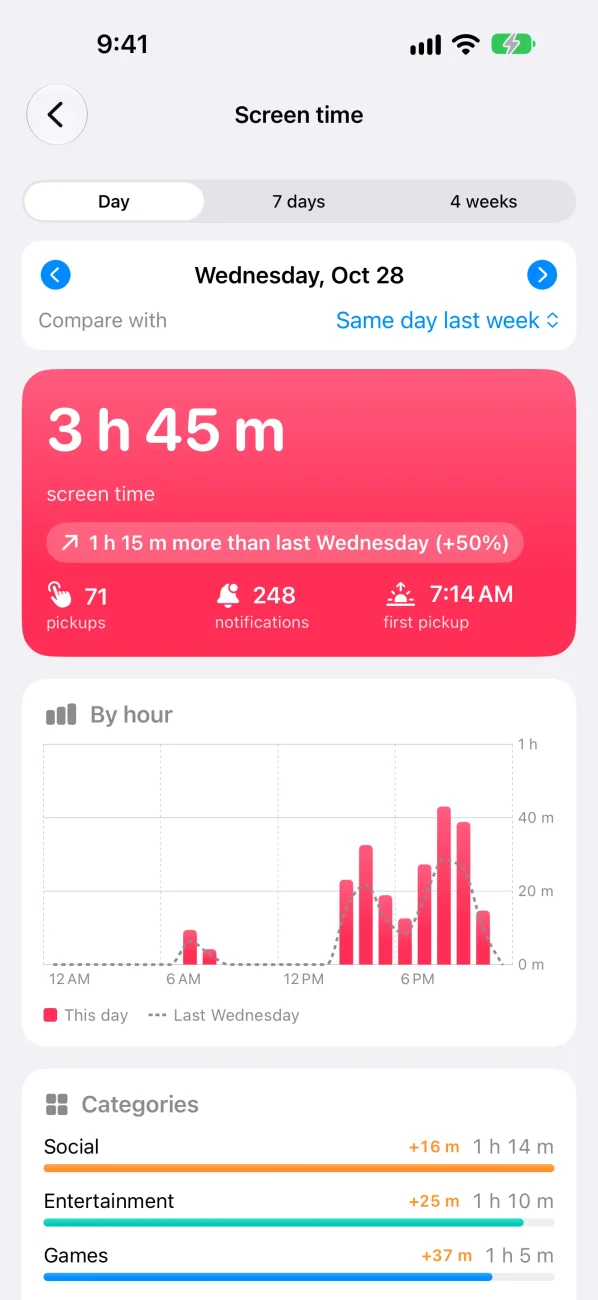
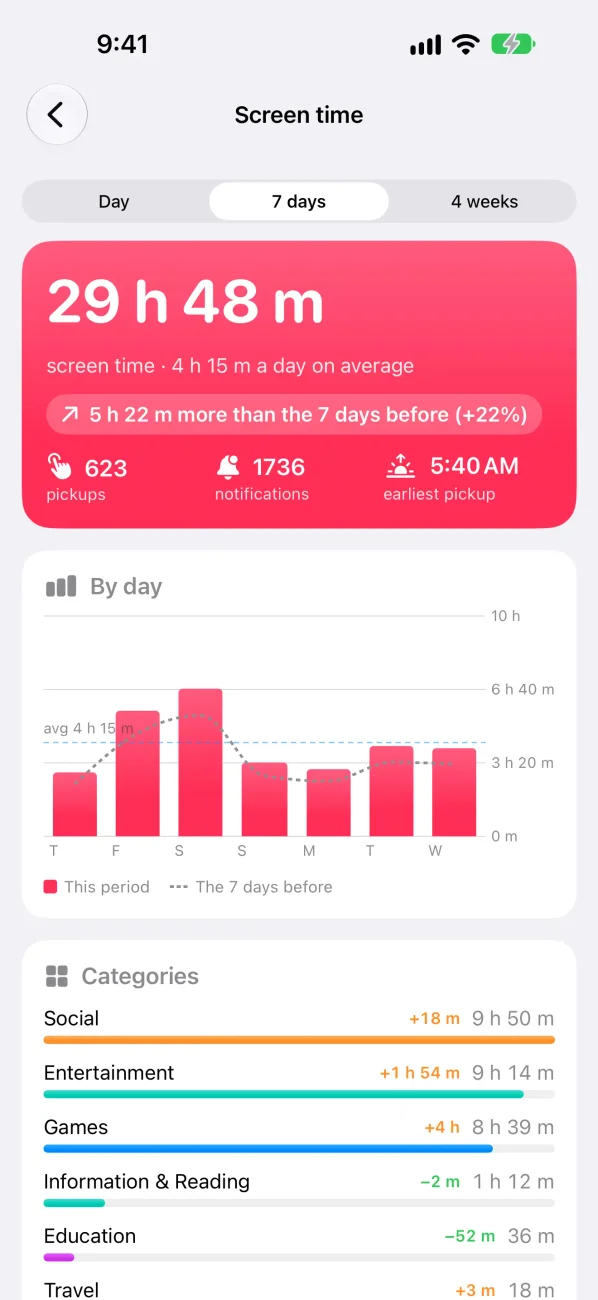
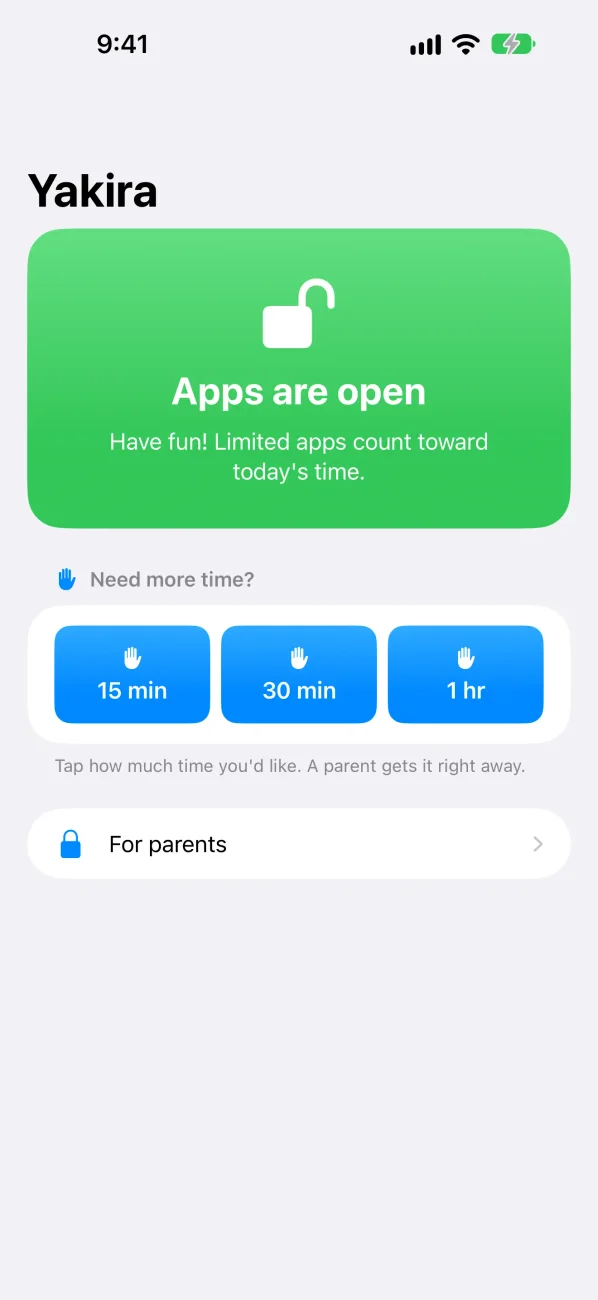
Easylock replaces the flood of "ask for more time" requests with one simple exchange. When your child's apps lock, they can ask you once. You tap Give 30 min, pick another amount, or say no. Everything on their phone unlocks at once, for as long as you decided, and locks itself when the time runs out.
HOW IT WORKS
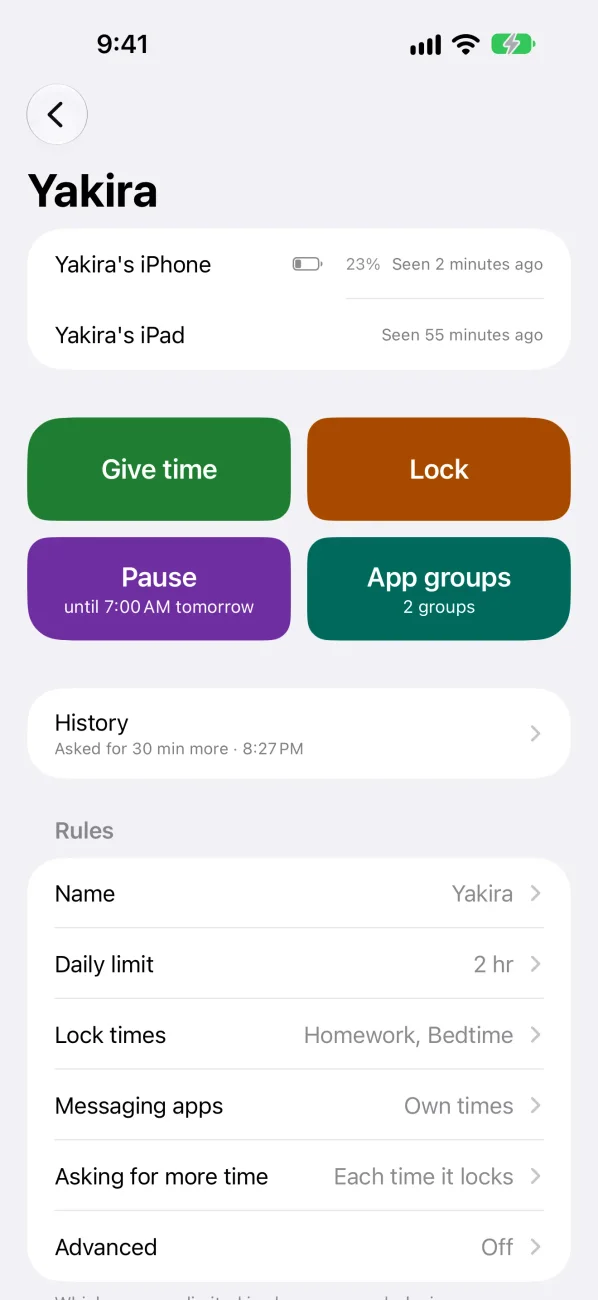
On your child's phone, Easylock uses Apple's Screen Time controls to lock the apps you choose. You set a daily limit, lock times such as homework and bedtime, and how often your child can ask for more. When the limit hits or a lock time starts, the apps show a lock screen with one button: Ask for more time.
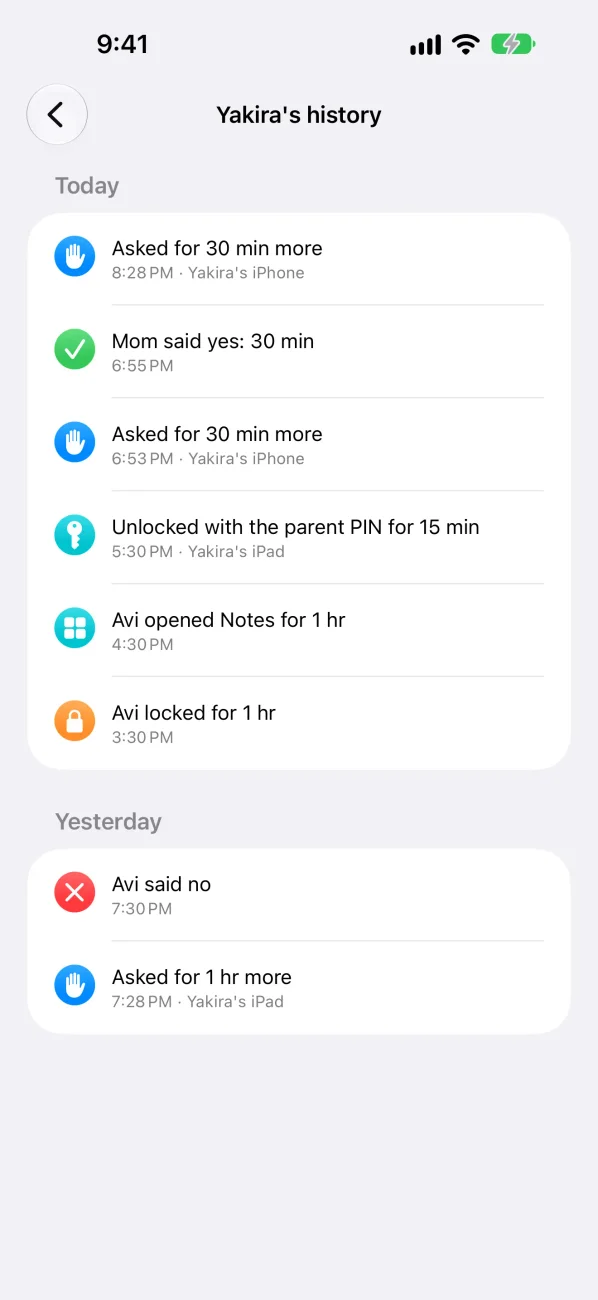
On your phone, the request arrives as a notification. Answer it from anywhere. You can also give time whenever you like, without waiting to be asked, or unlock the phone in person with your parent PIN.
ASKING IS RATIONED, NOT ENDLESS
You decide how many times your child can ask: once each time the phone locks, a few times a day, every few hours, or any time. Once the asks are used up, the button disappears and the lock screen says when they can ask again. Extra time you give does not reset the count.
ONE ANSWER UNLOCKS EVERYTHING
Built-in Screen Time sends a request for every single app. Easylock locks and unlocks the phone as a whole. One yes means your child can get on with what they were doing, and you get on with your day.
PRIVATE BY DESIGN
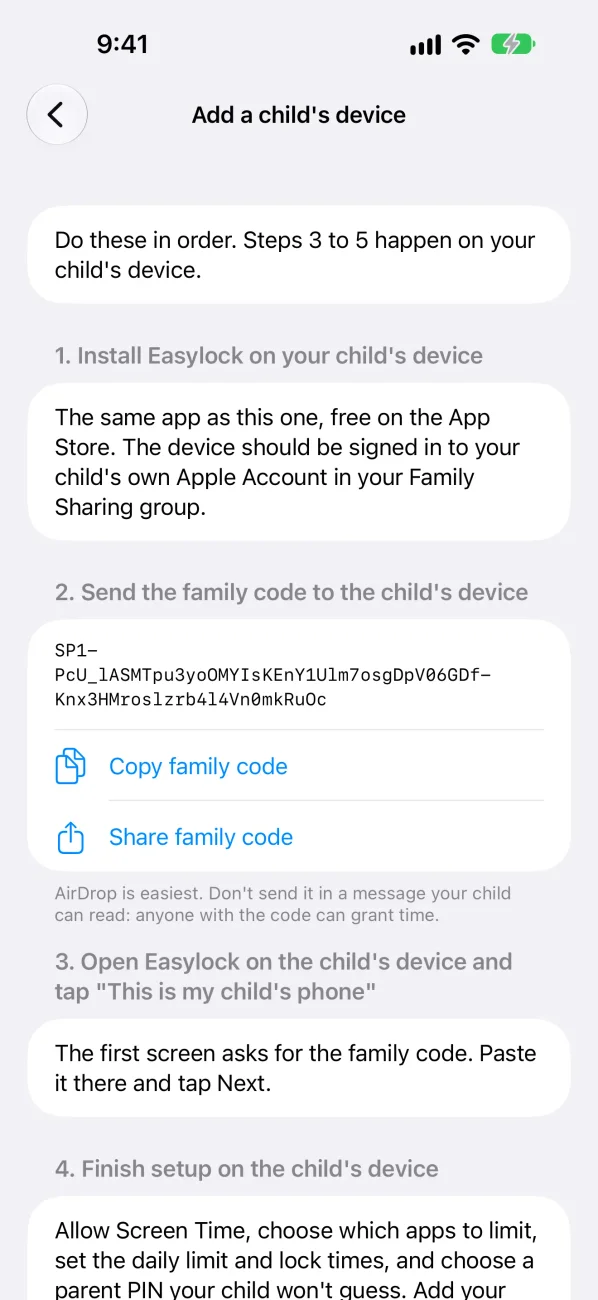
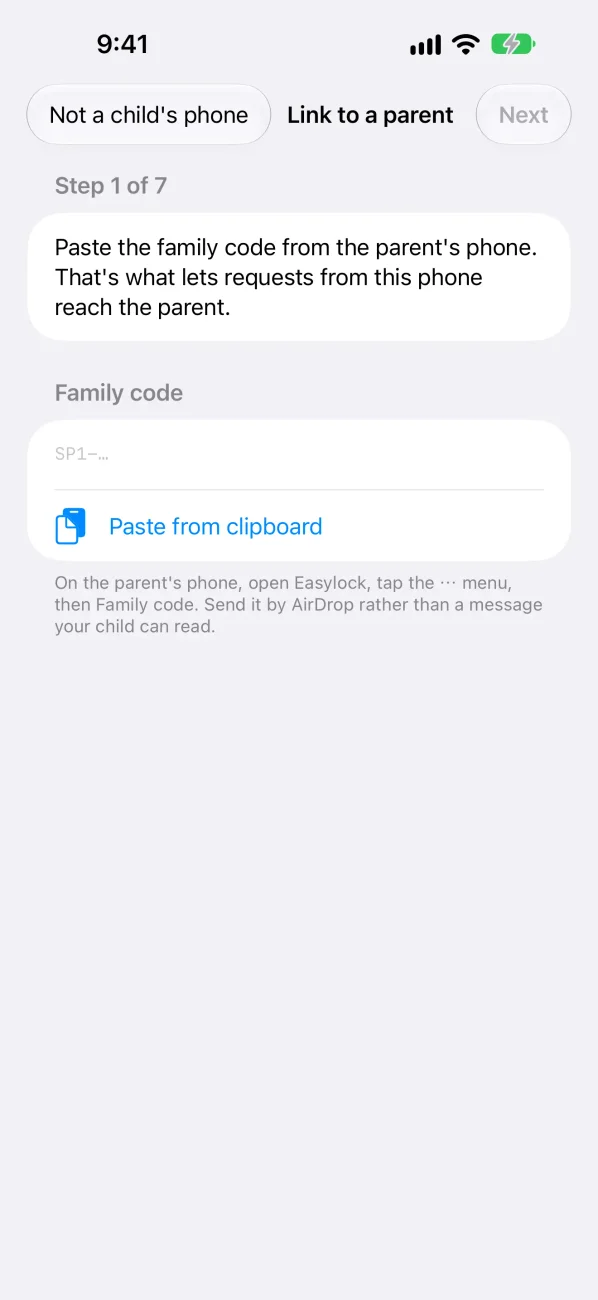
Requests and answers travel through your own iCloud account using a private family code. There are no accounts to create, no servers of ours, and no tracking. Which apps are limited never leaves your child's phone. Requests are deleted automatically after two days.
BUILT FOR FAMILIES
- Works with Family Sharing, so your child can't delete the app or turn it off without you.
- Up to 8 named lock times, each with its own days and hours. Bedtime on school nights only, for example.
- A second parent can join with the same family code and answer requests too.
- Always-allowed apps stay open: Phone, Messages, and whatever else you choose.
- Custom amounts from one minute to 12 hours.
- Lock: lock a child's apps for an hour, the afternoon, or the rest of the day, from wherever you are.
- One child, all their devices: an iPhone and an iPad follow the same rules and the same locks.
- Open just some apps: when your child needs Notes for homework, open only Notes, for as long as you choose, while everything else stays locked. They can't ask for it; you decide.
Easylock needs iOS 17 or later on the child's phone and a parent's iPhone to answer requests.
SUBSCRIPTION
Parents can try Easylock free for 3 months, then $29.99 a year, shared with the family through Family Sharing. The subscription is needed to unlock, lock, pause and change settings from the parent's phone; without it, children's devices keep their current schedules. Payment is charged to your Apple Account and renews automatically unless cancelled at least 24 hours before the end of the current period. Manage or cancel in Settings › Apple Account › Subscriptions. Terms of Use: https://www.apple.com/legal/internet-services/itunes/dev/stdeula/
What’s new
Version 1.12 · Nov 12, 2026
• A safer parent PIN: after five wrong tries it locks for a while, and you see it in your child's history. Leaving Easylock on a child's device closes the parents' area.
• If both parents say yes to the same request, the time is given once, not twice.
• Lock the clock is now on for new devices, and Easylock offers to turn it on for the ones you already set up.
• A request sent by Message goes once. Finished chores no longer appear as time requests in Messages.
• Fixes: raising the daily limit unlocks the same day, short lock times no longer disturb later ones, and Lock or Give time always starts with nobody selected.
App privacy
What AVRAM ELIEZER FRISCH declares on the App Store about how this app handles data.
-
Data not linked to you
May be collected but is not linked to your identity.
- Contact info
- Identifiers
- Usage data
Privacy practices may vary, for example with the features you use or your age.
Information
- Seller
- AVRAM ELIEZER FRISCH
- Category
- Utilities
- Version
- 1.12
- Updated
- Nov 12, 2026
- Released
- Oct 9, 2026
- Size
- 7.7 MB
- Requires
- iOS 17.0 or later
- Age rating
- 4+
- Price
- Free
- In-app purchases
- Yes
- Languages
- English
- Copyright
- © 2026 Avram E. Frisch
You might also like
-
 Protector: Parental ControlsBlock apps & web sites
-
 PocketQRQR Code Generator & Organiser
-
 TireMinder UpdaterUpdate to the latest firmware!
-
 Nebula - Hum and find musicUtilities
-
 Fly FTPUtilities
-
 Shield Porn BlockerWebsite Blocker for Safari
-
 Odyssey CompanionPower Moon maps (unofficial)
-
 Unscreen • Control daily usageLimit screen time, app blocker
-
 LED Banner - Big Text DisplayLED Scroller - LED Signboard
-
 VoIP.ms Softphone: Call & TextEasy VoIP Calls and Messaging