Protector: Parental Controls
Block apps & web sites
Designed for iPhone, iPad
Free · In-app purchases
- Age rating4+
- CategoryUtilities
- DeveloperCapnet LLC
- LanguagesEnglish
- Size3.0 MB
Links to the official App Store page
Download.org hosts no file of Protector: Parental Controls. The button opens its official App Store page, published by Capnet LLC. Listing last checked on Nov 25, 2026.
Screenshots
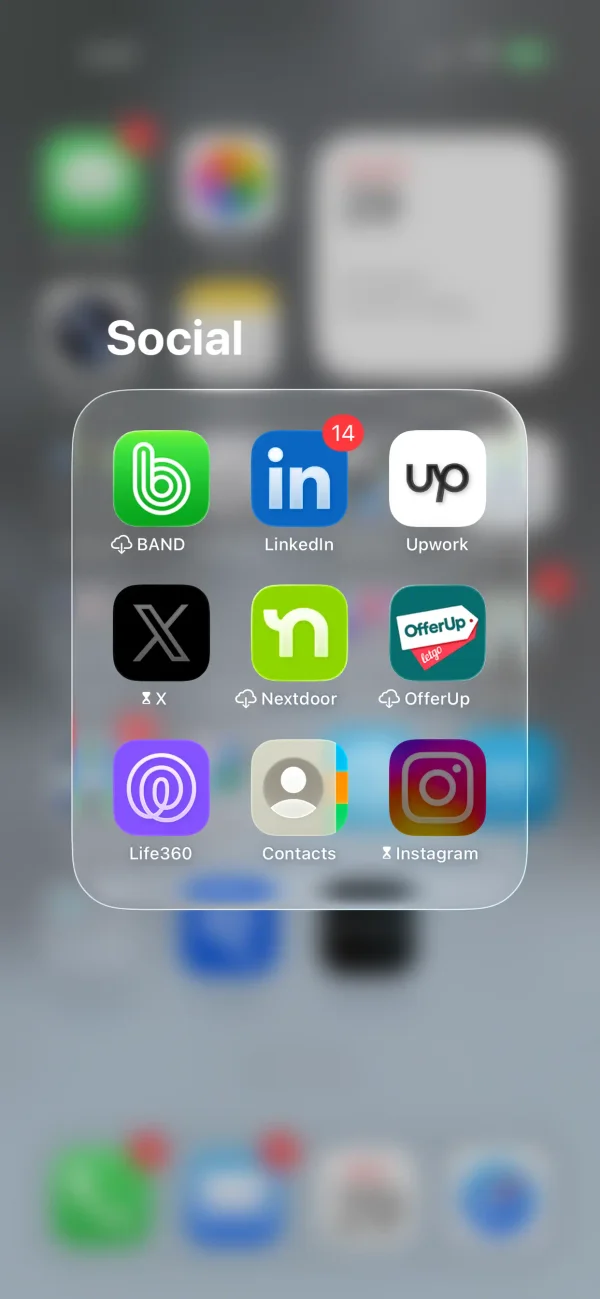
About
Protector helps your family build healthier screen habits by blocking the apps and websites that get in the way, on your kids' iPhone, iPad, and Mac, all from one account.
Set up protection once and it stays in place: block distracting and harmful apps, filter websites in every browser, and help your children stay focused, whether they're doing homework or winding down for bed.
Protector is a subscription service. An active subscription is required to turn on blocking and web filtering.
WHAT YOU CAN DO
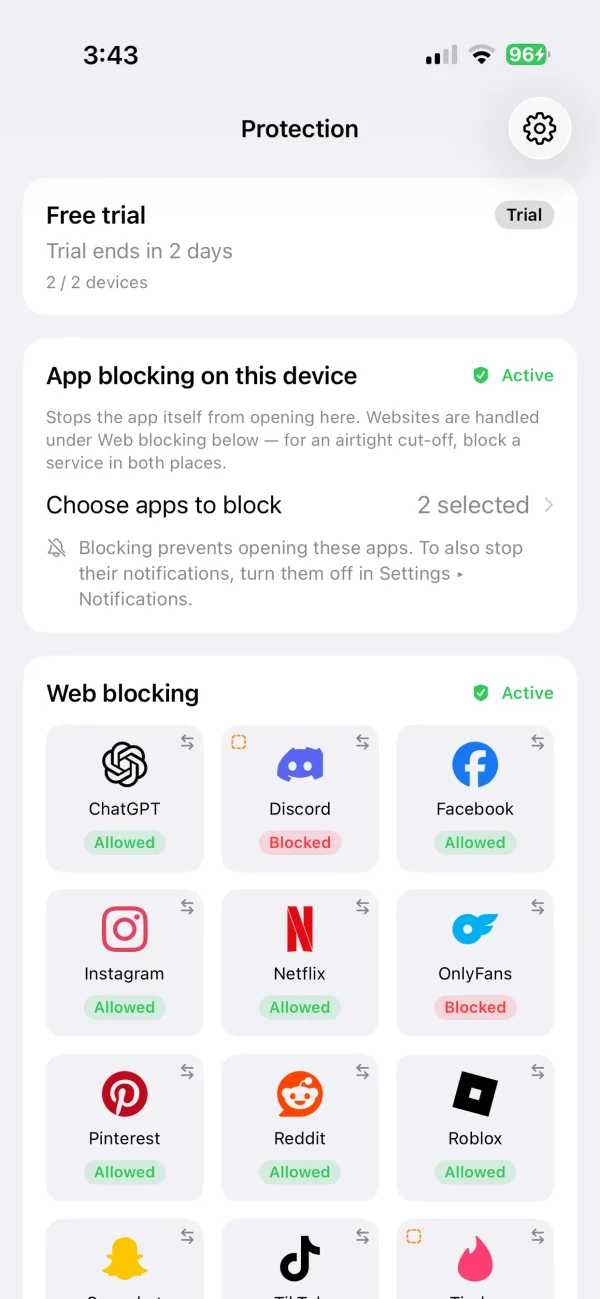
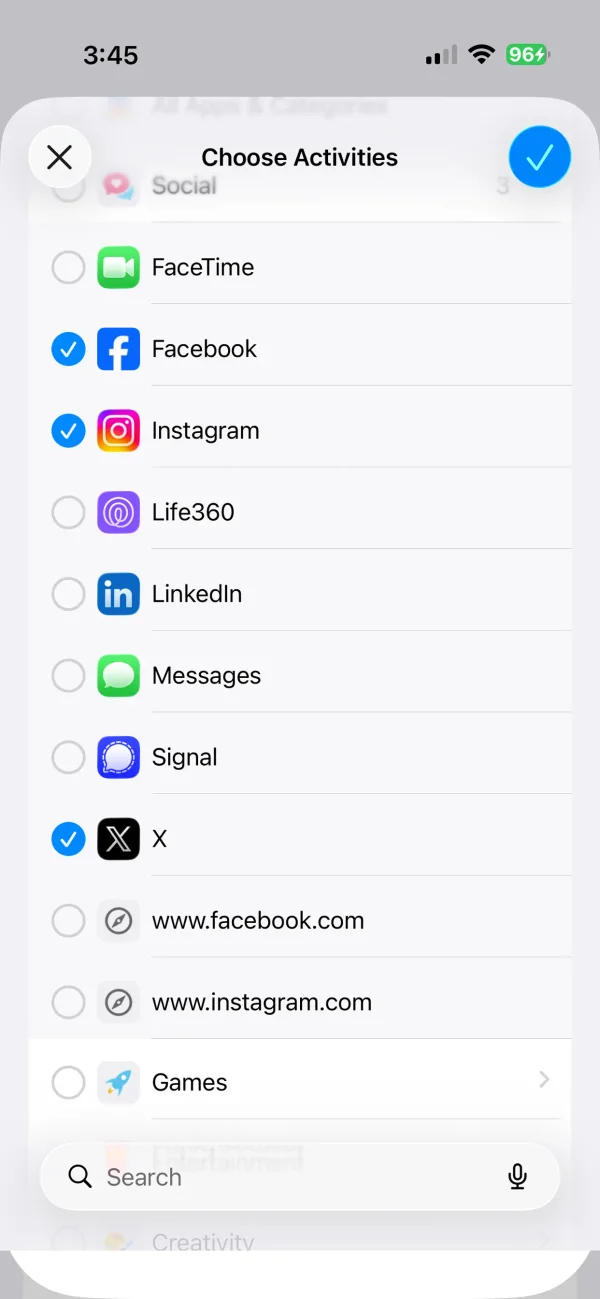
• Block apps on this device with Apple's Screen Time: games, social media, anything you choose
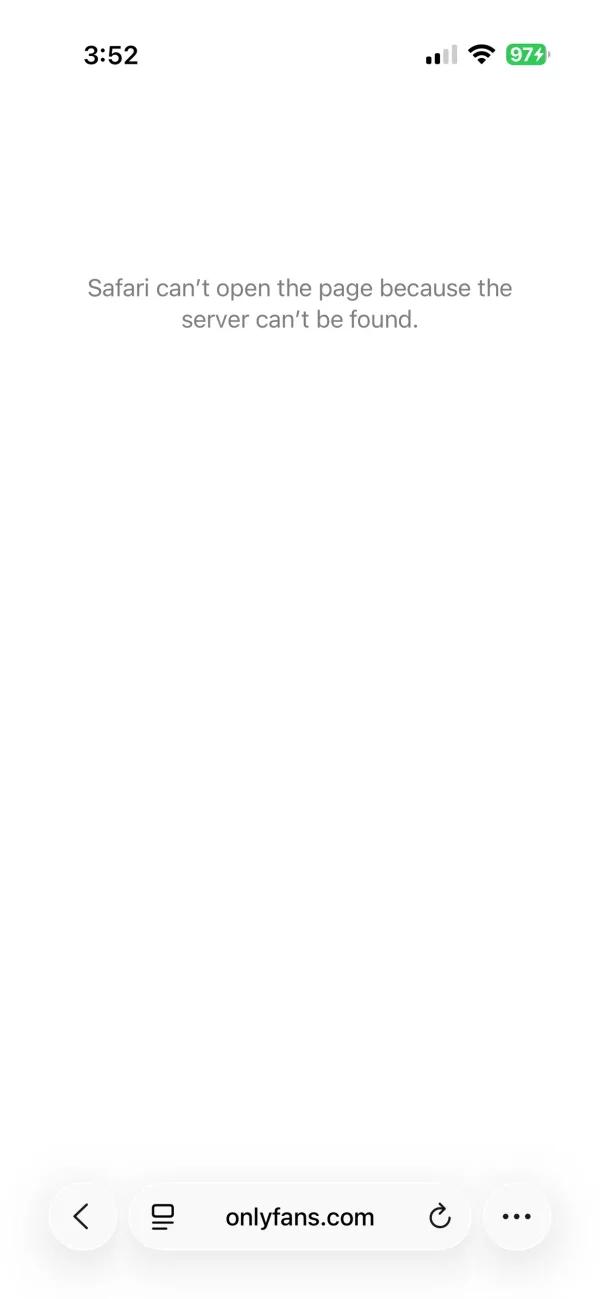
• Filter websites across every browser, including inappropriate and harmful content
• Block specific services like YouTube, TikTok, and social media, on the web and in their apps
• Protect your settings with a parent passcode so kids can't switch protection off
• Manage what's blocked from your dashboard, changes sync to every device automatically
WORKS ACROSS YOUR FAMILY'S DEVICES
One Protector account covers your Macs, iPhones, and iPads. Change a setting once and it applies everywhere your child signs in, no need to configure each device separately, unless you want to. Prefer different rules on a specific device? You can give any device its own settings, too.
BUILT FOR PARENTS
• A simple setup guide turns on protection step by step
• A parent passcode locks down sign-out and changes to the block list
• Pair it with Screen Time restrictions so Protector can't be removed without you
YOUR FAMILY'S PRIVACY COMES FIRST
Protector blocks and filters right on the device. We do not collect or store your child's browsing history. This is about keeping kids safe and focused, not surveillance.
GETTING STARTED
Sign in with your Protector account, follow the quick setup, choose what to block, and you're protected. Web filtering uses an on-device VPN profile to filter sites in every browser, you'll see a "VPN" badge in the status bar, which is normal; nothing is sent anywhere.
— SUBSCRIPTION & PRICING —
Protector requires an auto-renewing subscription to use its protection features:
• Protector Family — $6.00/month or $65.00/year (up to 6 devices)
• Protector Household — $10.00/month or $100.00/year (up to 10 devices)
Start with a 7-day free trial. Payment is charged to your Apple ID at confirmation of purchase. Your subscription automatically renews unless auto-renew is turned off at least 24 hours before the end of the current period. You can manage or cancel your subscription in your Apple ID account settings after purchase.
Privacy Policy: https://protector.family/privacy
Terms of Use (EULA): https://protector.family/terms
Questions? Reach us anytime from the app, we're happy to help.
What’s new
Version 1.1.0 · Nov 24, 2026
New in 1.1
- Schedules: services set to a schedule on the web dashboard (e.g. “TikTok allowed 5–7pm”) now switch on time on this iPhone, even when the app is closed or the phone is offline.
- Each service shows whether it’s allowed right now, and when it next opens or blocks.
- The subscription card shows which account this phone is signed in to.
- Deleting your account now asks for the account password.
- Claude logo and other small fixes.
App privacy
What Capnet LLC declares on the App Store about how this app handles data.
-
Data linked to you
May be collected and linked to your identity.
- Contact info
- Identifiers
- Usage data
Privacy practices may vary, for example with the features you use or your age.
Information
- Seller
- Capnet LLC
- Category
- Utilities
- Version
- 1.1.0
- Updated
- Nov 24, 2026
- Released
- Oct 15, 2026
- Size
- 3.0 MB
- Requires
- iOS 16.0 or later
- Age rating
- 4+
- Price
- Free
- In-app purchases
- Yes
- Languages
- English
- Copyright
- © 2026 Capnet, LLC
You might also like
-
 Easylock Parental ControlsOne ask, one answer, unlocked
-
 TireMinder UpdaterUpdate to the latest firmware!
-
 Nebula - Hum and find musicUtilities
-
 Fly FTPUtilities
-
 Shield Porn BlockerWebsite Blocker for Safari
-
 Turing Vision: Video SecurityAI-driven security and safety
-
 iFox BrowserBrowser with Family Safety
-
 FlashToyUtilities
-
 KOHLER Energy ManagementKohler Generator Monitoring
-
 Screen Mirroring With MiracastCast Photos & Videos to TV