Edit PDF Document
Simple Freestyle Tool Easy App
Designed for iPhone
Free · In-app purchases
- Age rating4+
- CategoryUtilities
- DeveloperEli Bitton
- LanguagesEnglish
- Size5.9 MB
Links to the official App Store page
Download.org hosts no file of Edit PDF Document. The button opens its official App Store page, published by Eli Bitton. Listing last checked on Nov 15, 2026.
Screenshots
About
# Simple PDF Editor App
**Edit PDF documents with ease - all processing happens securely on your device**
Transform your iPhone or iPad into a powerful PDF editing tool. Simple PDF Editor App lets you add text, customize formatting, and share your documents - all while keeping your files completely private and secure.
## Key Features
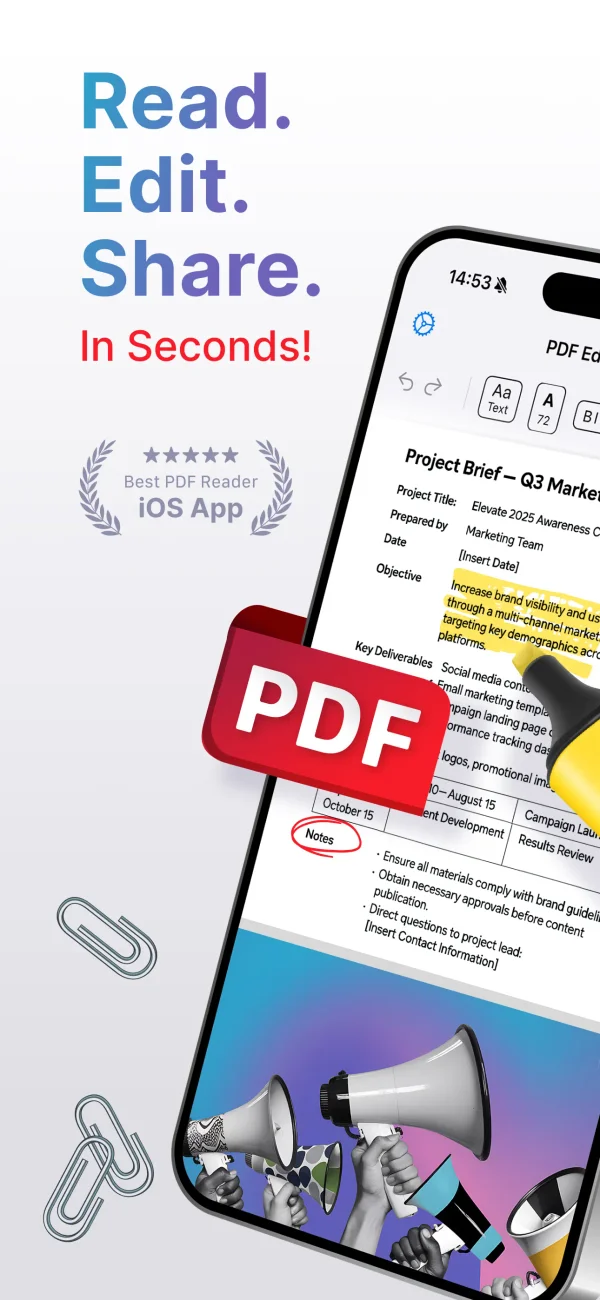
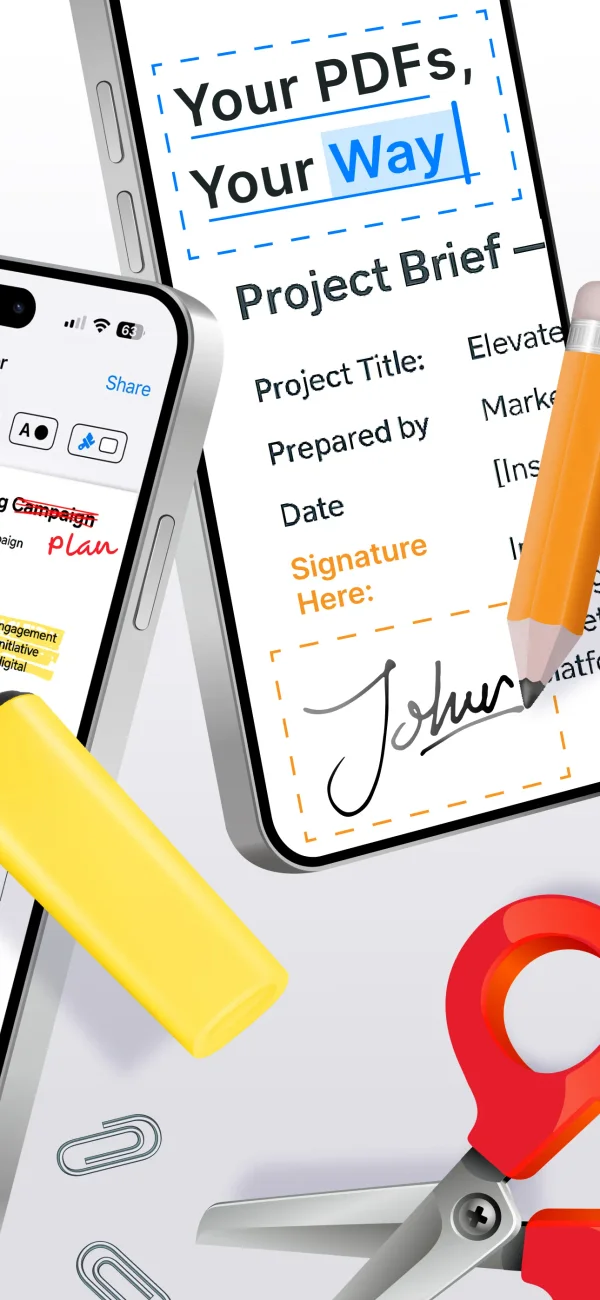
**Effortless Text Editing**
Add text annotations anywhere on your PDF documents with precise placement and full formatting control.
**Complete Formatting Control**
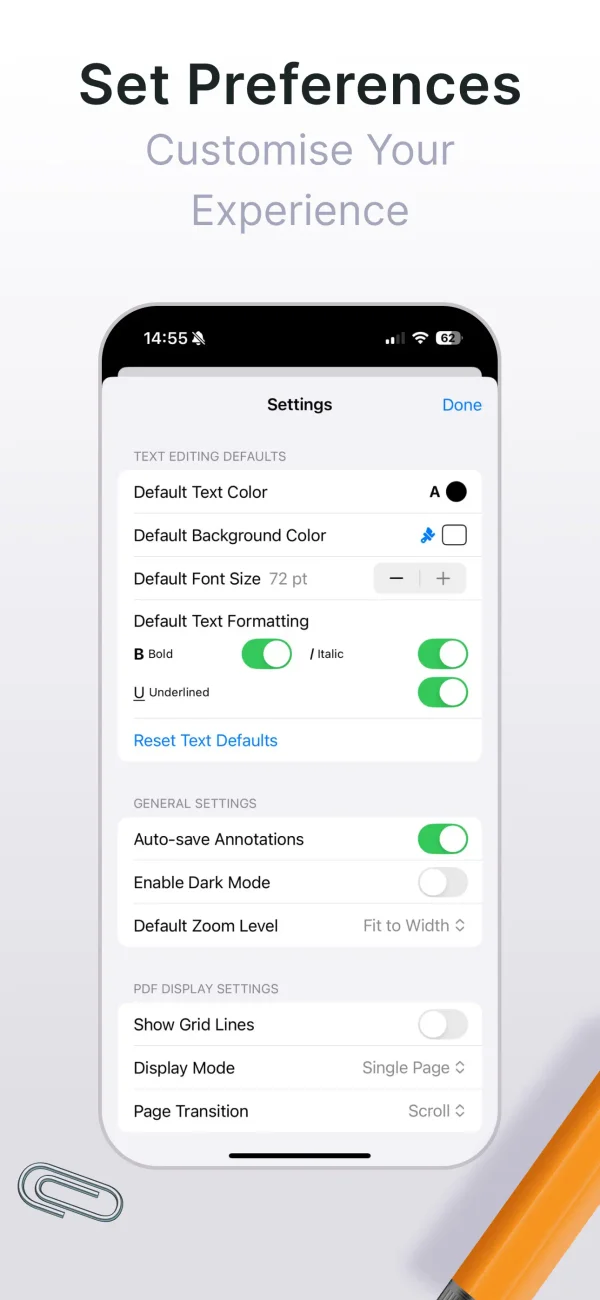
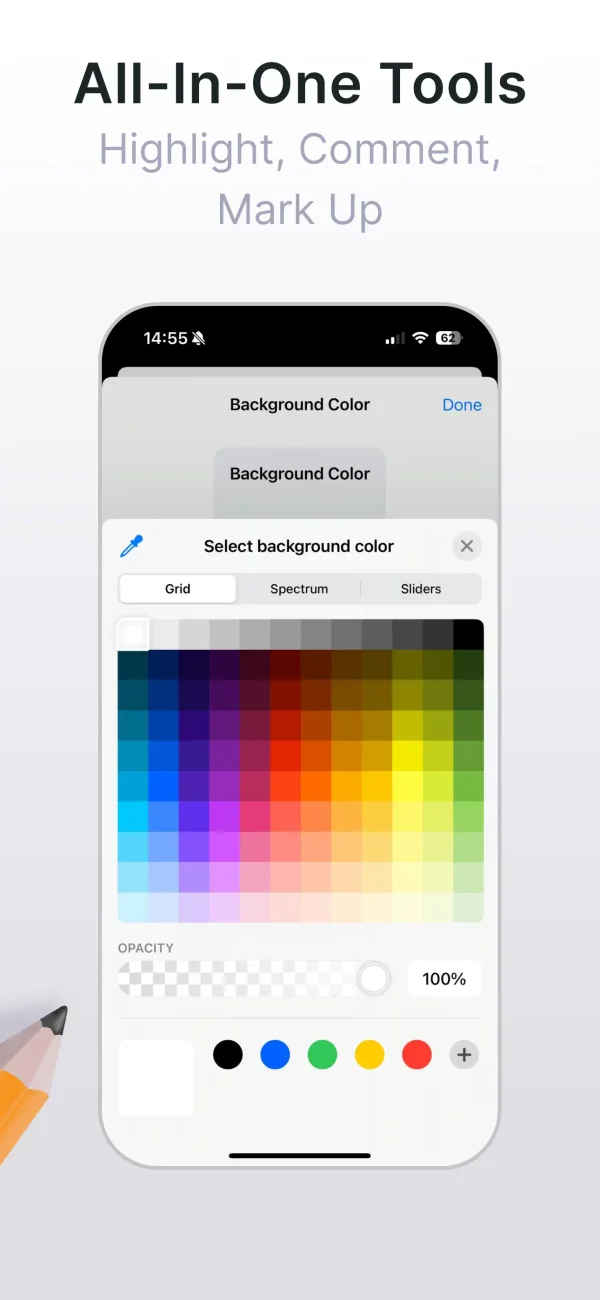
- Choose from any text color with the built-in color picker
- Set custom background colors or keep them transparent
- Adjust font sizes from 8pt to 72pt
- Apply bold, italic, and underline formatting
- Real-time preview of all changes
**Privacy-First Design**
Your documents never leave your device. All editing happens locally, ensuring complete privacy and security of your sensitive files.
**Professional Tools**
- Unlimited undo and redo functionality
- Customizable opacity settings for annotations
- Snap-to-grid for precise alignment
- Multiple display modes and zoom levels
- Auto-save settings to preserve your preferences
**Seamless Sharing**
Export and share your edited PDFs through any app on your device - email, cloud storage, messaging, and more.
**Intuitive Interface**
Clean, user-friendly design that gets out of your way so you can focus on your work. Built-in tutorial helps you get started quickly.
## Perfect For
- Business professionals annotating contracts and reports
- Students marking up assignments and research papers
- Teachers providing feedback on student work
- Anyone who needs to add notes or comments to PDF documents
## Why Choose Simple PDF Editor App
**Complete Privacy**: No account required, no data collection, no internet connection needed for editing. Your documents stay yours.
**Lightning Fast**: Optimized for iOS with smooth performance on all supported devices.
**Reliable**: Robust undo system protects against accidental changes, and auto-save ensures your settings are always preserved.
**Accessible**: Designed for users of all skill levels with helpful tutorials and intuitive controls.
## System Requirements
- iOS 14.0 or later
- Compatible with iPhone and iPad
- Optimized for all screen sizes
## Getting Started
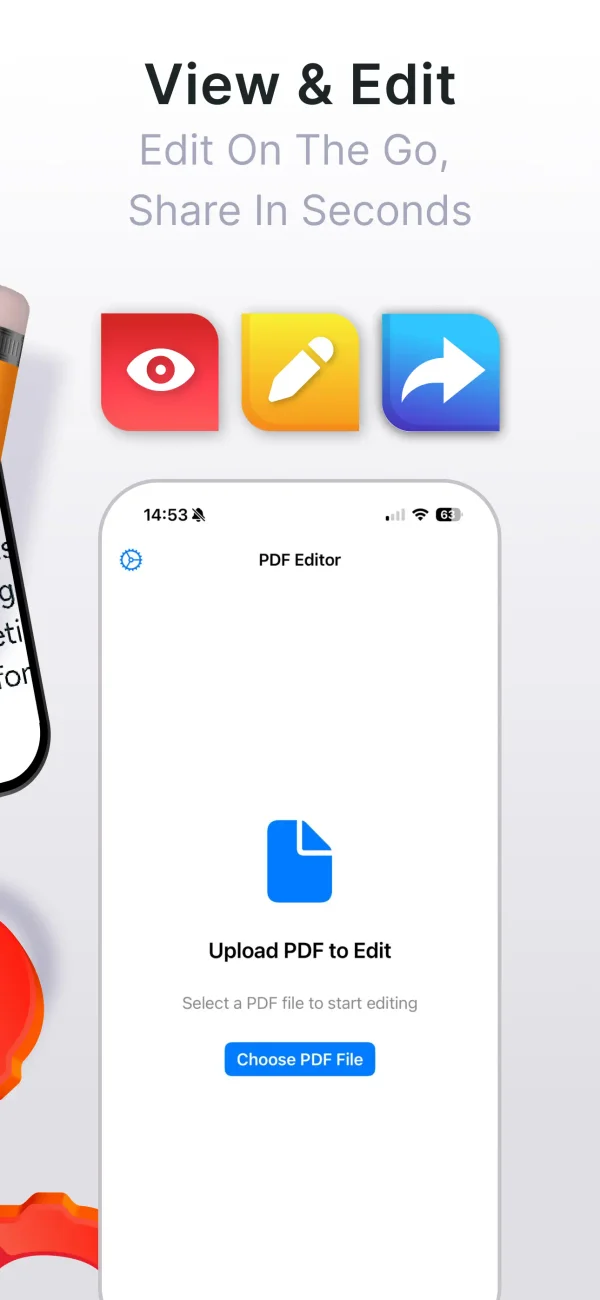
1. Import any PDF document from Files, email, or other apps
2. Tap the Text tool and then tap anywhere on your document
3. Type your text and customize the formatting
4. Share your edited PDF with any app
Simple PDF Editor App puts professional PDF editing capabilities right in your pocket, with the peace of mind that comes from true privacy protection. Download today and experience the difference of local, secure PDF editing.
What’s new
Version 1.0.5 · Jun 8, 2026
bug fix's
App privacy
What Eli Bitton declares on the App Store about how this app handles data.
-
Data not collected
The developer does not collect any data from this app.
Privacy practices may vary, for example with the features you use or your age.
Information
- Seller
- Eli Bitton
- Category
- Utilities
- Version
- 1.0.5
- Updated
- Jun 8, 2026
- Released
- Jul 3, 2025
- Size
- 5.9 MB
- Requires
- iOS 17.6 or later
- Age rating
- 4+
- Price
- Free
- In-app purchases
- Yes
- Languages
- English
- Copyright
- © Eli Bitton
You might also like
-
 Pinzy—AI Photo Location FinderGPS, EXIF & Metadata Viewer
-
 Video Compressor: VideoShrinkSave Space, Keep Quality
-
 Picture to Text: OCR ScannerScan and Read Photo, Image
-
 TypeShelf: Reply KeyboardSaved Replies & Text Templates
-
 WashKit: Photo Storage CleanerSwipe to Clean Up & Compress
-
 QR Code Creator ™Utilities
-
 Cleaner Cat: Clean StorageSwipe, Compress & Free Space
-
 ZIP Extractor・Unzip・OpenerFile Reader・Extract・Open Files
-
 Create Flyers & Logos - MakerFlyer, Invite and Logo Creator
-
 Telly - Remote for Smart TVUniversal TV Control App