Edit PDF Document
Simple Freestyle Tool Easy App
Được thiết kế cho iPhone
Miễn phí · Mua hàng trong ứng dụng
- Độ tuổi4+
- Danh mụcTiện Ích
- Nhà phát triểnEli Bitton
- Ngôn ngữTiếng Anh
- Kích thước5,9 MB
Liên kết đến trang App Store chính thức
Download.org không lưu trữ tệp nào của Edit PDF Document. Nút này mở trang ứng dụng trên App Store, nơi Eli Bitton phát hành ứng dụng. Trang được kiểm tra lần cuối: 15/11/2026.
Ảnh chụp màn hình
Giới thiệu
Nhà phát triển chưa cung cấp nội dung này bằng ngôn ngữ của bạn.
# Simple PDF Editor App
**Edit PDF documents with ease - all processing happens securely on your device**
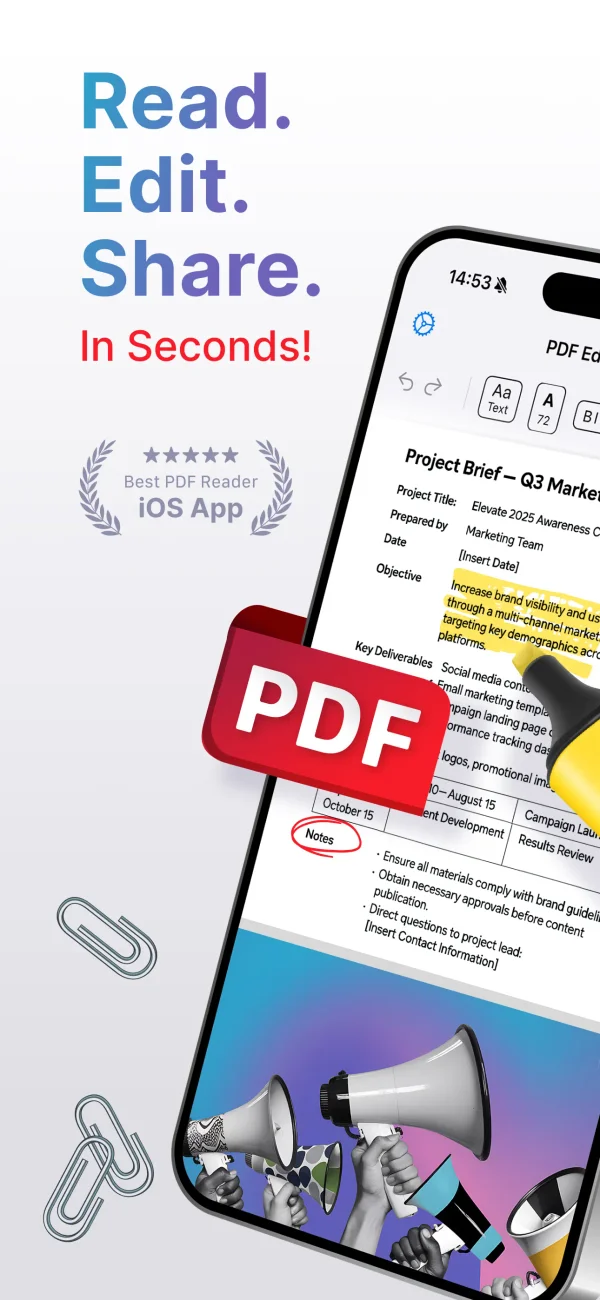
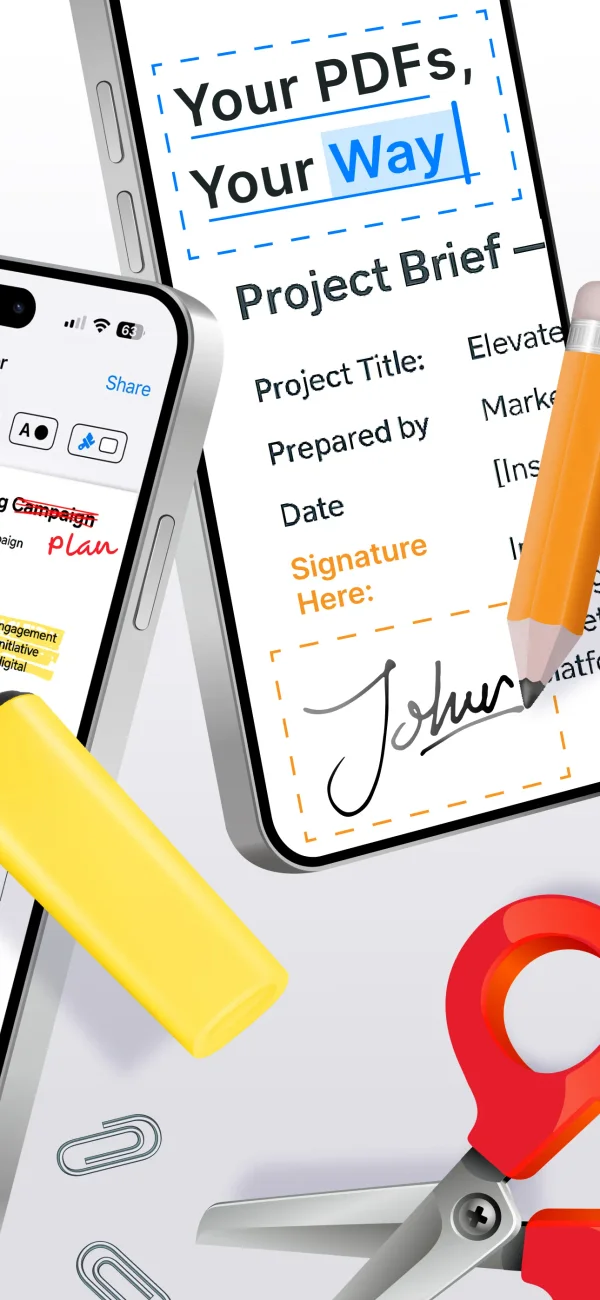
Transform your iPhone or iPad into a powerful PDF editing tool. Simple PDF Editor App lets you add text, customize formatting, and share your documents - all while keeping your files completely private and secure.
## Key Features
**Effortless Text Editing**
Add text annotations anywhere on your PDF documents with precise placement and full formatting control.
**Complete Formatting Control**
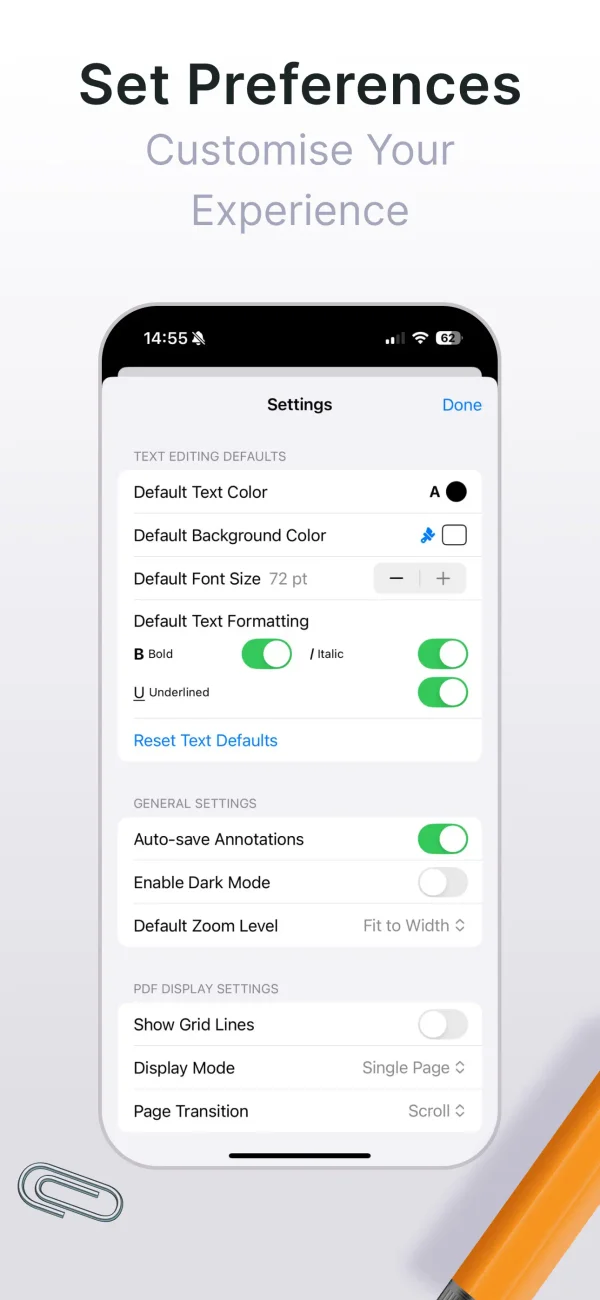
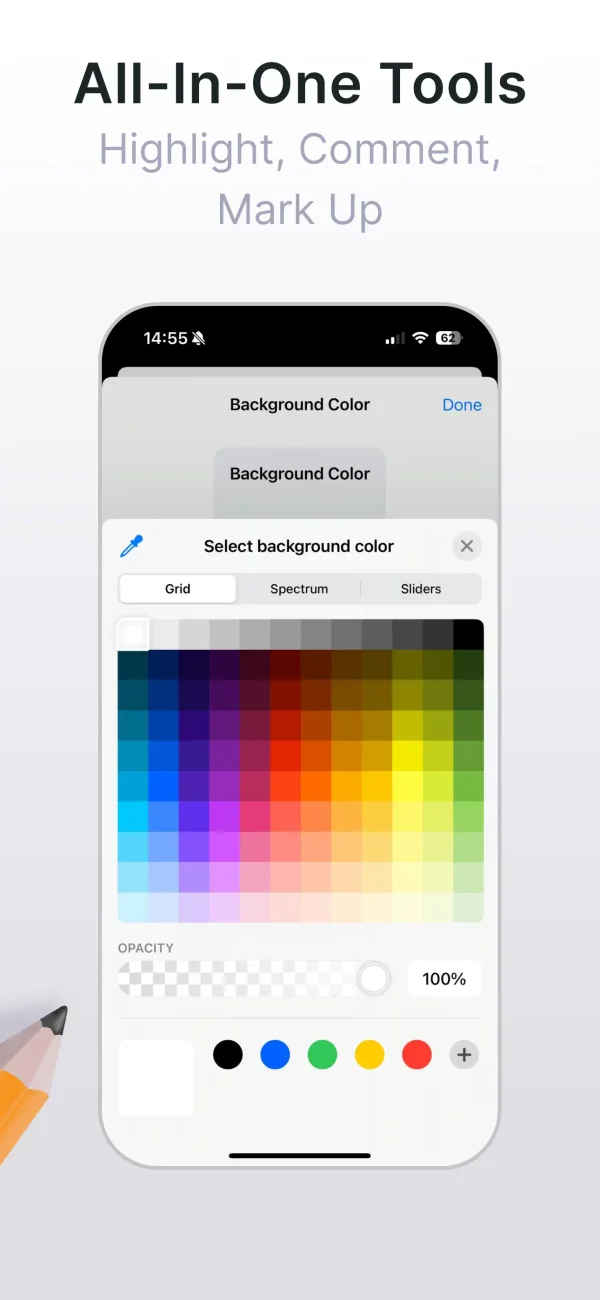
- Choose from any text color with the built-in color picker
- Set custom background colors or keep them transparent
- Adjust font sizes from 8pt to 72pt
- Apply bold, italic, and underline formatting
- Real-time preview of all changes
**Privacy-First Design**
Your documents never leave your device. All editing happens locally, ensuring complete privacy and security of your sensitive files.
**Professional Tools**
- Unlimited undo and redo functionality
- Customizable opacity settings for annotations
- Snap-to-grid for precise alignment
- Multiple display modes and zoom levels
- Auto-save settings to preserve your preferences
**Seamless Sharing**
Export and share your edited PDFs through any app on your device - email, cloud storage, messaging, and more.
**Intuitive Interface**
Clean, user-friendly design that gets out of your way so you can focus on your work. Built-in tutorial helps you get started quickly.
## Perfect For
- Business professionals annotating contracts and reports
- Students marking up assignments and research papers
- Teachers providing feedback on student work
- Anyone who needs to add notes or comments to PDF documents
## Why Choose Simple PDF Editor App
**Complete Privacy**: No account required, no data collection, no internet connection needed for editing. Your documents stay yours.
**Lightning Fast**: Optimized for iOS with smooth performance on all supported devices.
**Reliable**: Robust undo system protects against accidental changes, and auto-save ensures your settings are always preserved.
**Accessible**: Designed for users of all skill levels with helpful tutorials and intuitive controls.
## System Requirements
- iOS 14.0 or later
- Compatible with iPhone and iPad
- Optimized for all screen sizes
## Getting Started
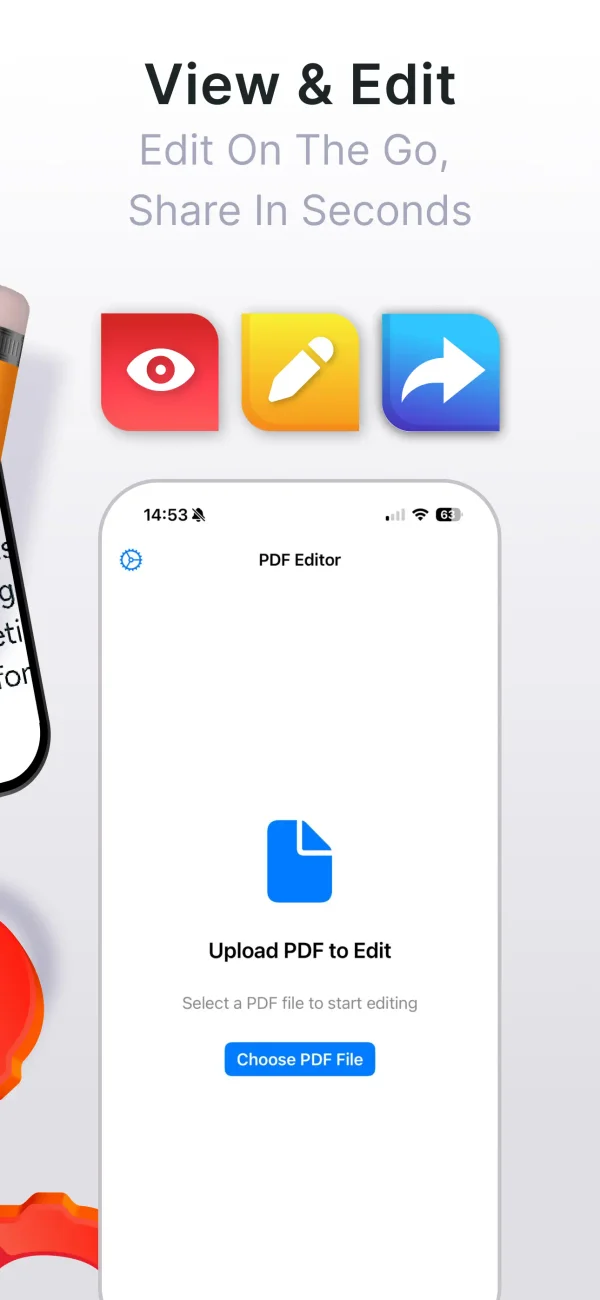
1. Import any PDF document from Files, email, or other apps
2. Tap the Text tool and then tap anywhere on your document
3. Type your text and customize the formatting
4. Share your edited PDF with any app
Simple PDF Editor App puts professional PDF editing capabilities right in your pocket, with the peace of mind that comes from true privacy protection. Download today and experience the difference of local, secure PDF editing.
Có gì mới
Phiên bản 1.0.5 · 08/06/2026
bug fix's
Quyền riêng tư của ứng dụng
Những gì Eli Bitton khai báo trên App Store về cách ứng dụng này xử lý dữ liệu.
-
Dữ liệu không được thu thập
Nhà phát triển không thu thập bất kỳ dữ liệu nào từ ứng dụng này.
Phương thức đảm bảo quyền riêng tư có thể khác nhau, chẳng hạn như tuỳ theo các tính năng bạn sử dụng hoặc độ tuổi của bạn.
Thông tin
- Người bán
- Eli Bitton
- Danh mục
- Tiện Ích
- Phiên bản
- 1.0.5
- Cập nhật
- 08/06/2026
- Phát hành
- 03/07/2025
- Kích thước
- 5,9 MB
- Yêu cầu
- iOS 17.6 trở lên
- Độ tuổi
- 4+
- Giá
- Miễn phí
- Mua hàng trong ứng dụng
- Có
- Ngôn ngữ
- Tiếng Anh
- Bản quyền
- © Eli Bitton
Có thể bạn cũng thích
-
 Pinzy—AI Photo Location FinderTiện Ích
-
 Video Compressor: VideoShrinkTiện Ích
-
 Picture to Text: OCR ScannerTiện Ích
-
 Quick Phrases: TypeShelf1 Nhấn Phím Trả Lời
-
 WashKit: Dọn dẹp ảnh & bộ nhớVuốt để xóa, nén video lớn
-
 QR Code Creator ™Tiện Ích
-
 Cleaner Cat: Clean StorageTiện Ích
-
 ZIP Extractor・Unzip・OpenerTiện Ích
-
 Create Flyers & Logos - MakerTiện Ích
-
 Telly - Remote for Smart TVTiện Ích