
- Age rating4+
- CategoryUtilities
- DeveloperSory Diarra
- LanguagesEnglish
- Size7.2 MB
Links to the official App Store page
Download.org hosts no file of Edit PDF Offline. The button opens its official App Store page, published by Sory Diarra. Listing last checked on Nov 15, 2026.
Screenshots

About
Edit text in PDF documents without uploading your files. Edit PDF Offline brings scanning, signing, merging, compression and everyday PDF tools together in one simple app for iPhone and iPad.
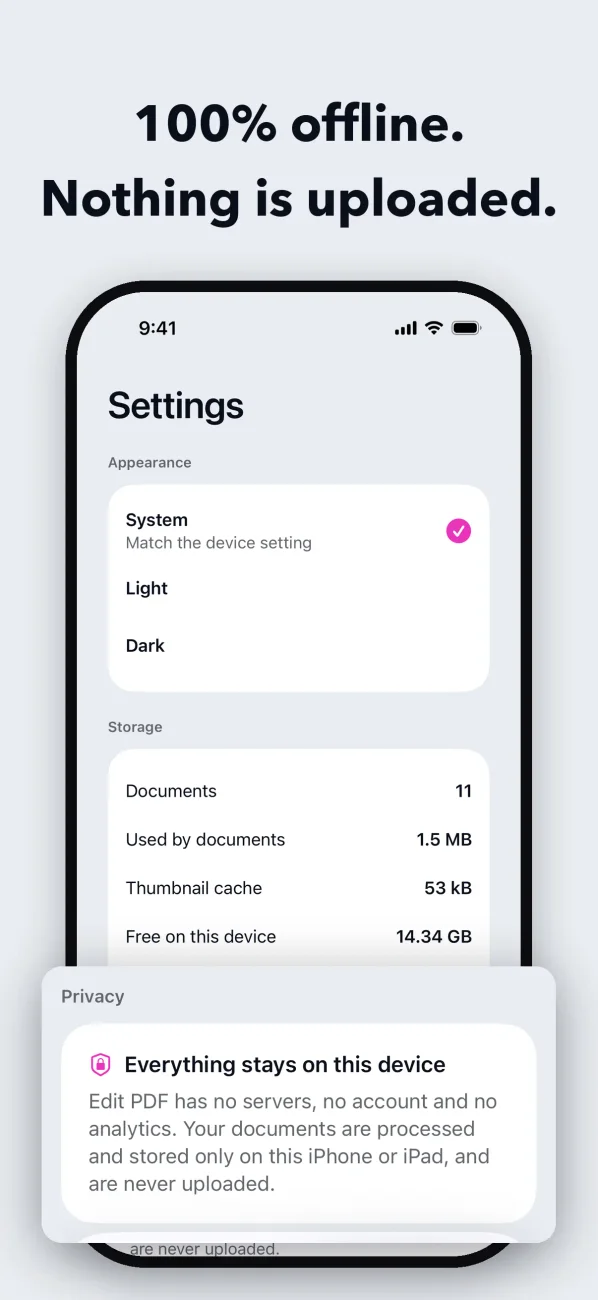
No account. No cloud processing. No internet required. Your documents stay on your device unless you choose to share them.
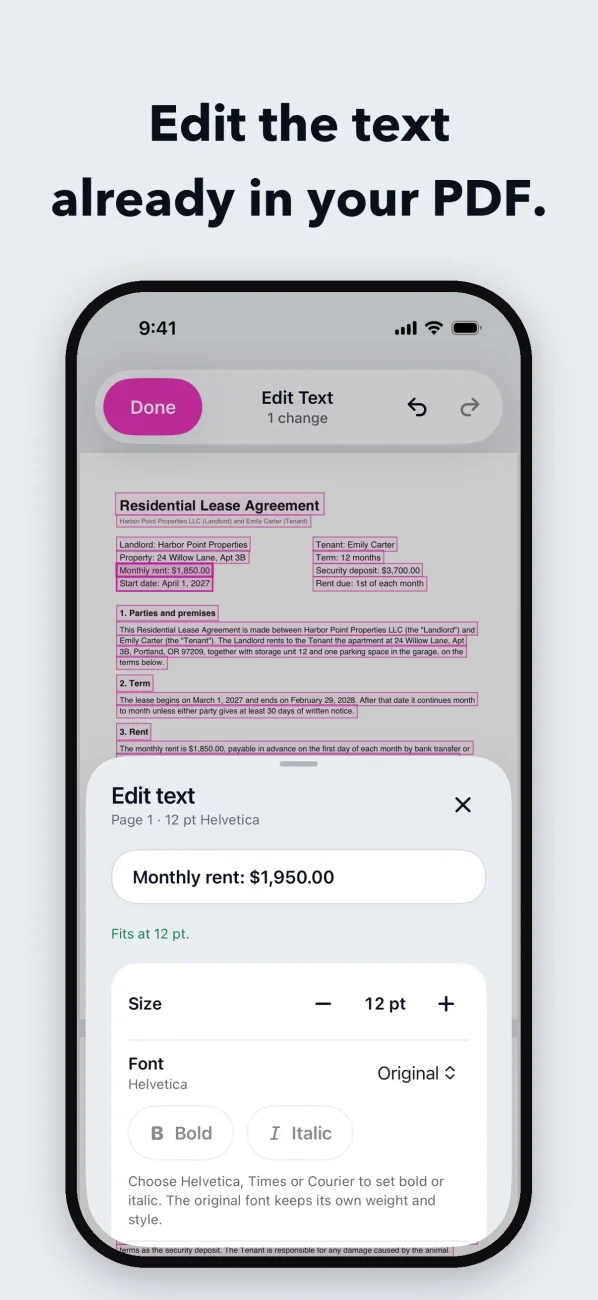
EDIT EXISTING TEXT
Correct names, dates and sentences directly in supported text-based PDFs. Change existing content, preview your edits and save a searchable PDF. Some scanned PDFs or complex layouts may not support direct text editing.
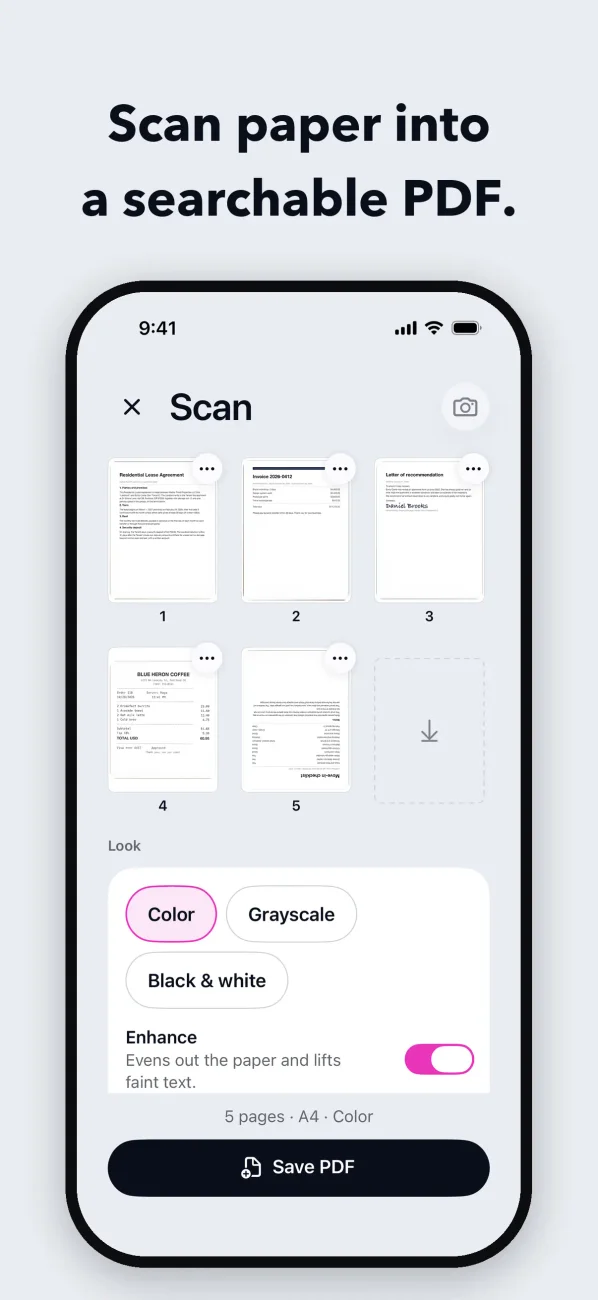
SCAN DOCUMENTS & RECOGNIZE TEXT
Turn paper forms, receipts and notes into PDFs using your camera. Automatically detect and straighten pages, choose a scan appearance and add multiple pages. On-device OCR helps make scans searchable and lets you copy recognized text.
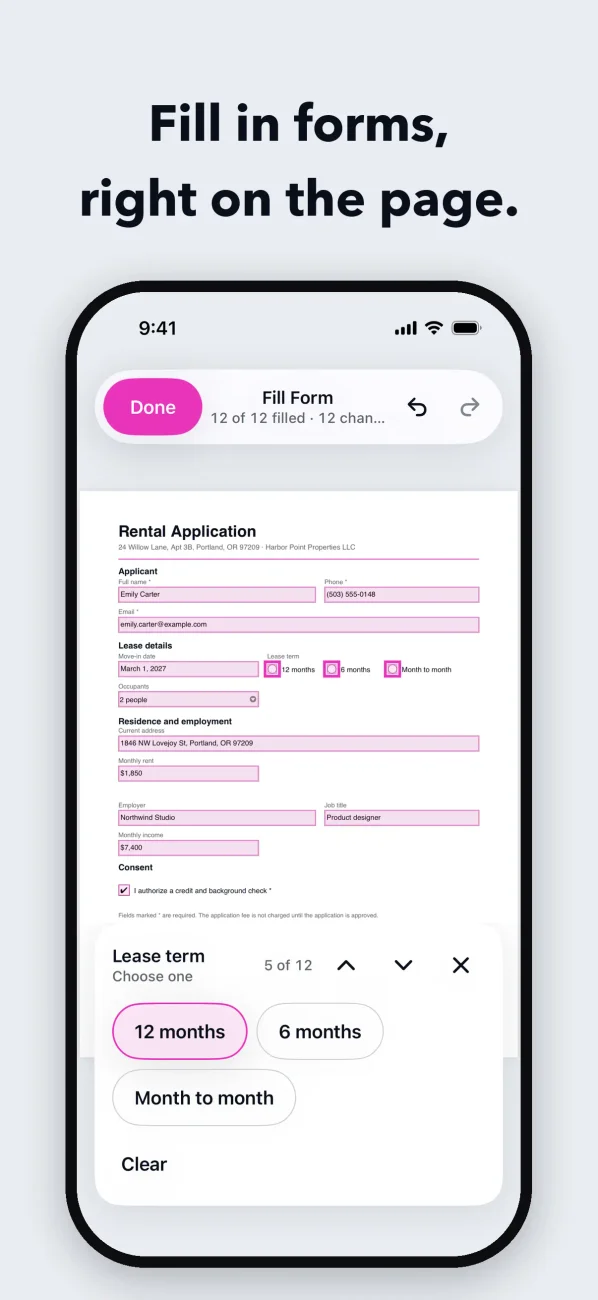
FILL FORMS & ADD SIGNATURES
Complete compatible PDF forms, check boxes and add your handwritten signature or initials. Save reusable signatures for future documents.
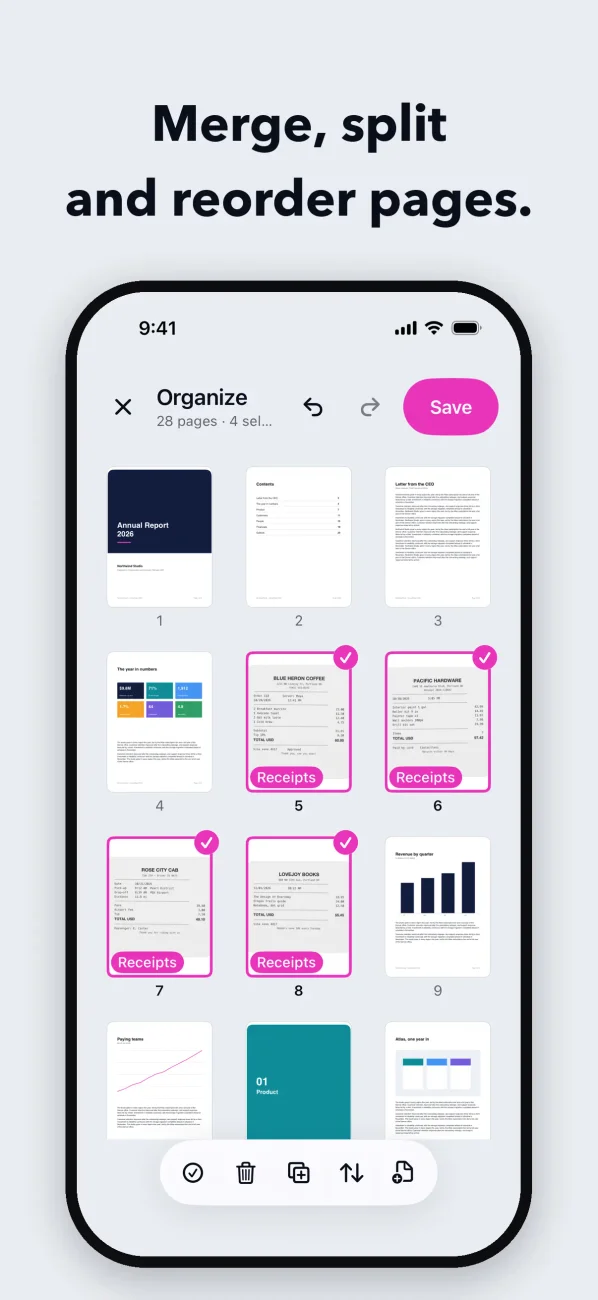
MERGE, SPLIT & ORGANIZE
Combine PDFs in the order you choose. Split documents by page range, extract pages, reorder pages, remove pages, rotate or crop them.
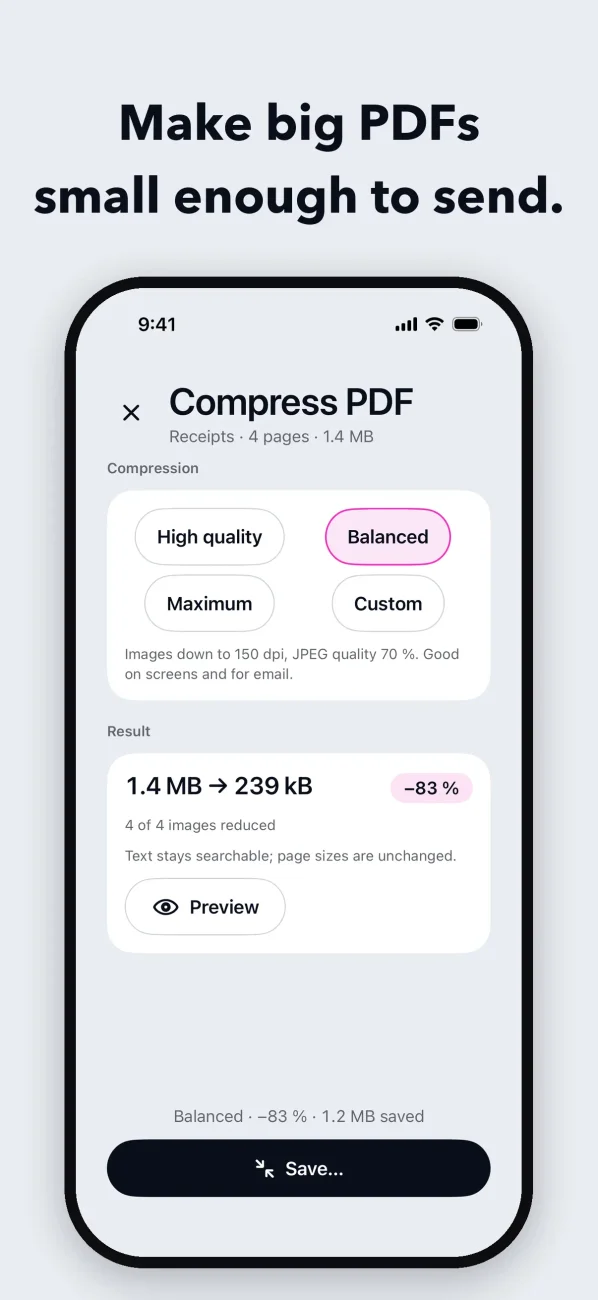
COMPRESS & CONVERT
Reduce PDF file size for easier sharing. Turn JPG, PNG and HEIC photos into PDFs, or export PDF pages as images.
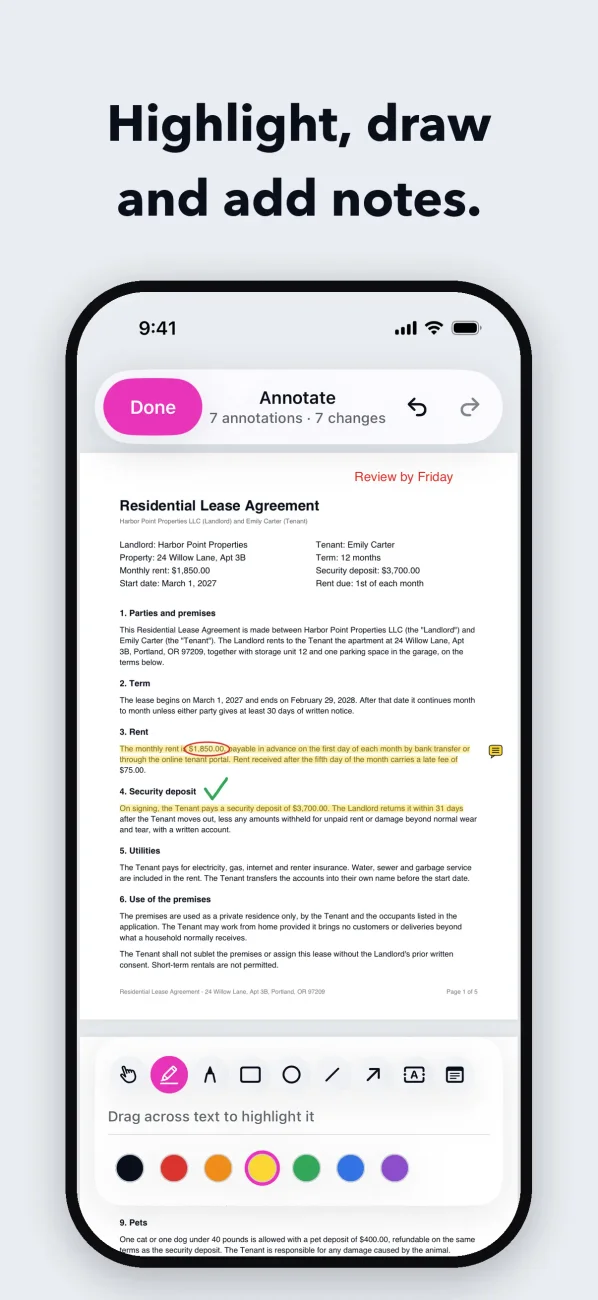
READ & ANNOTATE
Open documents, search and select text, zoom, highlight passages, draw, add notes and mark up pages.
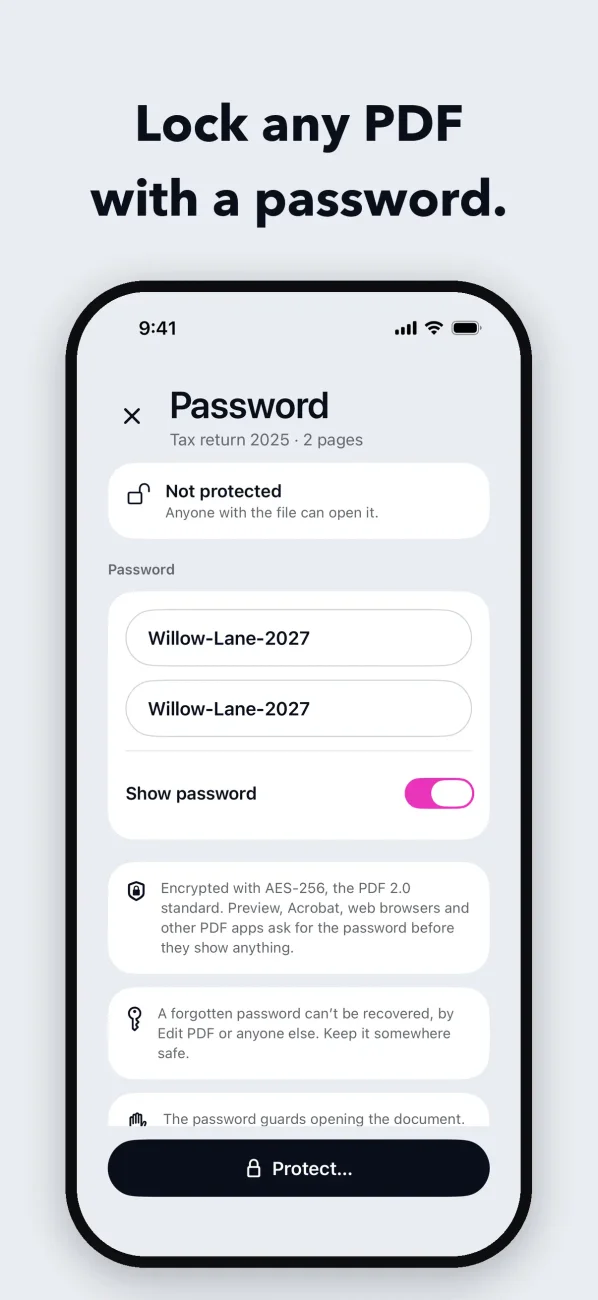
PROTECT & MANAGE FILES
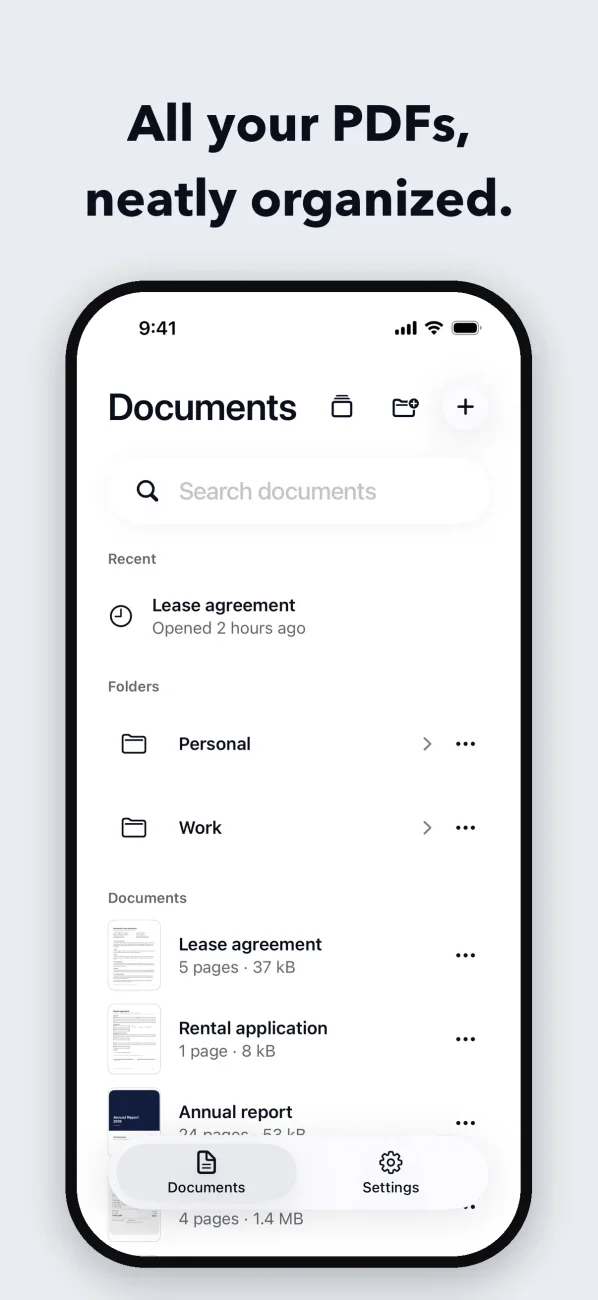
Password-protect supported PDFs, organize documents in local folders and import or export through Files and the iOS Share Sheet.
PRIVATE BY DESIGN
PDF processing runs entirely on your iPhone or iPad—not on a remote server. Work without Wi-Fi or mobile data, with no account required.
From signing an agreement to correcting a typo or organizing paperwork, Edit PDF Offline helps you finish the job without giving up control of your documents.
App privacy
What Sory Diarra declares on the App Store about how this app handles data.
-
Data not collected
The developer does not collect any data from this app.
Privacy practices may vary, for example with the features you use or your age.
Information
- Seller
- Sory Diarra
- Category
- Utilities
- Version
- 1.0
- Updated
- Nov 2, 2026
- Released
- Nov 2, 2026
- Size
- 7.2 MB
- Requires
- iOS 17.0 or later
- Age rating
- 4+
- Price
- Free
- Languages
- English
- Copyright
- © StrideFlow
You might also like
-
 Event Security SpecialistUtilities
-
 PDF Editor: Scan & MergeEdit, Scan & Merge PDF
-
 Fast PDF Editorall in one pdf tools
-
 Tiny PDF - File CompressionReduce PDF File Size For Email
-
 Rybit EuropeThe most awesome ebike rentals
-
 PDF Pages EditorExtract and Reorder PDF pages
-
 Tiny PDF Toolbox・Merge & SplitExtract pages from PDF files
-
 Xpert Bees 23Utilities
-
 SolarMateUtilities
-
 TAR GZ & XZ ExtractFast archive file opener