- Age rating4+
- CategoryUtilities
- DeveloperRiadh Daoued
- Size3.5 MB
Links to the official App Store page
Download.org hosts no file of PDF Pages Editor. The button opens its official App Store page, published by Riadh Daoued. Listing last checked on Nov 15, 2026.
Screenshots

About
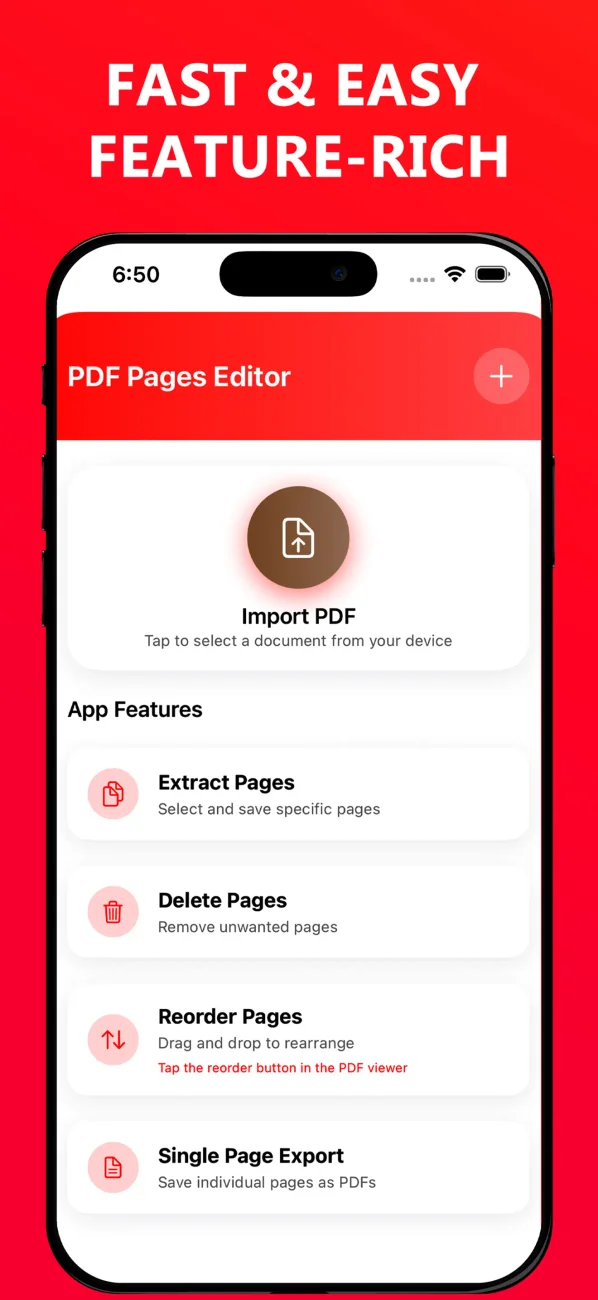
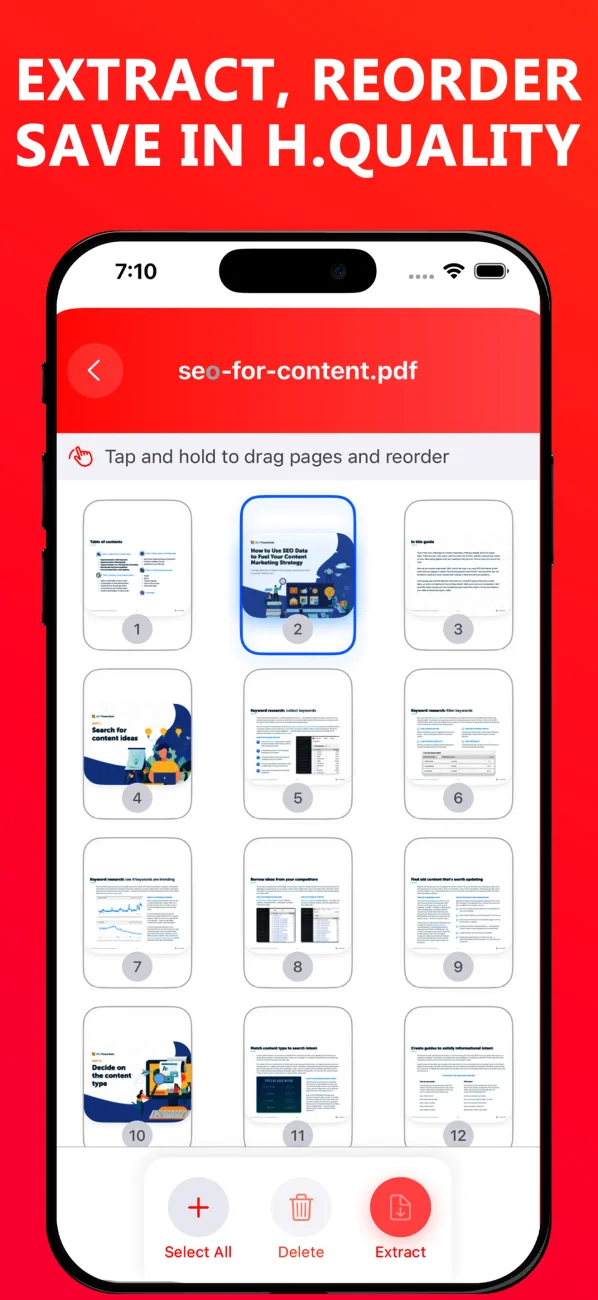
PDF Pages Editor - Extract, Reorder & Save is the ultimate tool for managing your PDF documents with ease. Whether you need to extract specific pages, reorder them, delete unwanted pages, or merge selected ones into a new PDF, this app makes the process seamless. With a simple drag-and-drop interface, you can organize your pages effortlessly. Perfect for professionals, students, and anyone handling PDFs. Designed for speed, efficiency, and ease of use, PDF Pages Editor is your go-to solution for editing PDFs on the go. Download now and take full control of your documents!
Where PDF Pages Extract and Organize app can be helpful:
- Business & Office Work
1. Extract specific pages from lengthy business reports, contracts, or legal documents.
2. Reorder pages before sending a document to clients or colleagues.
3. Delete unnecessary pages to reduce file size before sharing via email.
4. Merge extracted pages to create a customized document.
- Academic & Study Needs
1. Extract chapters or key sections from PDF textbooks, research papers, or lecture notes.
2. Reorder or combine notes from different sources into one document.
3. Remove unnecessary pages from a scanned book.
4. Save separate PDF files for different subjects from a combined document.
- Freelancers & Designers
1. Extract specific pages from design PDFs for client revisions.
2. Save only the necessary pages from a portfolio or proposal.
3. Organize and reorder pages in presentation documents.
- Government & Legal Documents
1. Extract official pages from visa applications, tax forms, or ID documents.
2. Reorder scanned pages to maintain the correct sequence.
3. Remove blank or irrelevant pages before submitting official forms.
- Teachers & Educational Institutions
1. Extract and distribute specific worksheets or exercises for students.
2. Remove blank pages from scanned assignments.
3. Merge multiple PDF pages into a single exam sheet or test material.
- Printing & Publishing
1. Extract print-ready pages for book printing.
2. Remove unnecessary pages before sending a document to print.
3. Merge important pages into a final print file.
- Personal Document Management
1.Extract receipts from multi-page scanned files.
2. Organize bills, invoices, bank statements into separate PDFs.
3.Remove sensitive or personal information before sharing documents.
- Why Users Need PDF Pages Extract and Organize?
Saves time by extracting, organizing, and merging PDF pages efficiently.
User-friendly interface for quick document management.
No need for complex PDF editing software like Adobe Acrobat.
Improves productivity in various professional and personal tasks.
PDF Pages Editor and Organize is a powerful tool for document management, making it ideal for professionals, students, teachers, and everyday users!
App privacy
What Riadh Daoued declares on the App Store about how this app handles data.
-
Data used to track you
May be used to track you across apps and websites owned by other companies.
- Location
- Identifiers
- Usage data
-
Data linked to you
May be collected and linked to your identity.
- Location
- Identifiers
- Usage data
-
Data not linked to you
May be collected but is not linked to your identity.
- Other data
Privacy practices may vary, for example with the features you use or your age.
Information
- Seller
- Riadh Daoued
- Category
- Utilities
- Version
- 1.0
- Updated
- May 8, 2025
- Released
- May 8, 2025
- Size
- 3.5 MB
- Requires
- iOS 16.6 or later
- Age rating
- 4+
- Price
- Free
- Copyright
- © Cowcona
You might also like
-
 Pdf Pages RemoverRemove PDF Pages with Ease
-
 PDF Page Remover: Edit PagesDelete, preview & save offline
-
 Simple PDF Page RemoverDelete, reorder & organize
-
 PDF Combi/SplitterCombine, split, share PDFs
-
 Fast PDF Editorall in one pdf tools
-
 SMART-PDF: Document ScannerReceipts, bills & deadlines
-
 PDFPager - Reorder Combine PDFOrganize, merge & reorder PDFs
-
 PDF Splitter PageLiftExtract, remove & export pages
-
 PDF Studio All-in-one PDF toolkit
-
 FocusOrbitstay focused