
- Age rating4+
- CategoryProductivity
- DeveloperDassault Systemes SolidWorks Corporation
- LanguagesEnglish
- Size185.2 MB
Links to the official App Store page
Download.org hosts no file of eDrawings. The button opens its official App Store page, published by Dassault Systemes SolidWorks Corporation. Listing last checked on Nov 6, 2026.
Screenshots
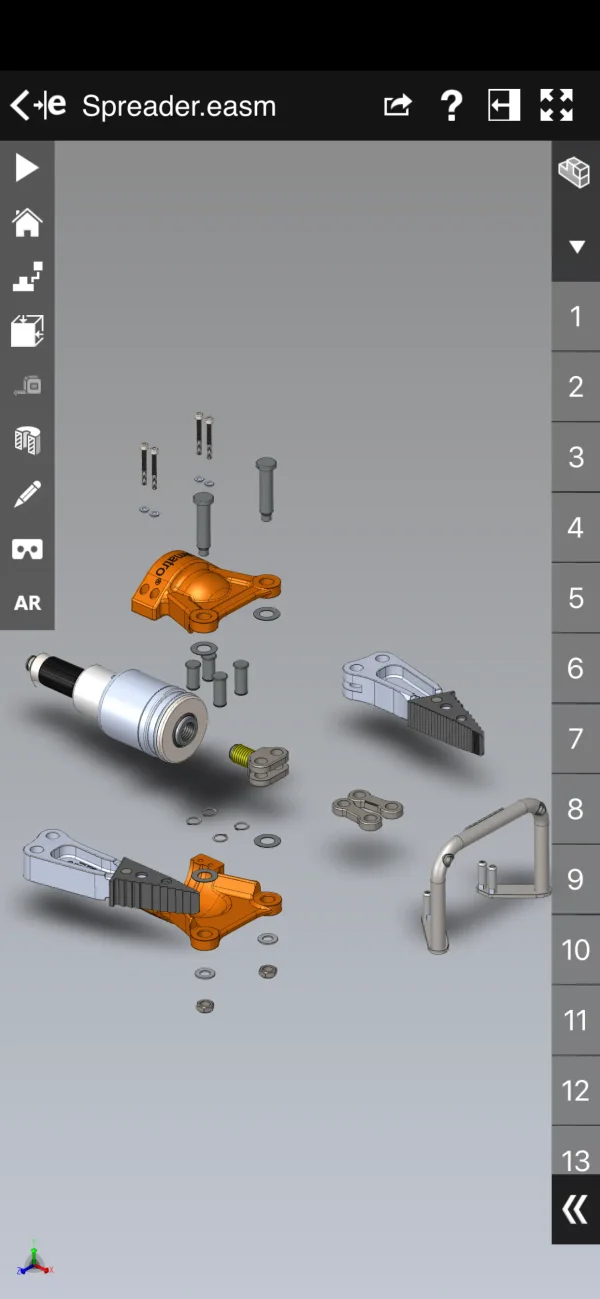
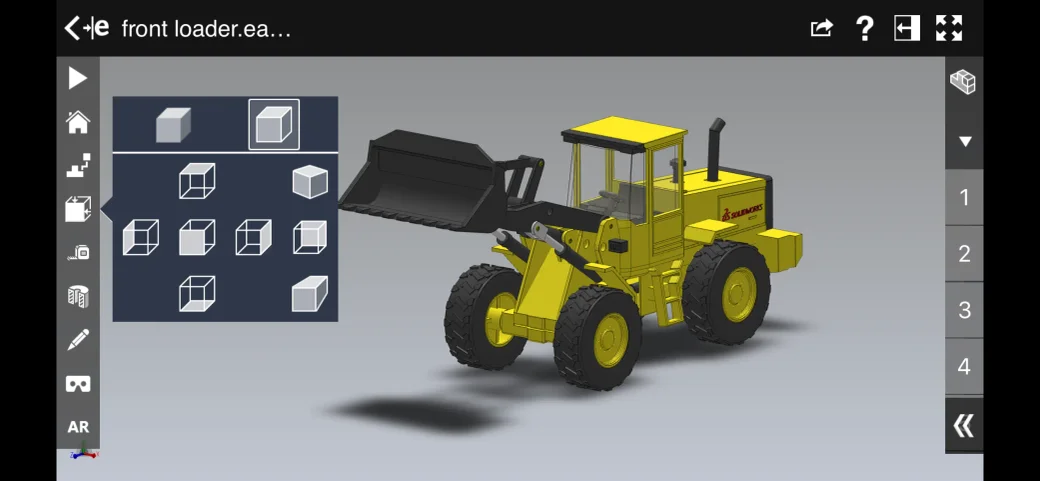
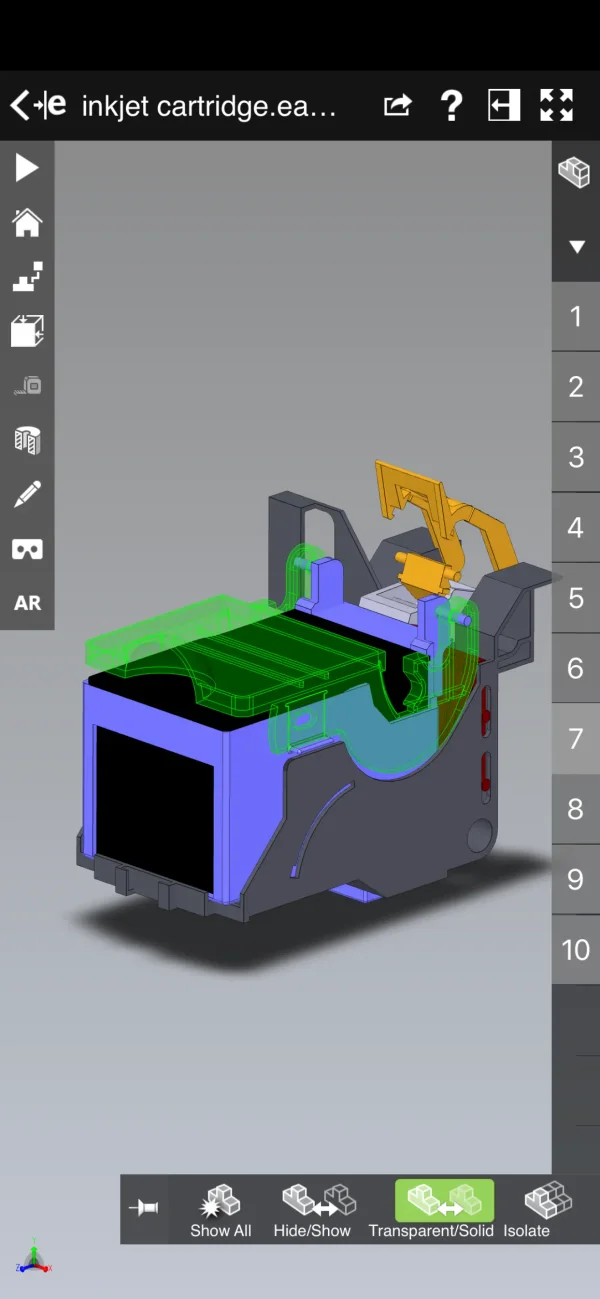
About
eDrawings® is the only CAD viewer on iPad, iPad mini, iPhone and iPod Touch that allows you to view native eDrawings files as well as native SolidWorks® parts, assemblies and drawings files. In addition, eDrawings allows convenient viewing of DWG and DXF files.
eDrawings includes Augmented Reality (AR). This allows you to view your 3D models in 1:1 scale into the real world. By simply activating the device’s camera, you can bring your virtual 3D designs in a real context and see them in situ, sitting on your desk or on your conference room table or even in the palm of your hand, through your iPad, Pad mini, iPhone or iPod Touch’s screen. Move around the room and see your design from any perspective.
eDrawings is the email-enabled communication tool that dramatically eases sharing of product design information. You can load and send files via email to collaborate more effectively with everyone involved in product development, including people who are not regular CAD software users to interpret and understand 2D and 3D designs.
Multi-touch gestures let you pan, zoom, and rotate models easily. eDrawings also supports configurations, drawing sheets, and exploded views for eDrawings files published from SolidWorks® and all other supported CAD software.
Features:
* Intuitive and easy-to-use user interface
* Visualize your 3D models in real context with Augmented Reality (AR)
* Open 3D (EASM, EPRT, SLDASM, SLDPRT, IGES, IGS, JT, STEP, STP, IFC), 2D (EDRW, SLDDRW, DWG, DXF) and associated files from any source: email attachments, cloud storage services (Dropbox™, SkyDrive®, Google Drive, YouSendIt®, and others), web and FTP sites, networks, and iTunes® File Sharing.
* Zoom, pan and rotate your 2D or 3D CAD data using multi-touch
* Animate 3D standard views as well as 2D drawing views.
* Browse your assembly components tree, configurations and drawing sheets
* View your designs in full screen and double tap to fit it on screen
* Adapt the scale of your 3D model in AR mode
* Freeze the background in AR mode with viewpoint lock to prolong AR experience without holding up your device.
* Sample files included
For more information, visit:
http://www.edrawingsviewer.com
What’s new
Version 34.2.0057 · Apr 16, 2026
Bug Fixes
App privacy
What Dassault Systemes SolidWorks Corporation declares on the App Store about how this app handles data.
-
Data not collected
The developer does not collect any data from this app.
Privacy practices may vary, for example with the features you use or your age.
Information
- Seller
- Dassault Systemes SolidWorks Corporation
- Category
- Productivity
- Version
- 34.2.0057
- Updated
- Apr 16, 2026
- Released
- May 1, 2012
- Size
- 185.2 MB
- Requires
- iOS 16.0 or later
- Age rating
- 4+
- Price
- $1.99
- Languages
- English
- Copyright
- © 1999-2025 Dassault Systemes SolidWorks Corporation
You might also like
-
 SolidInsightView CAD without format worry
-
 Onshape 3D CADSpeed Up Your Product Design
-
 Autodesk FusionProductivity
-
 3D Model Viewer - AR ViewView model in AR and 3D mode
-
 STL Simple ViewerView 3D STL 3MF STEP & DXF CAD
-
 3D Model Viewer - AR & PrintSimulate 3D Printing and AR
-
 STEP ViewerFast STEP File Viewer
-
 Autodesk Vault MobileProductivity
-
 FSWizardCNC Machinist Calculator
-
 iRhino 3D3D Viewer & Scanner